


QR Code Scanner & Scanner App
Play on PC with BlueStacks – the Android Gaming Platform, trusted by 500M+ gamers.

Page Modified on: Aug 11, 2026
Run QR Code Scanner & Scanner App on PC or Mac
QR Code Scanner & Scanner App is a tools app developed by QR Code Scanner. BlueStacks app player is the best platform to use this Android app on your PC or Mac for your everyday needs.
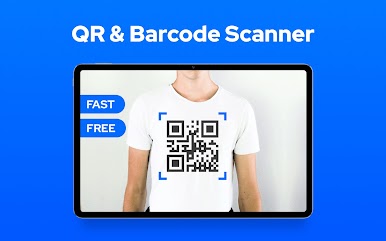
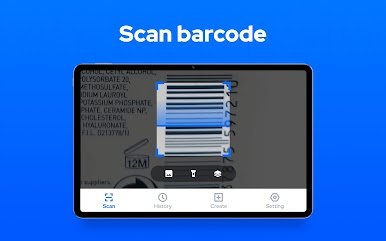
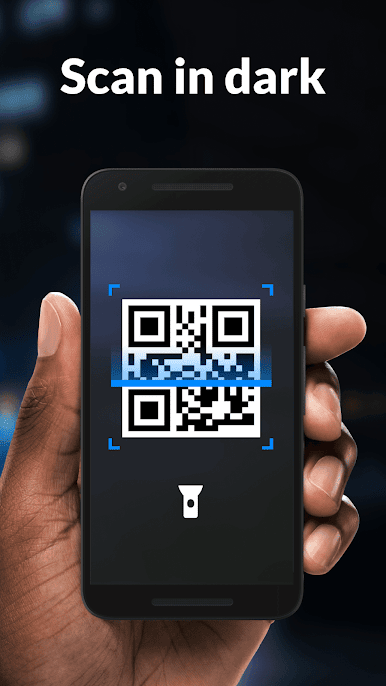
Rapidly scan and decode any QR code or barcode with this free, feature-rich software for Android smartphones. There is no cost whatsoever, and it is really straightforward to use.
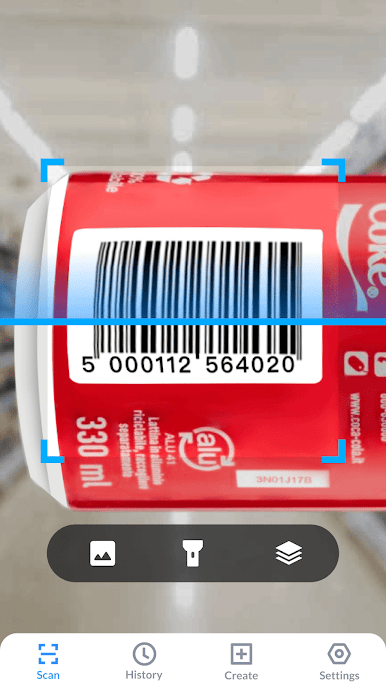
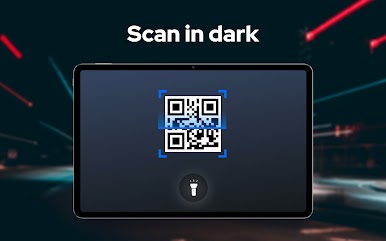
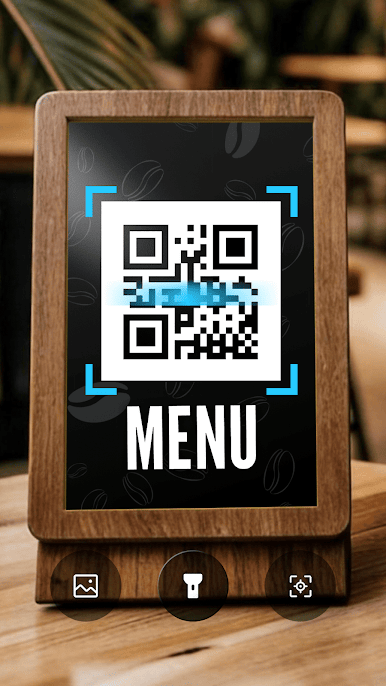
Your phone’s camera serves as a QR code scanner, scanning and deciphering barcodes in an instant before displaying the results and many possible next steps.
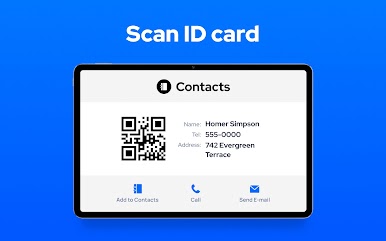
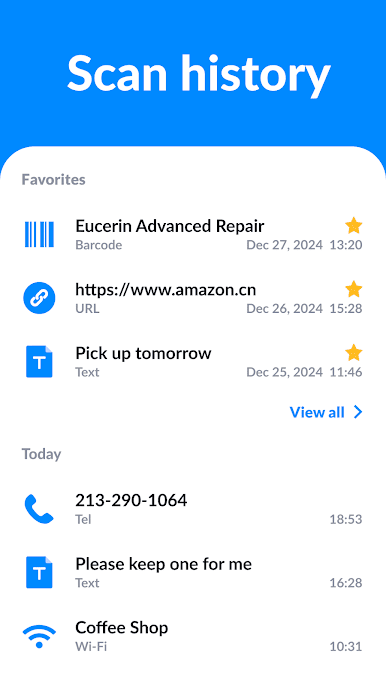
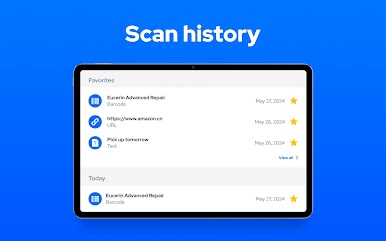
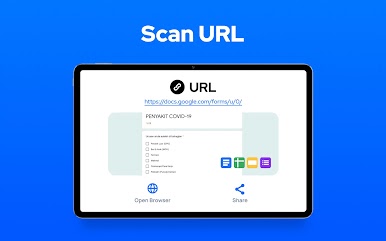
Quick Response (QR) codes and barcodes can be automatically read, scanned, and decoded to reveal information about a product, service, location, contact, or other data. Moreover, batch scanning is a possibility!
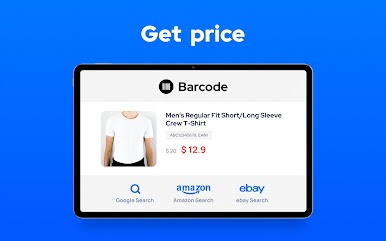
Use this QR code reader to scan product barcodes in-store to look up information like where to buy it and how much it costs, as well as to do online price comparisons. It’s also a good idea to use it to scan discount codes for savings.
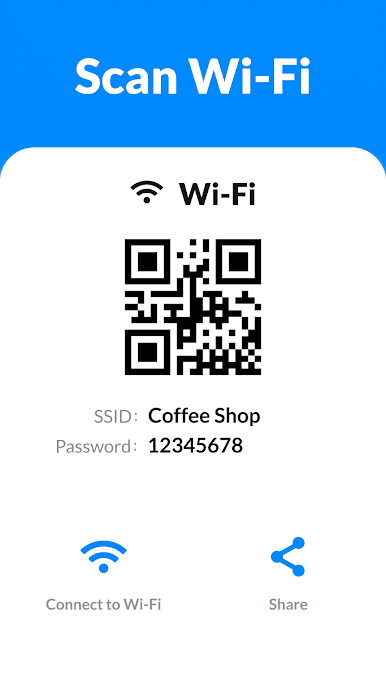
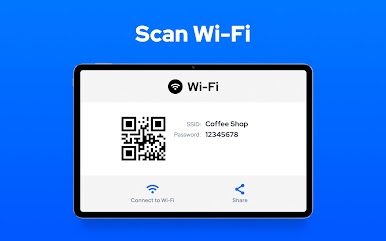
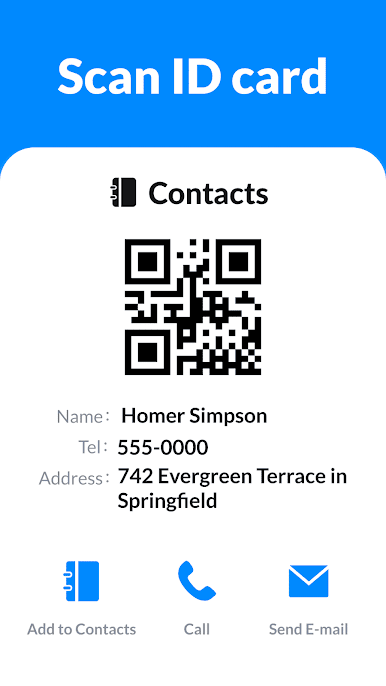
It also functions as a QR code maker, allowing you to generate your own QR codes for things like web addresses, Wi-Fi networks, phone numbers, contact info, and even plain text.
There will be no breach of confidentiality. The camera is the only authorization the QR code scanner software needs, and it won’t be used to access any other data on your phone.


Play QR Code Scanner & Scanner App on PC. It’s easy to get started.
-
Download and install BlueStacks on your PC
-
Complete Google sign-in to access the Play Store, or do it later
-
Look for QR Code Scanner & Scanner App in the search bar at the top right corner
-
Click to install QR Code Scanner & Scanner App from the search results
-
Complete Google sign-in (if you skipped step 2) to install QR Code Scanner & Scanner App
-
Click the QR Code Scanner & Scanner App icon on the home screen to start playing

