


Roxa VPN
Play on PC with BlueStacks – the Android Gaming Platform, trusted by 500M+ gamers.

Page Modified on: Sep 13, 2024
Overview
Experience top-tier security and blazing-fast speeds with Roxa VPN, the ultimate tool for protecting your online privacy and accessing content worldwide. Whether you're browsing, streaming, or gaming, our VPN ensures your data remains private and secure.
Key Features:
🔒 Secure Browsing: Protect your personal data and keep your online activity hidden from prying eyes. Our advanced encryption protocols ensure your information is safe from hackers, ISPs, and other threats.
⚡ Lightning-Fast Speeds: Enjoy uninterrupted streaming and smooth browsing with our high-speed servers. Say goodbye to buffering and slow connections!
🌍 Global Servers: Connect to hundreds of servers in multiple countries. Access your favorite websites, apps, and content without geo-restrictions, no matter where you are.
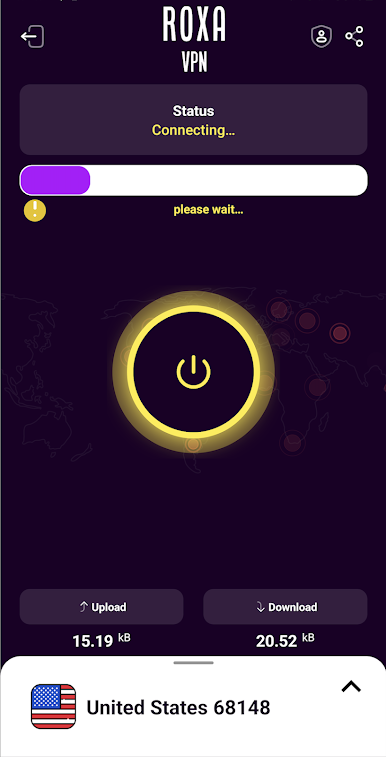
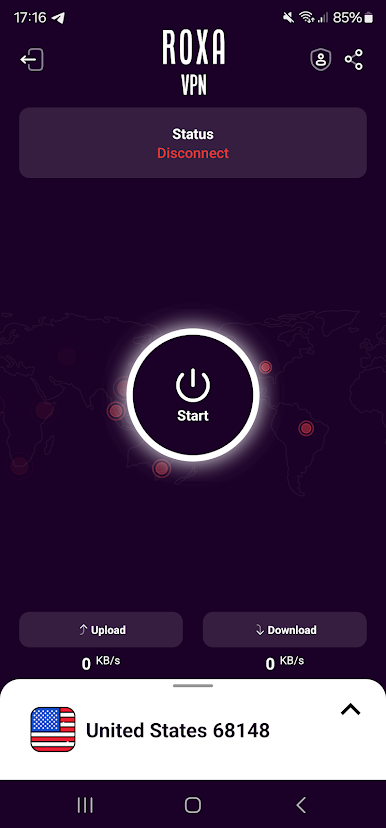
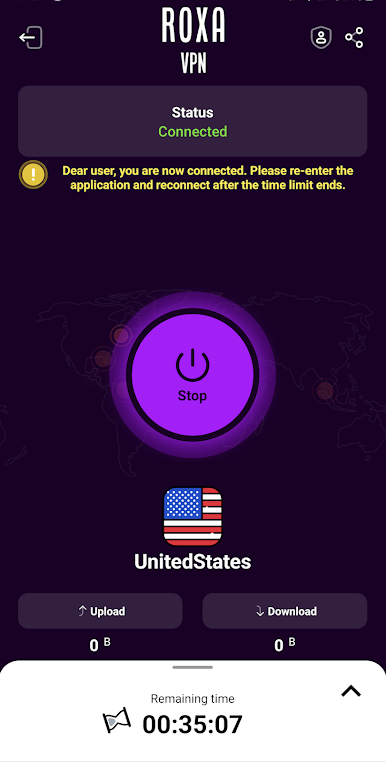
📱 Easy to Use: Connect to the VPN with a single tap. No complicated setups or configurations required. Just download, install, and enjoy secure internet access.
🚫 No Logs Policy: We value your privacy. Our strict no-logs policy means that your browsing history, IP address, and personal data are never stored or shared.
🔋 Battery Efficient: Our app is designed to be lightweight and battery-friendly, so you can stay connected without draining your device's battery.
Why Choose Roxa VPN?
Unlimited bandwidth and data usage
Regular updates and improvements
Compatible with all major platforms and devices
Download Roxa VPN today and experience the internet like never before – secure, private, and free!
Play Roxa VPN on PC. It’s easy to get started.
-
Download and install BlueStacks on your PC
-
Complete Google sign-in to access the Play Store, or do it later
-
Look for Roxa VPN in the search bar at the top right corner
-
Click to install Roxa VPN from the search results
-
Complete Google sign-in (if you skipped step 2) to install Roxa VPN
-
Click the Roxa VPN icon on the home screen to start playing

