

MCBox — Skins for Minecraft
Play on PC with BlueStacks – the Android Gaming Platform, trusted by 500M+ gamers.

Page Modified on: Feb 18, 2026
Run MCBox — skin creator for Minecraft on PC or Mac
Let BlueStacks turn your PC, Mac, or laptop into the perfect home for MCBox — skin creator for Minecraft, a fun Entertainment app from Android Tools (ru).
About the App
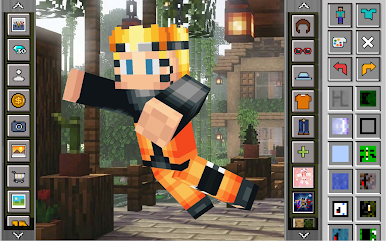
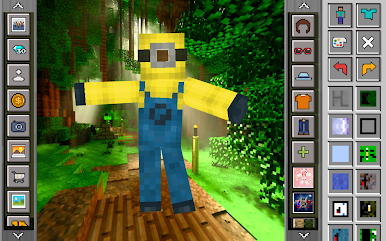
MCBox — skin creator for Minecraft is a playful, do-it-all studio for making and tweaking Minecraft skins. Browse a huge collection, build your own look in 3D, and send it straight into the game. It’s an Entertainment app from Android Tools (ru), and if you like working on a bigger screen, it runs smoothly via BlueStacks too.
App Features
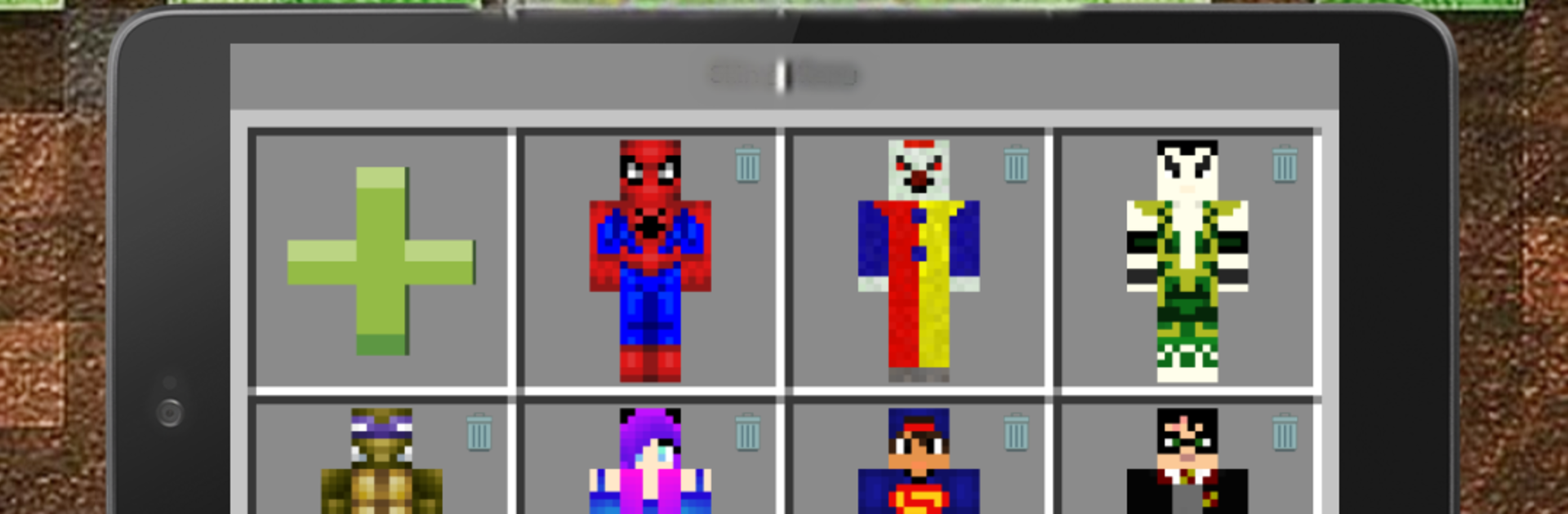
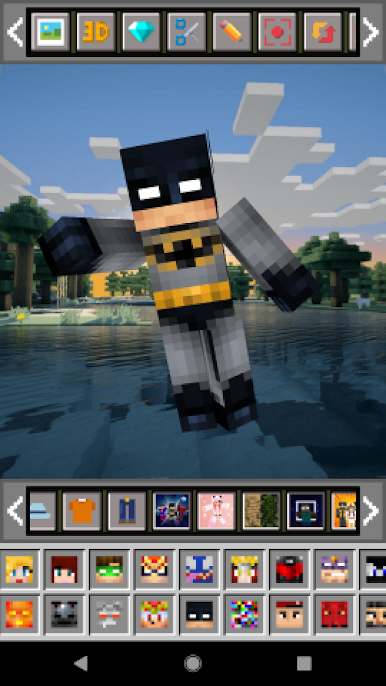
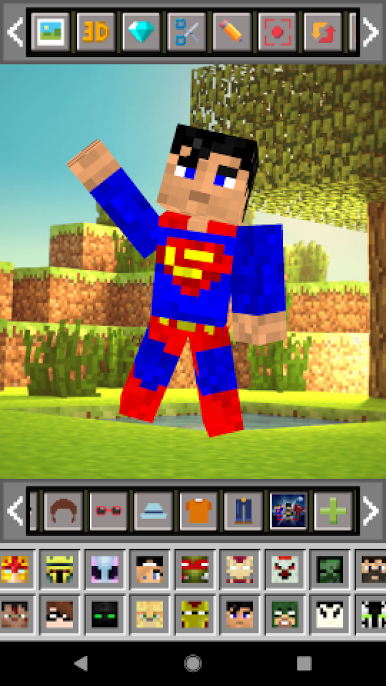
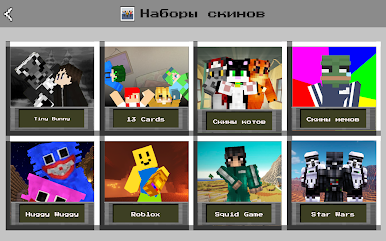
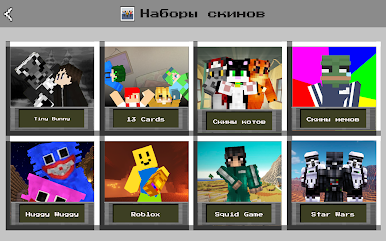
- Big skin library: Explore 24 themed sets with 6000+ ready-made skins—mobs, skeletons, anime, Halloween, military, camouflage, kids, girls with ears, pros, and more inspired looks.
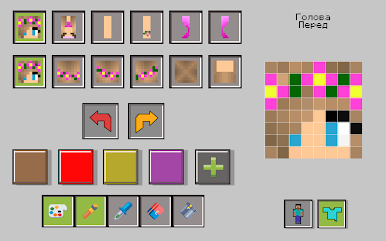
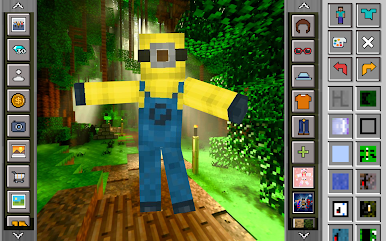
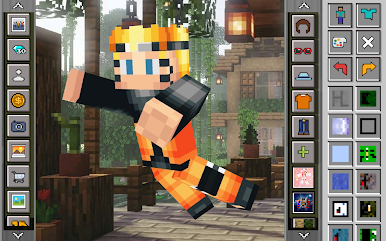
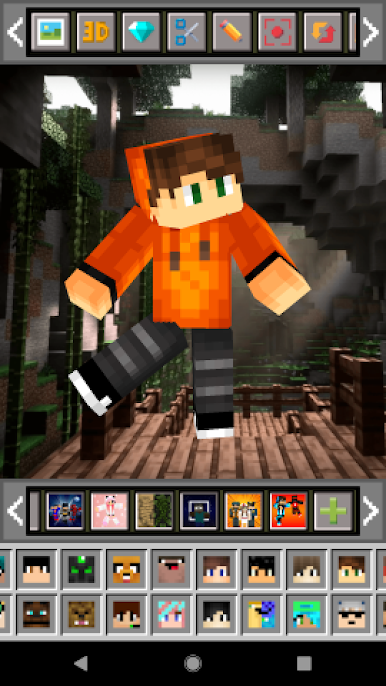
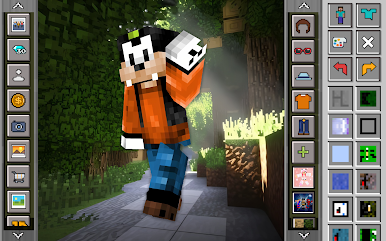
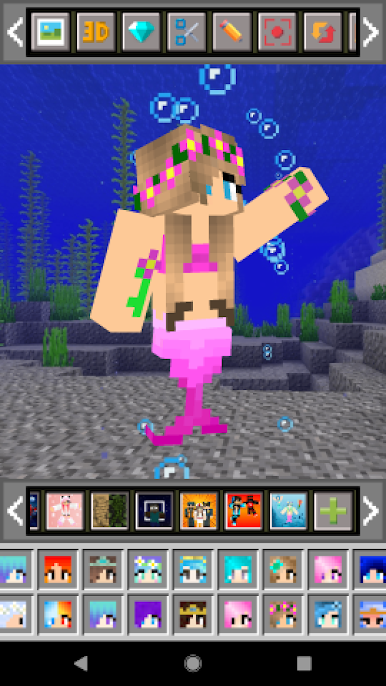
- Mix-and-match creator: Start from scratch with 3000+ elements. Combine eyes, hair, glasses, hats, hoodies, and pants. Add upper/lower layers, swap backgrounds, and preview everything in 3D.
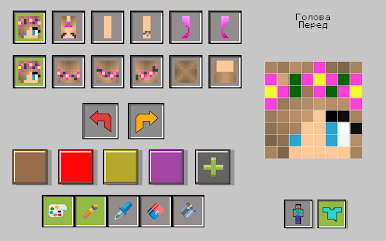
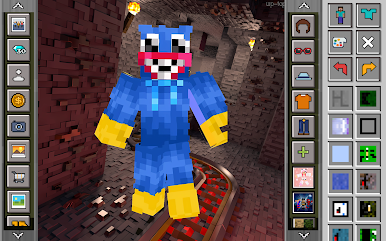
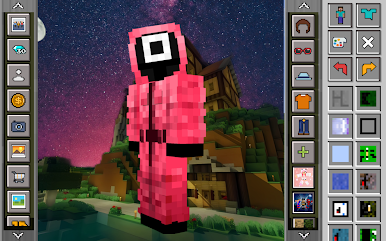
- Full-featured editor: Upload your own skin or edit any template using pencil, brush, fill, eyedropper, and eraser. Rotate body parts for precise edits, work on both layers, pick from a wide color range, and undo when needed.
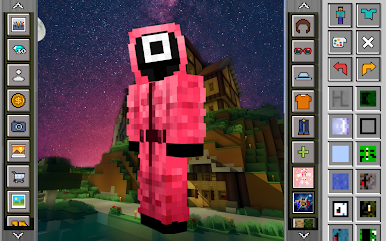
- 3D painting made easy: Paint directly on the model and color every side without guessing how it’ll look in-game.
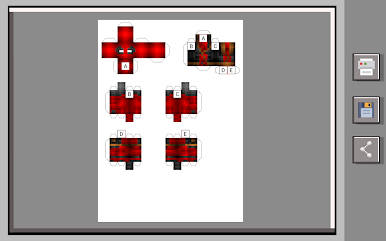
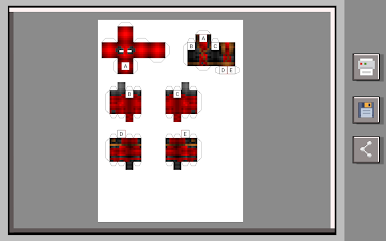
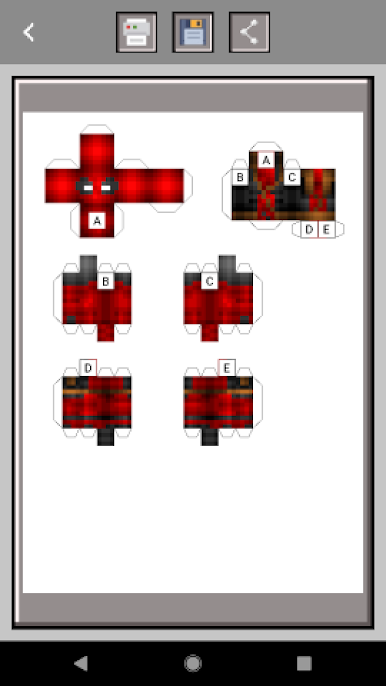
- Paper model maker: Turn your skin into a printable paper figure—save, print, cut, glue, and share with friends.
- Create and share videos: Record your skin-building process and send the video to your crew.
- Export and galleries: Export to the game and your device, and keep a tidy in-app gallery of your creations.
- Background controls: Use a random background, no background, or pick an image from your device for cleaner previews.
- Skin formats supported: Works with classic 64×32 and modern 64×64 formats.
- Optional unlimited access: Go ad-free, add themed sets with ready-made heroes, and bring custom backgrounds into the app’s gallery with the paid version.
Eager to take your app experience to the next level? Start right away by downloading BlueStacks on your PC or Mac.
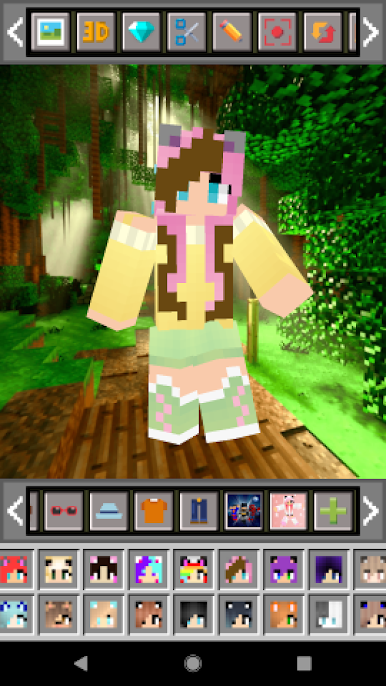
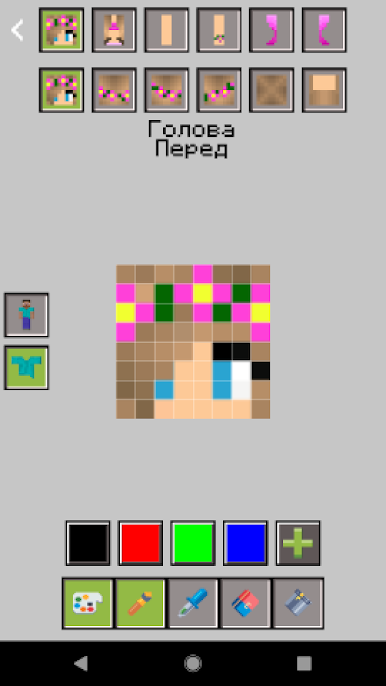
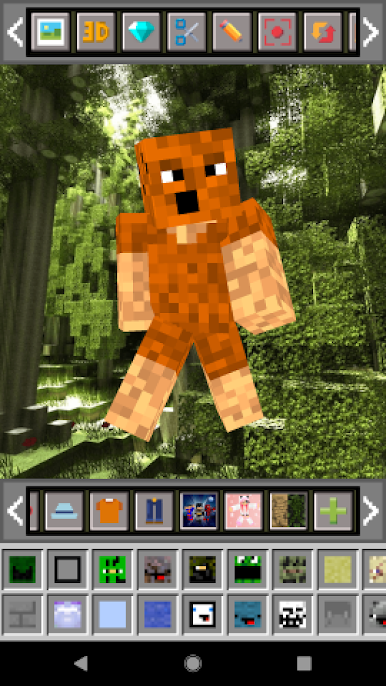
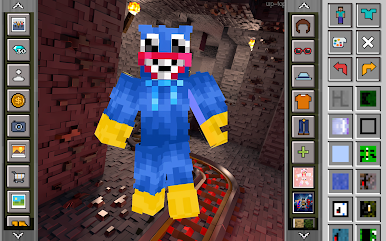
Play MCBox — Skins for Minecraft on PC. It’s easy to get started.
-
Download and install BlueStacks on your PC
-
Complete Google sign-in to access the Play Store, or do it later
-
Look for MCBox — Skins for Minecraft in the search bar at the top right corner
-
Click to install MCBox — Skins for Minecraft from the search results
-
Complete Google sign-in (if you skipped step 2) to install MCBox — Skins for Minecraft
-
Click the MCBox — Skins for Minecraft icon on the home screen to start playing

