

Durak LiveGames online
Play on PC with BlueStacks – the Android Gaming Platform, trusted by 500M+ gamers.

Page Modified on: Dec 10, 2025
Play Durak LiveGames online on PC or Mac
Step into the World of Durak LiveGames online, a thrilling Card game from the house of NanoFlash LLC. Play this Android game on BlueStacks App Player and experience immersive gaming on PC or Mac.
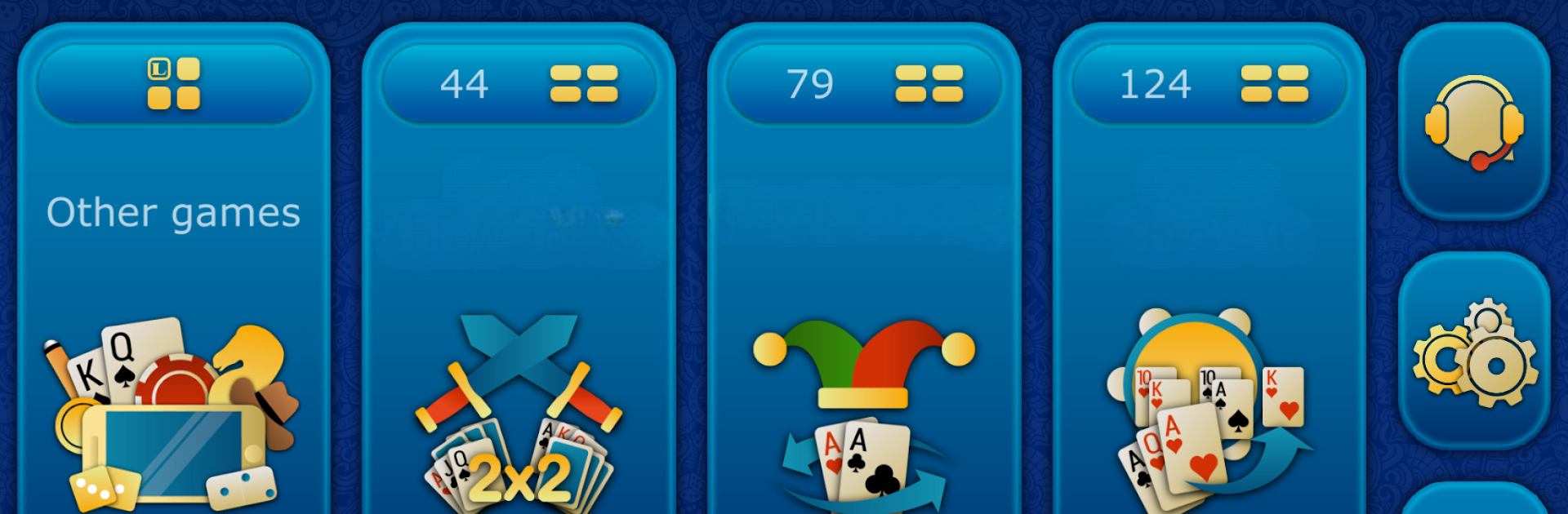
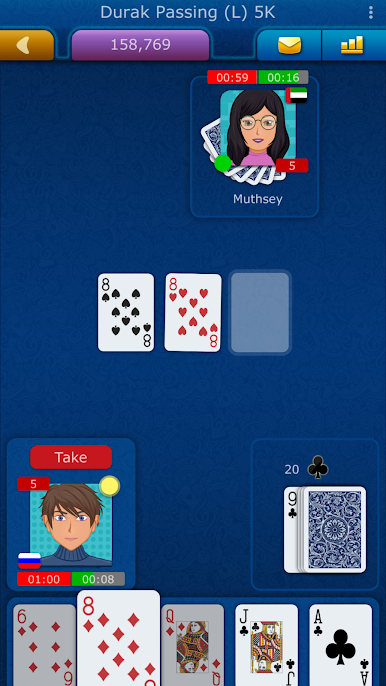
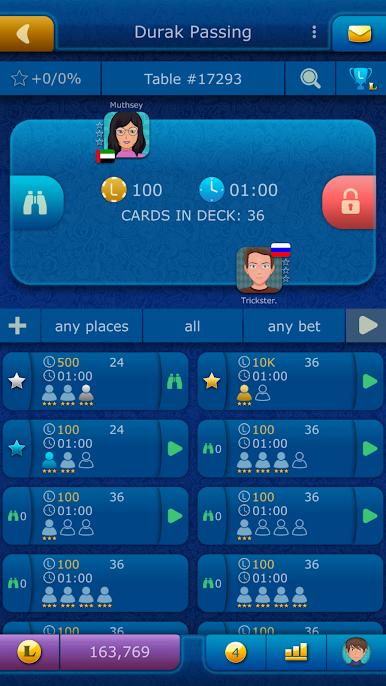
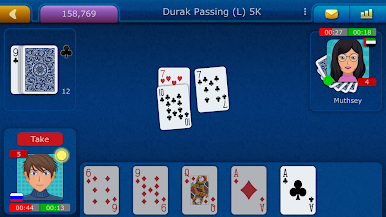
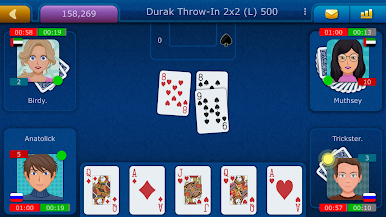
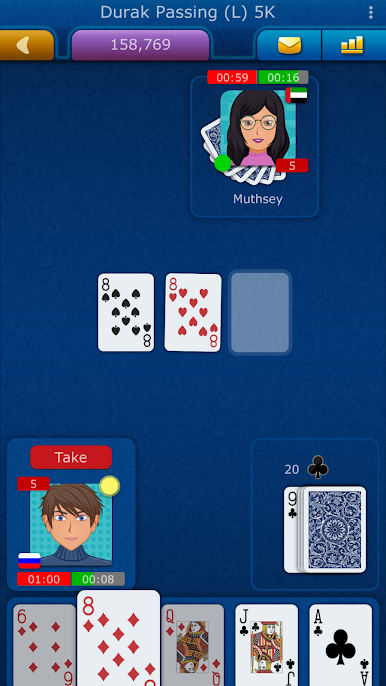
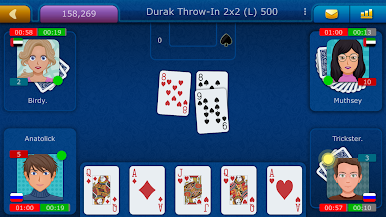
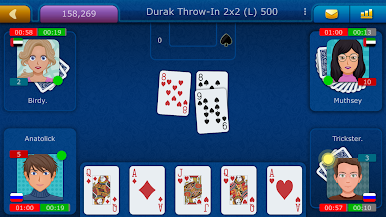
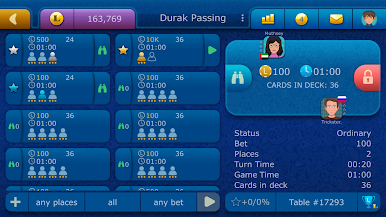
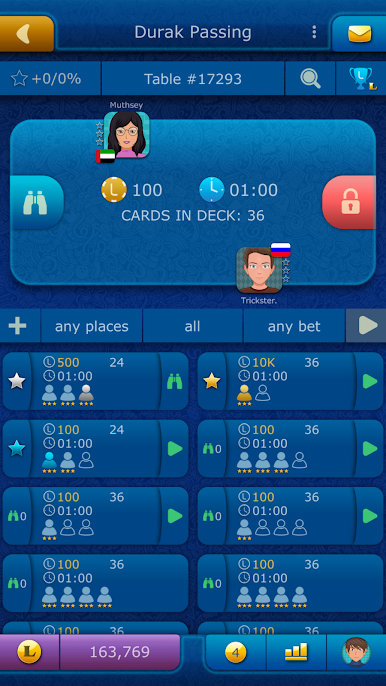
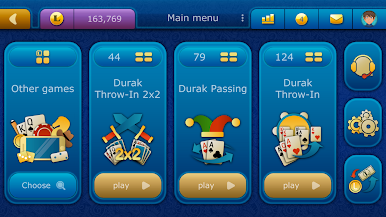
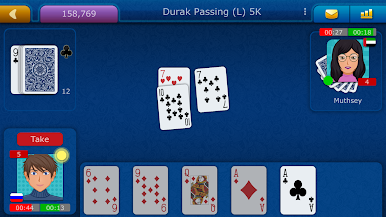
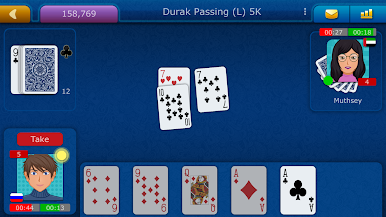
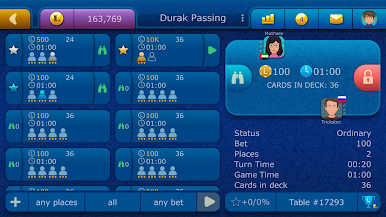
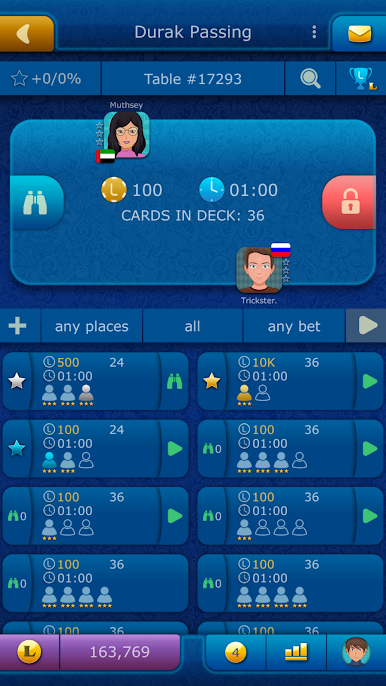
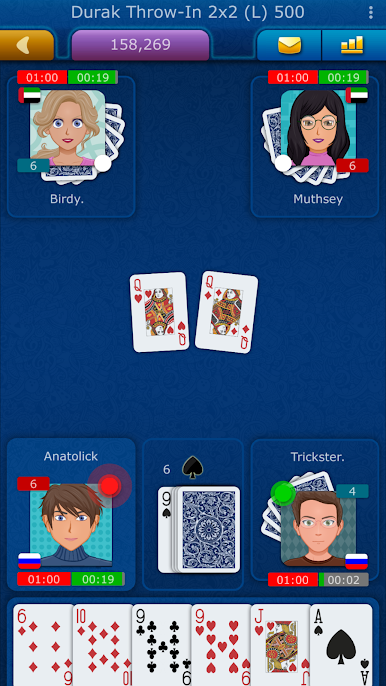
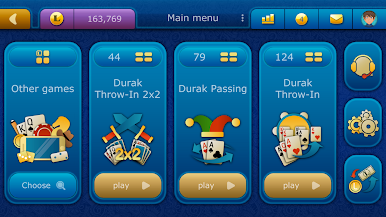
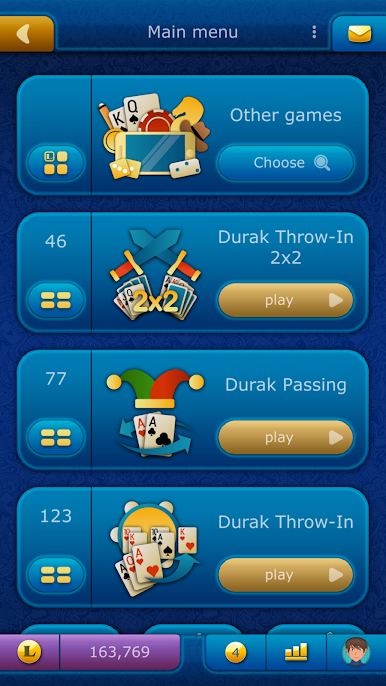
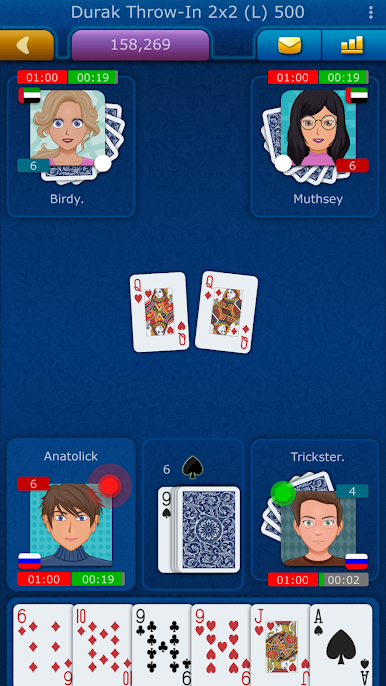
Durak LiveGames is basically a busy online card room for Durak, with real people at the tables almost any time of day. It sticks to the classic rules and mixes in a bunch of formats, so there is Throw-In, Passing, Pile-Up, plus 2×2 team matches for when a partner play mood hits. Rounds move fast, the quick mode helps keep things snappy, and the interface keeps the flow simple enough that the strategy is what matters. There are A.I. opponents too, useful for practice or when a seat needs filling. No advertisements popping up between hands, which makes it easier to stay focused. Free points drop in every hour and daily, so there is usually enough to keep playing even without spending, and extra points are not priced like a trap.
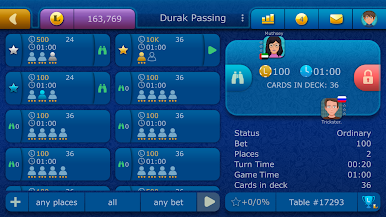
The social side is pretty active. Chat sits right in the table, there are gifts and achievements to chase, and leaderboards and ratings if someone feels competitive. Private tables with passwords are handy for playing with friends without randoms jumping in. Signing in is painless, with guest mode or social accounts or Game Center, and the rules are written out clearly in case someone is new to a specific variant. It deals fine over WiFi or mobile data. On PC with BlueStacks, the mouse makes throwing or covering cards quick and accurate, and having the chat on a bigger screen is oddly nice for reading the table banter. The whole thing feels like a straightforward, no-fuss place to play Durak, learn a variant, and grind a few quick matches whenever there is a spare ten minutes.
Start your journey now. Download the game on BlueStacks, invite your friends, and march on a new adventure.
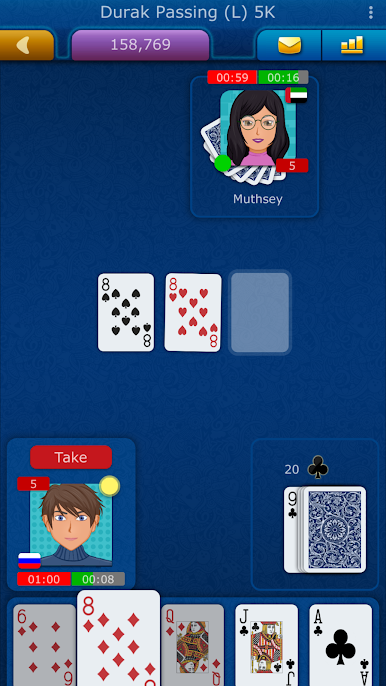
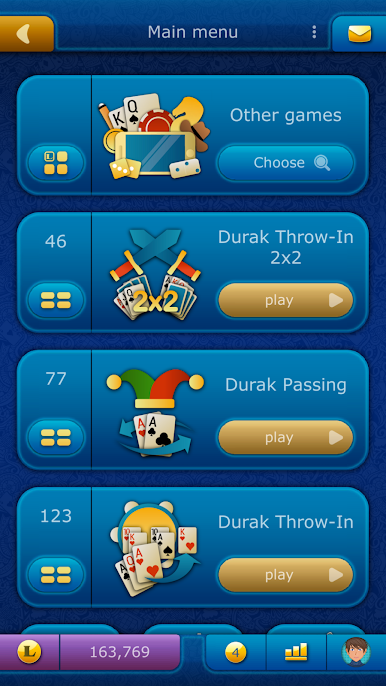
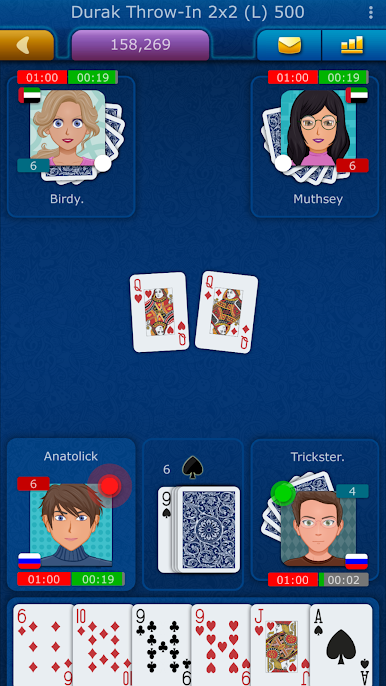
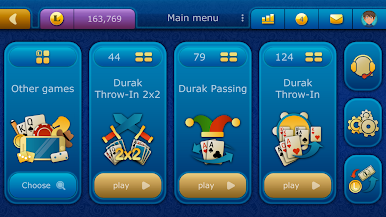
Play Durak LiveGames online on PC. It’s easy to get started.
-
Download and install BlueStacks on your PC
-
Complete Google sign-in to access the Play Store, or do it later
-
Look for Durak LiveGames online in the search bar at the top right corner
-
Click to install Durak LiveGames online from the search results
-
Complete Google sign-in (if you skipped step 2) to install Durak LiveGames online
-
Click the Durak LiveGames online icon on the home screen to start playing

