


Русское Радио – музыка онлайн
Play on PC with BlueStacks – the Android Gaming Platform, trusted by 500M+ gamers.

Page Modified on: Nov 18, 2022
Run Русское Радио – музыка онлайн on PC or Mac
Multitask effortlessly on your PC or Mac as you try out Русское Радио – музыка онлайн, a Music & Audio app by Russian Mediagroup on BlueStacks.
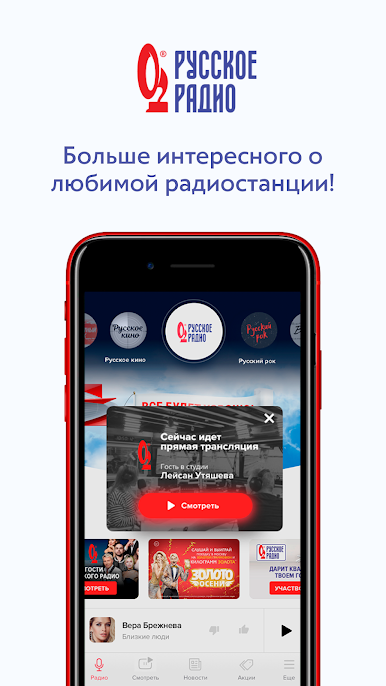
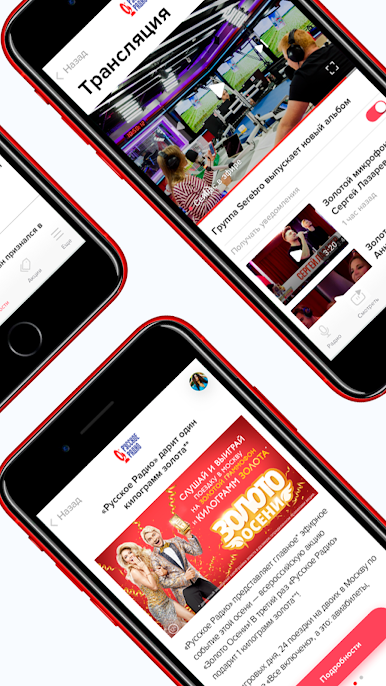
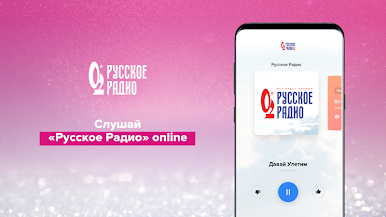
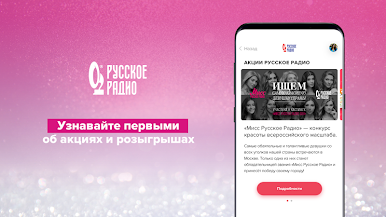
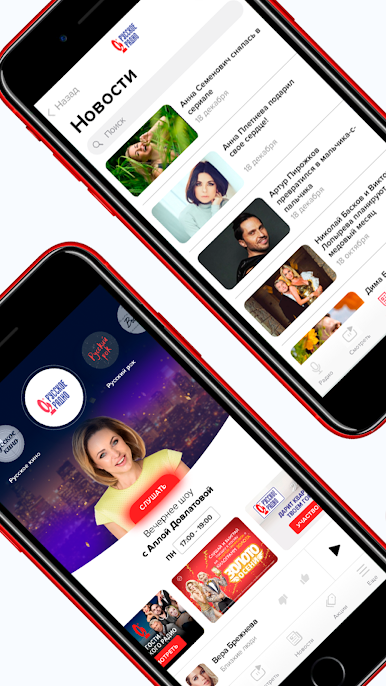
Русское Радио is a straight to the point radio app that streams the station live and ties in with their Miss Русское Радио pageant. It is all very simple to use. Open it, press play, and the music starts right away. When the contest is running, there is a clear section where a listener can look through the candidates and cast a vote for a favorite. The app treats the audience like the judges, so every vote feels like it matters, and it builds up to the final show with little notices and a countdown vibe that keeps the station on in the background.
What stands out is how clean it feels. There is the player, and there is the voting, and that is it, no clutter. On PC with BlueStacks it works like a small radio window that can sit to the side while doing other stuff, and voting with a mouse is quick. The stream is stable, and the contest part gives the station a live event feel, not just music. If someone wants easy Russian pop hits playing and a reason to check in during the day, the app delivers that. When the finale happens, it can be watched right inside the app, so there is no jumping to other places or trying to hunt down a video. It keeps everything in one place, which is honestly what a listener wants for this sort of thing.
Ready to experience Русское Радио – музыка онлайн on a bigger screen, in all its glory? Download BlueStacks now.

Play Русское Радио – музыка онлайн on PC. It’s easy to get started.
-
Download and install BlueStacks on your PC
-
Complete Google sign-in to access the Play Store, or do it later
-
Look for Русское Радио – музыка онлайн in the search bar at the top right corner
-
Click to install Русское Радио – музыка онлайн from the search results
-
Complete Google sign-in (if you skipped step 2) to install Русское Радио – музыка онлайн
-
Click the Русское Радио – музыка онлайн icon on the home screen to start playing

