


Намаз. Пошаговое руководство.
Play on PC with BlueStacks – the Android Gaming Platform, trusted by 500M+ gamers.

Page Modified on: Aug 21, 2021
Run Намаз. Пошаговое руководство. on PC or Mac
Let BlueStacks turn your PC, Mac, or laptop into the perfect home for Намаз. Пошаговое руководство., a fun Education app from Нургалиева Яна.
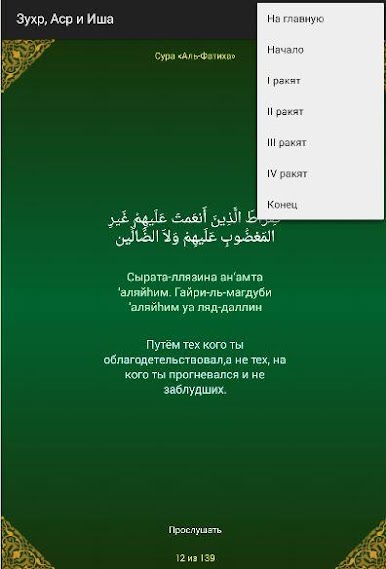
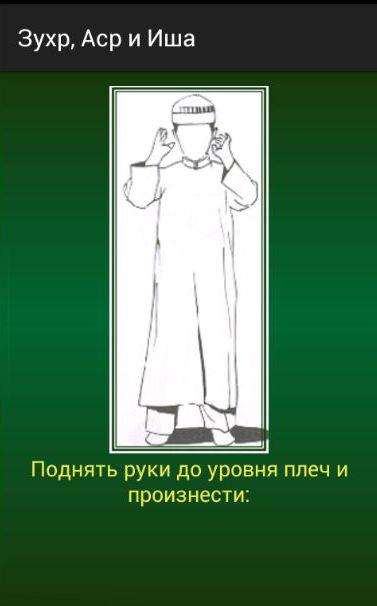
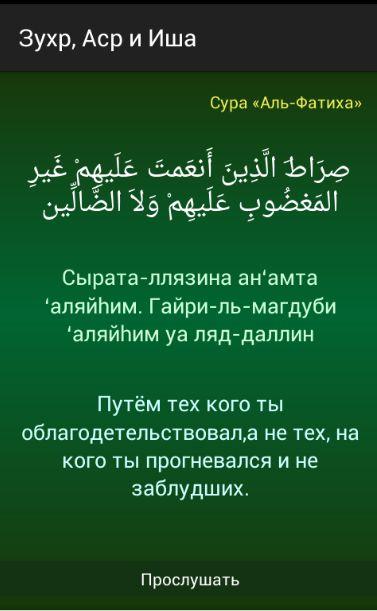
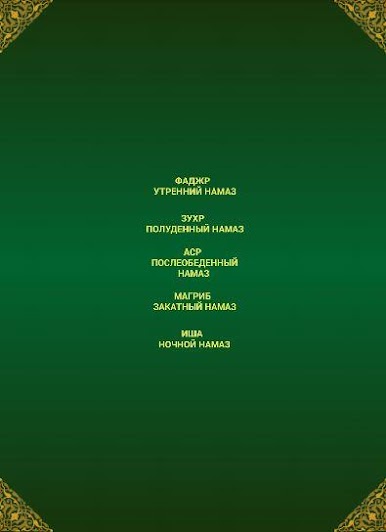
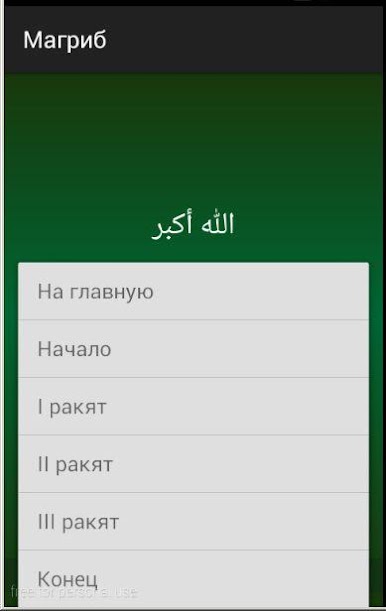
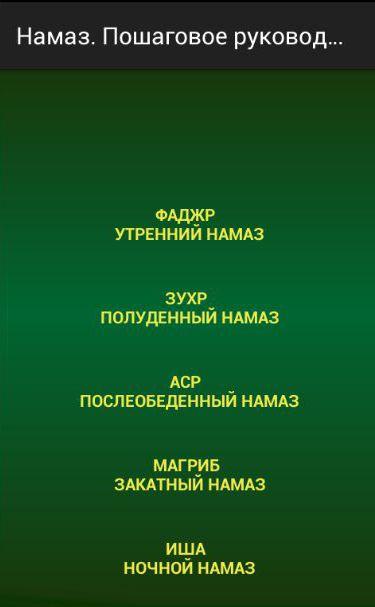
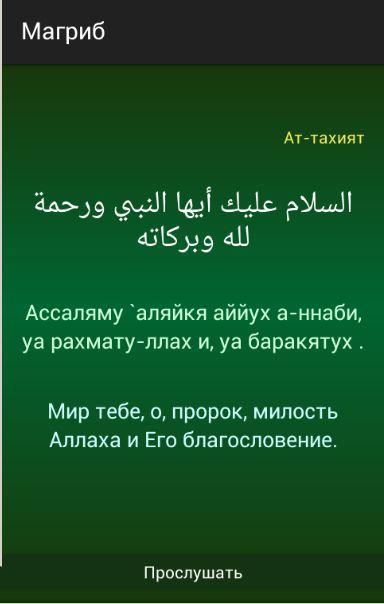
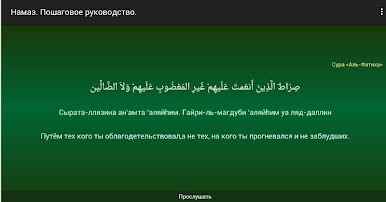
Namaz. Пошаговое руководство. feels like a calm, practical tutor for anyone learning or refreshing the daily prayers. It breaks the five prayers into small steps, showing what to say and when to move, so someone is not guessing the order. Each line is in Arabic with easy-to-read transliteration and a clear translation, and there is audio for every phrase so pronunciation and pacing do not feel scary. It keeps to the essentials for the Hanafi school, which makes the flow simple rather than overloaded.
What stands out is how it handles the short surahs used after Al-Fatiha. The app includes Al-Fatiha, Al-Ikhlas, At-Takathur, Al-Maun, Al-Kawthar, Al-Asr, Al-Kafirun, and An-Nas, and gives gentle notes about sequence being sunnah. It even reminds that the surah in the second rakah should not come earlier in order than the first, and should not be longer than the one read first, which helps avoid common mixups. There are references to the four madhhabs so users see where the rulings come from, not just take it on trust. On a PC with BlueStacks, the Arabic script is larger and the audio buttons are easier to hit, so practicing along and replaying a line a few times feels smooth. No clutter, just a straight guide that focuses on clarity and correct practice without making it feel heavy.
BlueStacks brings your apps to life on a bigger screen—seamless and straightforward.
Play Намаз. Пошаговое руководство. on PC. It’s easy to get started.
-
Download and install BlueStacks on your PC
-
Complete Google sign-in to access the Play Store, or do it later
-
Look for Намаз. Пошаговое руководство. in the search bar at the top right corner
-
Click to install Намаз. Пошаговое руководство. from the search results
-
Complete Google sign-in (if you skipped step 2) to install Намаз. Пошаговое руководство.
-
Click the Намаз. Пошаговое руководство. icon on the home screen to start playing

