


Yandex Navigator
Play on PC with BlueStacks – the Android Gaming Platform, trusted by 500M+ gamers.

Page Modified on: Apr 2, 2026
Play Yandex Navigator on PC
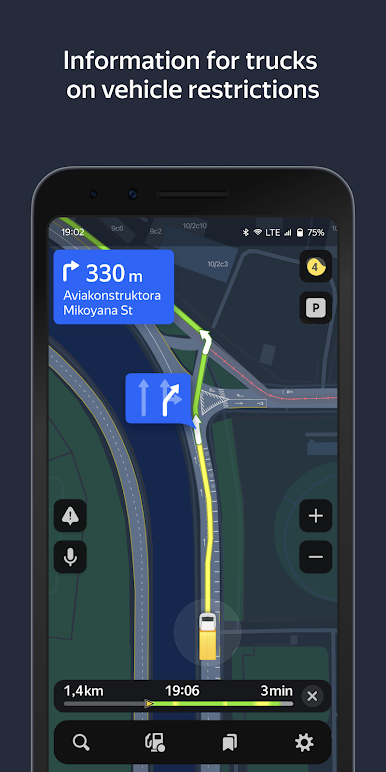
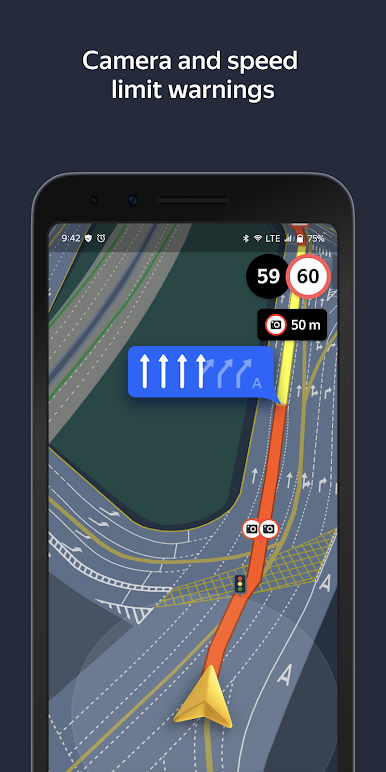
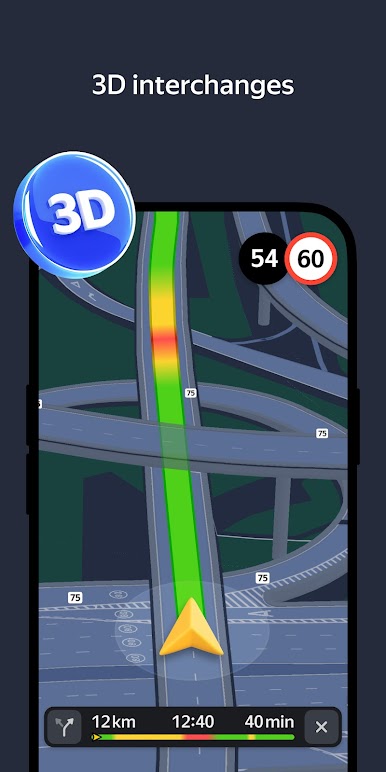
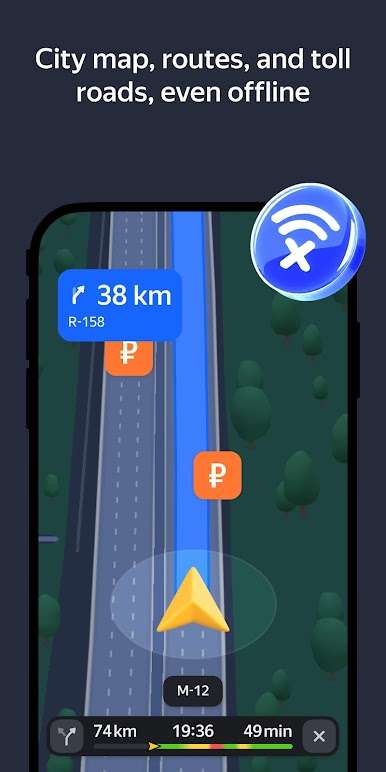
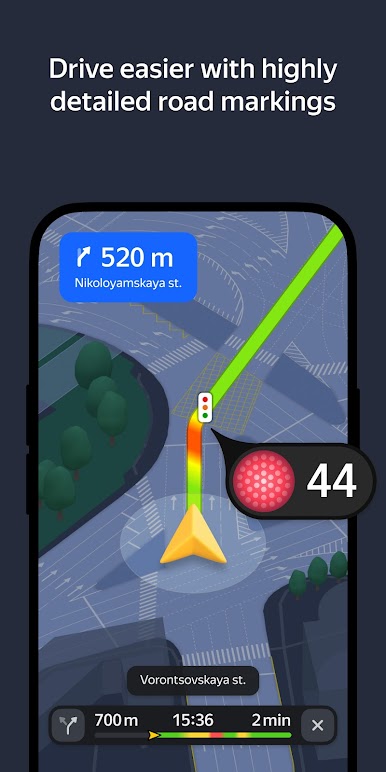
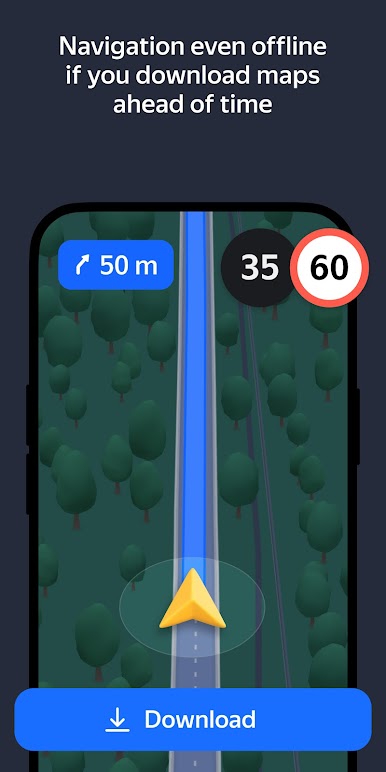
Yandex. Navigator uses voice prompts to guide you along your way, and displays your route on your device’s screen. Additionally, you can always see how many minutes and kilometers you have to go.
You can use your voice to interact with Yandex Navigator so that you don't have to take your hands off the wheel. Just say "Hey, Yandex" and the app will start listening for your commands. For example, "Hey, Yandex, let's go to 1 Lesnaya Street" or "Hey, Yandex, take me to Domodedovo Airport". You can also let Navigator know about road events you encounter (such as "Hey, Yandex, there is an accident in the right lane") or search for locations on the map (by simply saying "Hey, Yandex, Red Square").
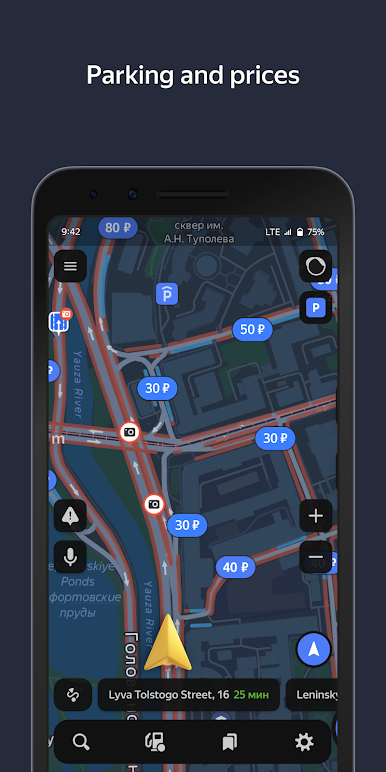
Save time by choosing recent destinations from your history. Look through your recent destinations and favorites from any of your devices—they are saved in the cloud and available when and where you need them.
Yandex Navigator will guide you to your destinations in Russia, Belarus, Kazakhstan, Ukraine, and Turkey.
Yandex Navigator is a navigation app, which doesn't have any functions related to healthcare or medicine.
The app suggests enabling the Yandex search widget for the notification panel.


Play Yandex Navigator on PC. It’s easy to get started.
-
Download and install BlueStacks on your PC
-
Complete Google sign-in to access the Play Store, or do it later
-
Look for Yandex Navigator in the search bar at the top right corner
-
Click to install Yandex Navigator from the search results
-
Complete Google sign-in (if you skipped step 2) to install Yandex Navigator
-
Click the Yandex Navigator icon on the home screen to start playing

