

Ruler, BubbleLevel, AngleMeter
Play on PC with BlueStacks – the Android Gaming Platform, trusted by 500M+ gamers.

Page Modified on: Jan 16, 2026
Run Ruler - Bubble Level - Angle Meter on PC or Mac
Upgrade your experience. Try Ruler – Bubble Level – Angle Meter, the fantastic Tools app from DotDotDog, from the comfort of your laptop, PC, or Mac, only on BlueStacks.
About the App
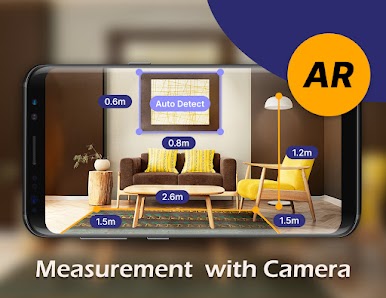
Ever needed to measure something on the fly but can’t find your toolbox? Ruler – Bubble Level – Angle Meter by DotDotDog is designed to keep a set of essential tools right on your phone or tablet. Whether you’re hanging picture frames, checking if your bookshelf is crooked, or just curious about the length of that mystery cable, this app puts a measuring tape, bubble level, and angle meter in your pocket. Everything’s easy to use—no complicated setup, just tap and go.
App Features
-
Multi-Mode Ruler
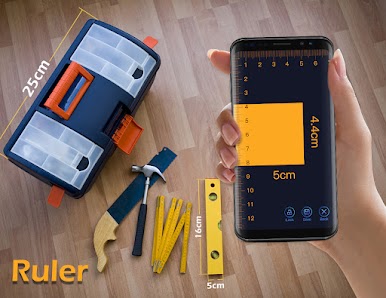
Tap to measure anything you’re curious about. Switch up the measurement units (centimeters, millimeters, inches), and use your device like a digital tape measure. Handy graph paper backgrounds and on-screen guides help get precise results from either side of your device. -
Easy Calibration
Not sure if your phone’s sensors are spot-on? Quick calibration lets you fine-tune the app, so your readings stay accurate. -
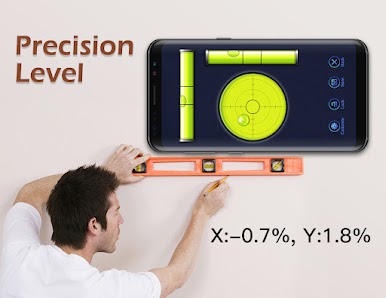
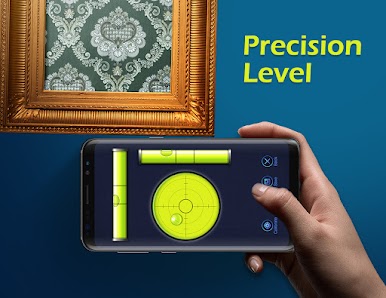
Bubble Level Tool
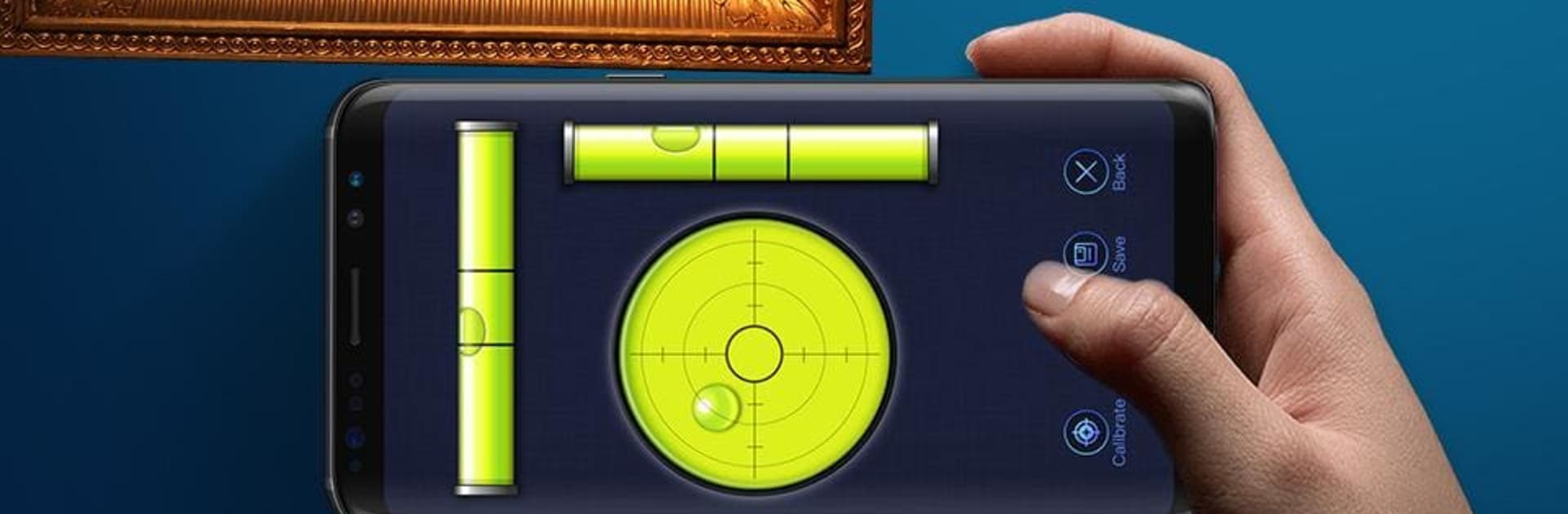
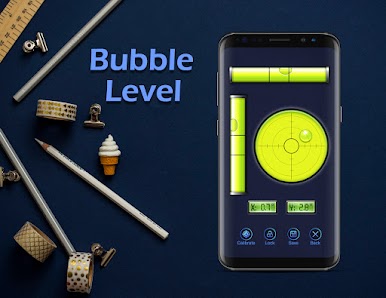
Wonder if your table is actually level or if your shelf is tilting under the weight of too many books? The bubble level cover checks for both horizontal and vertical alignment. Just line up your phone and see where the bubble lands. -
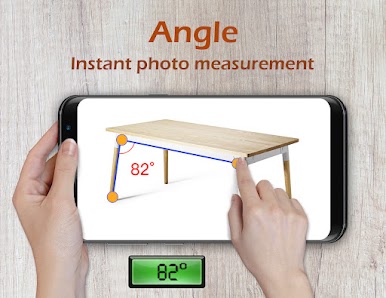
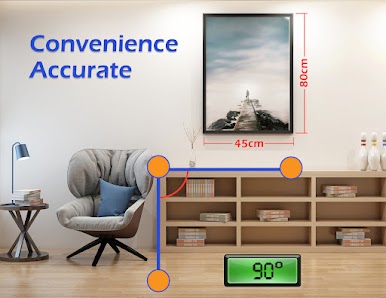
Angle Meter
Trying to measure a slope or check an angle with your camera? The angle meter uses your device’s sensors for fast, accurate readings. Full touch control means you can adjust the protractor onscreen, and the app even offers “play and pause” for measuring tricky setups. -
Pro Features and Sound Effects
Orientation locking, real-time audio cues, and four different measurement modes round things out. It’s like having a pro measuring kit, only lighter. All packed into a simple, straightforward app you can try out on BlueStacks for a big screen experience. -
Unit Converter Built-In
Jump between millimeters, centimeters, and inches without missing a beat—no digging through settings or doing the math yourself. -
Multi-Touch Measurements
Use two fingers on the screen for a more dynamic way to measure longer or more awkward objects. It makes on-screen measuring feel natural, especially on tablets.
With Ruler – Bubble Level – Angle Meter, you get a set of easy tools you’ll actually use—without hunting through drawers for the real thing.
Ready to experience Ruler – Bubble Level – Angle Meter on a bigger screen, in all its glory? Download BlueStacks now.
Play Ruler, BubbleLevel, AngleMeter on PC. It’s easy to get started.
-
Download and install BlueStacks on your PC
-
Complete Google sign-in to access the Play Store, or do it later
-
Look for Ruler, BubbleLevel, AngleMeter in the search bar at the top right corner
-
Click to install Ruler, BubbleLevel, AngleMeter from the search results
-
Complete Google sign-in (if you skipped step 2) to install Ruler, BubbleLevel, AngleMeter
-
Click the Ruler, BubbleLevel, AngleMeter icon on the home screen to start playing

