


Paint by Number - Pixel Art
Play on PC with BlueStacks – the Android Gaming Platform, trusted by 500M+ gamers.

Page Modified on: Nov 21, 2024
Play Paint by Number - Pixel Art on PC or Mac
From the innovators and creators at Oakever Games, Paint by Number – Pixel Art is another fun addition to the World of Puzzle games. Go beyond your mobile screen and play it bigger and better on your PC or Mac. An immersive experience awaits you.
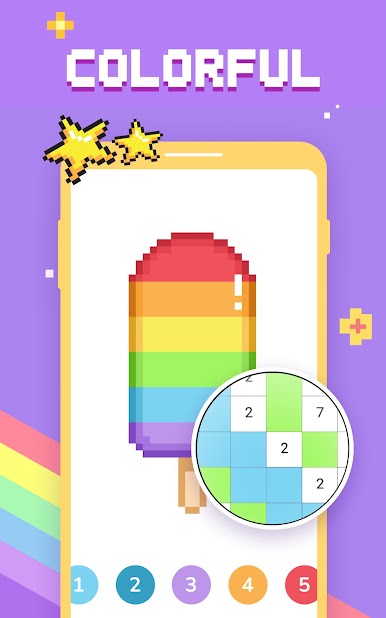
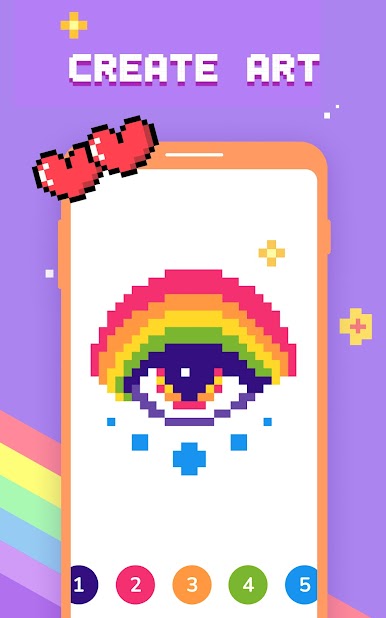
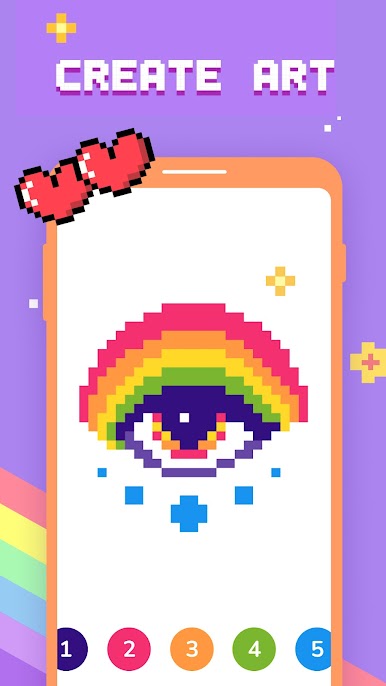
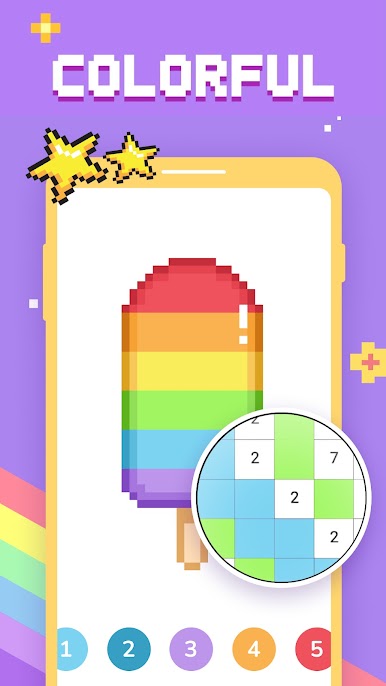
Paint by Number – Pixel Art is a calm, low-pressure coloring game where the whole thing is filling tiny squares by number until a picture snaps into place. It shifts between flat 2D grids and chunky 3D models, so one moment it is a simple cross-stitch vibe and the next it feels like building a little voxel sculpture layer by layer. No drawing skill is needed, just match numbers and colors, and watch the image clean up from a blur to something neat.
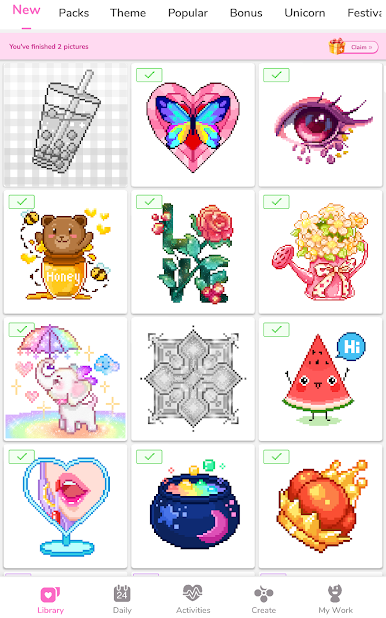
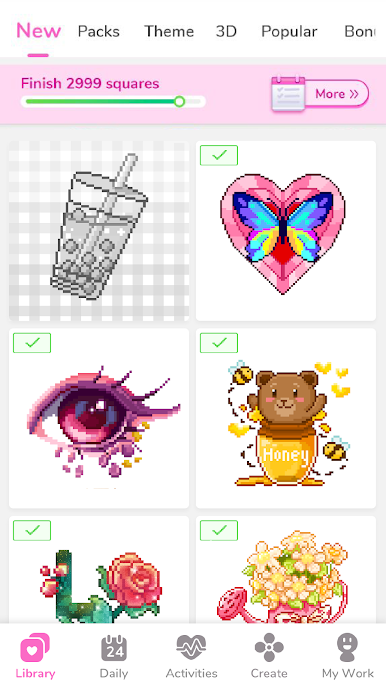
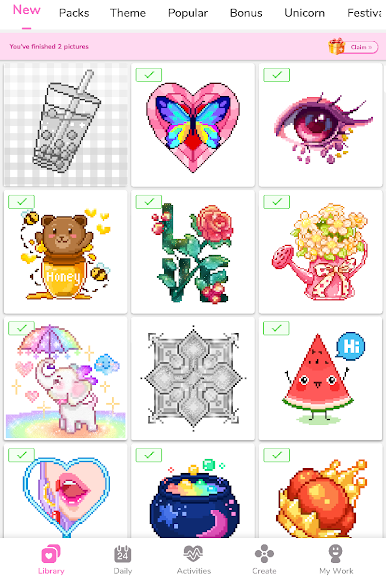
There is a lot to pick from, with cute snacks, animals, flowers, little characters, and a bunch of trendy stuff that rotates in often. New pages show up on the regular, so it rarely feels empty. It also works offline, which is nice for zoning out without a data hit. A few helper tools keep things from dragging, like quick-fill or hints that point out missed pixels, so finishing a bigger picture does not become a chore. There is a simple option to turn a photo into pixel art too, which is fun if someone wants a custom piece, and sharing the final result is painless.
Running it on PC with BlueStacks makes the tiny cells way easier to see, and clicking through rows with a mouse feels faster than tapping on a phone. The gameplay stays super straightforward, just more comfy on a bigger screen, especially with the 3D models that benefit from a clearer view. For anyone who wants something relaxing to pass the time and still feel a little creative, this is an easy one to settle into.
Make your gaming sessions memorable with precise controls that give you an edge in close combats and visuals that pop up, bringing every character to life.

















Play Paint by Number - Pixel Art on PC. It’s easy to get started.
-
Download and install BlueStacks on your PC
-
Complete Google sign-in to access the Play Store, or do it later
-
Look for Paint by Number - Pixel Art in the search bar at the top right corner
-
Click to install Paint by Number - Pixel Art from the search results
-
Complete Google sign-in (if you skipped step 2) to install Paint by Number - Pixel Art
-
Click the Paint by Number - Pixel Art icon on the home screen to start playing

