


Holy Quran - Ramadan Kareem
Play on PC with BlueStacks – the Android Gaming Platform, trusted by 500M+ gamers.

Page Modified on: May 11, 2025
Play Holy Quran - Ramadan Kareem on PC
The Quran app is completely FREE, without any limitations.
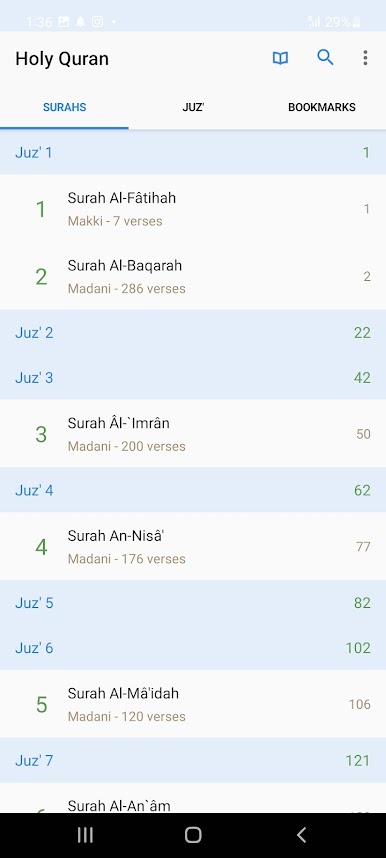
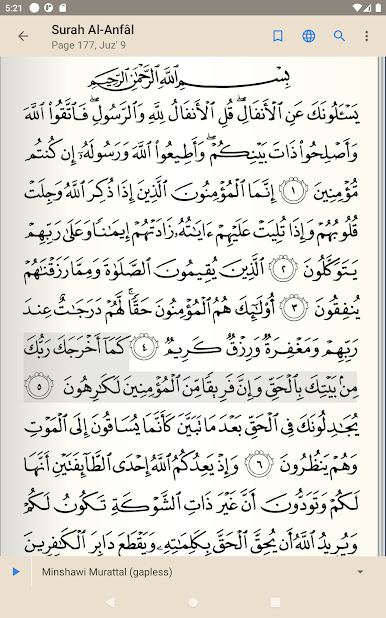
With the Quran app, you can:
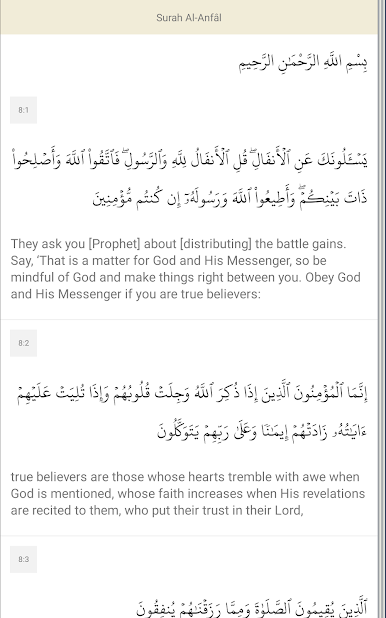
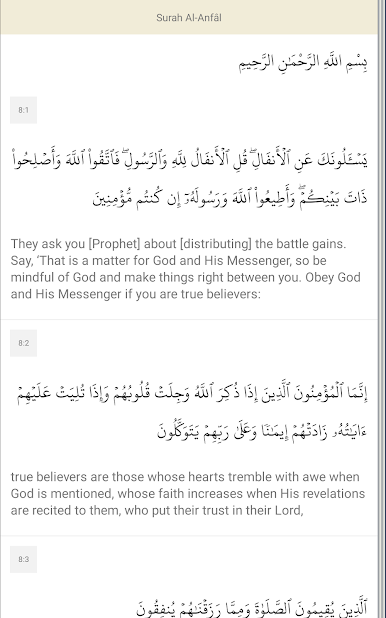
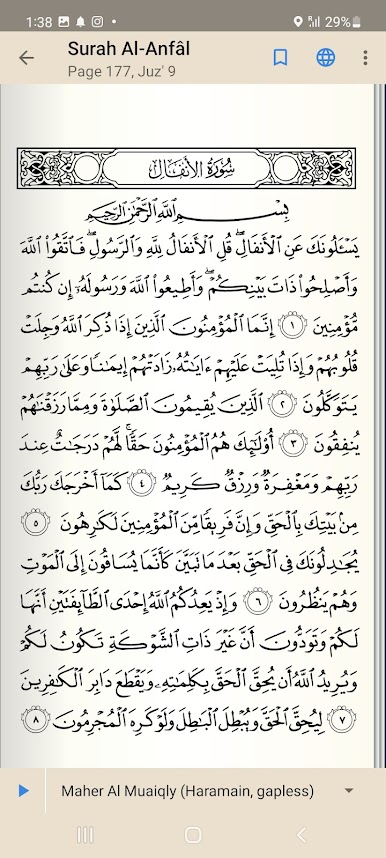
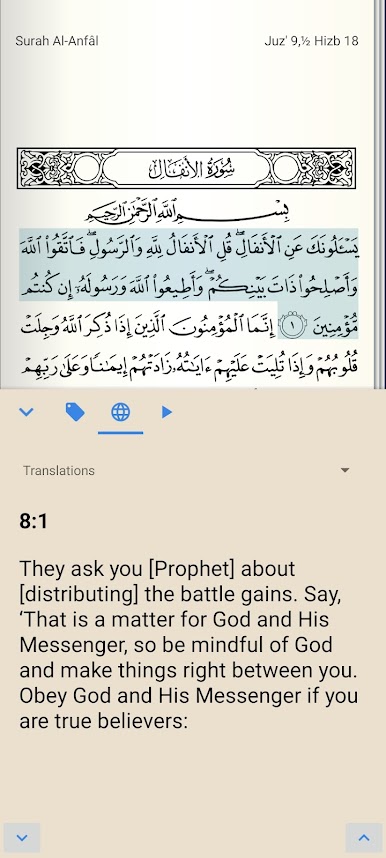
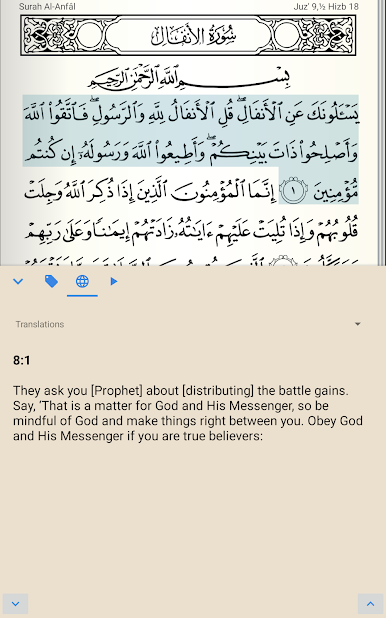
• Enjoy high-quality text
• Activate night mode for comfortable reading
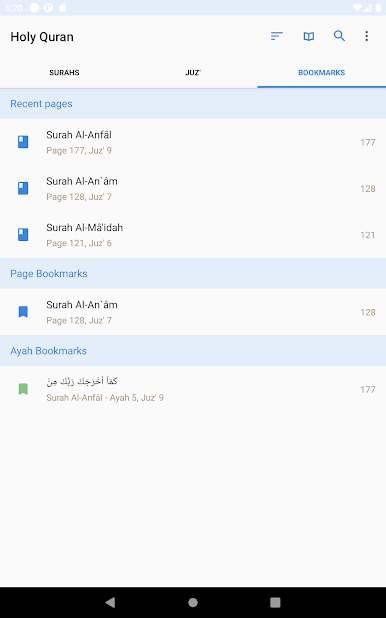
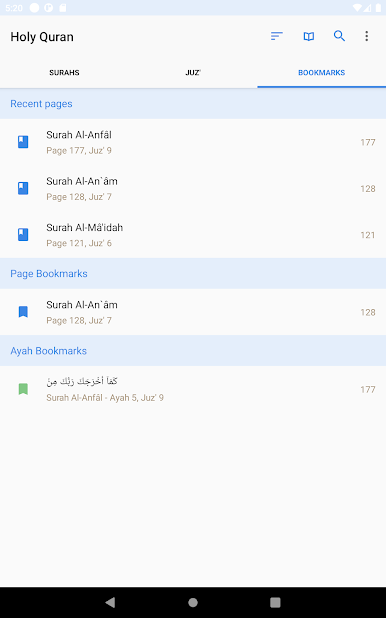
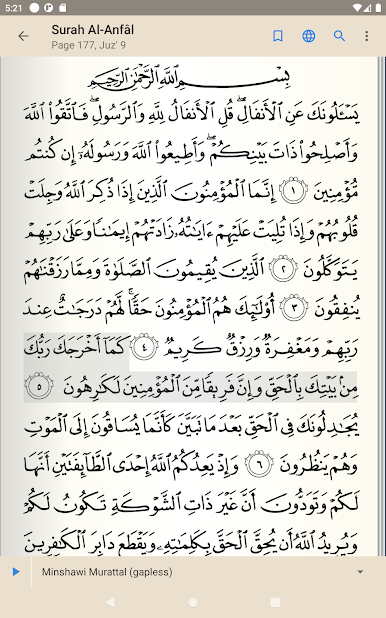
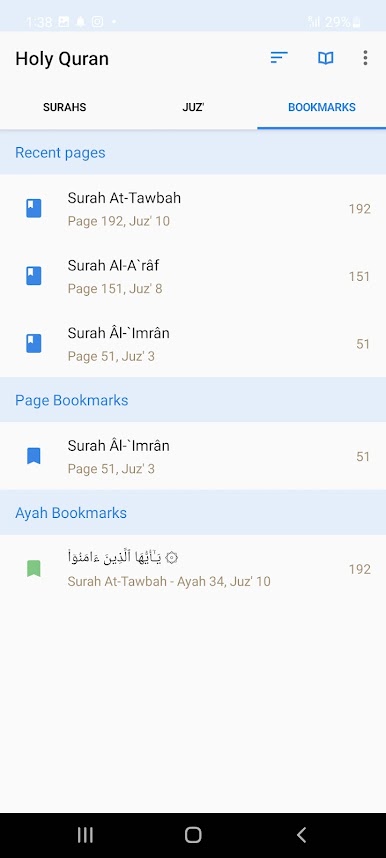
• Bookmark pages and verses for easy access
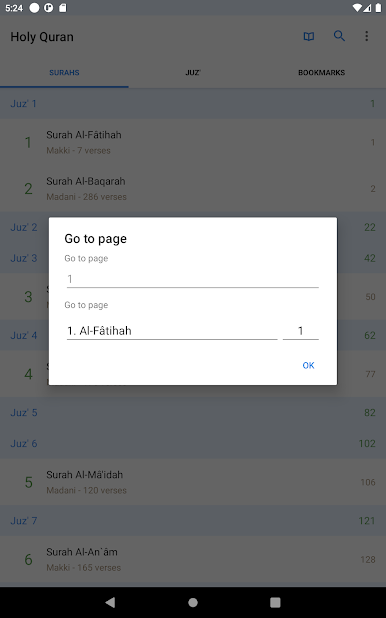
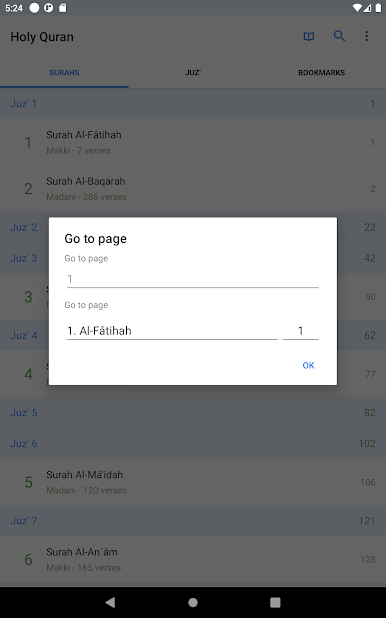
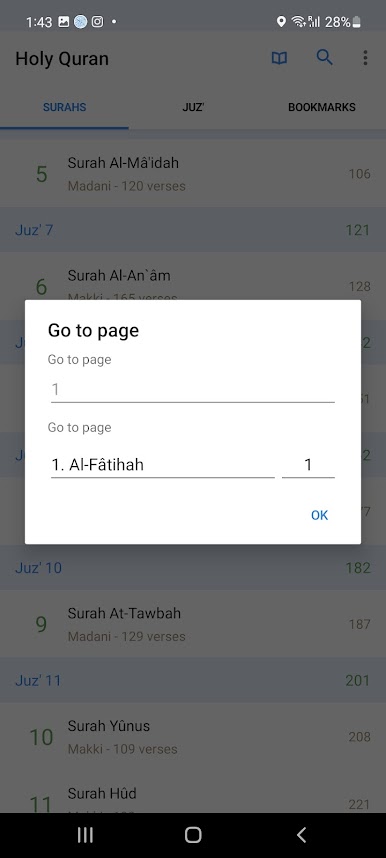
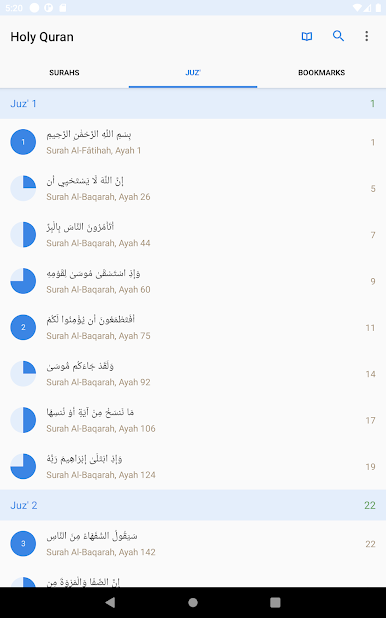
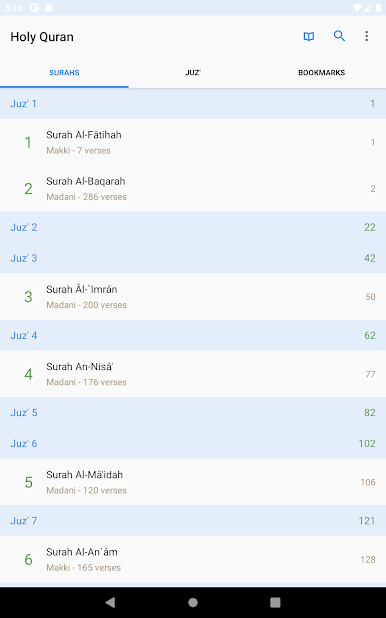
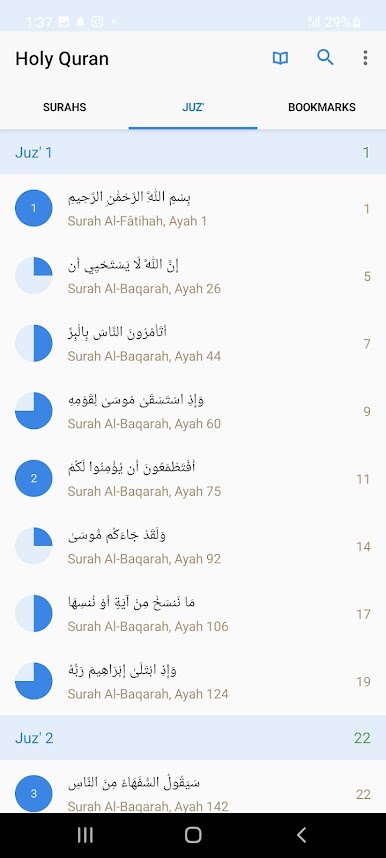
• Access Surah & Juz’ Index
• Experience an elegant and user-friendly interface
• Listen to your favorite reciters (Quran MP3): Abdul Basit Abdus Samad, Abdul Rahman Al-Sudais, Maher Al Mueaqly, Mishary Rashid Alafasy, Abu Bakr Al-Shatri, Nasser Al Qatami, Yasser Al-Dosari, Saad Al Ghamidi, and more
• Select your preferred language interface (Arabic, English, etc.)
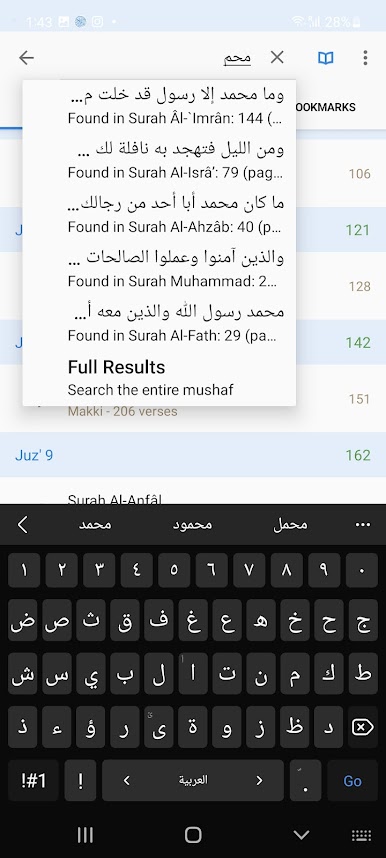
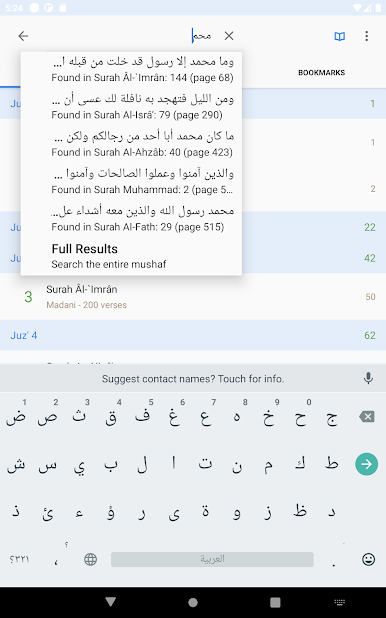
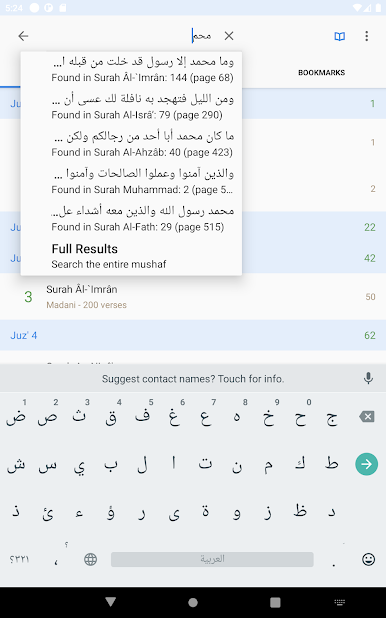
• Utilize the full Quran search feature
• Take notes on any verse and save them
• Share verses on social media platforms
• Access a wide range of translations and interpretations
• Automatically save progress when closing the app, allowing you to resume reading seamlessly
REQUIREMENTS:
- The app requires an internet connection (WiFi or 3G/4G) for initial use or if surahs have not been downloaded.
Notes:
• If you encounter any errors or have inquiries about the app, please notify us to promptly address them and provide assistance.
For further queries or concerns regarding potential copyright infringement, please contact us at: tadabaroo@gmail.com

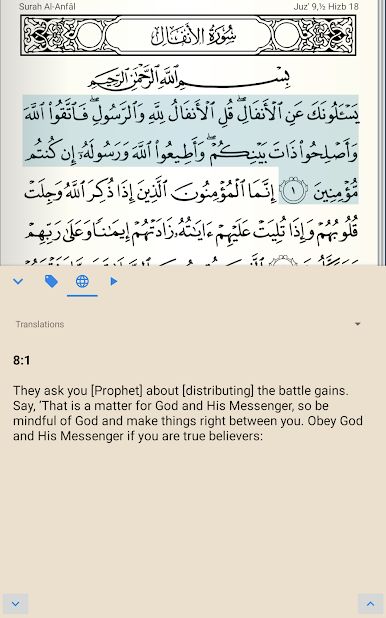
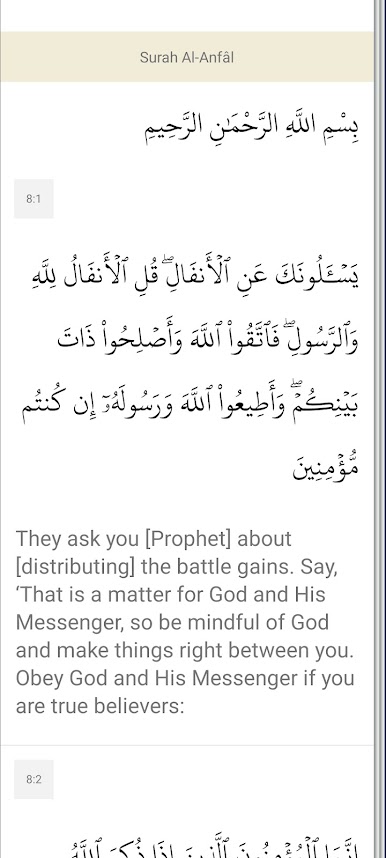
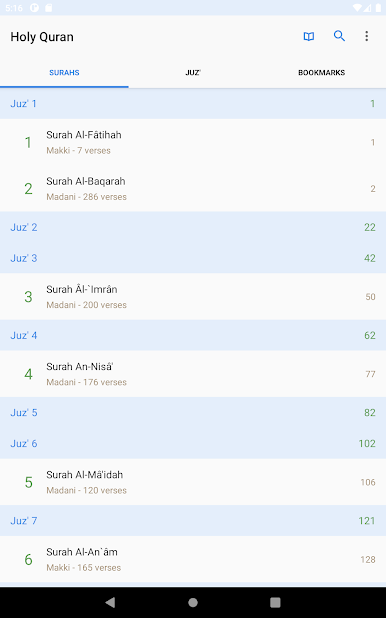
Play Holy Quran - Ramadan Kareem on PC. It’s easy to get started.
-
Download and install BlueStacks on your PC
-
Complete Google sign-in to access the Play Store, or do it later
-
Look for Holy Quran - Ramadan Kareem in the search bar at the top right corner
-
Click to install Holy Quran - Ramadan Kareem from the search results
-
Complete Google sign-in (if you skipped step 2) to install Holy Quran - Ramadan Kareem
-
Click the Holy Quran - Ramadan Kareem icon on the home screen to start playing

