


Dials
Play on PC with BlueStacks – the Android Gaming Platform, trusted by 500M+ gamers.

Page Modified on: Jan 29, 2026
Play Dials on PC
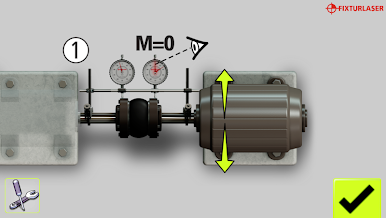
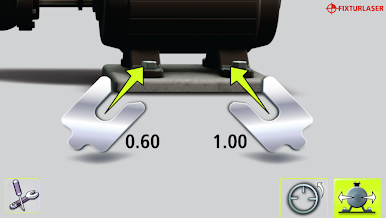
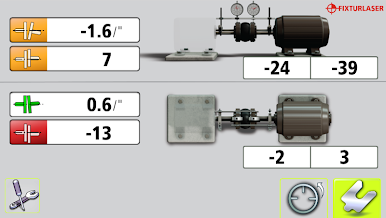
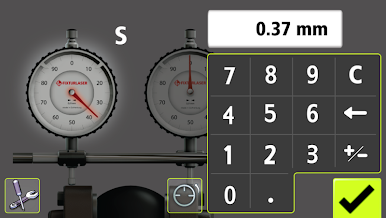
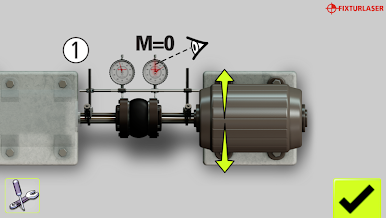
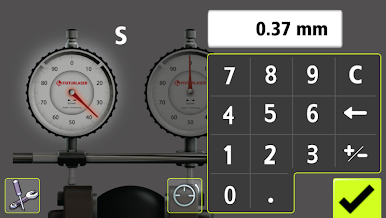
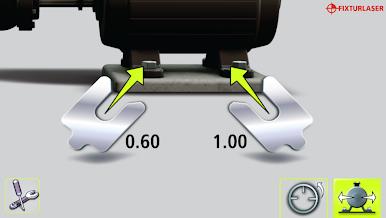
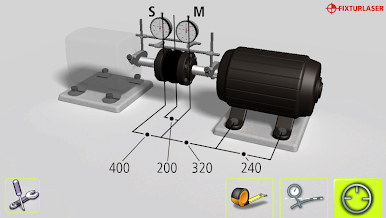
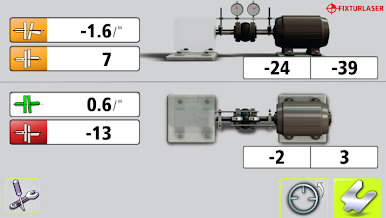
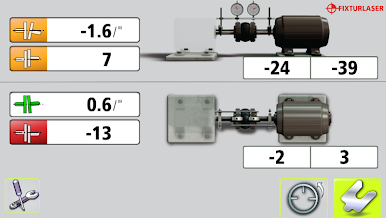
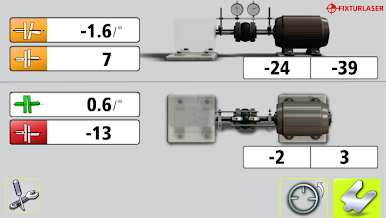
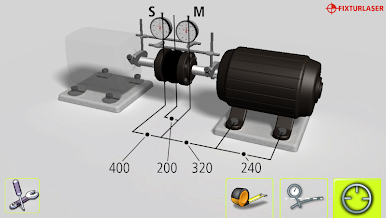
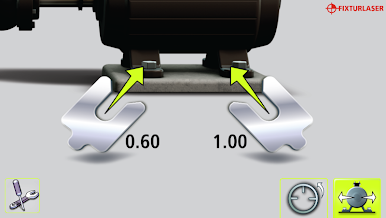
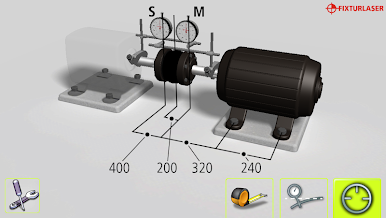
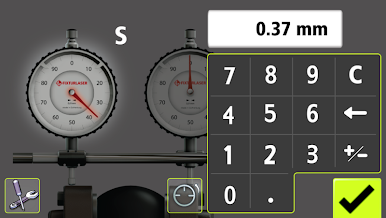
This is a standalone app for performing shaft alignment, using indicator dials, on typical applications such as a motor and a pump. The app guides the user through the complete measurement and alignment process simplifying otherwise cumbersome tasks such as calculations and determination of directions and amount to move the machine to achieve a perfect alignment. With this release users who have purchased the Fixturlaser Dial Kit can forget about bar sag compensation altogether - the app compensates automatically for the correct amount of bar sag.
Key Features
- Intuitive user interface, all symbols and graphics – no text
- Work with either metric or imperial dimensions (mm or inch)
- Works according to the reversed rim method
- Compensation for bar sag calculation is built into the app
- Automatic bar sag compensation for users with the Fixturlaser Dial Kit
- VertiZontal™ -adjust the machine both vertically and horizontally without re-measuring
- Saves the measurement result to your camera roll
Visit the website www.alignmentknowledge.com for more information on alignment in general and support on the app.
The Fixturlaser Dials app was developed in partnership with VibrAlign.

Play Dials on PC. It’s easy to get started.
-
Download and install BlueStacks on your PC
-
Complete Google sign-in to access the Play Store, or do it later
-
Look for Dials in the search bar at the top right corner
-
Click to install Dials from the search results
-
Complete Google sign-in (if you skipped step 2) to install Dials
-
Click the Dials icon on the home screen to start playing

