


Wordsearch Trails
Play on PC with BlueStacks – the Android Gaming Platform, trusted by 500M+ gamers.

Page Modified on: Sep 29, 2026
Play Wordsearch Trails on PC
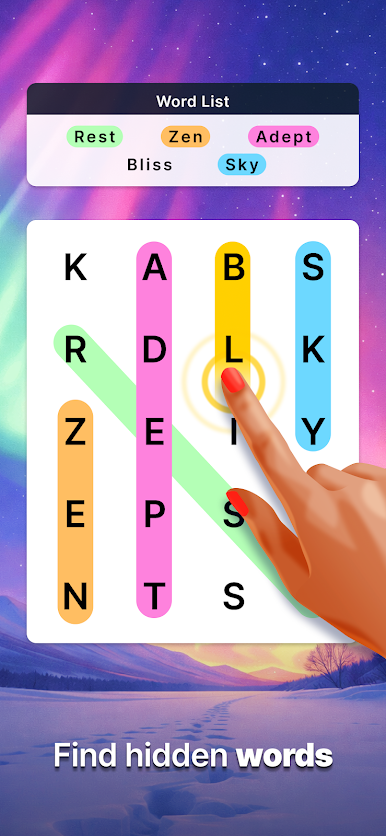
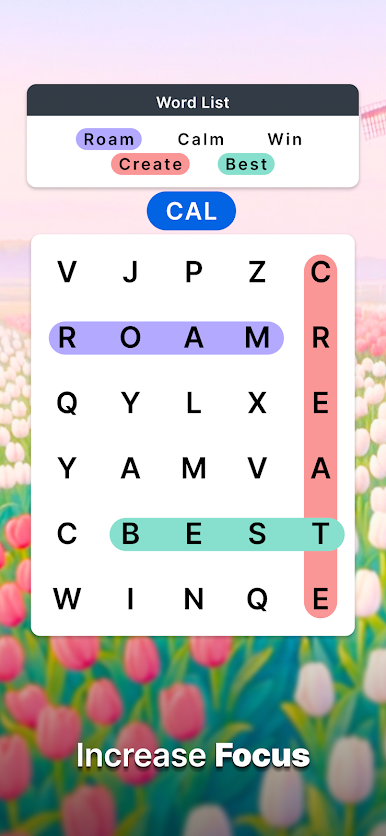
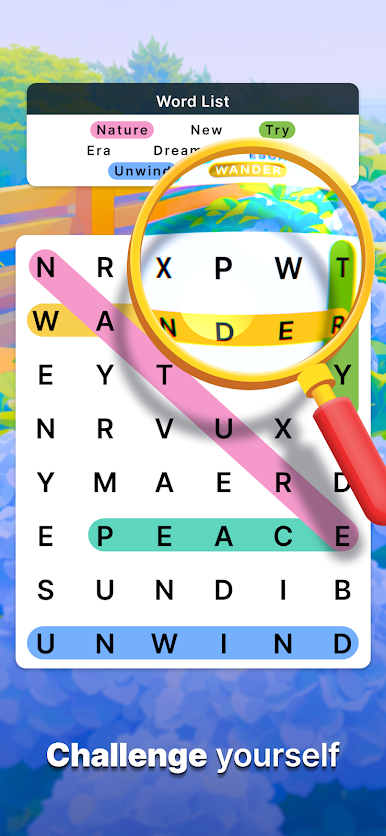
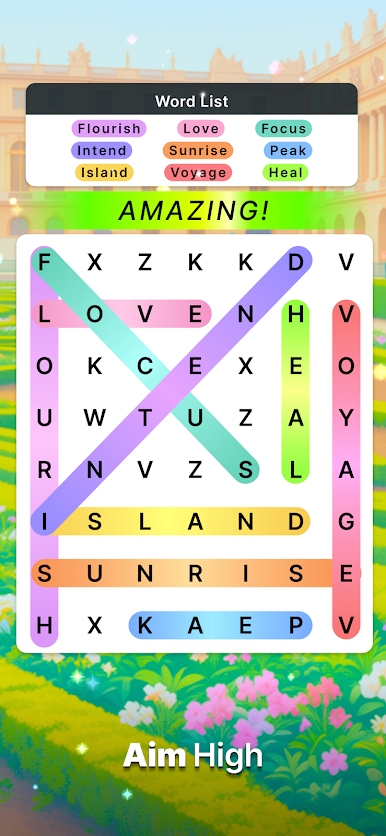
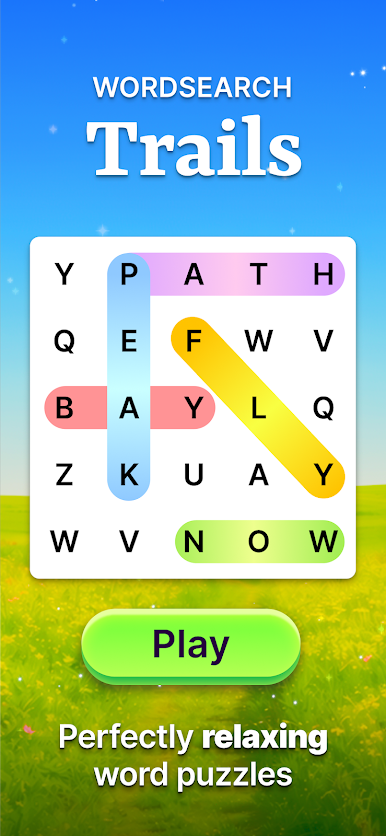
Whether you're looking to unwind after a long day or keep your mind sharp, Wordsearch Trails has a puzzle for you. Search through hundreds of hand-picked grids in a huge range of sizes and themes, and find the perfect fit for your skill level.
Key Features:
Hundreds of Puzzles: From quick 5-minute grids to sprawling expert boards, there's always another word search waiting. Play for a moment or lose an afternoon.
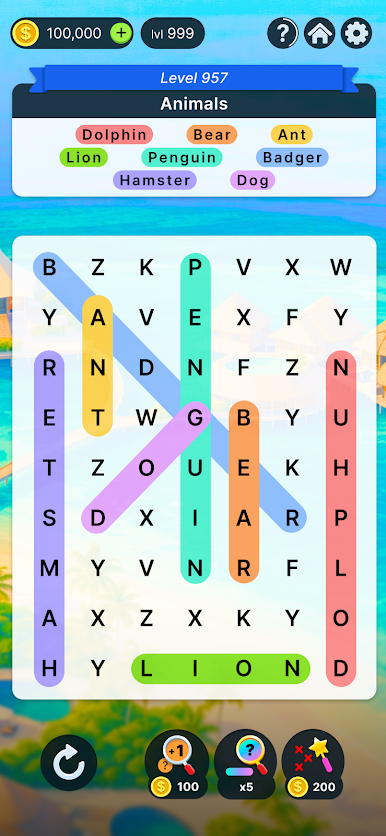
Words in Every Direction: Up, down, across, diagonal and backwards. Sharpen your eyes as the grids grow and the words get trickier.
Daily Challenges: A fresh themed puzzle every day. Complete them to build your streak and earn rewards.
Helpful Hints: Stuck on that last word? A range of hints is on hand whenever you need a nudge.
Themes from Around the World: Journey across the globe and visit iconic destinations like the Grand Canyon, Yellowstone, the Great Pyramids and the Taj Mahal. From the Austrian Alps to the Giant's Causeway, every stop brings a new word list inspired by what makes it special.
Quests: Complete daily quests as you play and collect rewards on your way to word search mastery.
Educational Fun: Grow your vocabulary and train your focus without it ever feeling like work.
Your next destination is only a word search away.
Download Wordsearch Trails for free today and start exploring. Your brain will thank you later!

Play Wordsearch Trails on PC. It’s easy to get started.
-
Download and install BlueStacks on your PC
-
Complete Google sign-in to access the Play Store, or do it later
-
Look for Wordsearch Trails in the search bar at the top right corner
-
Click to install Wordsearch Trails from the search results
-
Complete Google sign-in (if you skipped step 2) to install Wordsearch Trails
-
Click the Wordsearch Trails icon on the home screen to start playing

