


BIGO LIVE Lite – Live Stream
Play on PC with BlueStacks – the Android Gaming Platform, trusted by 500M+ gamers.

Page Modified on: Sep 24, 2026
Main BIGO LIVE Lite – Live Stream on PC
🚀 Installs fast, loads fast and uses less data and controls battery drain. Boost your video chats, not your storage with Bigo Live Lite.
✨ [BIGO LIVE Lite Highlights]
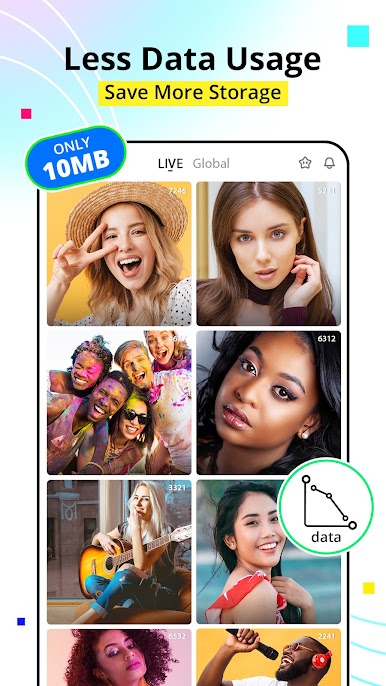
- Small APK Size (10MB): Tiny, fast download and low storage use.
- Low storage & battery consumption: Designed for low-end mobile device users.
- Data Saving: Only necessary video streaming will be loaded and mobile data is saved.
📑 [Main Features]
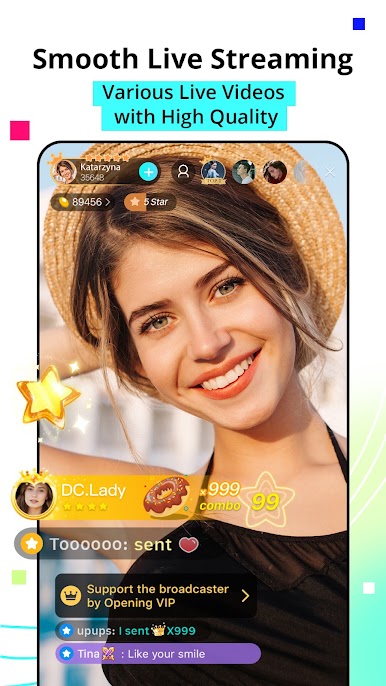
- Watch Free and high-quality Live Shows
- From live pop music and hot dancing shows to common daily life, BIGO LIVE Lite shows you endless live videos.
- You can easily filter live streams by country. Tons of talented broadcasters from more than 100 different countries are gathered in BIGO LIVE Lite.
🎁 Virtual Gifts
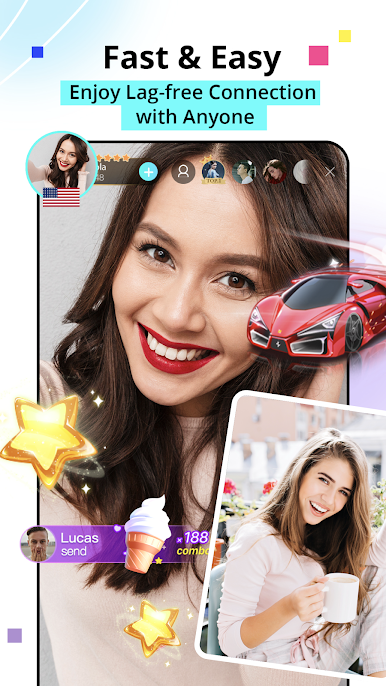
- There are different kinds of virtual gifts including roses, rings, angels, supercars, luxury cruises, dream castles, and lots more.
- You can buy some gifts to support your beloved VJs during their live streaming to get their attention. Also, you can level up quickly by sending virtual gifts.
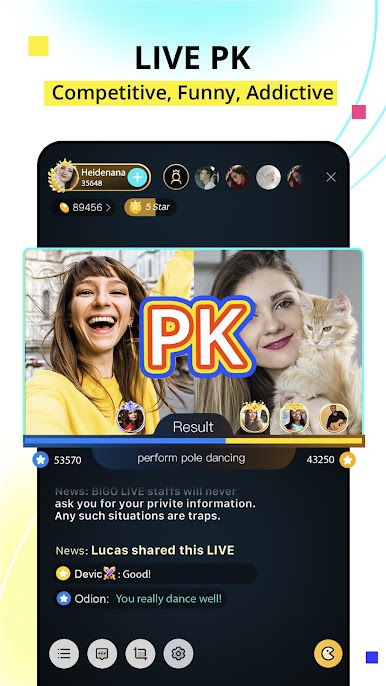
🤼 LIVE PK
Live PK is the most exciting live stream which is not only the live stream competition between broadcasters but also with the audiences. Come and enjoy the funny PK.
⏬ If you want to go live by yourself, video chat or voice chat with others, play BIGO mini games, etc. on BIGO, please download and install the full version of BIGO LIVE: https://bit.ly/21RQVbk .
📞 [LIKE US &STAY CONNECTED]
Official Website: https://www.bigo.tv

Play BIGO LIVE Lite – Live Stream on PC. It’s easy to get started.
-
Download and install BlueStacks on your PC
-
Complete Google sign-in to access the Play Store, or do it later
-
Look for BIGO LIVE Lite – Live Stream in the search bar at the top right corner
-
Click to install BIGO LIVE Lite – Live Stream from the search results
-
Complete Google sign-in (if you skipped step 2) to install BIGO LIVE Lite – Live Stream
-
Click the BIGO LIVE Lite – Live Stream icon on the home screen to start playing

