


Bigo Live - Live Streaming App
Play on PC with BlueStacks – the Android Gaming Platform, trusted by 500M+ gamers.

Page Modified on: Sep 29, 2026
Run Bigo Live on PC or Mac
Why limit yourself to your small screen on the phone? Run Bigo Live – Live Streaming App, an app by Bigo Technology Pte. Ltd., best experienced on your PC or Mac with BlueStacks, the world’s #1 Android emulator.
About the App
Bigo Live – Live Streaming App is where hanging out online actually feels social. It’s a lively place to watch real people go live, chat in the moment, and start your own show when you’ve got something to share. Whether you’re here for music, gaming, casual talk, or just to meet new folks, expect fast interactions and a welcoming vibe from a global crowd. Prefer a bigger screen? You can also enjoy it on your PC with BlueStacks.
App Features
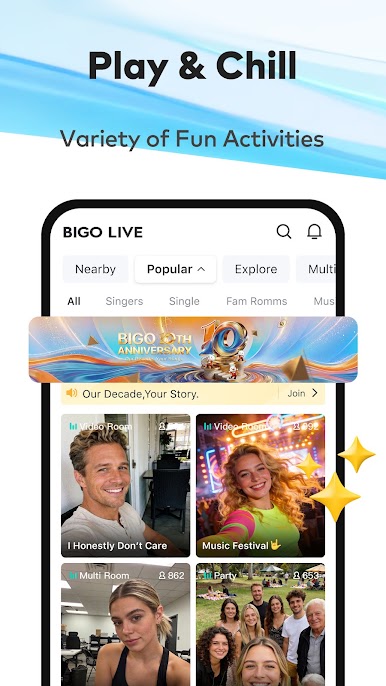
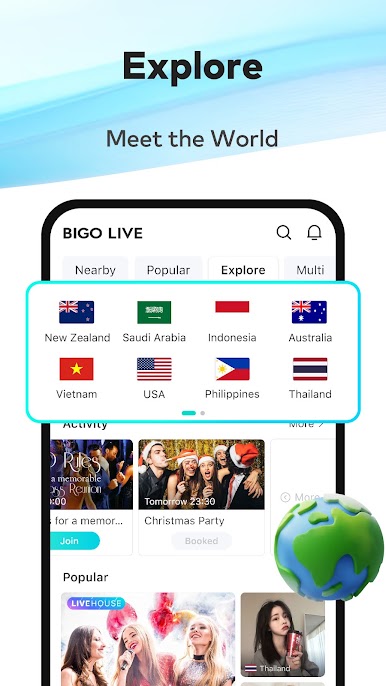
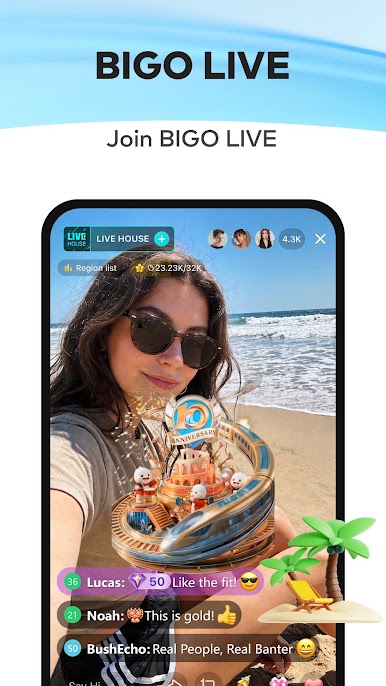
- Endless Live Shows: Swipe through tons of live rooms tailored to what you like—music, chatting, dancing, gaming, and more—any time of day.
- Real-Time Reactions: Jump into the chat, send virtual gifts, and keep the energy going while creators are on air.
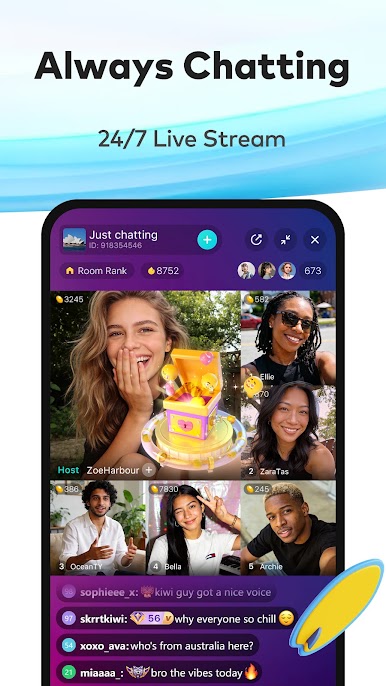
- Group Video Panels: Host or join multi-guest sessions with up to 11 people. Co-watch clips, debate trending topics, or play quick party games like Draw and Guess.
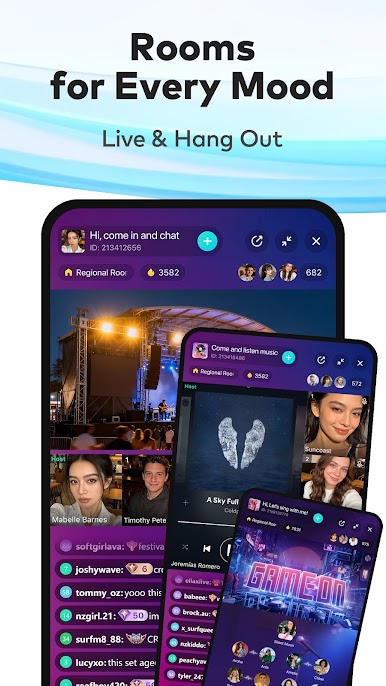
- Audio Rooms: Not in the mood for video? Pop into voice-only spaces to talk, chill, or make new friends without turning on your camera.
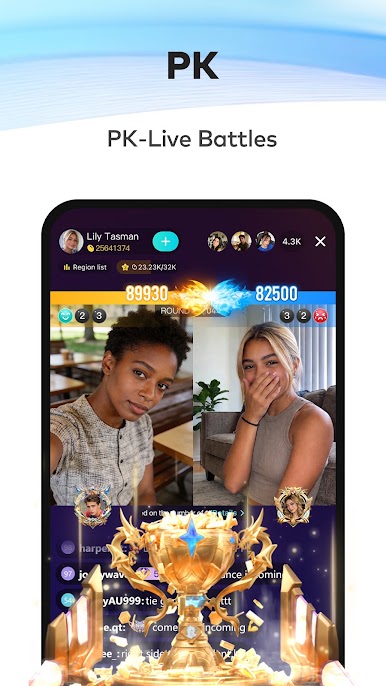
- Head-to-Head Battles: Join PK matchups or watch the action. Teams face off, the timer runs, and the losing side takes on playful penalties.
- One-Tap Go Live: Pick your style—Game LIVE, Audio LIVE, or Multi-guest LIVE—and start streaming in seconds.
- Find Your Crowd: Smart recommendations help you land in rooms that match your interests, so it’s easy to stick around and chat.
- Camera-Shy Friendly: Share your talents, stories, or gameplay without showing your face. Build a following and earn in-app rewards purely through your voice or screen.
BlueStacks brings your apps to life on a bigger screen—seamless and straightforward.
Play Bigo Live - Live Streaming App on PC. It’s easy to get started.
-
Download and install BlueStacks on your PC
-
Complete Google sign-in to access the Play Store, or do it later
-
Look for Bigo Live - Live Streaming App in the search bar at the top right corner
-
Click to install Bigo Live - Live Streaming App from the search results
-
Complete Google sign-in (if you skipped step 2) to install Bigo Live - Live Streaming App
-
Click the Bigo Live - Live Streaming App icon on the home screen to start playing

