


Shooting Fire:Sniper Range
Play on PC with BlueStacks – the Android Gaming Platform, trusted by 500M+ gamers.

Page Modified on: Apr 24, 2026
Play Shooting Fire:Sniper Range on PC
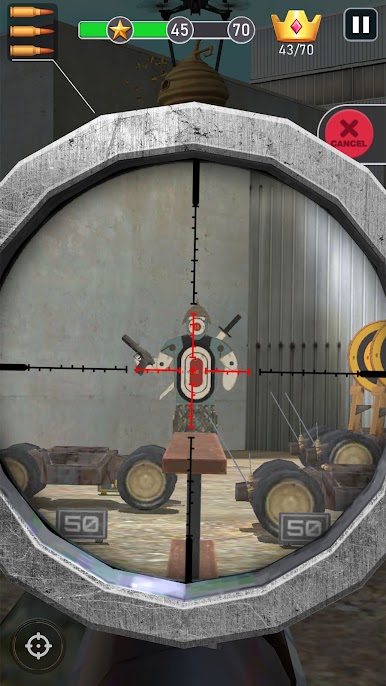
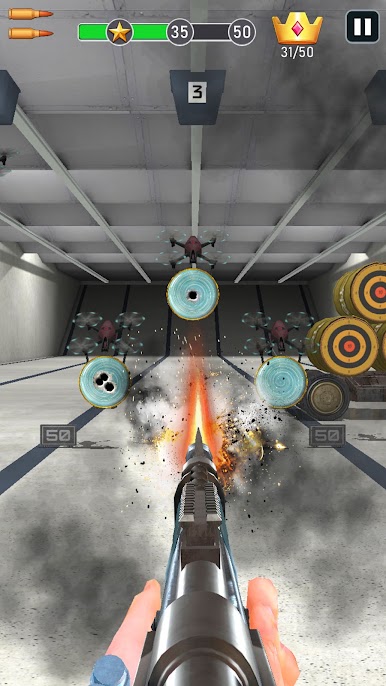
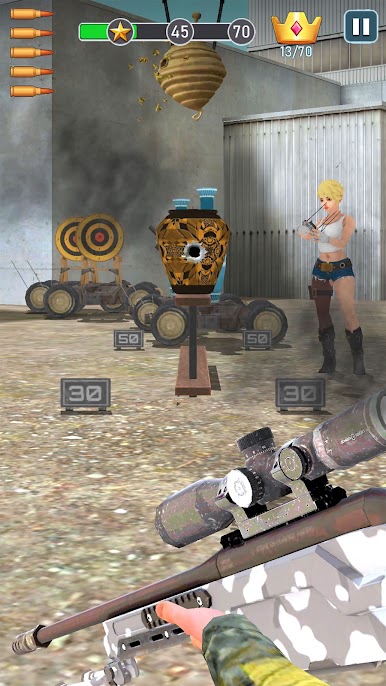
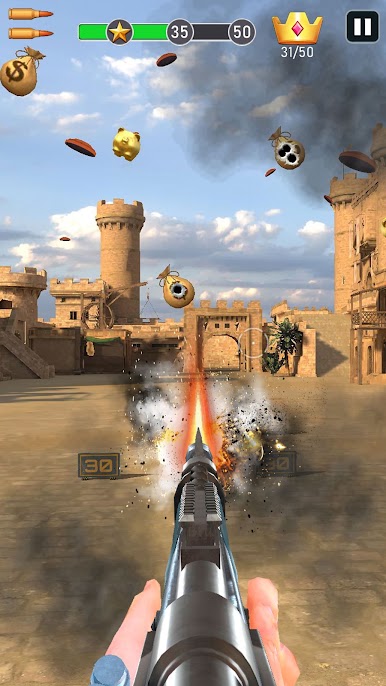
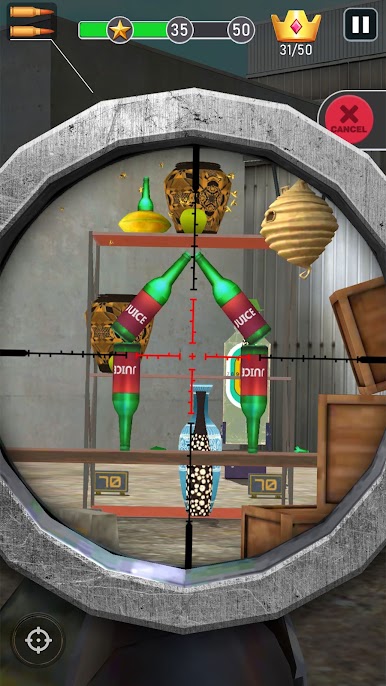
**Gameplay**: Control your sharpshooter character, aim precisely, and challenge yourself to hit the most targets with the fewest bullets. Each level has a limited number of bullets, so timing and precision are key to clearing the stages!
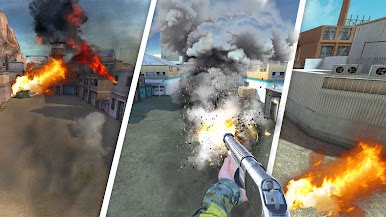
**Shooting Experience**: The game perfectly replicates realistic shooting effects and intense combat scenarios, allowing you to experience the power and accuracy of various firearms right on your mobile device.
**Puzzle Challenges**: Which target should you shoot first? The game not only tests your shooting skills but also presents puzzle designs in each level, offering a significant intellectual challenge.
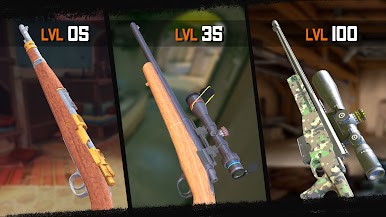
**Firearm Collection**: The game accurately replicates several real-life sniper rifles and shotguns. All firearms can be unlocked through in-game rewards, with no in-app purchases required.
**Suitable for Players**: Whether young or old, male or female, everyone can enjoy this game. You can confidently share the fun with family and friends.
**Offline Gameplay**: Play anytime, anywhere—even in the elevator or on the subway—without needing an internet connection!
**Storage Usage**: The game occupies only the same amount of storage as a typical video, so it won’t put any significant strain on your phone’s memory. You can keep it without worry!
**Note**: Don't play the game in front of your friends or try to aim at them with your phone, or they might seize the opportunity to snatch the game away from you.
Start playing now and challenge yourself to become the sharpest shooter! Download now and embark on your shooting adventure!

Play Shooting Fire:Sniper Range on PC. It’s easy to get started.
-
Download and install BlueStacks on your PC
-
Complete Google sign-in to access the Play Store, or do it later
-
Look for Shooting Fire:Sniper Range in the search bar at the top right corner
-
Click to install Shooting Fire:Sniper Range from the search results
-
Complete Google sign-in (if you skipped step 2) to install Shooting Fire:Sniper Range
-
Click the Shooting Fire:Sniper Range icon on the home screen to start playing

