


Intrix
Play on PC with BlueStacks – the Android Gaming Platform, trusted by 500M+ gamers.

Page Modified on: Nov 28, 2025
Play Intrix on PC
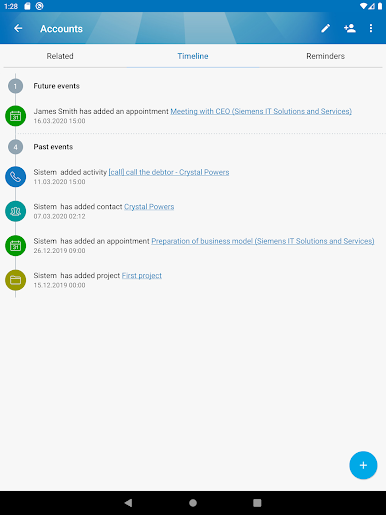
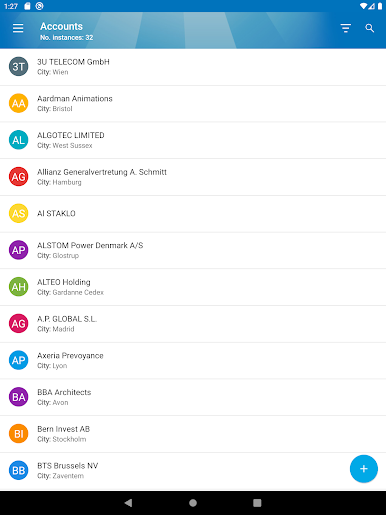
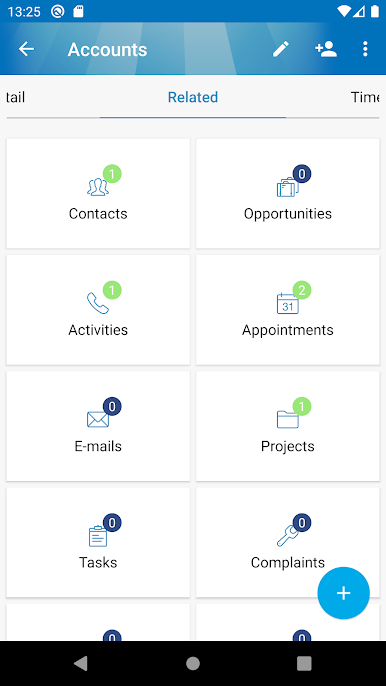
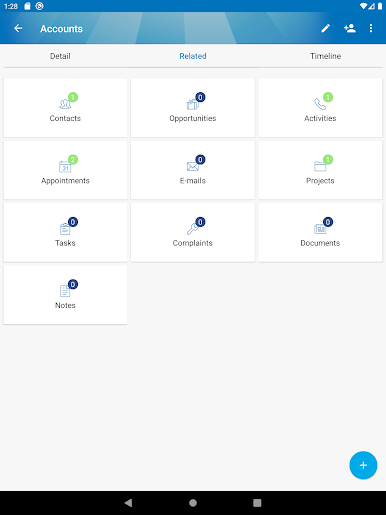
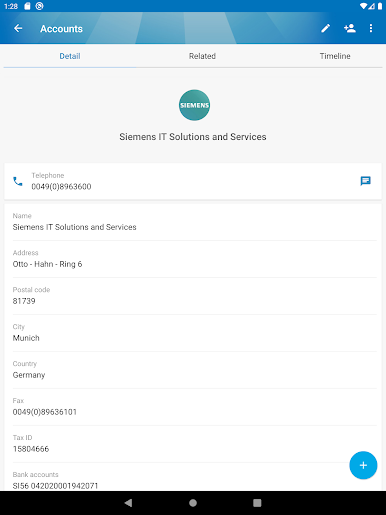
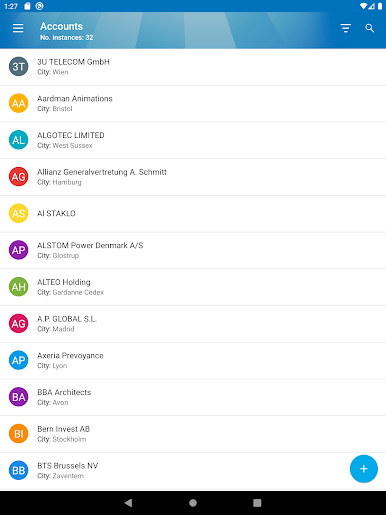
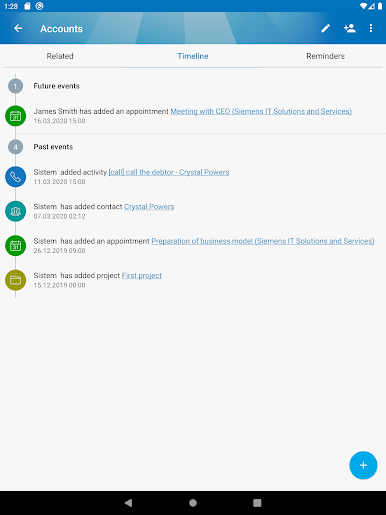
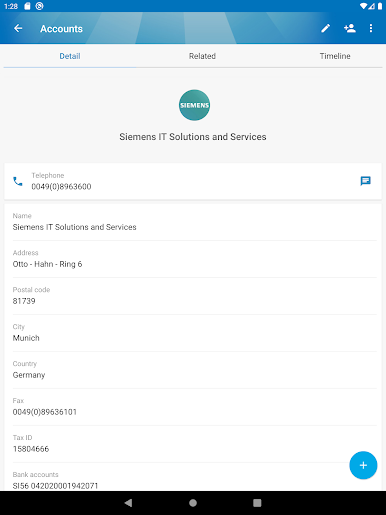
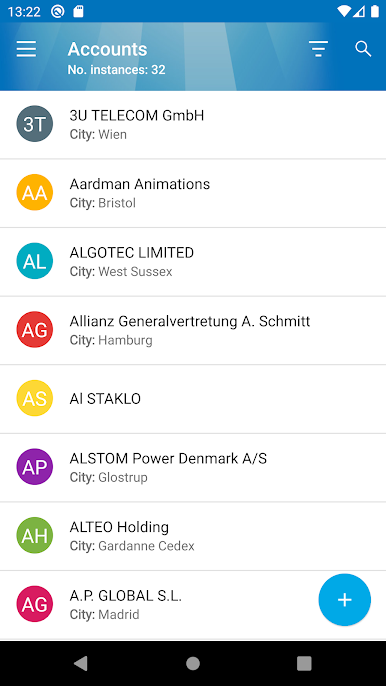
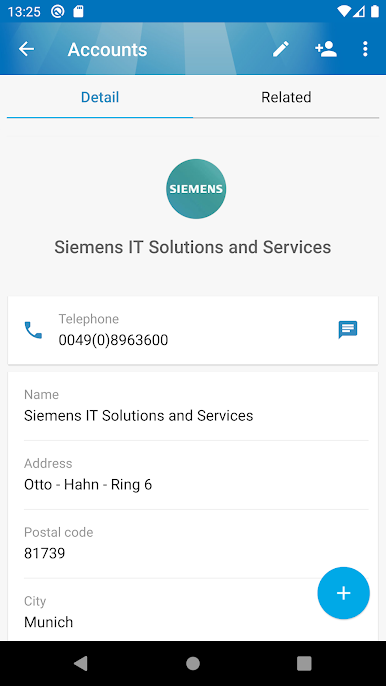
KEEP YOUR CUSTOMER DATABASE IN ORDER – A detailed overview of clients, prospects and all related contacts in one place will save time for you and your colleagues.
WIN SALES OPPORTUNITIES – Efficient monitoring and closing of sales opportunities will increase the number of successfully obtained deals.
INTRIX ADAPTS TO YOUR PROCESSES – Intrix can be adapted to match your specific business processes and requirements, so it will contain exactly what you need – nothing more and nothing less.
MAKE THE RIGHT DECISIONS – With the help of the excellent Intrix reports, you’ll be able to get an accurate overview of your sales pipeline and make the best possible decision for your business at any moment.
The mobile app allows you to:
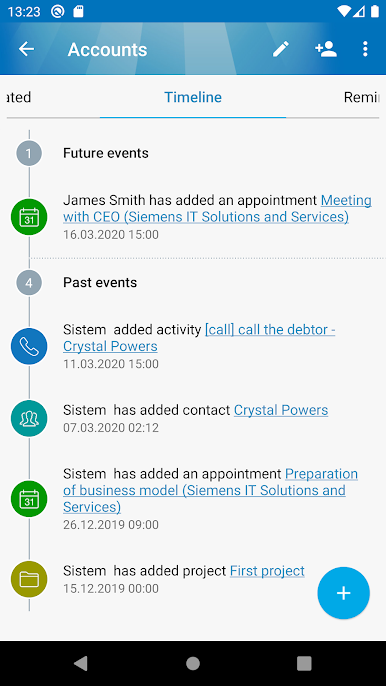
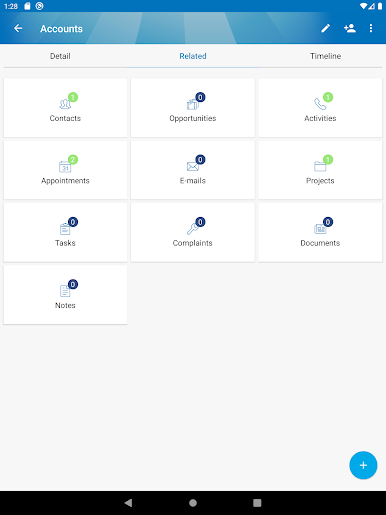
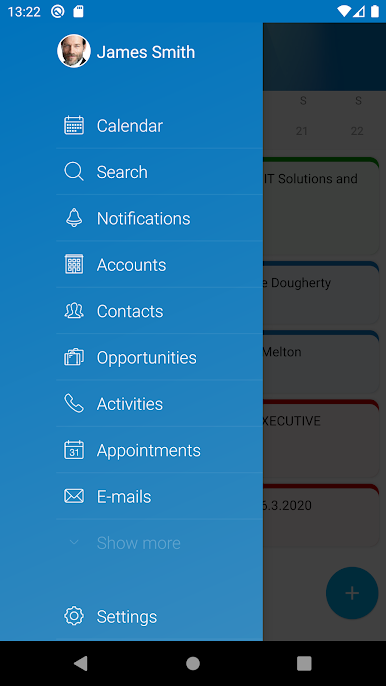
- manage data about your customers, contacts, leads, opportunities, activities, projects, documents, etc.,
- quickly see the location of a company or a meeting (1-click navigation),
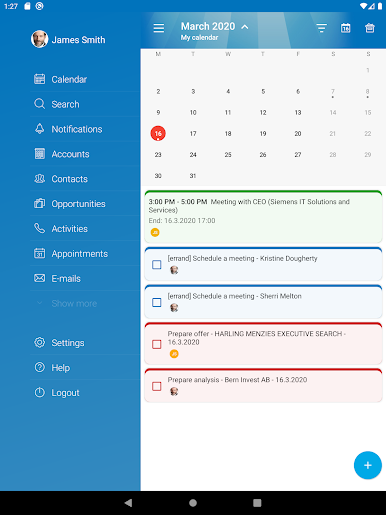
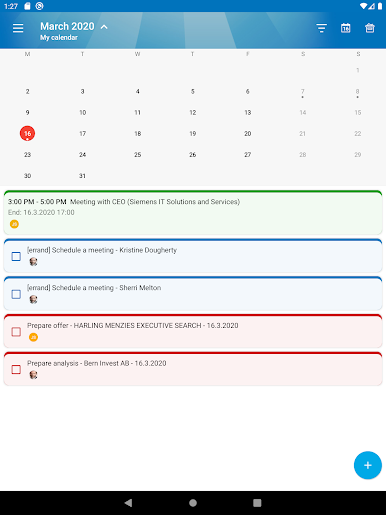
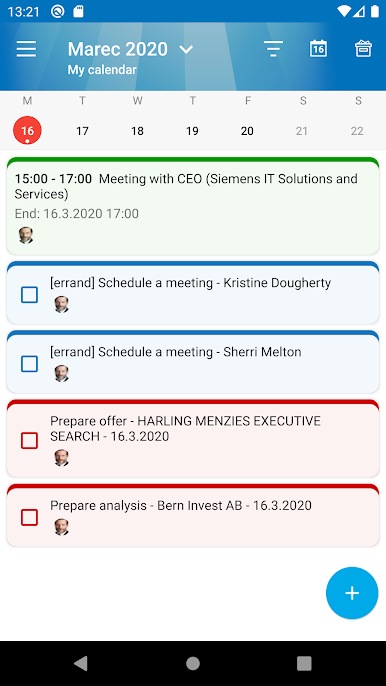
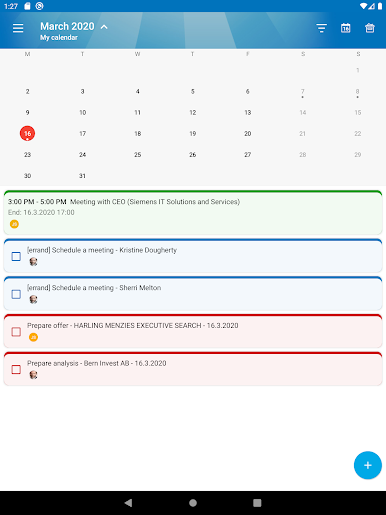
- easily add and manage your and your coworkers’ tasks, meetings and activities,
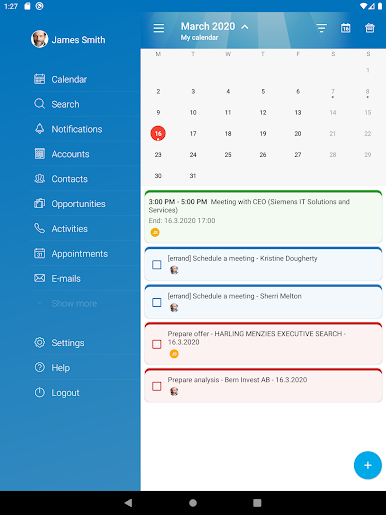
- plan and review calendar activities,
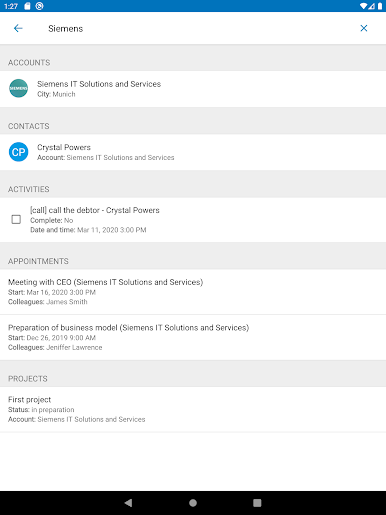
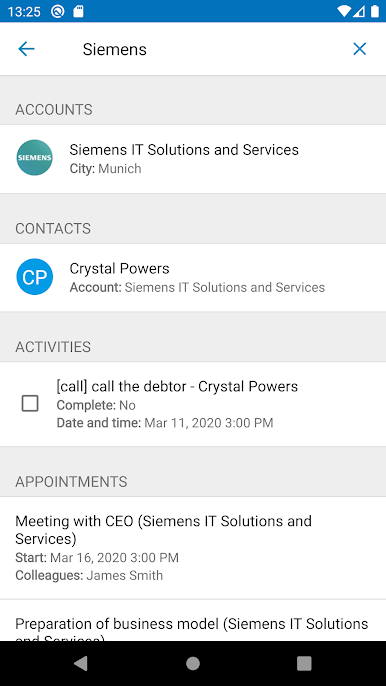
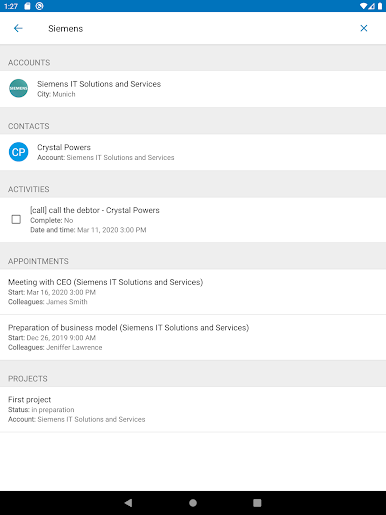
- find what you’re looking for with powerful search and preset filters,
- attach and review photos and other documents,
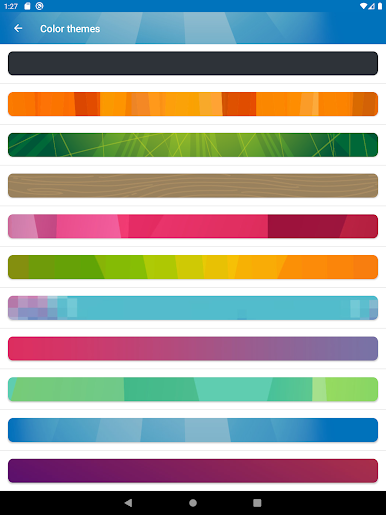
- manage your personal settings.
Intera is the largest Slovenian provider of CRM solutions. So far, we have successfully completed more than800 implementations of the Intrix system, actively used by more than 8000 users.
Play Intrix on PC. It’s easy to get started.
-
Download and install BlueStacks on your PC
-
Complete Google sign-in to access the Play Store, or do it later
-
Look for Intrix in the search bar at the top right corner
-
Click to install Intrix from the search results
-
Complete Google sign-in (if you skipped step 2) to install Intrix
-
Click the Intrix icon on the home screen to start playing

