


Simply Learn Burmese
Play on PC with BlueStacks – the Android Gaming Platform, trusted by 500M+ gamers.

Page Modified on: Oct 4, 2023
Play Simply Learn Burmese on PC
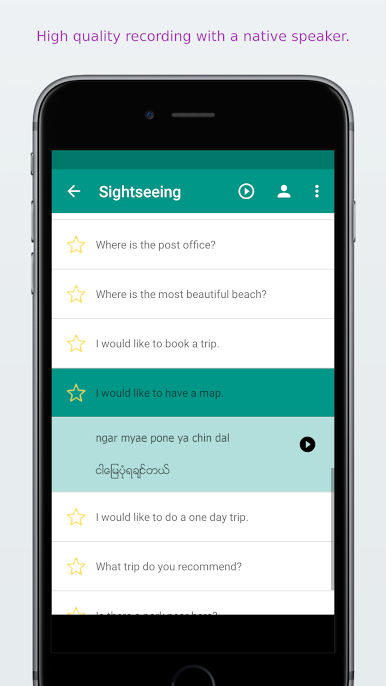
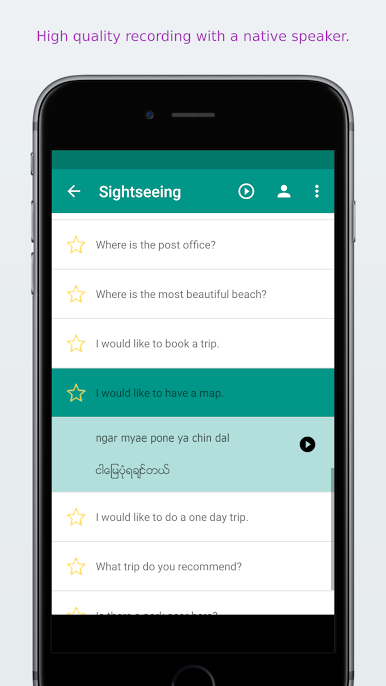
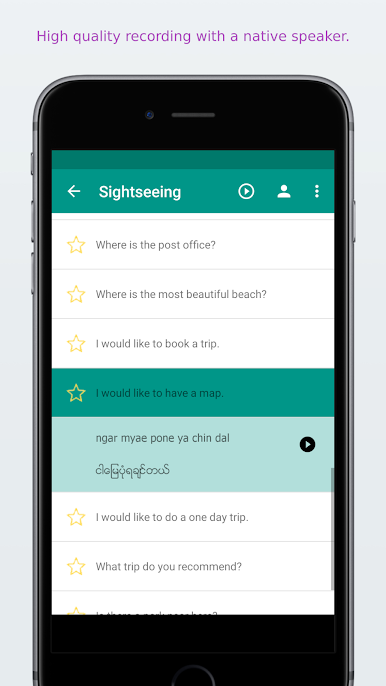
✓ Recorded by a native speaker from Myanmar
✓ High quality audio
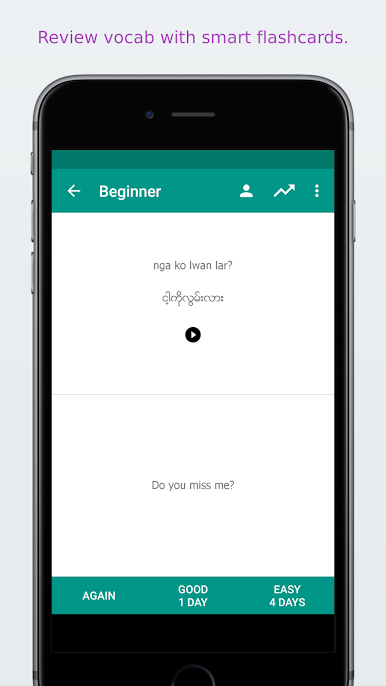
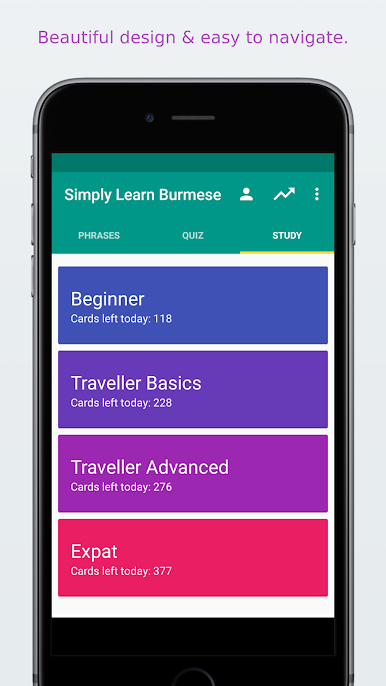
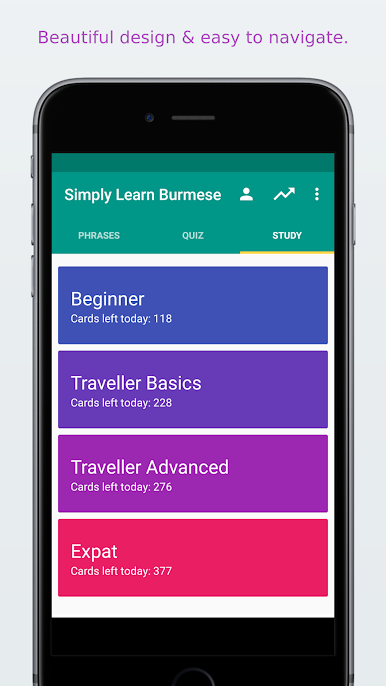
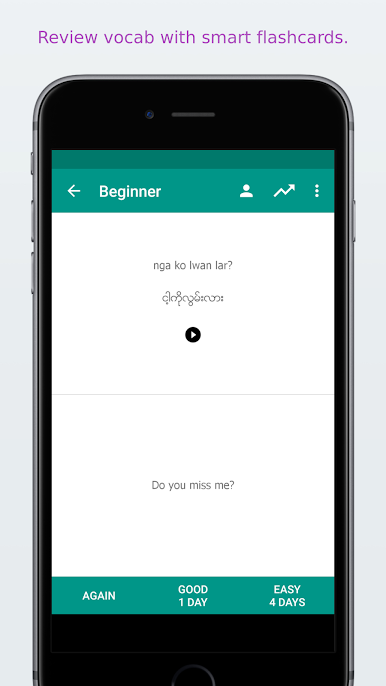
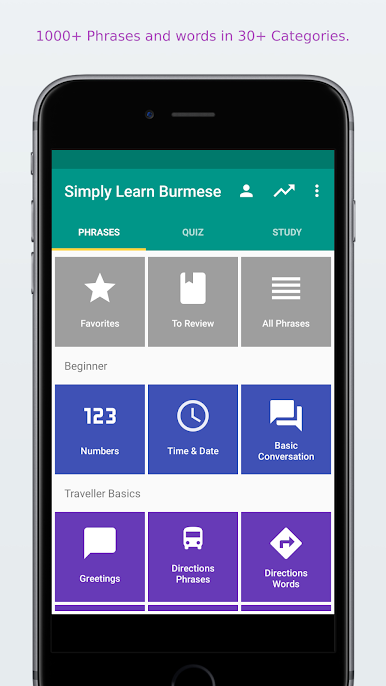
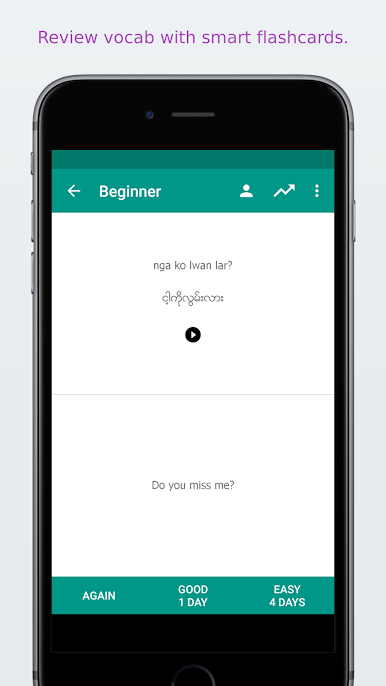
✓ Spaced repetition learning system
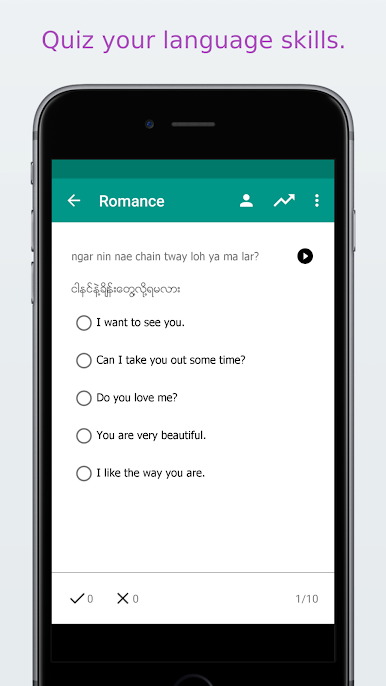
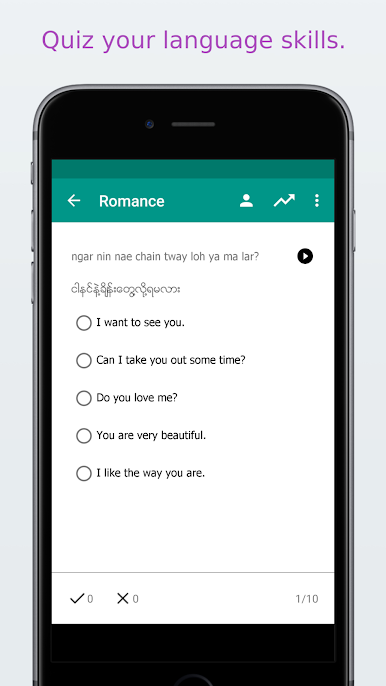
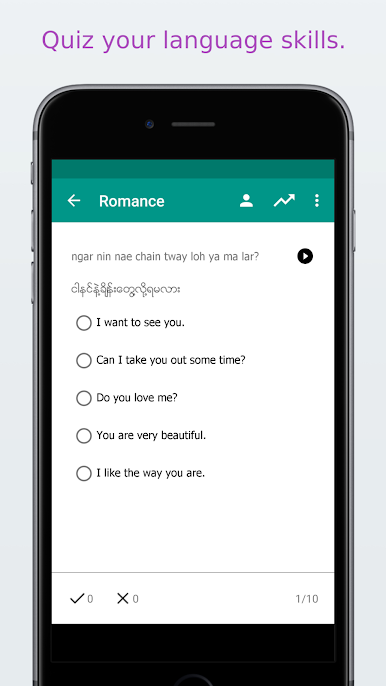
✓ Burmese quiz to review your skills
✓ Track your learning progress
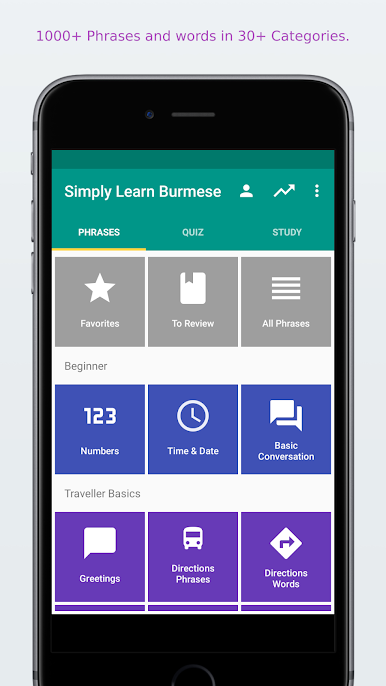
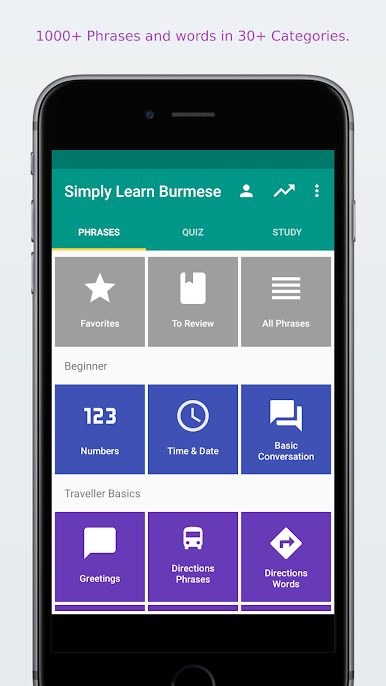
✓ Save your favorite phrases and words
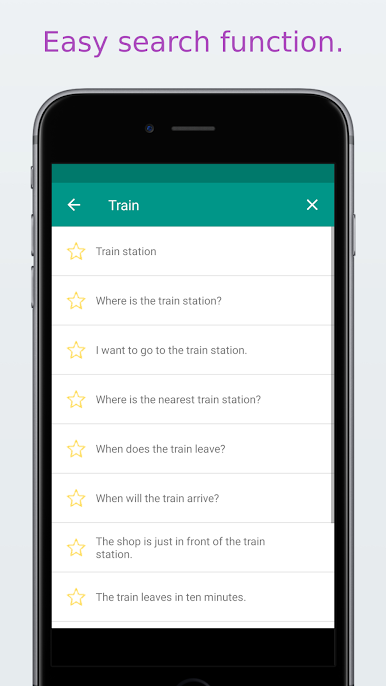
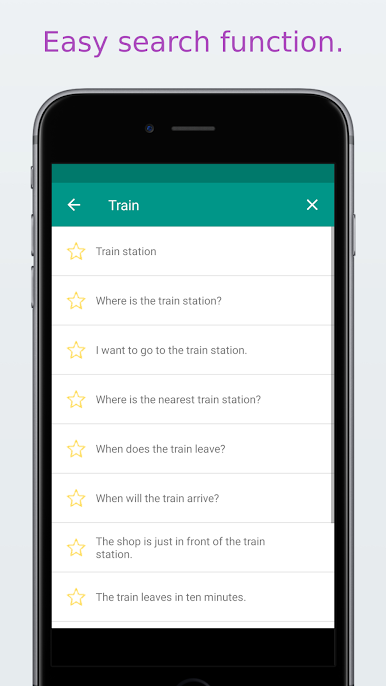
✓ Quick search function
✓ Copy the phrases to the clipboard (by clicking long on the phrase)
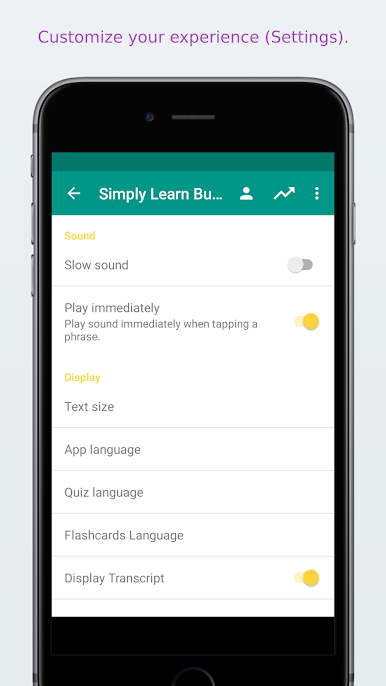
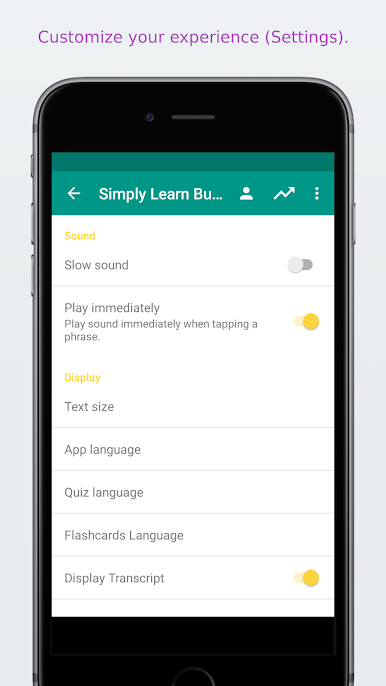
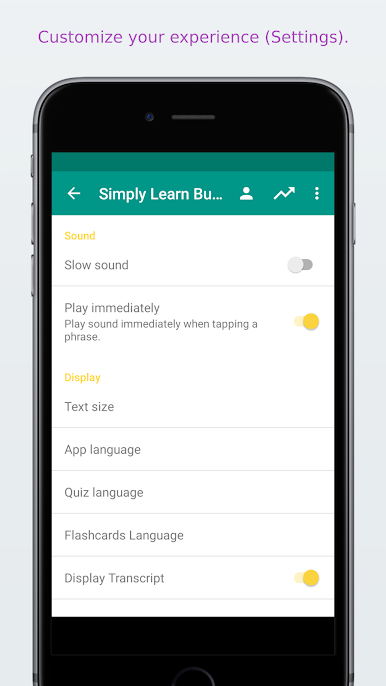
✓ Play the sound more slowly
✓ Adjust the quiz and flashcards settings for Burmese to English, English to Burmese★★★ Feedback appreciated ★★★If you like this app, please take a few seconds to give a rating or review. If you have any feedback, suggestions or advise I am more than happy if you let me know.★★★About US★★★ Website: www.simplylearnlanguages.com/burmese
Facebook: www.facebook.com/simplylearnlanguages/
Feedback: support@ling-app.com
Privacy Policy: https://simplylearnapp.com/privacy.html Have fun learning Burmese!
Privacy Policy: https://simplylearnapp.com/privacy.html
Play Simply Learn Burmese on PC. It’s easy to get started.
-
Download and install BlueStacks on your PC
-
Complete Google sign-in to access the Play Store, or do it later
-
Look for Simply Learn Burmese in the search bar at the top right corner
-
Click to install Simply Learn Burmese from the search results
-
Complete Google sign-in (if you skipped step 2) to install Simply Learn Burmese
-
Click the Simply Learn Burmese icon on the home screen to start playing

