


Widgets Color Widgets + Icons
Play on PC with BlueStacks – the Android Gaming Platform, trusted by 500M+ gamers.

Page Modified on: Nov 14, 2025
Run Widgets Color Widgets + Icons on PC or Mac
Get freedom from your phone’s obvious limitations. Use Widgets Color Widgets + Icons, made by androidslide, a Productivity app on your PC or Mac with BlueStacks, and level up your experience.
About the App
If your home screen has been looking a little too predictable lately, Widgets Color Widgets + Icons is here to shake up your routine. Brought to you by androidslide (yep, the minds behind the wildly popular WatchMaker), this app lets you put a fresh spin on your Android with widget styles inspired by iOS 16 and tons of creative options. Whether you just want a quick change or have a vision for the ultimate home screen setup, you’ll find plenty to play with. Trying it out on BlueStacks? Yup, all that customization is still at your fingertips.
App Features
-
Endless Widget Choices
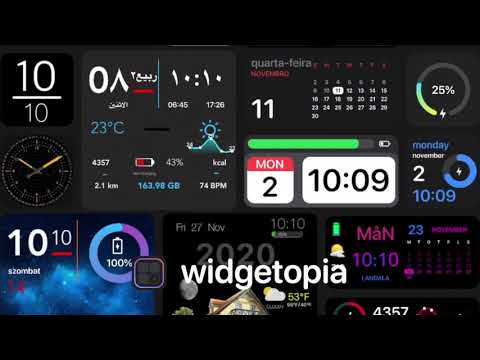
Stuck in a design rut? Explore over 75,000 pre-made widgets covering everything from clocks to calendars, ready to use in seconds. You’ll never run out of new looks to try. -
Create Your Way
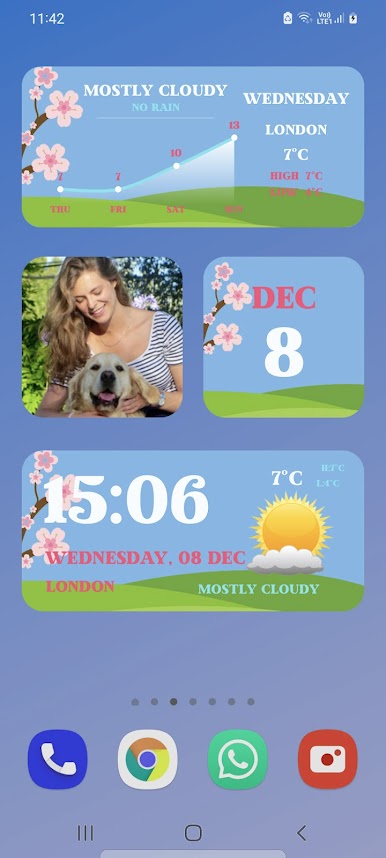
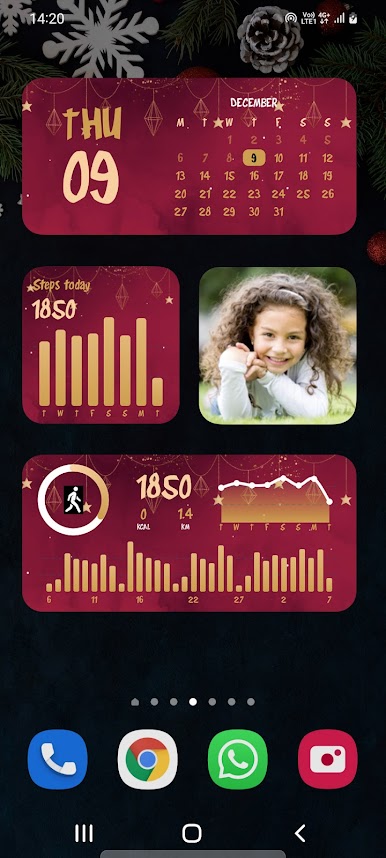
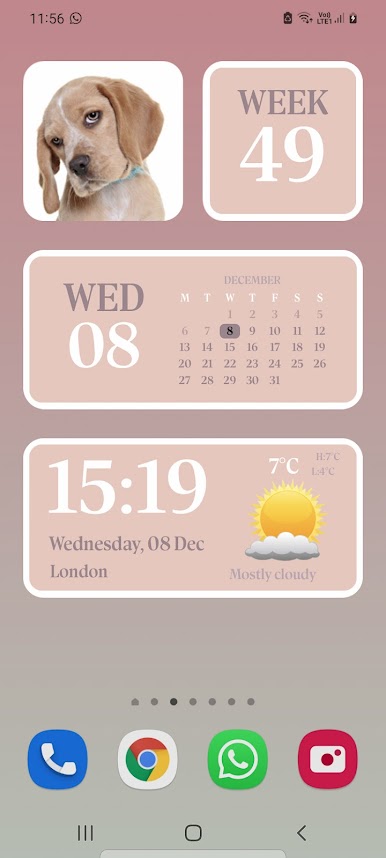
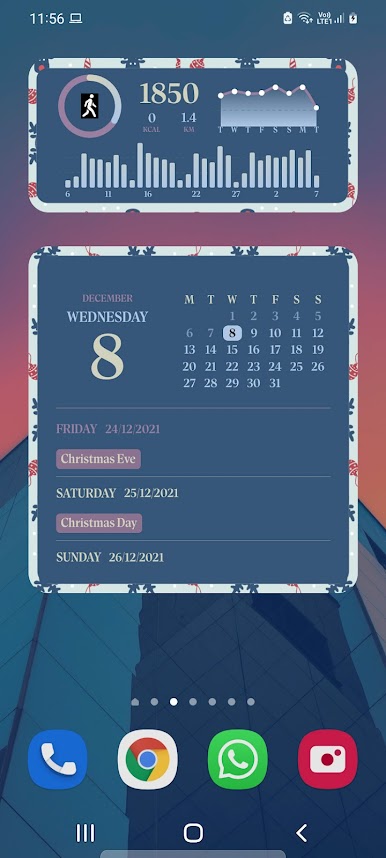
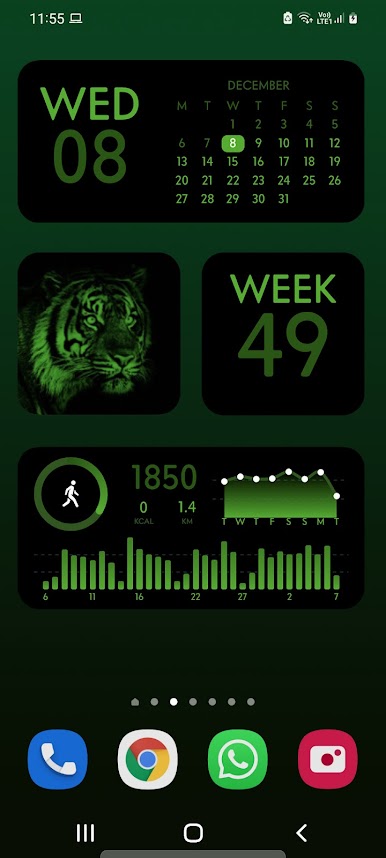
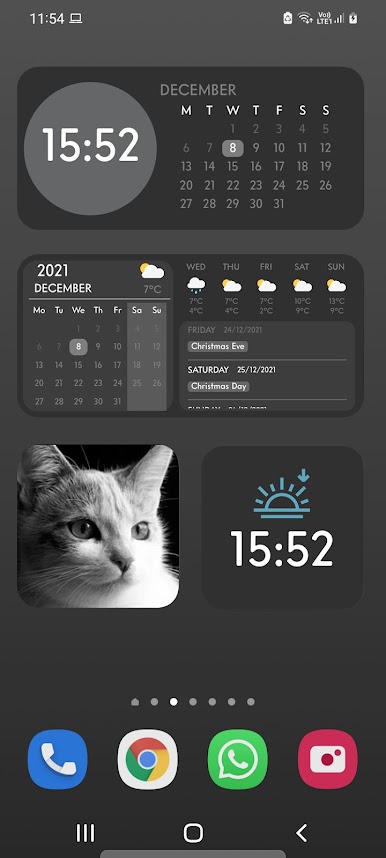
Got specific info you want front and center? Tinker with the built-in design tools to build totally custom widgets. Show off your to-dos, step count, battery, or even your own photos—it’s all up to you. -
Edit and Remix Anything
See a widget you like but want to make it your own? Go ahead and remix any existing widget until it’s just right for you. -
Rich Widget Themes
Switch things up with over 70 widget themes, including special options for holidays or just because you’re in the mood for something different. -
Data at a Glance
Time, date, weather updates, moon phases, step tracking, countdowns—it’s all available and easy to display with just a couple of taps. -
Personal Wallpapers
Not stopping at widgets, you also get access to more than 100 wallpapers to complement your revamped home and lock screens. -
Support for Custom Scripts and GIFs
Want next-level features? Spice up your widgets using simple Javascript expressions or animated GIFs for a little extra flair. -
All for Free, Upgradable if You Want More
The app gives you access to most features without any cost, but if weather data and premium themes are a must-have, a single upgrade unlocks the rest. -
Connects With Google Fit
If you’re into tracking your steps, link it up and see your data right where you want. -
Widget Transparency and Colors
Play with different color options or go for a sleek transparent look—tons of ways to match your mood (or your wallpaper).
Whether you’re into subtle tweaks or bold redesigns, Widgets Color Widgets + Icons gives you the tools to make your home screen genuinely yours.
BlueStacks gives you the much-needed freedom to experience your favorite apps on a bigger screen. Get it now.
Play Widgets Color Widgets + Icons on PC. It’s easy to get started.
-
Download and install BlueStacks on your PC
-
Complete Google sign-in to access the Play Store, or do it later
-
Look for Widgets Color Widgets + Icons in the search bar at the top right corner
-
Click to install Widgets Color Widgets + Icons from the search results
-
Complete Google sign-in (if you skipped step 2) to install Widgets Color Widgets + Icons
-
Click the Widgets Color Widgets + Icons icon on the home screen to start playing

