


Smash Shoot
Play on PC with BlueStacks – the Android Gaming Platform, trusted by 500M+ gamers.

Page Modified on: Oct 8, 2026
Play Smash Shoot on PC
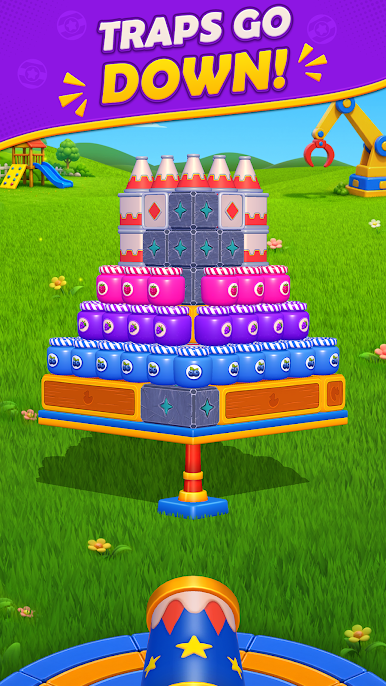
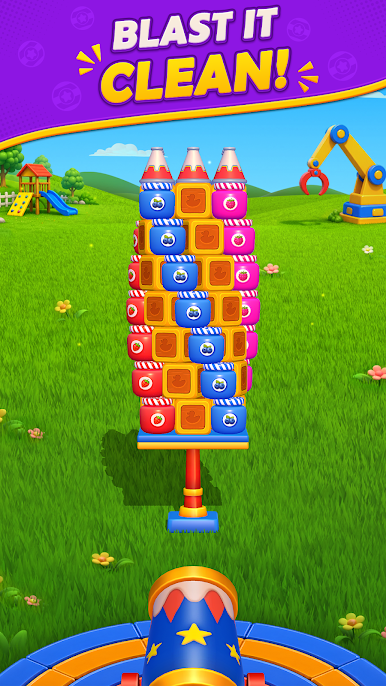
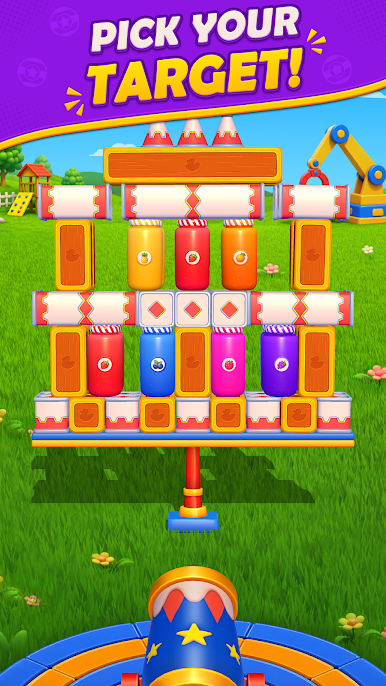
Every level brings a new layout to master. Cans, wooden boxes, jars, stones, ice blocks, and logs all react in different ways, while rotating and moving tables or indestructible blockers test your timing and strategy.
Game Features:
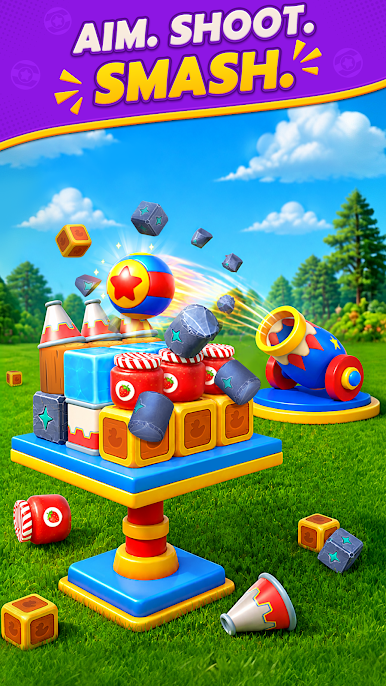
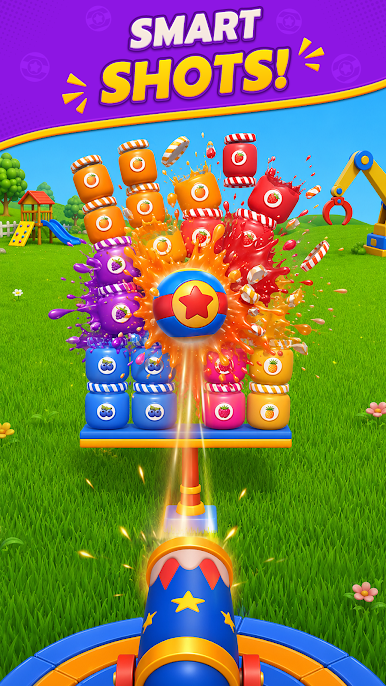
Satisfying Cannon Action: Tap a target and fire instantly. Enjoy bursts of flame, smoke, debris, and colorful impact effects with every hit.
Physics-Based Puzzles: Cannonballs are limited, so study each setup, choose the best impact point, and create powerful chain reactions.
Objects That React: Smash boxes and jars, push cans, stones, ice blocks, and logs, and discover how each material changes the puzzle.
Dynamic Challenges: Take on Normal, Hard, and Super Hard levels featuring rotating, sliding, and lifting tables, plus unbreakable blockers.
Fireworks & Progression: Clear levels to earn coins, unlock Fireworks, and destroy multiple targets at the start of a difficult level.
Aim, fire, and smash! Jump into Smash Shoot and clear the whole table with your smartest shot!
Play Smash Shoot on PC. It’s easy to get started.
-
Download and install BlueStacks on your PC
-
Complete Google sign-in to access the Play Store, or do it later
-
Look for Smash Shoot in the search bar at the top right corner
-
Click to install Smash Shoot from the search results
-
Complete Google sign-in (if you skipped step 2) to install Smash Shoot
-
Click the Smash Shoot icon on the home screen to start playing

