


Solitaire
Play on PC with BlueStacks – the Android Gaming Platform, trusted by 500M+ gamers.

Page Modified on: Aug 27, 2026
Play Solitaire on PC or Mac
Solitaire brings the Card genre to life, and throws up exciting challenges for gamers. Developed by Cool Games – Puzzle, this Android game is best experienced on BlueStacks, the World’s #1 app player for PC and Mac users.
About the Game
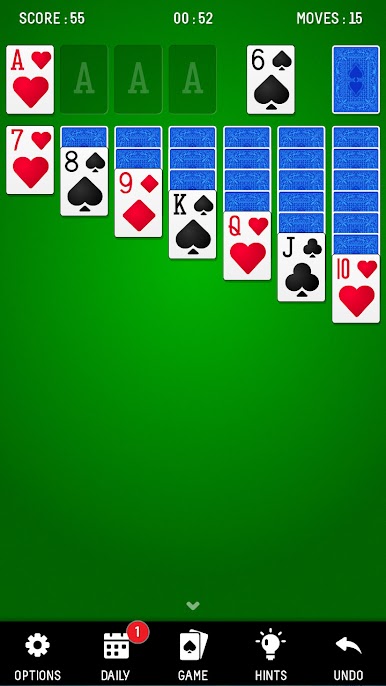
Solitaire from Cool Games – Puzzle is all about relaxing with a familiar favorite. Whether you’re an old pro at Klondike or just looking to pass a little time, this classic card experience is a smooth, casual way to unwind. The rules are straightforward, but there’s plenty of challenge if you’re after it—think of it as that quick brain break you can pick up anytime.
Game Features
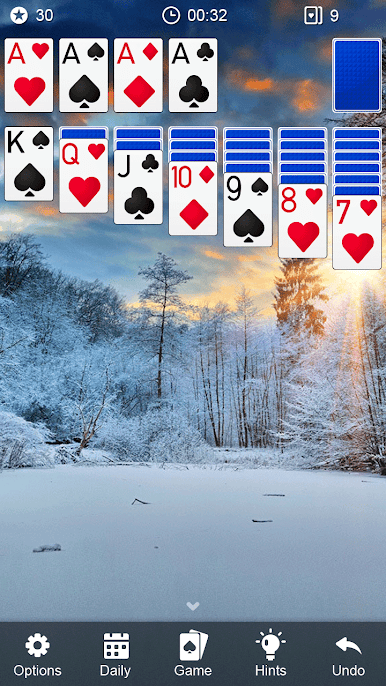
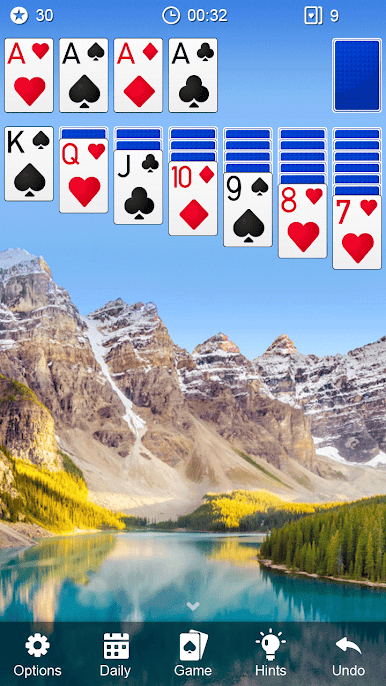
- Personalized Themes
Add a splash of your own style with a variety of gorgeous themes. Switch between looks to match your mood—well, it just makes shuffling cards feel a bit more special. - Daily Challenge
Every day comes with a new puzzle to shake things up. Try to beat the clock (and your friends, if you’re the competitive type) with a fresh challenge waiting each morning. - Handy Hints and Undo
Stuck on a move or just want to backtrack? Unlimited hints and undos have your back. No shame in getting a little help! - Flexible Gameplay
Play the way you like—draw one card or three, switch up your layout between portrait and landscape, and even pick left-handed mode if that suits you. - Smooth Controls
Tap or drag cards as you please. It’s all about making gameplay feel quick and comfortable, whether you’re on a phone or going bigger with BlueStacks on your computer. - Auto-Complete and Saves
Short on time? Auto-complete sweeps up the cards for you when you’ve basically won, and auto-save means you’ll never lose your progress. - Record Tracking
Keep an eye on your best times and moves. It’s always satisfying to see those improvements. - Tablet Support
The game looks great on bigger screens, too, so you can play on your tablet without a hitch.
Whether you’re in it to challenge yourself or just to kick back and relax, Solitaire offers a familiar card game with some nice extras to keep things interesting.
Get ready for a buttery smooth, high-performance gaming action only on BlueStacks.




Play Solitaire on PC. It’s easy to get started.
-
Download and install BlueStacks on your PC
-
Complete Google sign-in to access the Play Store, or do it later
-
Look for Solitaire in the search bar at the top right corner
-
Click to install Solitaire from the search results
-
Complete Google sign-in (if you skipped step 2) to install Solitaire
-
Click the Solitaire icon on the home screen to start playing

