


Solitaire
Play on PC with BlueStacks – the Android Gaming Platform, trusted by 500M+ gamers.

Page Modified on: Oct 29, 2025
Play Solitaire on PC or Mac
Solitaire brings the Board genre to life, and throws up exciting challenges for gamers. Developed by Solitaire Classic Fun, this Android game is best experienced on BlueStacks, the World’s #1 app player for PC and Mac users.
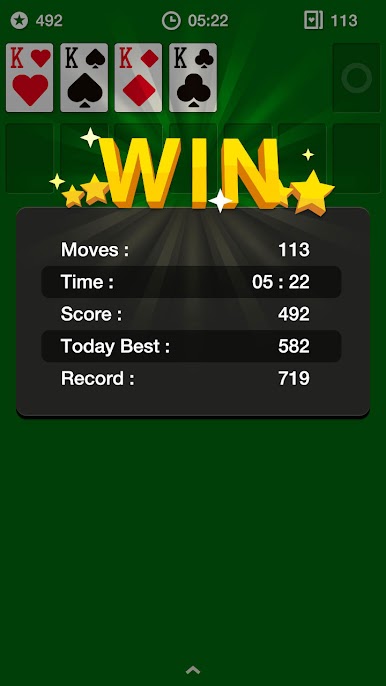
This one keeps classic Solitaire the way most people remember it, just cleaner and smoother to use. Cards are big and readable, the layout is uncluttered, and moving things around feels quick whether someone taps or drags. There is a toggle for Draw 1 or Draw 3, so it can be relaxed or a bit tougher, and the game lets players undo as much as they want. Hints are there if a stack looks jammed, then when a win is locked in, the auto-collect kicks in and finishes with a neat little flourish. A timer and move counter sit quietly in the corner, so it is easy to chase a faster time or fewer moves, and it saves progress automatically if life interrupts. There are a bunch of themes that swap card backs and backgrounds, left handed mode so the controls feel natural, and it works in portrait or landscape without fuss.
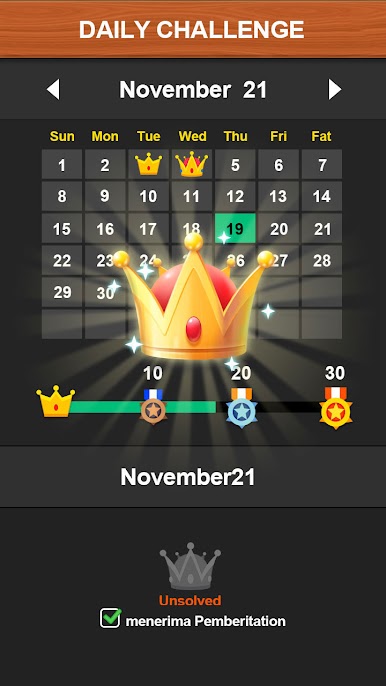
Daily Challenges give a simple target for the day, which is a nice change from just clearing a random deck. It suits quick coffee breaks, or a longer session when someone wants a low-pressure puzzle that still makes the brain work. On PC with BlueStacks it runs fine, clicks are precise and the bigger screen makes the cards pop, nothing fancy to figure out. It is straight-up Solitaire with quality-of-life touches and some light customization, and that is exactly the point.
Make your gaming sessions memorable with precise controls that give you an edge in close combats and visuals that pop up, bringing every character to life.






Play Solitaire on PC. It’s easy to get started.
-
Download and install BlueStacks on your PC
-
Complete Google sign-in to access the Play Store, or do it later
-
Look for Solitaire in the search bar at the top right corner
-
Click to install Solitaire from the search results
-
Complete Google sign-in (if you skipped step 2) to install Solitaire
-
Click the Solitaire icon on the home screen to start playing

