


Solitaire
Play on PC with BlueStacks – the Android Gaming Platform, trusted by 500M+ gamers.

Page Modified on: Aug 21, 2026
Play Solitaire on PC or Mac
Solitaire brings the Card genre to life, and throws up exciting challenges for gamers. Developed by NOODLE GAMES LIMITED, this Android game is best experienced on BlueStacks, the World’s #1 app player for PC and Mac users.
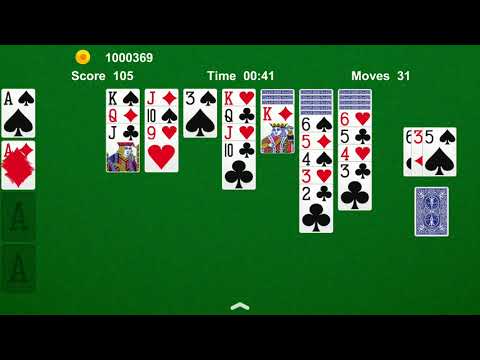
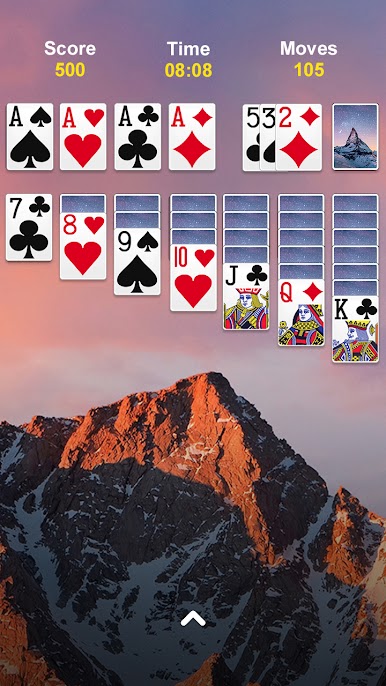
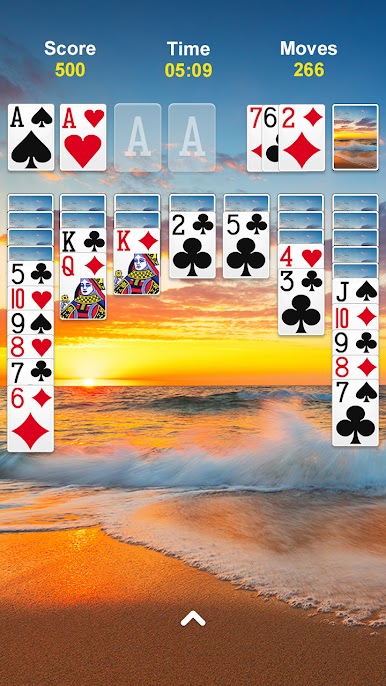
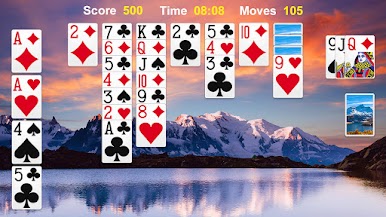
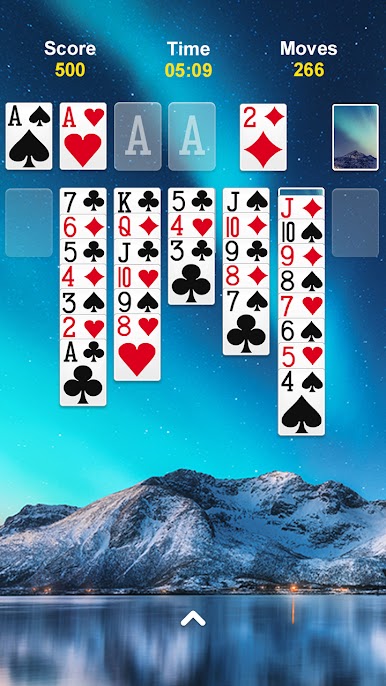
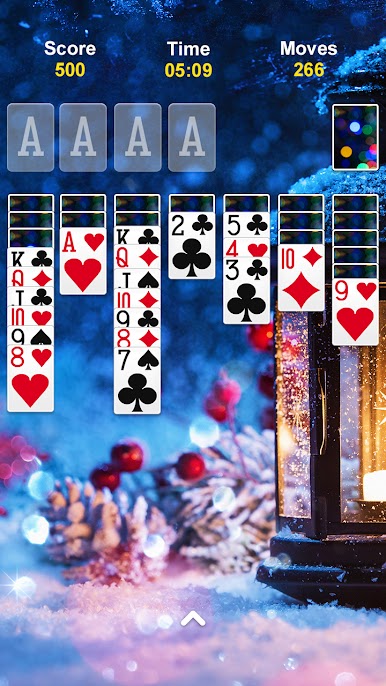
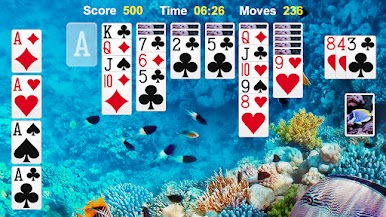
This is straight-up Klondike solitaire, the same style people remember from old Windows, just cleaner and quicker. Cards snap into place, single tap or drag feels smooth, and the rules are exactly what they should be. Build foundations from Ace to King, stacks alternate red and black, and there is a choice of draw 1 or draw 3 if someone wants more challenge. There is a timer and move counter for anyone who likes chasing a better score, plus daily challenges that hand out little crowns and trophies when solved. It scratches that neat puzzle itch without getting fussy.
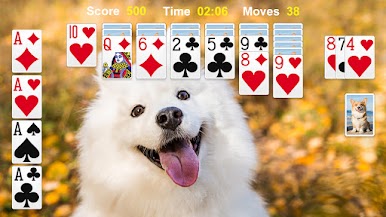
Quality of life stuff is solid. There is auto complete once a game is basically solved, endless undo for when a move goes sideways, and helpful hints that nudge without forcing anything. Left-handed mode is there, scoring follows the standard format, and the layouts work in portrait or landscape. Customization is nice too, with clean card faces, different backs, and background images so the table can look how someone likes. On PC with BlueStacks, the bigger screen makes suits easy to read and the mouse click-to-move feels very precise, which is great for fast runs. There are ads, as expected for a free title, but the core game stays classic, quick to start, and good for short breaks or longer streaks when the brain wants a calm challenge.
Slay your opponents with your epic moves. Play it your way on BlueStacks and dominate the battlefield.



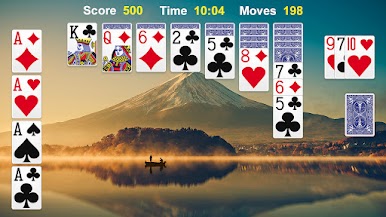
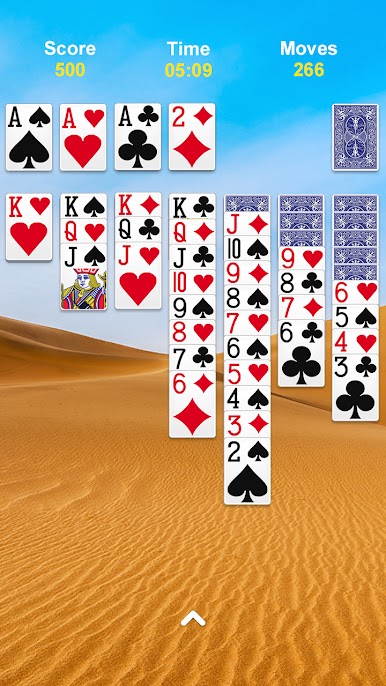
Play Solitaire on PC. It’s easy to get started.
-
Download and install BlueStacks on your PC
-
Complete Google sign-in to access the Play Store, or do it later
-
Look for Solitaire in the search bar at the top right corner
-
Click to install Solitaire from the search results
-
Complete Google sign-in (if you skipped step 2) to install Solitaire
-
Click the Solitaire icon on the home screen to start playing

