


Solitaire Smash: Real Cash!
Play on PC with BlueStacks – the Android Gaming Platform, trusted by 500M+ gamers.

Page Modified on: Sep 2, 2026
Play Solitaire Smash: Real Cash! on PC
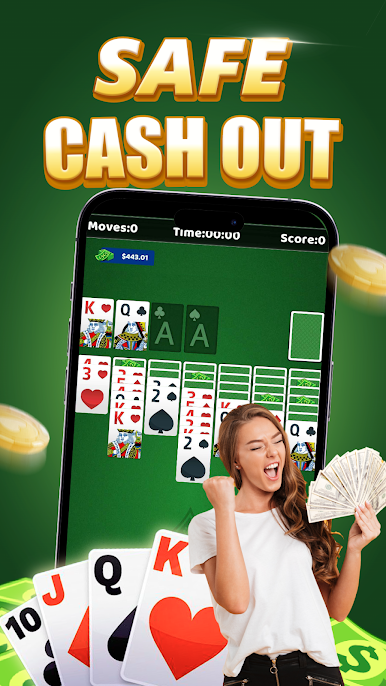
Arrange the cards, uncover hidden rows, build the four foundations, and complete each deal. Simple controls make every game easy to start, while thoughtful card choices help you clear the board efficiently.
♠️ CLASSIC KLONDIKE SOLITAIRE
Move cards in descending order while alternating between red and black suits. Reveal hidden cards and build each foundation from Ace to King.
♦️ CLEAR THE CARD TABLE
Complete each solitaire deal by moving all cards to the foundations. Plan your moves carefully and avoid blocking important cards.
♣️ COLLECT CASH REWARDS
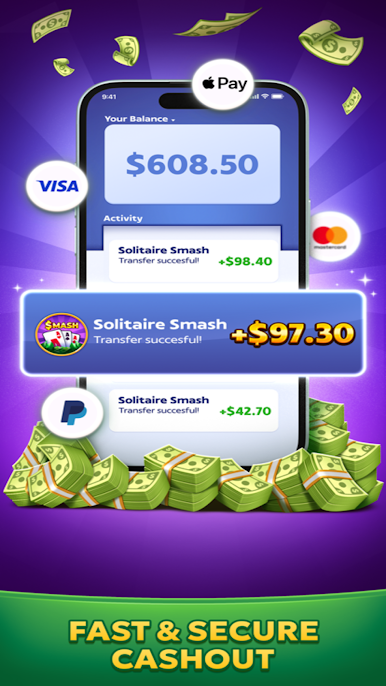
Finish eligible games and complete available reward goals to increase your cash balance. Track your progress and available rewards directly inside the game.
♥️ REACH THE CASH-OUT GOAL
Continue completing card games until you meet the applicable withdrawal requirements. Eligible winnings can then be submitted for cash out.
🃏 PLAY AT YOUR OWN PACE
Enjoy straightforward solitaire without real-time opponent matching. Focus on your own cards, moves, score, and reward progress.
HOW TO PLAY
1. Arrange cards in descending order.
2. Alternate between red and black suits.
3. Reveal the hidden cards.
4. Move Aces to the foundations.
5. Build each suit from Ace to King.
6. Clear the board and collect eligible rewards.
7. Meet the requirements and request a cash out.
Every card and every move matters. Complete the deal, build your reward balance, and continue toward your cash-out goal.

Play Solitaire Smash: Real Cash! on PC. It’s easy to get started.
-
Download and install BlueStacks on your PC
-
Complete Google sign-in to access the Play Store, or do it later
-
Look for Solitaire Smash: Real Cash! in the search bar at the top right corner
-
Click to install Solitaire Smash: Real Cash! from the search results
-
Complete Google sign-in (if you skipped step 2) to install Solitaire Smash: Real Cash!
-
Click the Solitaire Smash: Real Cash! icon on the home screen to start playing

