


Solitaire Win Cash - Real Cash
Play on PC with BlueStacks – the Android Gaming Platform, trusted by 500M+ gamers.

Page Modified on: Jan 24, 2026
Play Solitaire Win Cash - Real Cash on PC
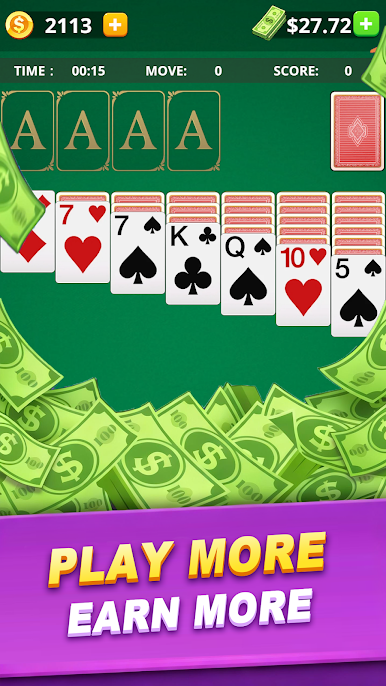
Welcome to the most exciting Solitaire Cash game where classic card fun meets real money rewards! Whether you’re a solitaire pro or just looking for a fun way to earn, this game has everything you need.
Why You’ll Love Our Solitaire Cash Game:
🃏 Win Real Cash Easily
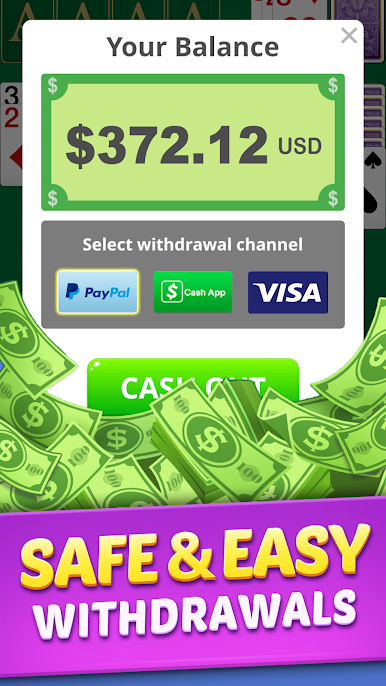
Play your favorite solitaire game and earn real cash prizes! Withdraw your winnings safely and quickly via Cash App, PayPal, or Visa. It’s simple, secure, and rewarding!
💎 Collect Coins & Redeem Gift Cards
As you play, collect coins that you can exchange for amazing gift cards like Amazon, Starbucks, and many more. Enjoy your rewards beyond just cash!
🃏 Classic Solitaire with Draw 1 & Draw 3 Modes
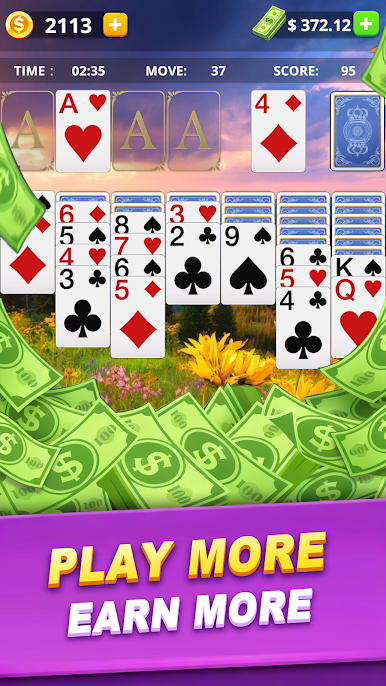
Choose your favorite challenge: play with Draw 1 card for a quick game or Draw 3 cards for a more strategic experience. Perfect for all skill levels!
🎨 Customize Your Cards & Backgrounds
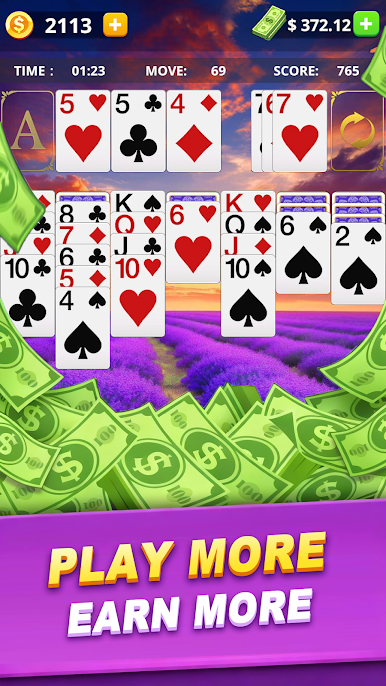
Make the game truly yours! Unlock and apply free custom card backs and stunning background images to personalize your solitaire table.
🔄 Free Hints & Undo Moves
Stuck on a tough move? Use free hints to guide you and undo any move without limits to perfect your strategy.
🎶 Relaxing Music & Sound Effects
Enjoy a calming soundtrack and satisfying sound effects that make every card you play a delight.
Enjoy win real money games that pay? Download and win cash now! 🏆💵

Play Solitaire Win Cash - Real Cash on PC. It’s easy to get started.
-
Download and install BlueStacks on your PC
-
Complete Google sign-in to access the Play Store, or do it later
-
Look for Solitaire Win Cash - Real Cash in the search bar at the top right corner
-
Click to install Solitaire Win Cash - Real Cash from the search results
-
Complete Google sign-in (if you skipped step 2) to install Solitaire Win Cash - Real Cash
-
Click the Solitaire Win Cash - Real Cash icon on the home screen to start playing

