


Bubble Poke
Play on PC with BlueStacks – the Android Gaming Platform, trusted by 500M+ gamers.

Page Modified on: Dec 3, 2025
Play Bubble Poke™ on PC or Mac
Bring your A-game to Bubble Poke™, the Casual game sensation from NRS Magic LTD. Give your gameplay the much-needed boost with precise game controls, high FPS graphics, and top-tier features on your PC or Mac with BlueStacks.
About the Game
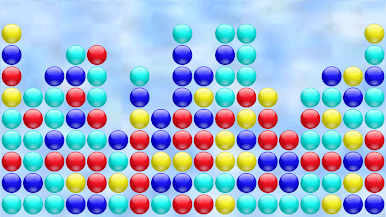
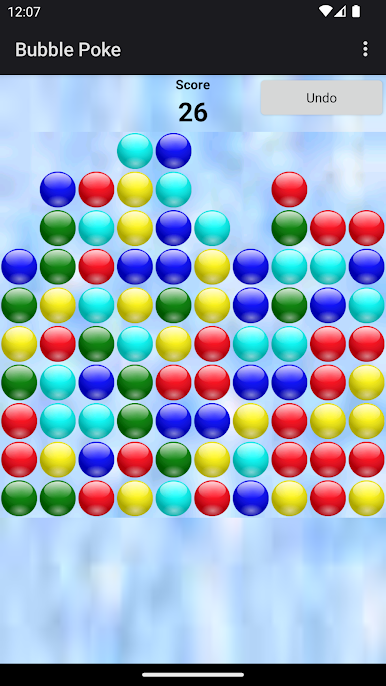
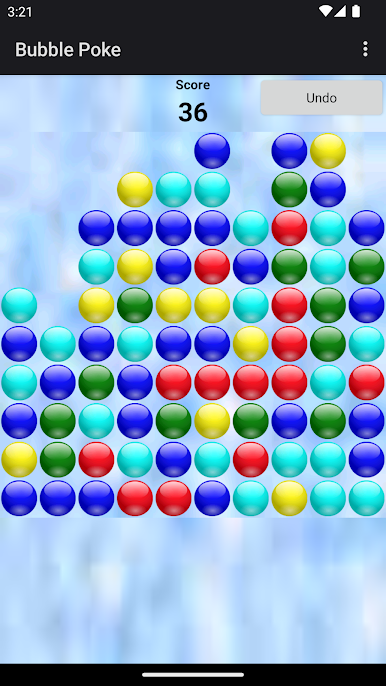
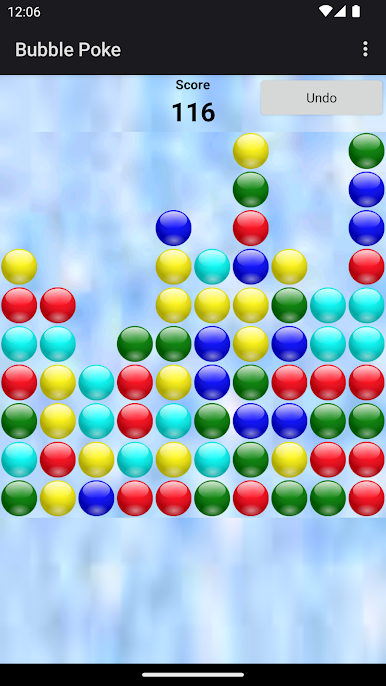
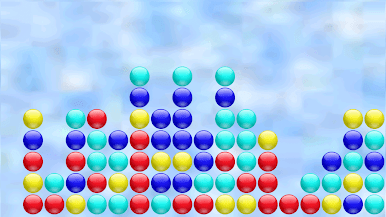
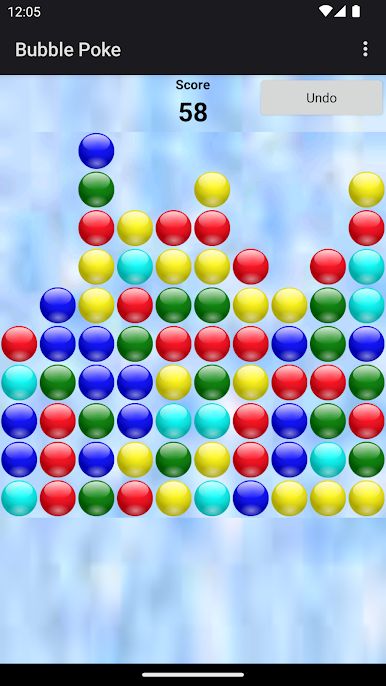
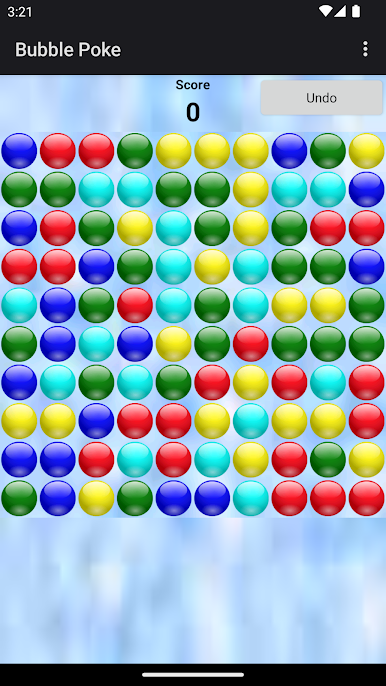
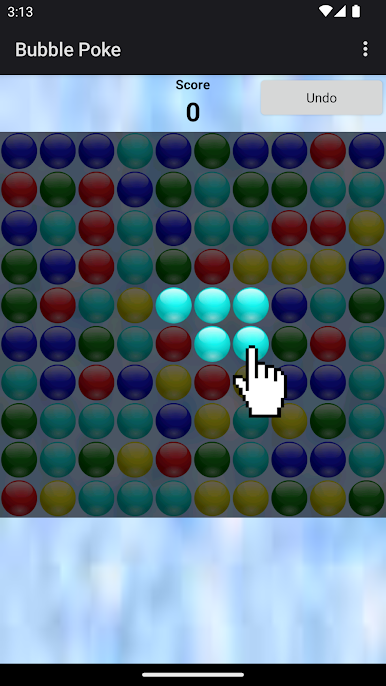
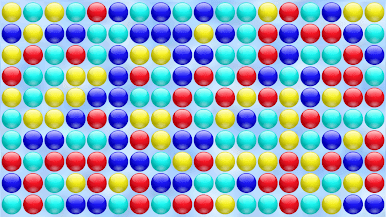
Looking for a chill game that doesn’t ask too much but keeps you hooked? Bubble Poke™ by NRS Magic LTD has you covered. It’s all about bursting clusters of like-colored bubbles—just tap two or more neighboring ones, and watch them pop. The more bubbles you clear at once, the more your score shoots up. Whether you’ve got a minute to kill or want to play round after round, this casual puzzle offers bite-sized fun and plenty of reasons to go for “just one more try”—especially if you’re checking it out on BlueStacks.
Game Features
-
Custom Game Rules:
Want to mix things up? Tinker with the rules in the settings to give yourself a new twist or extra challenge any time. -
Levels Galore:
There’s more than one way to play—challenge yourself with different levels as you go. -
Lots of Bubble Colors:
Whether you like things simple or crave a rainbow, you’re covered. Play with as few as four colors or rack up the difficulty with as many as eight. -
Undo Feature:
Made a move you wish you hadn’t? No sweat—you can undo your last step and try a different strategy. -
Color Blind Mode:
Inclusive design lets everyone get in on the bubble-bursting fun, thanks to a thoughtful color blind mode. -
Tracks Your Best Scores:
The high score board keeps tabs on your top performances, so you can brag when you or your friends nail a new record.
Make your gaming sessions memorable with precise controls that give you an edge in close combats and visuals that pop up, bringing every character to life.

Play Bubble Poke on PC. It’s easy to get started.
-
Download and install BlueStacks on your PC
-
Complete Google sign-in to access the Play Store, or do it later
-
Look for Bubble Poke in the search bar at the top right corner
-
Click to install Bubble Poke from the search results
-
Complete Google sign-in (if you skipped step 2) to install Bubble Poke
-
Click the Bubble Poke icon on the home screen to start playing

