


Spider Solitaire
Play on PC with BlueStacks – the Android Gaming Platform, trusted by 500M+ gamers.

Page Modified on: Dec 23, 2025
Play Spider Solitaire on PC
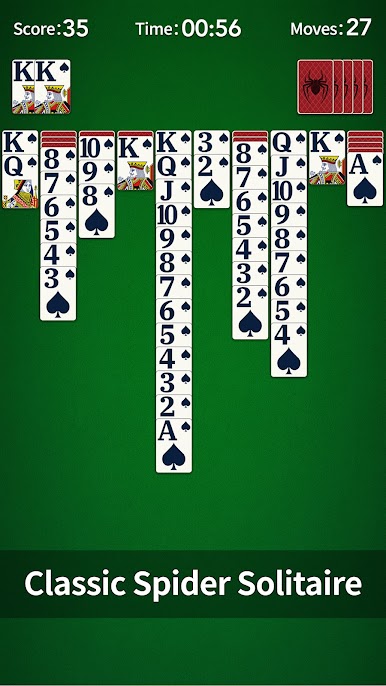
If you're a fan of the classic Solitaire games on PC, you'll definitely love this free mobile Solitaire game!
============== Optimized Design for Seniors ==============
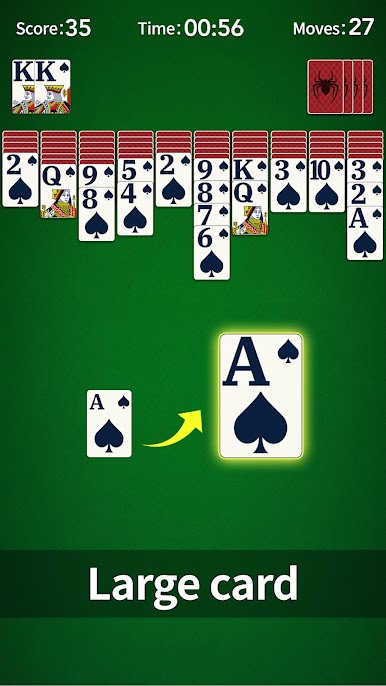
🌟 Large & Eye-Friendly Cards: We've specifically enlarged the cards and fonts with a clean, simple interface design, making it easy on your eyes even during long play sessions.
🌟 Simple Controls, Easy to Master: Simply tap or drag to move cards. We also provide unlimited free hints and undos, so you can play without worry and fully enjoy the fun.
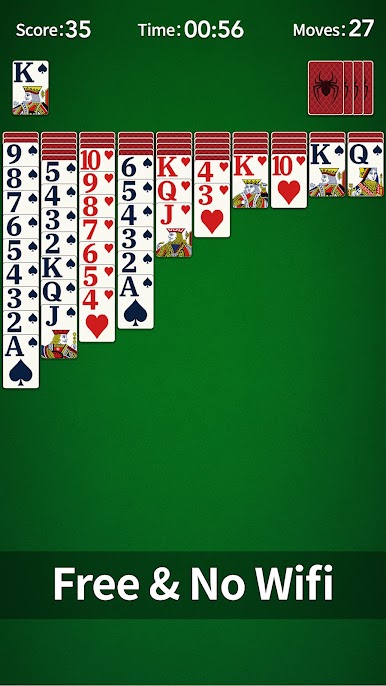
🌟 Play Anytime, Anywhere: The game automatically saves your progress and supports offline play, so you can continue your game anytime, whether you're at home or on the go.
More Than Just a Game, It's a Daily Brain Workout:
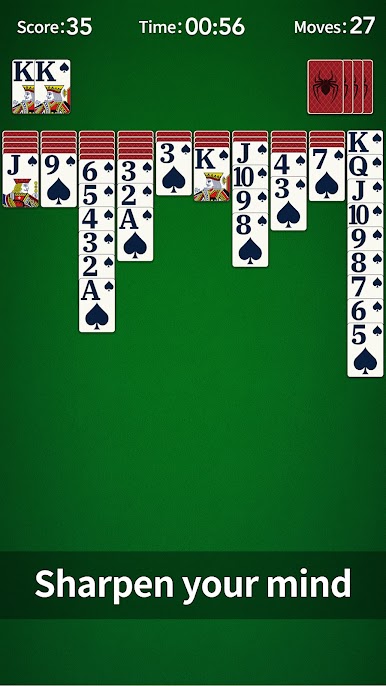
Playing a game daily keeps your mind active. Sharpen your brain, boost your memory, and improve your focus through the joy of solving puzzles.
============== Features ==============
♠ Daily Challenge
♠ Clean and user-friendly design
♠ Big and easy to see cards
♠ Single tap or drag&drop to move cards
♠ Unlimited free undo
♠ Unlimited free hints
♠ Auto-complete
♠ Auto-save game in play
♠ Smooth animations and HD graphics
♠ Customizable beautiful themes
♠ Track your Statistics
♠ Tablet supported
♠ Multiple languages supported
Download Spider Solitaire for FREE now! Start your brain-training journey and enjoy a relaxing and joyful gaming experience.













Play Spider Solitaire on PC. It’s easy to get started.
-
Download and install BlueStacks on your PC
-
Complete Google sign-in to access the Play Store, or do it later
-
Look for Spider Solitaire in the search bar at the top right corner
-
Click to install Spider Solitaire from the search results
-
Complete Google sign-in (if you skipped step 2) to install Spider Solitaire
-
Click the Spider Solitaire icon on the home screen to start playing

