


Pic Grid: Collage Maker
Play on PC with BlueStacks – the Android Gaming Platform, trusted by 500M+ gamers.

Page Modified on: Aug 28, 2024
Play Pic Grid: Collage Maker on PC
Features:
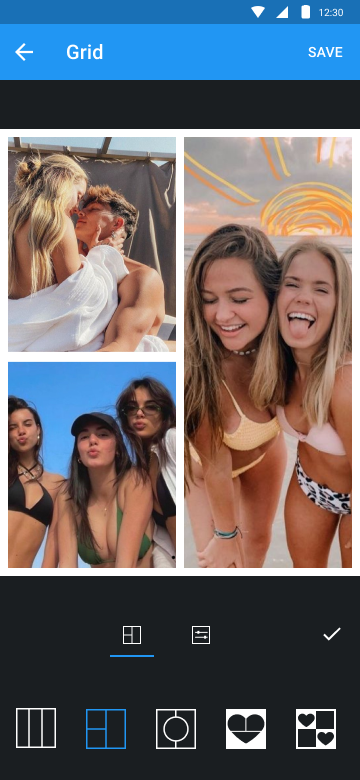
- Collage maker with many grids and layouts.
- No crop photo editor.
- No crop video editor.
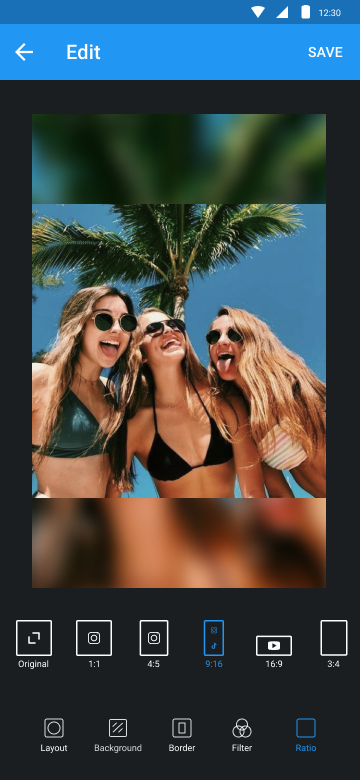
- Grid photo with many layouts and size.
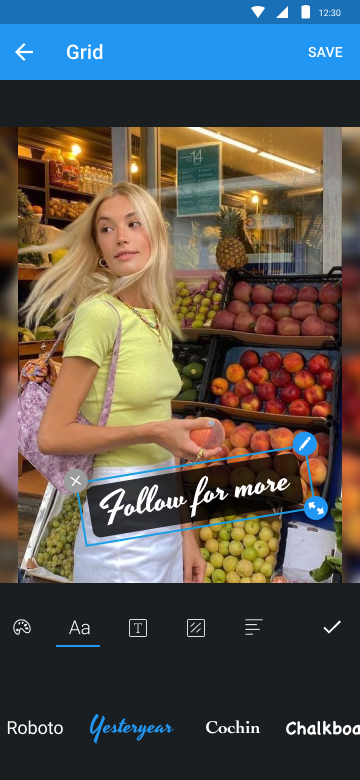
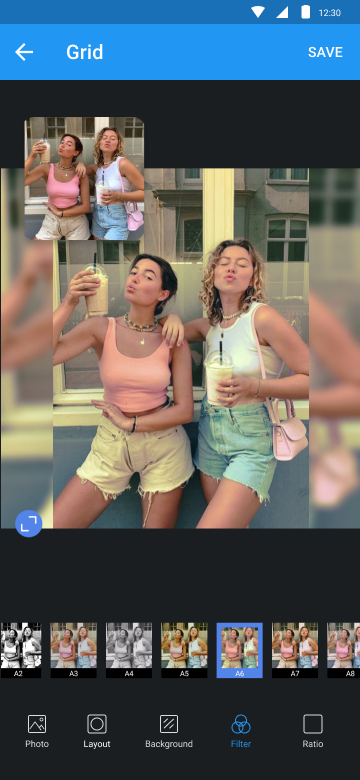
- Edit photo with filter, sticker, text, etc.
- Rotate, flip and resize photos.
Edit
Edit photo with filter, sticker, text, etc. Post no crop photo on Instagram. Square grid for Instagram.
Video
Post no crop video on Instagram. Cut video & square video in one tap.
Grid
Turn several photos into photo collage. Make photo collage with many grids and layouts. It’s the best photo collage maker.
Camera
With Camera, you can take selfie, then edit photo as you want with Pic Grid. Square photo, add filter, sticker, text and much more.
Try Pic Grid and make your photos shine.


Play Pic Grid: Collage Maker on PC. It’s easy to get started.
-
Download and install BlueStacks on your PC
-
Complete Google sign-in to access the Play Store, or do it later
-
Look for Pic Grid: Collage Maker in the search bar at the top right corner
-
Click to install Pic Grid: Collage Maker from the search results
-
Complete Google sign-in (if you skipped step 2) to install Pic Grid: Collage Maker
-
Click the Pic Grid: Collage Maker icon on the home screen to start playing

