


Starbike
Play on PC with BlueStacks – the Android Gaming Platform, trusted by 500M+ gamers.

Page Modified on: Oct 20, 2026
Play Starbike on PC
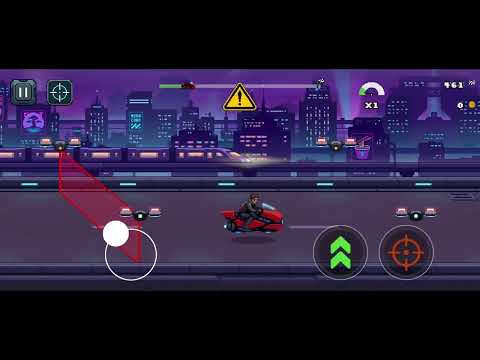
Get ready to drift through vibrant retro tracks, dodge deadly obstacles, and push your reflexes to the limit. In Starbike, you are a daring rider navigating treacherous environments across the galaxy. Collect chests, earn rewards, and upgrade your retro ride to become the fastest racer in the universe.
FEATURES:
👾 CLASSIC 2.5D PIXEL ART: Experience thrilling, fast-paced racing with beautiful retro aesthetics, dynamic drift mechanics, and a true 16-bit era vibe.
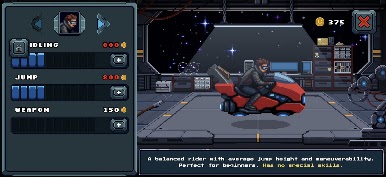
🛠️ UPGRADE YOUR RIDE: Earn coins on the tracks and head to the garage to improve your hoverbike's Handling, Jump, and Weapon stats. Build the ultimate arcade machine!
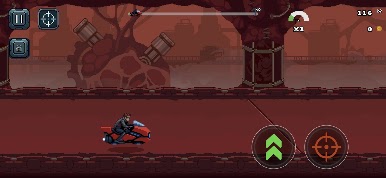
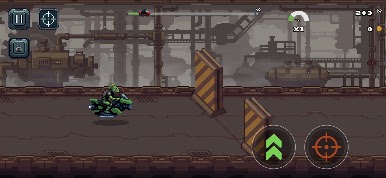
🌌 EXPLORE UNIQUE PLANETS: Unlock and race across multiple diverse planets. From a neon-lit Cyberpunk level to the harsh, dusty terrains of Mars, each stage offers unique challenges and intense chokepoints.
🎁 REWARDS & QUESTS: Complete daily quests, open energy chests right on the track, and claim massive planetary rewards for completing levels.
⚡ SURVIVE & CONQUER: Avoid crashes, use extra lives strategically, and master the tracks to achieve the perfect run.
Do you have what it takes to master the retro tracks? Download Starbike now, start your engine, and ride into the pixelated future!
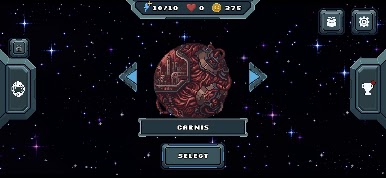
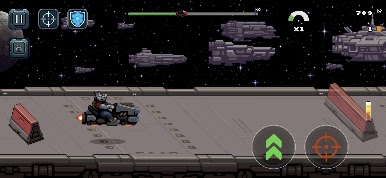
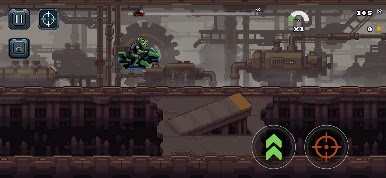
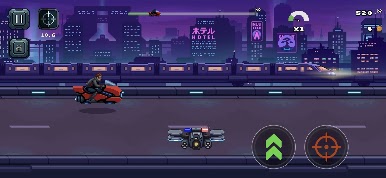
Play Starbike on PC. It’s easy to get started.
-
Download and install BlueStacks on your PC
-
Complete Google sign-in to access the Play Store, or do it later
-
Look for Starbike in the search bar at the top right corner
-
Click to install Starbike from the search results
-
Complete Google sign-in (if you skipped step 2) to install Starbike
-
Click the Starbike icon on the home screen to start playing

