


Emuverse: PS2 PSP NES Emulator
Play on PC with BlueStacks – the Android Gaming Platform, trusted by 500M+ gamers.

Page Modified on: Sep 14, 2026
Play Emuverse: PS2 PSP NES Emulator on PC
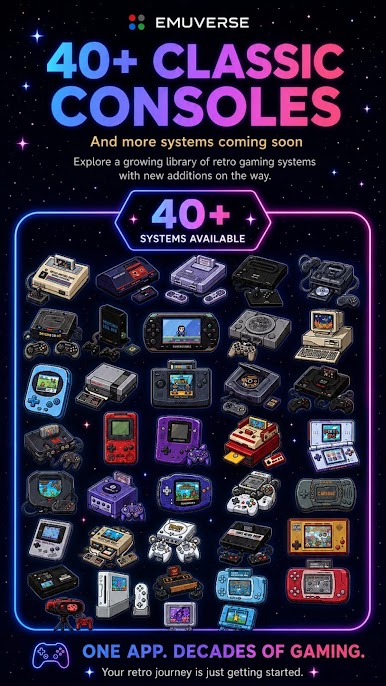
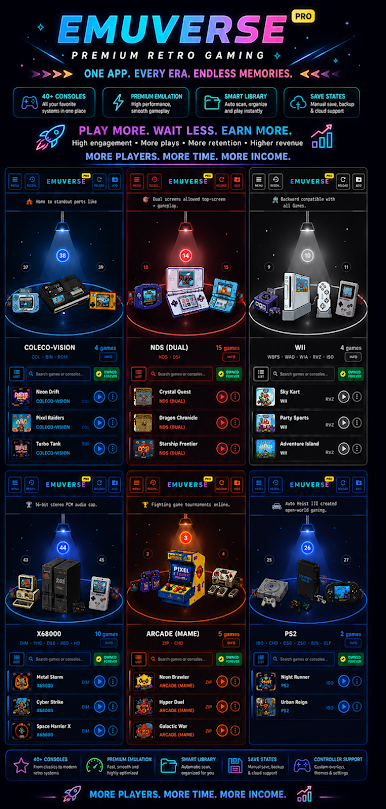
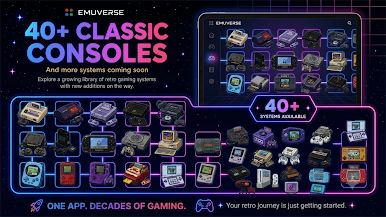
🎮 SUPPORTED SYSTEMS (44 consoles)
Home Consoles: NES, FDS, SNES, N64, GameCube, Wii, Master System, SG-1000, Genesis / Mega Drive, Mega CD, 32X, Saturn, Dream-Cast, PS1, PS2, ColecoVision
Handhelds: Game Boy, Game Boy Color, GBA, DS, 3DS, Virtual Boy, PSP, Game Gear, Neo Geo Pocket, WonderSwan, WonderSwan Color, Atari Lynx, Pocket Mini, Game & Watch, Supervision
Arcade & More: Neo Geo, Neo Geo CD, Arcade (MAME), Atari 2600, Atari 5200, Atari 7800, Atari Jaguar, PC Engine / TurboGrafx-16, ZX Spectrum, PC-9800, X68000, 3DO, DOS
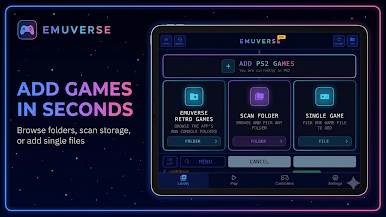
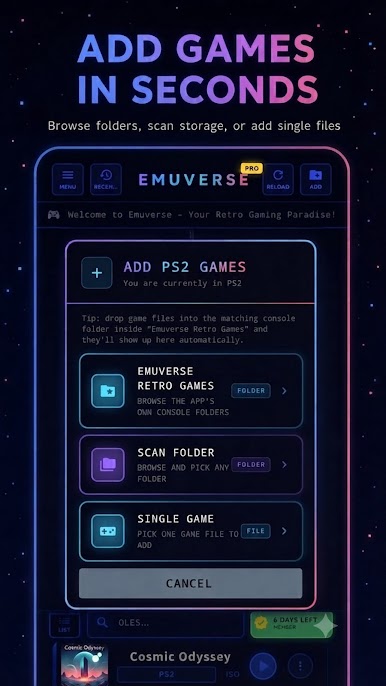
⚡ EASILY ADD GAMES
Organize your games by console or scan your folder -- added to your library in seconds.
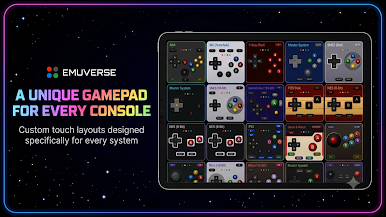
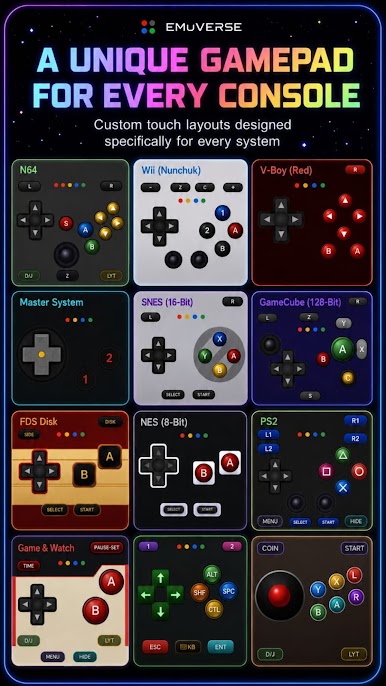
🕹️ A UNIQUE GAMEPAD FOR EVERY CONSOLE
Each system gets its own on-screen gamepad, matched to that console's real controller layout -- not one generic pad stretched across every game.
🎨 FULLY CUSTOM TOUCH CONTROLS
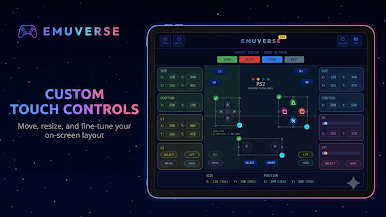
Drag-and-drop layout editor to move and resize every button. Hide buttons or make them semi-transparent. Save a custom layout per console, with adjustable opacity and optional haptic feedback.
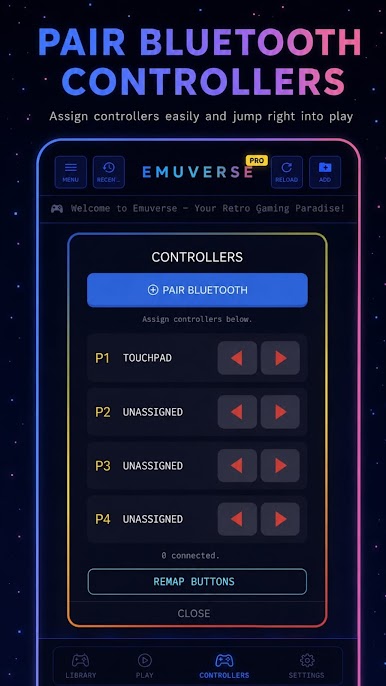
🔌 CONTROLLERS, YOUR WAY
Pair Bluetooth or USB controllers in seconds, assign them to Player 1-4, and remap every button to your preference.
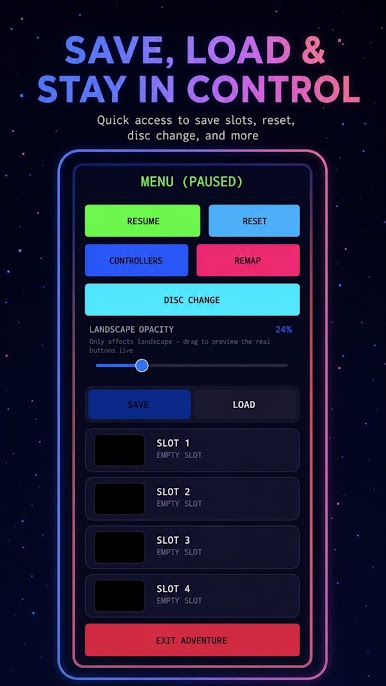
💾 SAVE STATES THAT ACTUALLY HELP
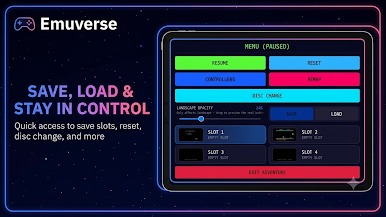
Multiple save slots per game, each with a screenshot thumbnail so you always know where you left off. Save, load, reset, or swap discs, all from one in-game menu.
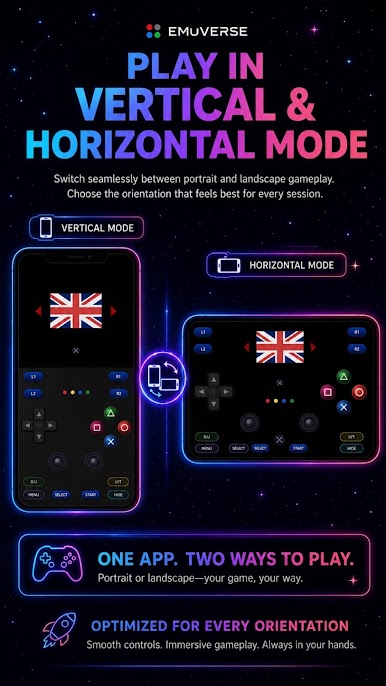
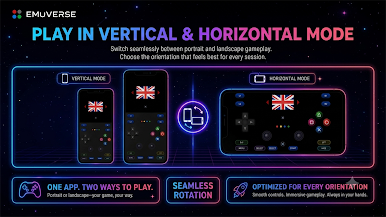
📱 PLAY YOUR WAY: PORTRAIT OR LANDSCAPE
A fully separate, purpose-built layout for both orientations, not just a stretched or rotated screen.
🌍 BUILT FOR EVERYONE, EVERYWHERE
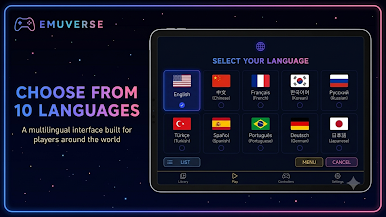
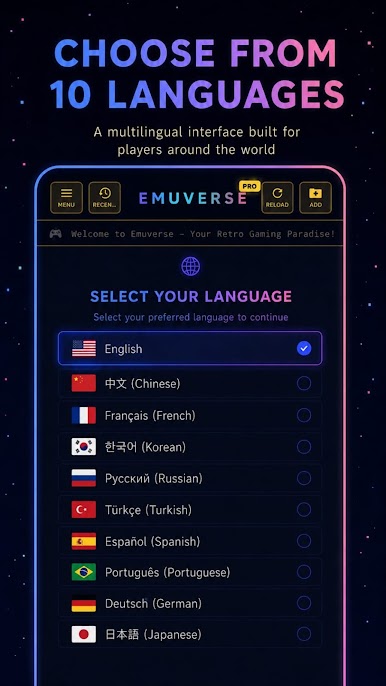
10 languages, cloud sync for save states and progress across devices, and a clean retro-inspired interface for browsing large collections. Free to play, with an optional Premium subscription for an ad-free experience, extra save slots, and cloud backup.
⚖️ HOW IT WORKS
Emuverse Retro Games is an emulation platform only. It does not include, distribute, link to, or endorse any games or system files, and does not download anything on your behalf. You provide your own legally obtained files. Users are solely responsible for complying with copyright law regarding any software they emulate. Console and system names mentioned above are trademarks of their respective owners. Emuverse is not affiliated with, sponsored by, or endorsed by any of them.
Whether you grew up with a NES controller in hand or you're discovering these classics for the first time, Emuverse brings back those childhood arcade nights -- your all-in-one retro emulator and home for classic gaming.
Play Emuverse: PS2 PSP NES Emulator on PC. It’s easy to get started.
-
Download and install BlueStacks on your PC
-
Complete Google sign-in to access the Play Store, or do it later
-
Look for Emuverse: PS2 PSP NES Emulator in the search bar at the top right corner
-
Click to install Emuverse: PS2 PSP NES Emulator from the search results
-
Complete Google sign-in (if you skipped step 2) to install Emuverse: PS2 PSP NES Emulator
-
Click the Emuverse: PS2 PSP NES Emulator icon on the home screen to start playing

