


Sudoku: themes & challenges
Play on PC with BlueStacks – the Android Gaming Platform, trusted by 500M+ gamers.

Page Modified on: Oct 30, 2025
Play Sudoku: themes & challenges on PC or Mac
Sudoku: themes & challenges brings the Puzzle genre to life, and throws up exciting challenges for gamers. Developed by Flyfox Games, this Android game is best experienced on BlueStacks, the World’s #1 app player for PC and Mac users.
About the Game
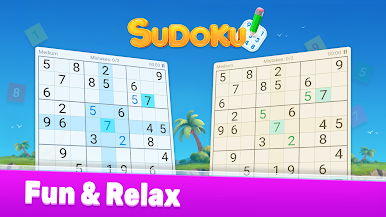
Sudoku: themes & challenges from Flyfox Games brings the classic puzzle you know and love into a fresh, colorful world—right at your fingertips. Whether you’re waiting for your coffee or settling in for a cozy evening, this is your low-key way to relax and stretch your mind. With tons of puzzles and playful, customizable themes, it’s easy to turn a quick break into a satisfying brain workout—no internet needed.
Game Features
-
Customizable Look
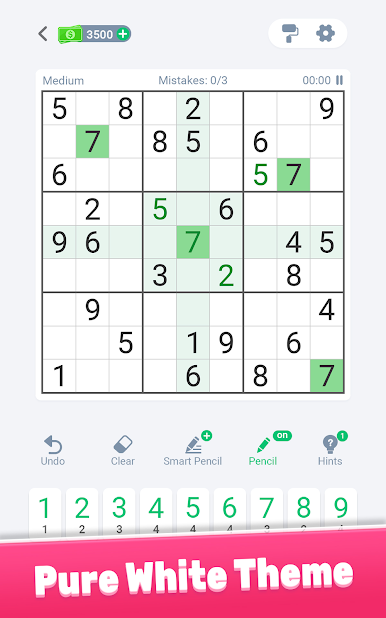
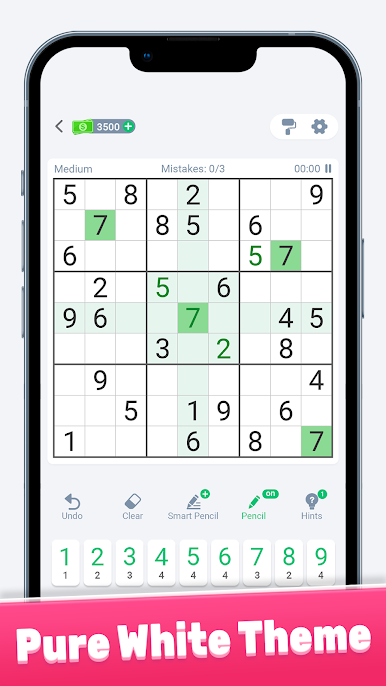
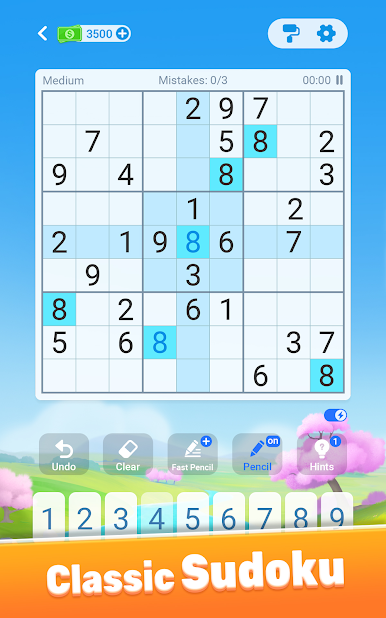
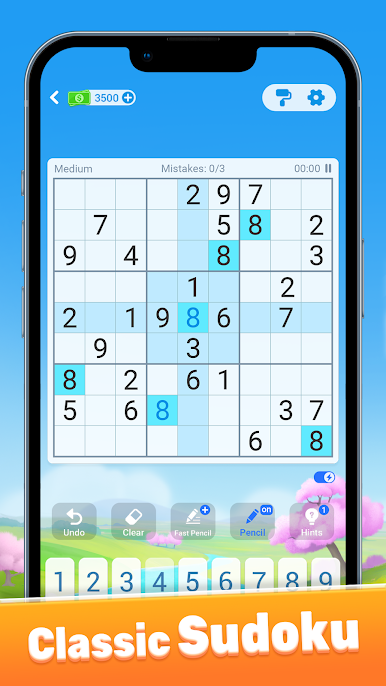
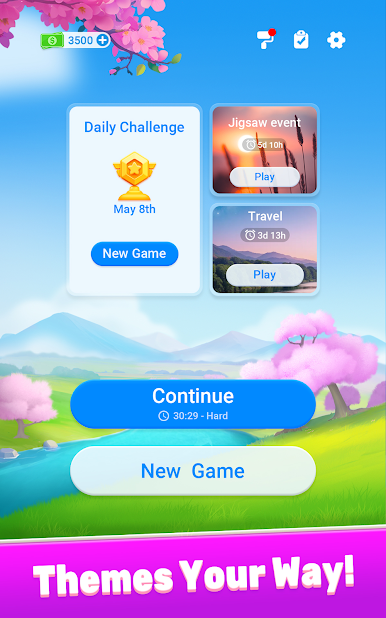
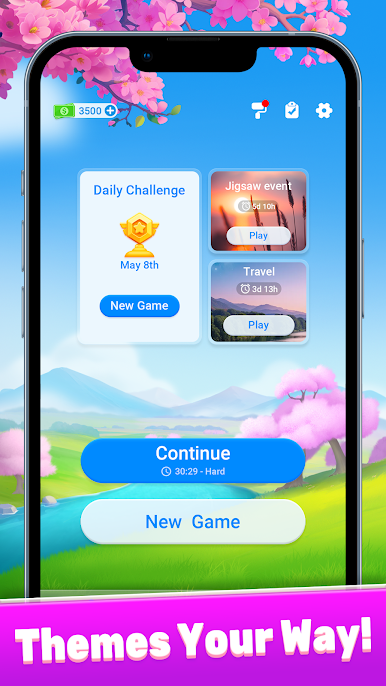
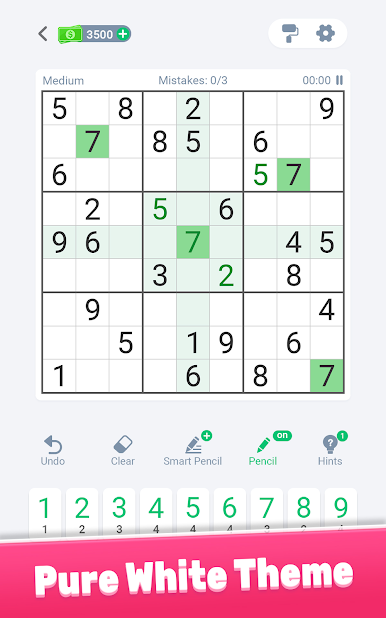
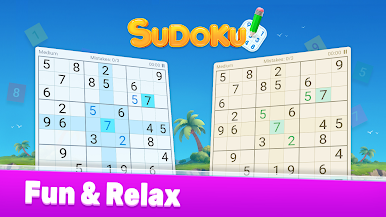
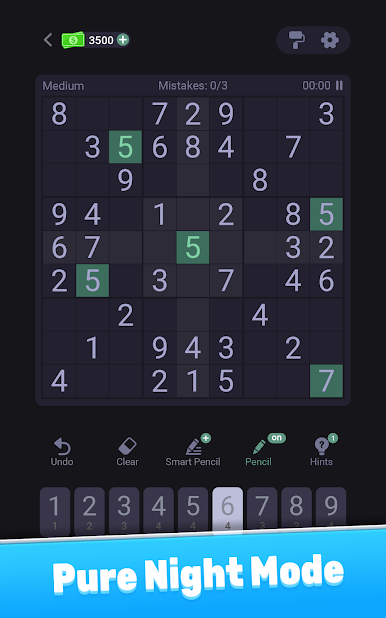
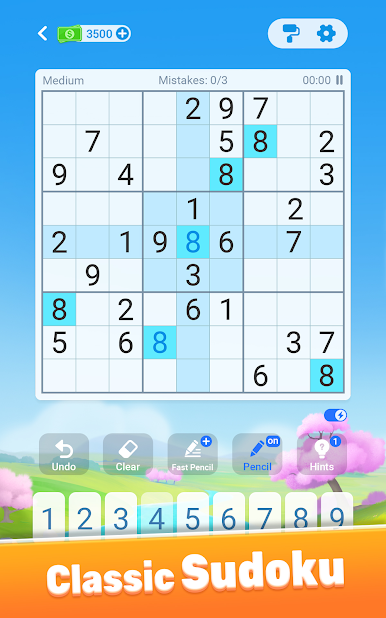
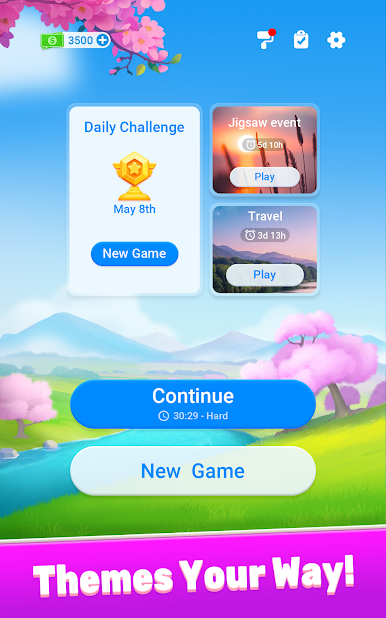
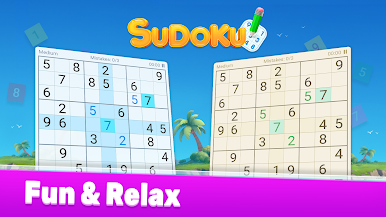
Pick-your-own vibe! From cherry blossoms to islands, windmills, and cute fish, you can switch up how your Sudoku grid looks whenever the mood strikes. Minimalist options are there too if you want things simple and distraction-free. -
Thousands of Puzzles
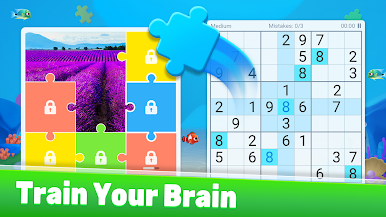
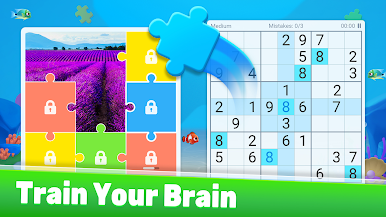
With over 20,000 puzzles across five difficulty levels, there’s something for everyone—whether you’re just getting the hang of things or you can solve puzzles in your sleep. Fancy a twist? Try unique grid sizes like 6×6, 12×12, or 16×16. -
Daily Challenges & Events
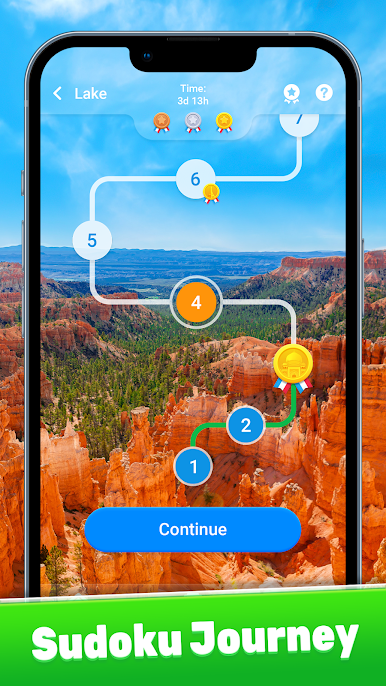
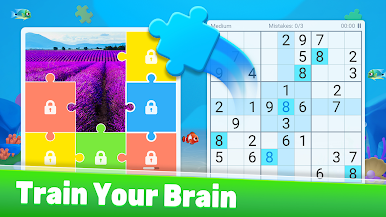
Little boosts of excitement: join daily challenges, journey events, and special jigsaw Sudoku events. You’ll snag trophies, medals, and fun puzzle pieces along the way. -
Helpful Hints & Learning Tools
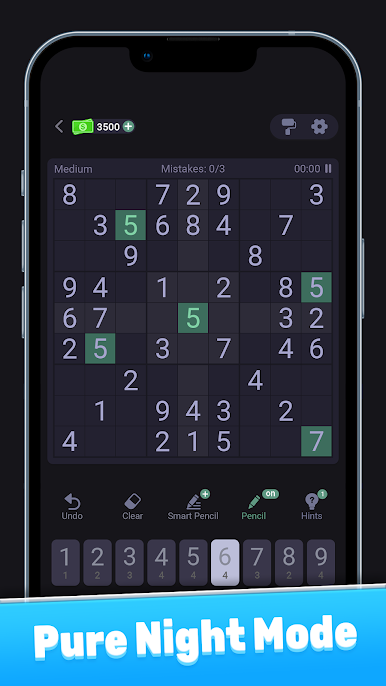
Stuck? Tap the hint button to get a nudge in the right direction, complete with logic explanations. Great for learning true Sudoku strategies or just getting out of a jam. -
Advanced Features
Highlight key cells to keep your logic straight, try number-first or cell-first entry (you pick what’s comfy), let the game clear outdated notes, and get automatic alerts for possible mistakes. There are even tools to fill pencil notes super-fast, track finished numbers, and hide numbers you’ve already used. -
Offline Play
No Wi-Fi? No problem. Tackle all the puzzles and challenges offline whenever you want.
For those who like gaming on PC, Sudoku: themes & challenges runs smoothly on BlueStacks, making it easy to play with a bigger screen and better controls.
Slay your opponents with your epic moves. Play it your way on BlueStacks and dominate the battlefield.





Play Sudoku: themes & challenges on PC. It’s easy to get started.
-
Download and install BlueStacks on your PC
-
Complete Google sign-in to access the Play Store, or do it later
-
Look for Sudoku: themes & challenges in the search bar at the top right corner
-
Click to install Sudoku: themes & challenges from the search results
-
Complete Google sign-in (if you skipped step 2) to install Sudoku: themes & challenges
-
Click the Sudoku: themes & challenges icon on the home screen to start playing

