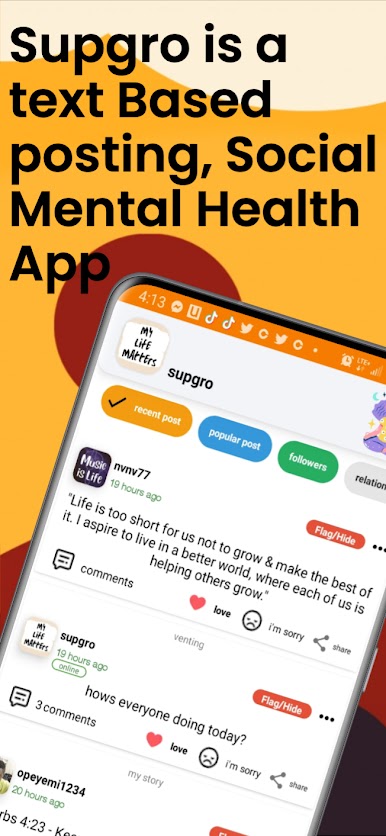
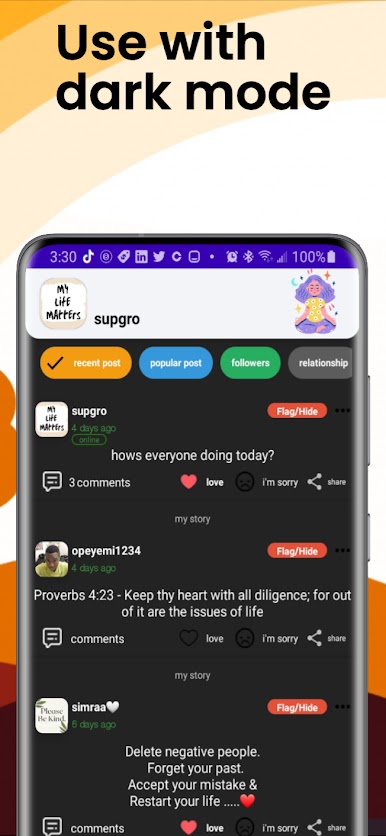
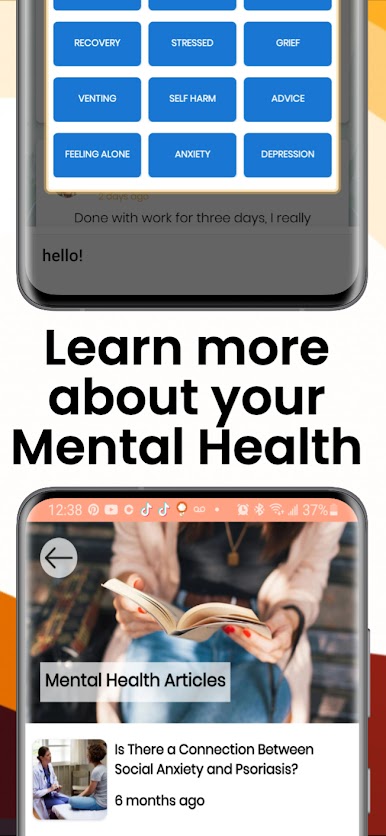
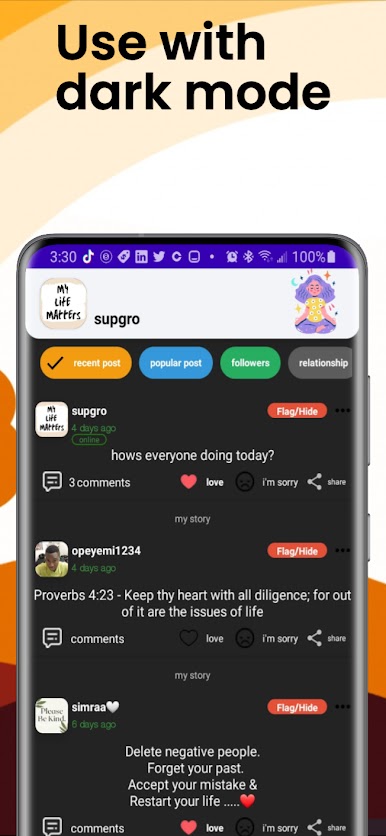
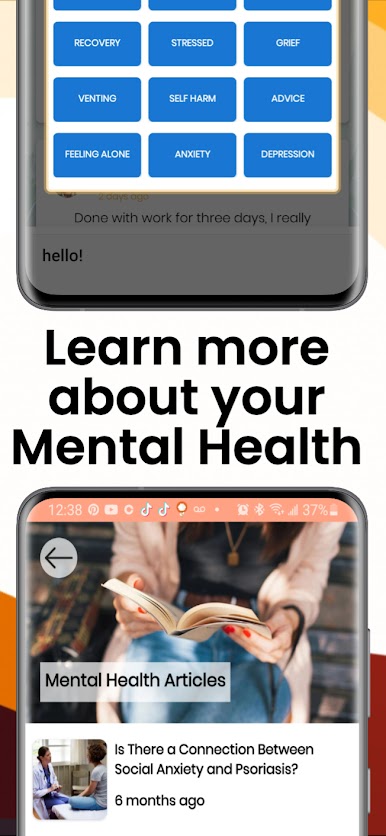
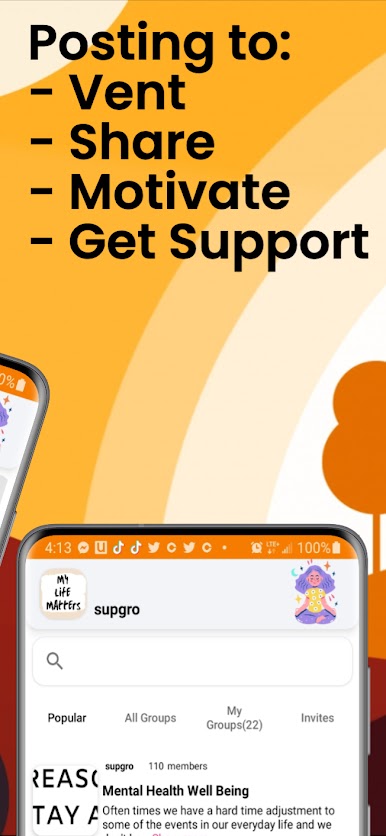
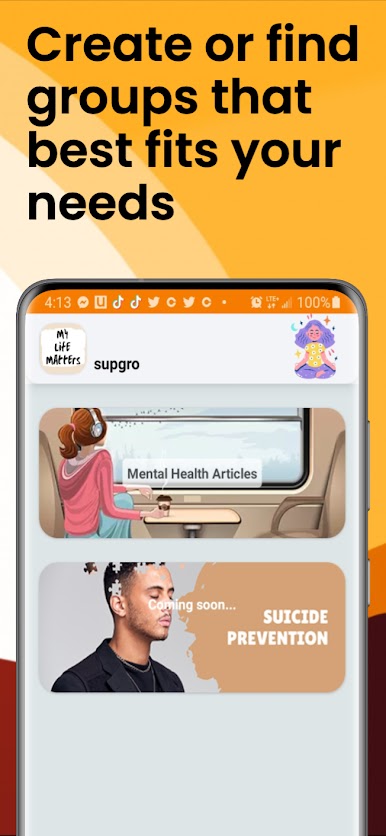
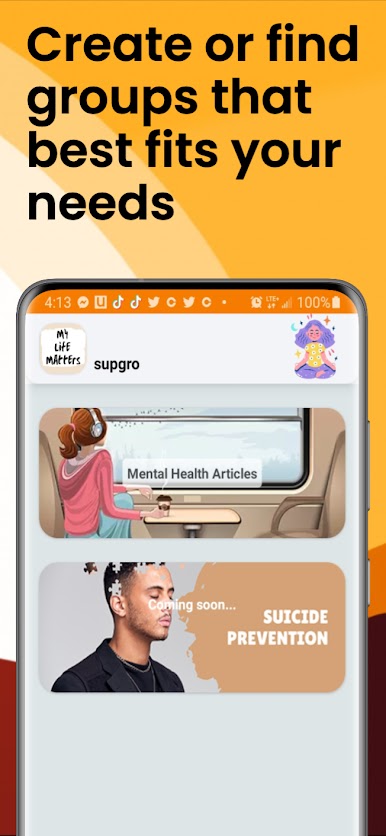
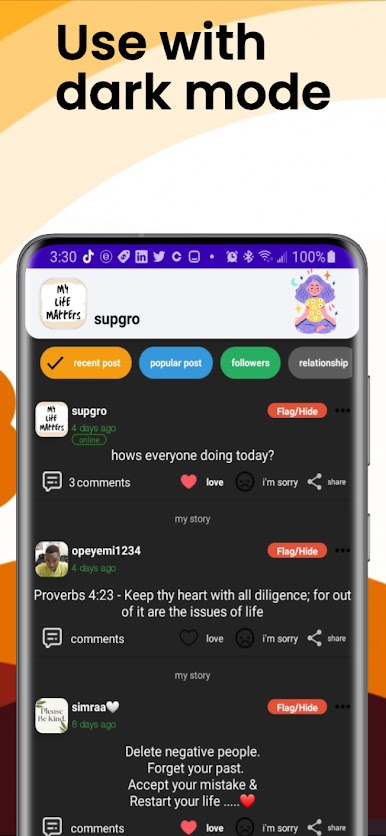
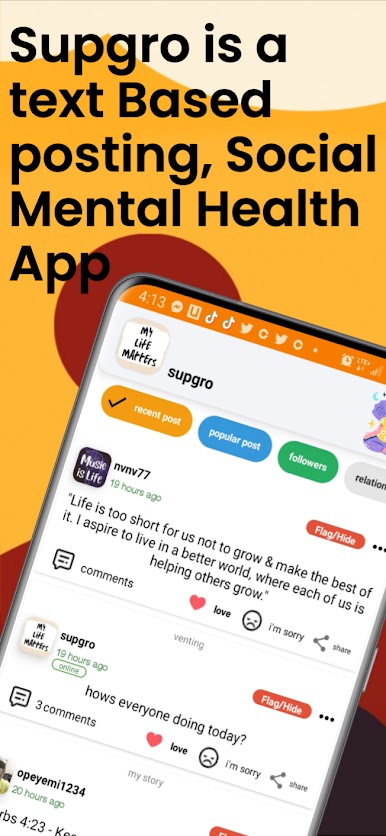
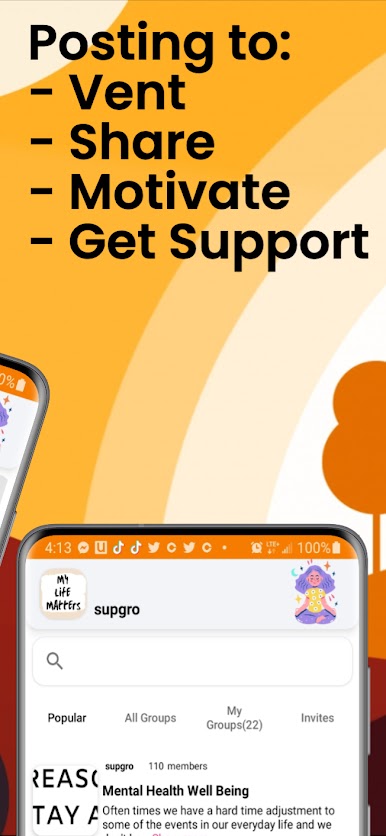
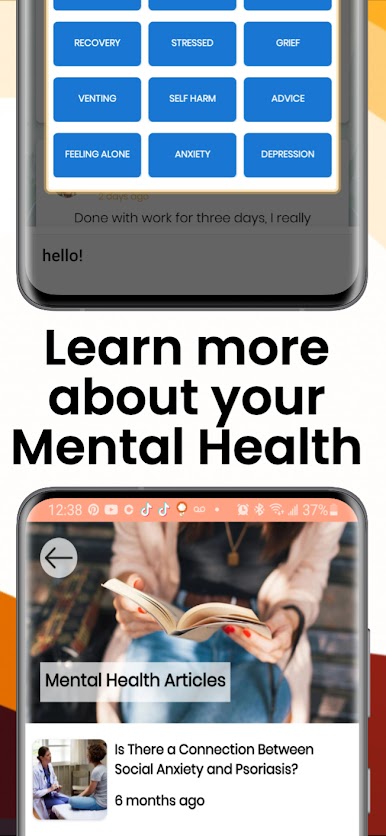
SupGro is a mental health support community built for people who feel alone, overwhelmed, or are struggling mentally and looking for real connection. We bring people together through mental health support groups where you can talk openly, feel understood, and connect with others who truly get what you’re going through. We know mental health isn’t one-size-fits-all. That’s why SupGro offers a wide range of mental health groups covering anxiety, depression, ADHD, PTSD, bipolar disorder, addiction recovery, grief, stress, and more. Whether you’re navigating daily anxiety, feeling isolated, coping with trauma, or just needing a place to vent, SupGro gives you a safe space to be heard. If you’re looking for community because you feel alone or disconnected, you’re not alone anymore. SupGro is designed for people who want support without judgment, a place to talk honestly, share experiences, and find encouragement from others walking similar paths. Our community also supports individuals facing unique life challenges, including those in addiction recovery, people processing loss or grief, members of the military and veteran community, and anyone struggling with stress or emotional burnout. Whatever stage you’re in, SupGro meets you where you are. At SupGro, we believe mental health support works best when it’s human, accessible, and ongoing. You don’t need to have all the answers you just need a place to start. Join SupGro today and connect with people who understand. Mental health support, real conversations, and community available 24/7