

aPlayer - Video Play, Web Cast
Play on PC with BlueStacks – the Android Gaming Platform, trusted by 500M+ gamers.

Page Modified on: Jan 25, 2026
Run aPlayer - Video Play, Web Cast on PC or Mac
Let BlueStacks turn your PC, Mac, or laptop into the perfect home for aPlayer – Video Play, Web Cast, a fun Video Players & Editors app from Alpha Studio Team.
About the App
Ever wish your video player just… did more? aPlayer – Video Play, Web Cast, from Alpha Studio Team, gives you a bunch of ways to watch, cast, and customize your videos whether you’re lounging on the couch or trying to multitask. If you like watching HD videos, want to cast them to your TV, or just need something that can handle pretty much any format you’ve found, this Video Players & Editors app has you covered.
App Features
-
Finds Videos Automatically
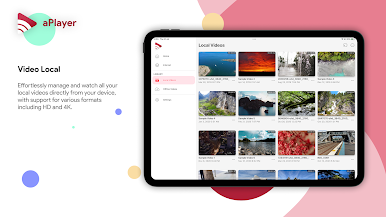
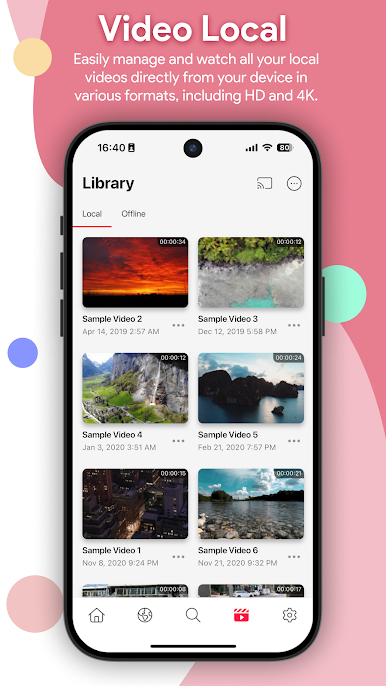
No hunting around— aPlayer picks up all videos stored on your device or SD card and neatly gathers them for you. -
Supports Tons of Formats
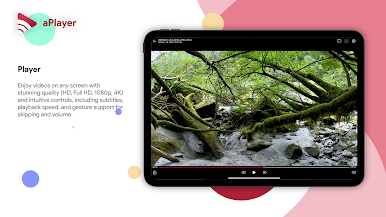
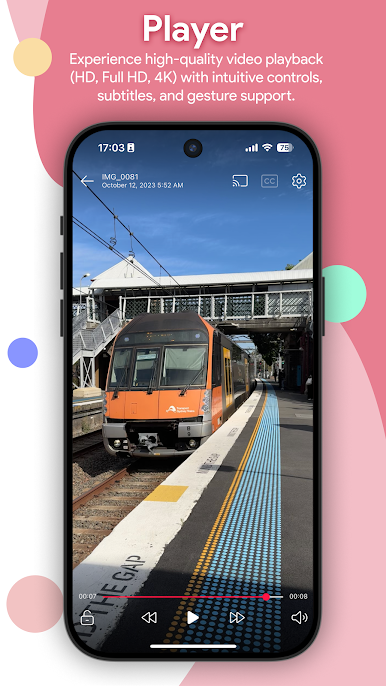
AVI, MP4, MOV, Dolby Vision—even those weird file types you might forget you had. aPlayer plays them all, up to 4K quality. -
Cast to TV Fast
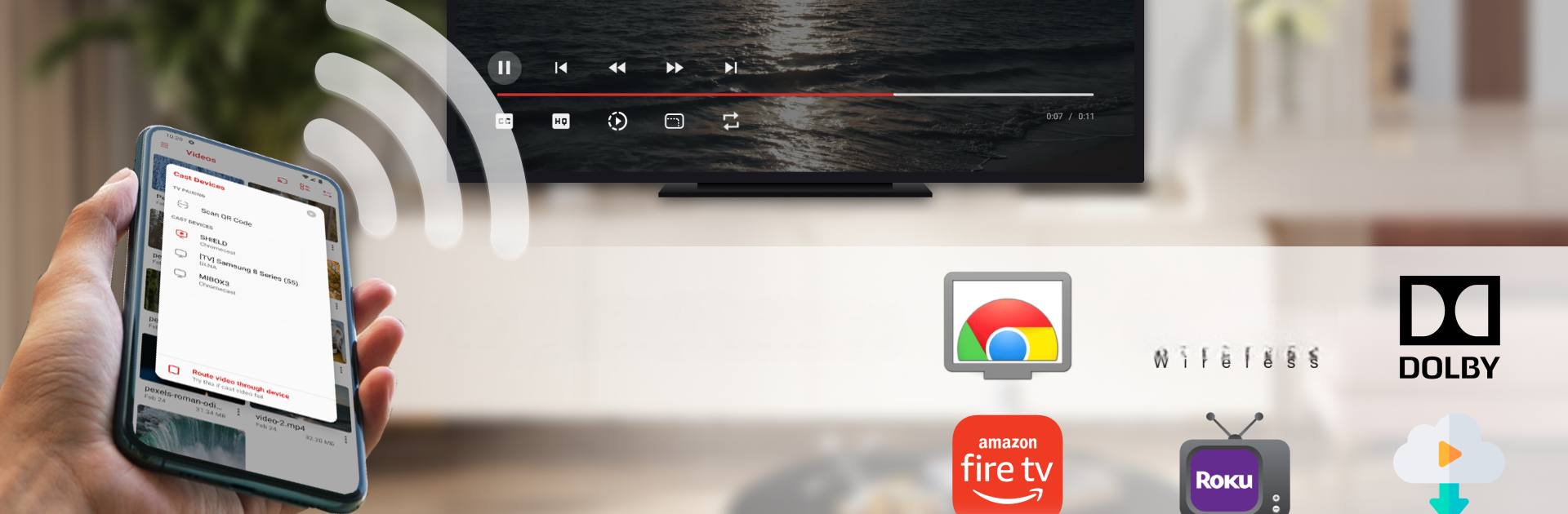
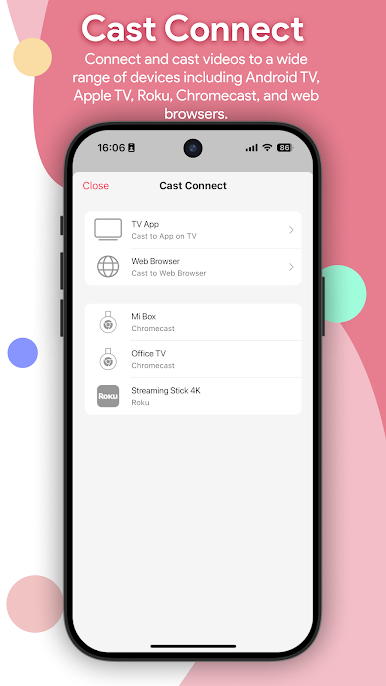
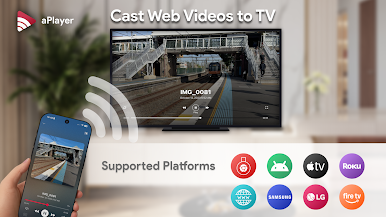
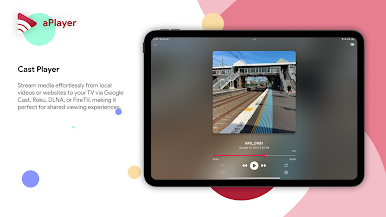
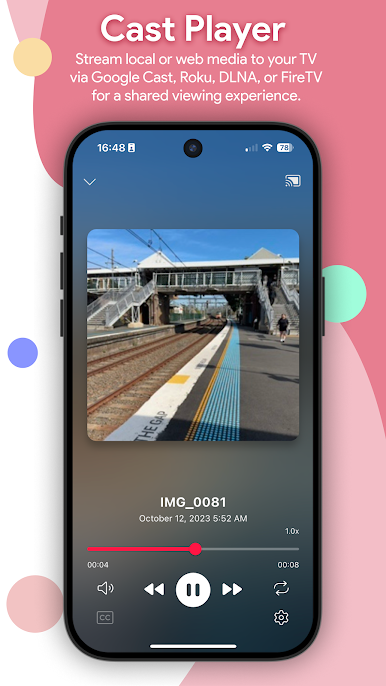
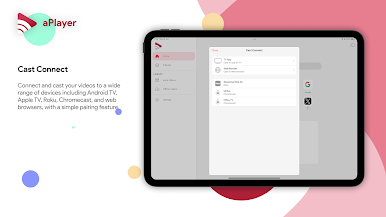
FireTV, Chromecast, DLNA and more—just one tap and your video’s up on the big screen. -
Smart Video Browser
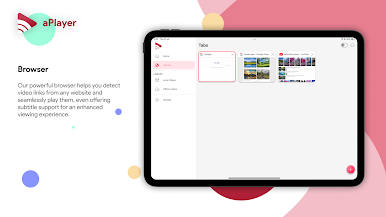
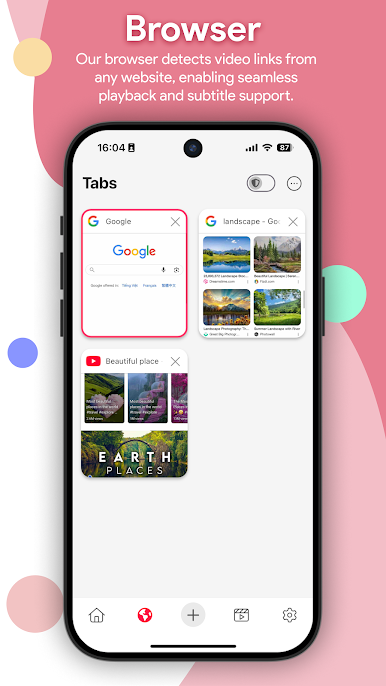
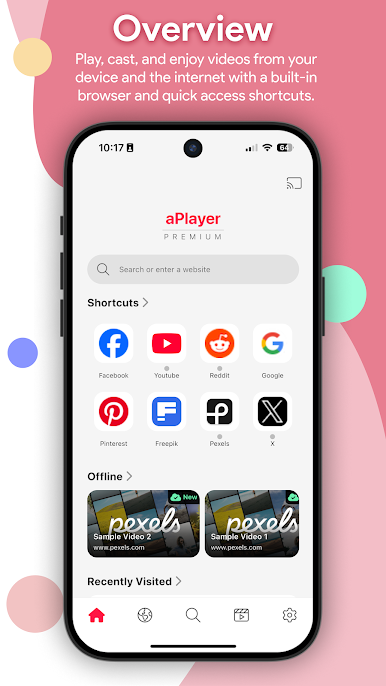
Built-in browser lets you grab video links straight from the web and play or cast them instantly. Perfect for when you stumble on something cool online. -
Customizable Subtitles
Load up subtitle files, tweak them to your liking, and never miss a word. -
Easy File Transfers
Move your videos between devices over WiFi or via FTP without the hassle of cables. -
Handy Controls & Gestures
Skip ahead, adjust brightness and volume, or lock the screen—quick gestures take care of it all while you watch. -
Audio Tuning & Presets
Equalizer and audio presets let you fine-tune exactly how your media sounds. -
Playback Extras
Change playback speed, set a sleep timer, or hit quick mute whenever you need. -
Night Mode & Theme Options
Switch to a more comfortable look at night and pick colors that fit your mood. -
Works with Other Apps
Open video files from other apps or add new ones from local storage without jumping through hoops.
And if you happen to use BlueStacks, aPlayer – Video Play, Web Cast brings this whole experience to your computer screen too.
Eager to take your app experience to the next level? Start right away by downloading BlueStacks on your PC or Mac.
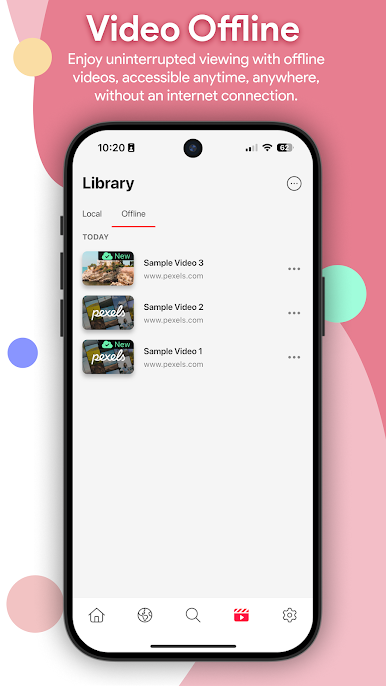
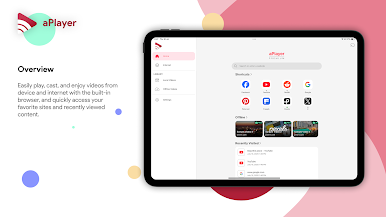
Play aPlayer - Video Play, Web Cast on PC. It’s easy to get started.
-
Download and install BlueStacks on your PC
-
Complete Google sign-in to access the Play Store, or do it later
-
Look for aPlayer - Video Play, Web Cast in the search bar at the top right corner
-
Click to install aPlayer - Video Play, Web Cast from the search results
-
Complete Google sign-in (if you skipped step 2) to install aPlayer - Video Play, Web Cast
-
Click the aPlayer - Video Play, Web Cast icon on the home screen to start playing

