


Arrow Journey: Escape Puzzle
Play on PC with BlueStacks – the Android Gaming Platform, trusted by 500M+ gamers.

Page Modified on: Oct 2, 2026
Play Arrow Journey: Escape Puzzle on PC
It's a calm brain game for a few minutes of focus in your day: as the board clears, so does your mind. Easy to learn and satisfying to master, it gently trains your logic and spatial thinking.
🎯HOW TO PLAY
- Each arrow can only move in the direction it points.
- Tap an arrow with a clear path and it slides off the board.
- Tapping a blocked arrow costs a heart, so take a moment to plan your order.
- Clear every arrow to solve the puzzle. Can you finish with all your hearts?
🌍A JOURNEY PAST WORLD WONDERS
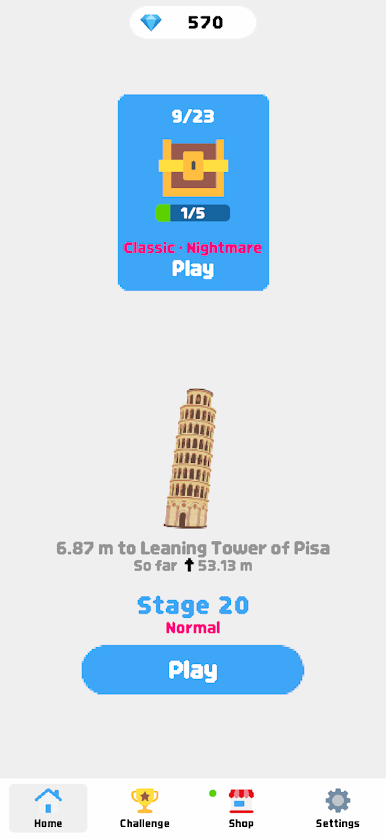
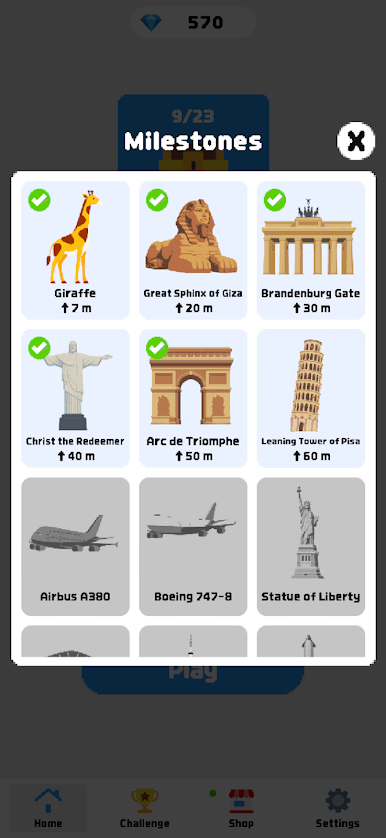
Every arrow you clear adds to your total distance. Pass 100 milestones along the way, from a giraffe and the Great Sphinx to Taipei 101, Angel Falls and Table Mountain. Each milestone unlocks a landmark illustration for your gallery, so you can look back on how far you've come.
✨WHY YOU'LL LOVE IT
- Puzzles that never run out: 1,000 carefully tuned levels with a gentle difficulty curve, then endless fresh boards
- No timer on your journey, so you can play at your own pace
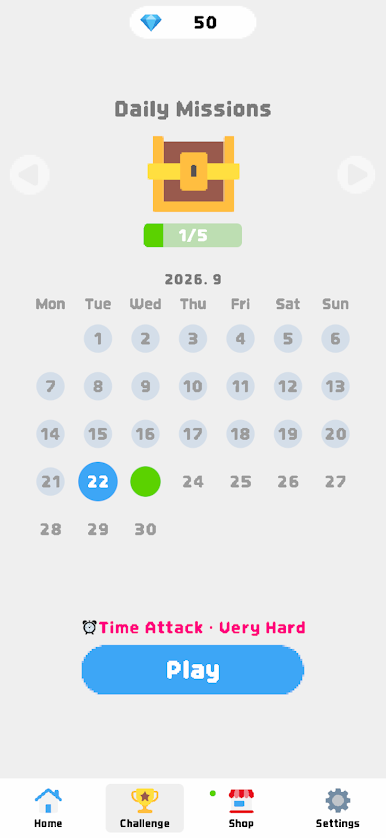
- Daily challenge: a new puzzle every day, with rewards as you fill your monthly calendar
- Craving more thrills? Daily challenges also bring Time Attack, where you race the clock, and Sudden Death, where one wrong tap ends the level
- Pinch to zoom and drag, so even big boards stay clear and easy to tap
- Dark mode that's easy on the eyes at night
- Leave anytime and pick up right where you left off
- Remove ads with a one-time purchase
💡ITEM TIPS
- Rocket: Save it for crowded boards. Pull one arrow and every arrow it frees escapes right after it in one big chain reaction.
- Drill: Stuck behind a wall of arrows? Drill smashes straight through every arrow blocking the way.
- Hint: Not sure where to start? Hint shows you your next move.
Perfect for fans of single-player logic puzzles, escape puzzles, brain teasers and satisfying tap away games. Start your Arrow Journey today and see how far your arrows can take you!


Play Arrow Journey: Escape Puzzle on PC. It’s easy to get started.
-
Download and install BlueStacks on your PC
-
Complete Google sign-in to access the Play Store, or do it later
-
Look for Arrow Journey: Escape Puzzle in the search bar at the top right corner
-
Click to install Arrow Journey: Escape Puzzle from the search results
-
Complete Google sign-in (if you skipped step 2) to install Arrow Journey: Escape Puzzle
-
Click the Arrow Journey: Escape Puzzle icon on the home screen to start playing

