


HTTP Toolkit
Play on PC with BlueStacks – the Android Gaming Platform, trusted by 500M+ gamers.

Page Modified on: Aug 27, 2026
Play HTTP Toolkit on PC
This app requires a running HTTP Toolkit desktop app, and uses Android's VPN APIs to directly rewrite network traffic on the phone to ensure it's captured on your computer.
Before using this app, you will first need to install & run HTTP Toolkit on your computer. Visit httptoolkit.com to download the desktop tool and get started.
---
The HTTP Toolkit Android app itself provides tools to easily connect an Android device to HTTP Toolkit running on your computer, acting as a VPN to support one-click proxy & HTTPS certificate trust configuration, to allow filtering interception by application on the device and by port, and to allow one-tap connect/disconnect.
Have any problems? Get in touch at help@httptookit.com.
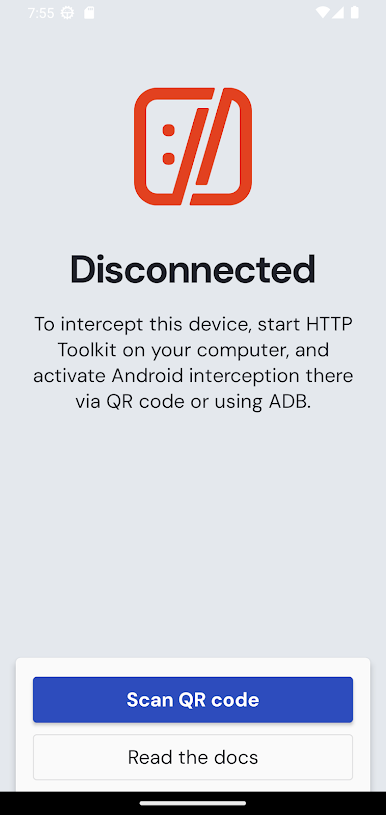
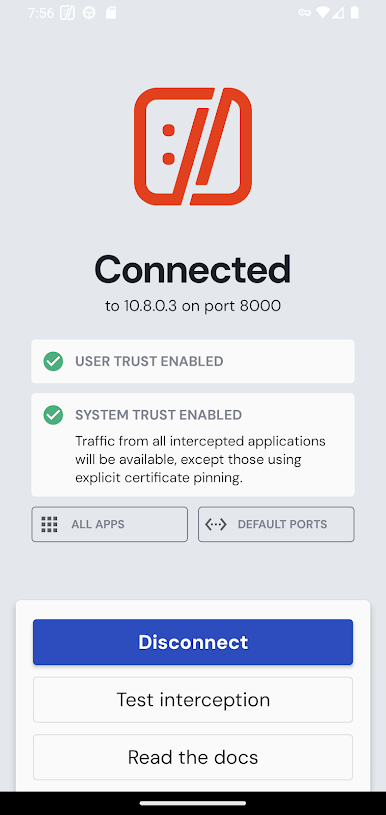
Play HTTP Toolkit on PC. It’s easy to get started.
-
Download and install BlueStacks on your PC
-
Complete Google sign-in to access the Play Store, or do it later
-
Look for HTTP Toolkit in the search bar at the top right corner
-
Click to install HTTP Toolkit from the search results
-
Complete Google sign-in (if you skipped step 2) to install HTTP Toolkit
-
Click the HTTP Toolkit icon on the home screen to start playing

