


TravelSpend: Travel Budget App
Play on PC with BlueStacks – the Android Gaming Platform, trusted by 500M+ gamers.

Page Modified on: Nov 21, 2025
Play TravelSpend: Travel Budget App on PC
This app is for travelers like you - no matter if you are a solo traveler on a round-the-world trip, a couple backpacking together or a group of friends on a weekend holiday.
Try it now for free!
(unlimited free expenses)
Track your travel expenses 🌍
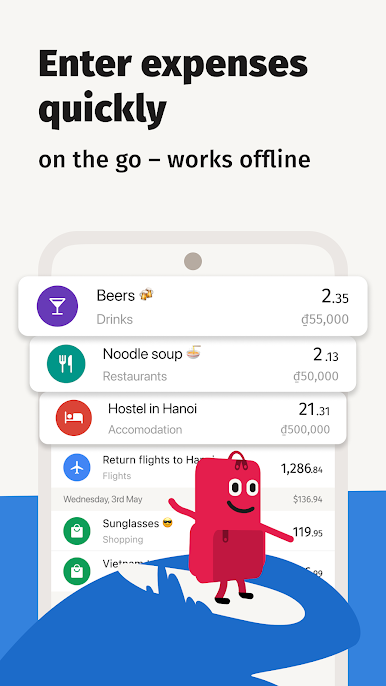
We designed TravelSpend specifically for travelers. It's quick and easy to use and works offline. You can add photos and spread expenses over multiple days.
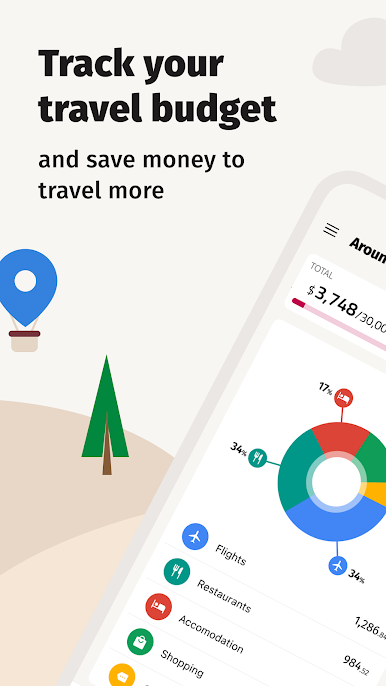
Stick to your budget 💰
The app will help you keep track of your travel budget and to save money.
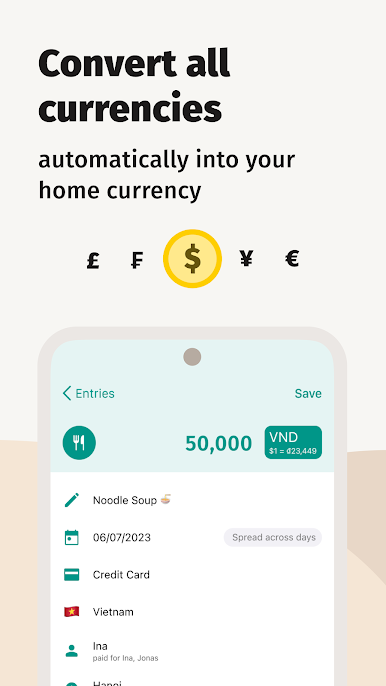
Don't worry about currencies exchange rates 💱
Add expenses in any currency. They will automatically convert to your home currency.
Share & sync 👫
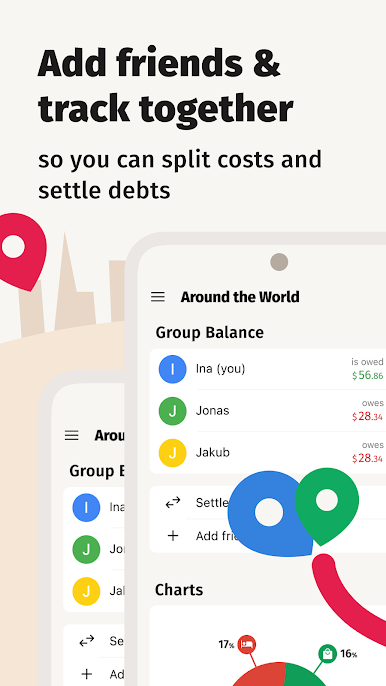
Invite friends or family and organize your budget together. Your data syncs in real-time cross-platform (iOS, Android).
Split costs 💵
Share your trip with your partner or a group of friends and keep track of who owes whom. Split bills, check your balances and settle debts all within TravelSpend.
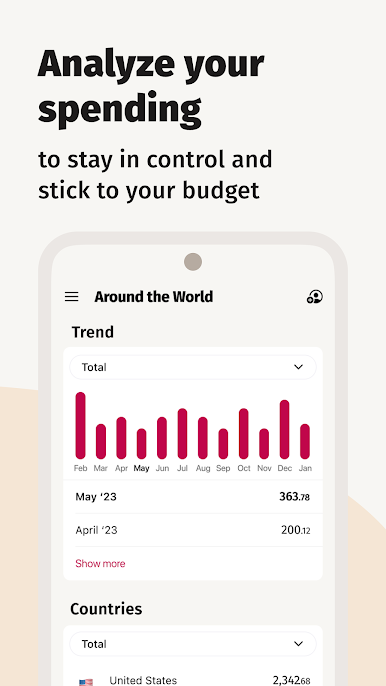
Gain insights from your spending 📊
See your spending data visualized. You'll be able to analyze your spending so you can avoid overspending.
Export your data 🗄
To create expense reports you can easily export your spending data to a CSV file anytime.
Play TravelSpend: Travel Budget App on PC. It’s easy to get started.
-
Download and install BlueStacks on your PC
-
Complete Google sign-in to access the Play Store, or do it later
-
Look for TravelSpend: Travel Budget App in the search bar at the top right corner
-
Click to install TravelSpend: Travel Budget App from the search results
-
Complete Google sign-in (if you skipped step 2) to install TravelSpend: Travel Budget App
-
Click the TravelSpend: Travel Budget App icon on the home screen to start playing

