

Candy Deluxe - Match 3 Puzzle
Play on PC with BlueStacks – the Android Gaming Platform, trusted by 500M+ gamers.

Page Modified on: May 3, 2020
Play Candy Deluxe - Match 3 Puzzle on PC or Mac
Step into the World of Candy Deluxe – Match 3 Puzzle, a thrilling Puzzle game from the house of Teskin Games. Play this Android game on BlueStacks App Player and experience immersive gaming on PC or Mac.
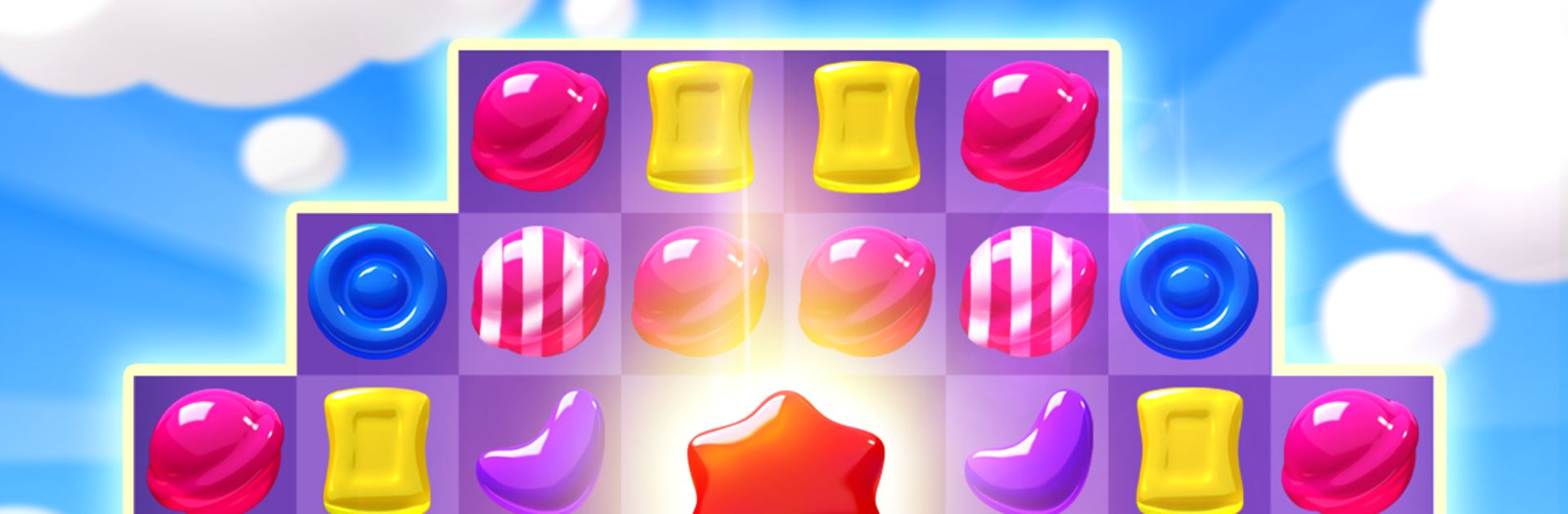
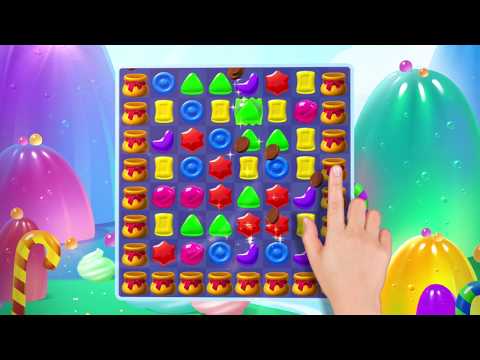
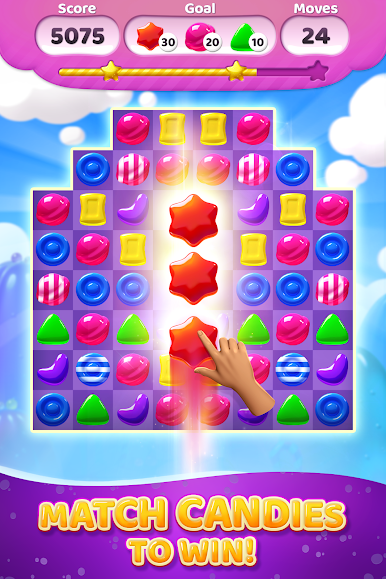
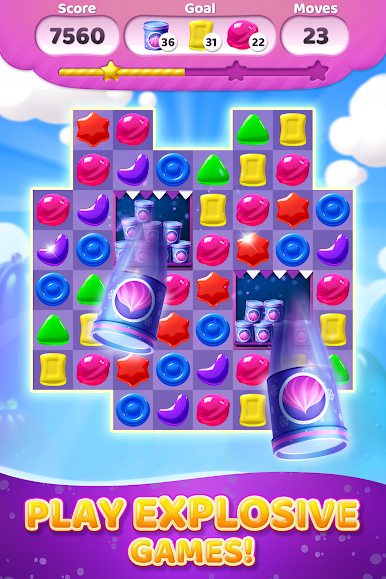
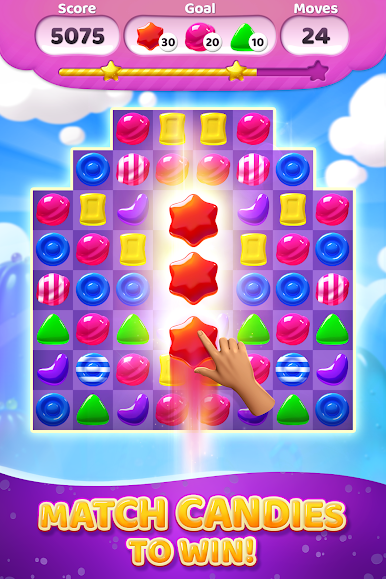
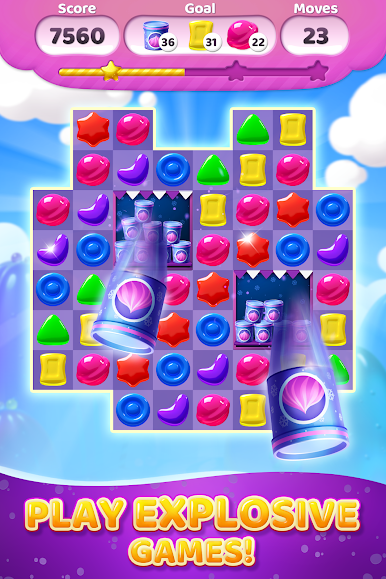
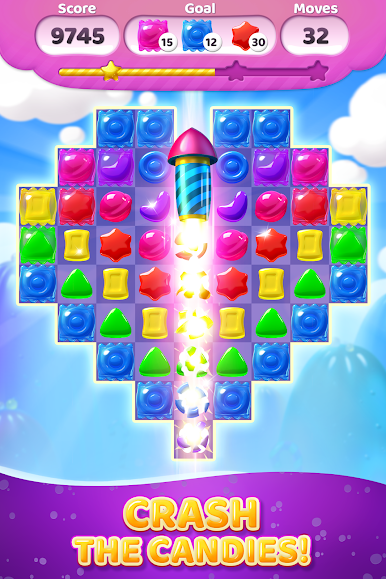
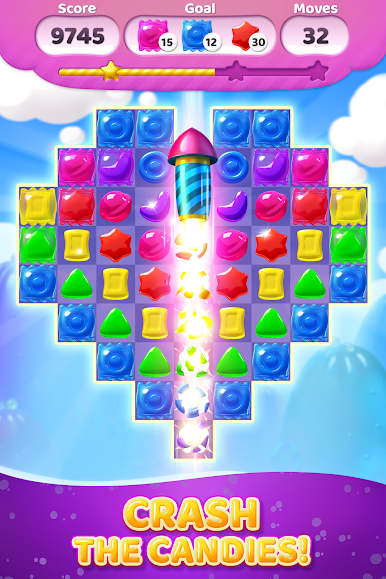
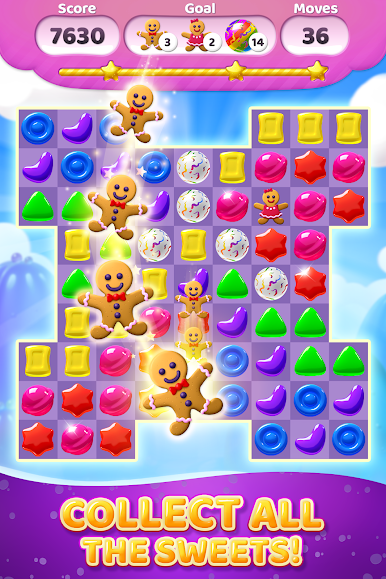
Candy Deluxe is that classic candy match-3 that feels familiar right away, but it throws in enough little twists to keep the board interesting. Players swap bright pieces to hit a goal within a limited number of moves, so it becomes a balance of quick matches and planning ahead. Chain reactions are the best part, since special pieces pop off each other and clear big chunks at once. Match four and a lightning candy zaps a full row or column. Match five in a line or a corner shape and the board lights up with bigger effects. Swapping two specials together is where the big clears happen, and that is where the puzzles get solved fast.
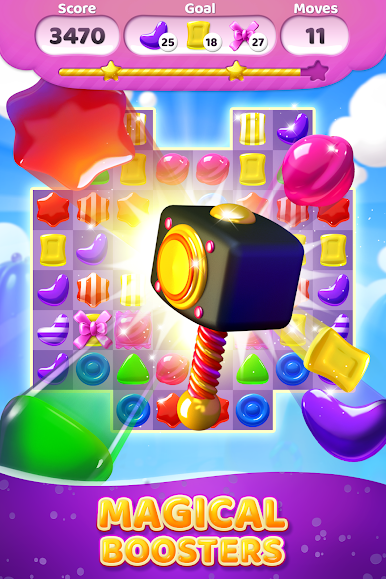
There are boosters in a shop for those tough stages, and coins from wins stack up so players can grab more. Stars from high scores feed into chests and gifts, which is a nice loop that nudges a replay without feeling pushy. Every 50 levels a new candy world opens, so there is a fresh theme and a couple of new tricks to think about. Daily bonuses show up, offline play works fine, and there is hundreds of levels to chip through. On PC with BlueStacks, the mouse makes swaps very precise and the bigger screen makes it easier to read the board, which helps when moves are tight. It is easy to start, but the limited moves and target goals mean real puzzle thinking kicks in sooner than expected.
Ready to top the leaderboard? We bet you do. Let precise controls and sharp visuals optimized on BlueStacks lead you to victory.

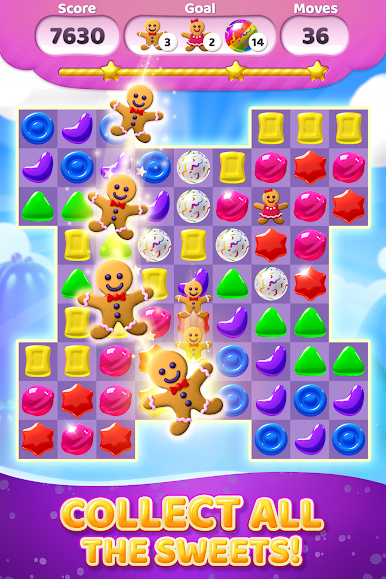
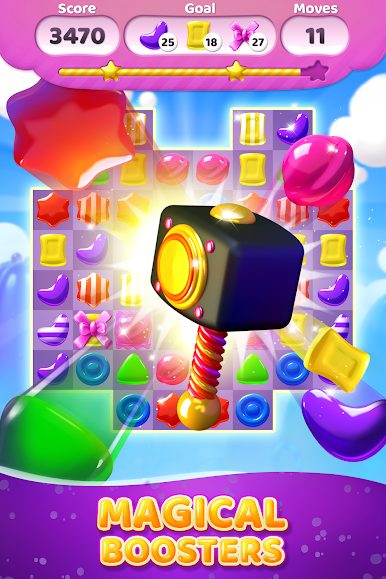
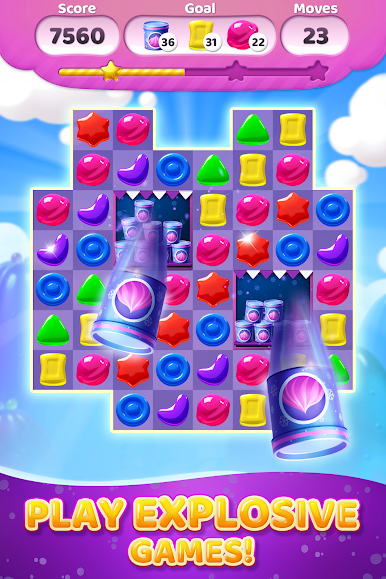

Play Candy Deluxe - Match 3 Puzzle on PC. It’s easy to get started.
-
Download and install BlueStacks on your PC
-
Complete Google sign-in to access the Play Store, or do it later
-
Look for Candy Deluxe - Match 3 Puzzle in the search bar at the top right corner
-
Click to install Candy Deluxe - Match 3 Puzzle from the search results
-
Complete Google sign-in (if you skipped step 2) to install Candy Deluxe - Match 3 Puzzle
-
Click the Candy Deluxe - Match 3 Puzzle icon on the home screen to start playing

