


Themify: Theme & Icon Changer
Play on PC with BlueStacks – the Android Gaming Platform, trusted by 500M+ gamers.

Page Modified on: Aug 28, 2025
Play Themify: Theme & Icon Changer on PC
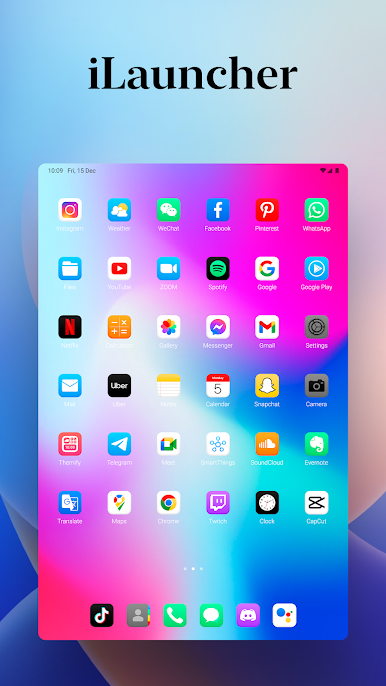
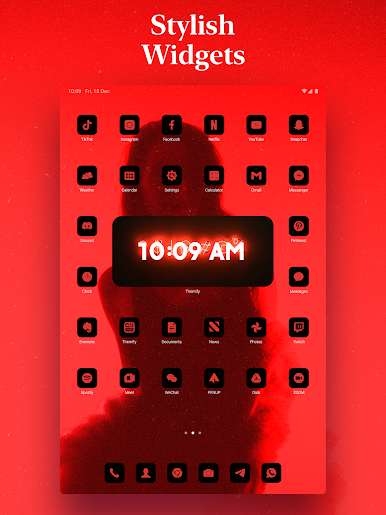
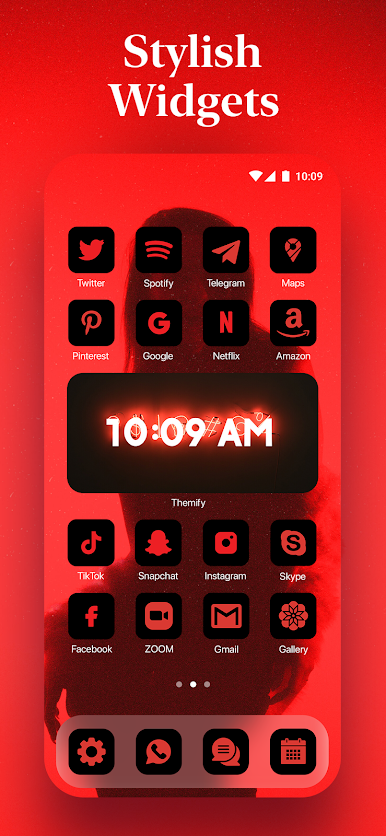
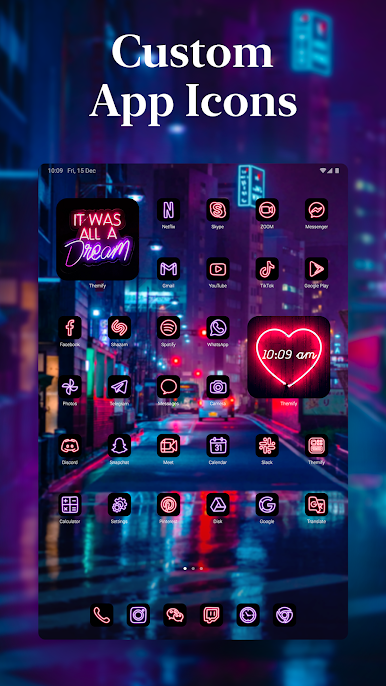
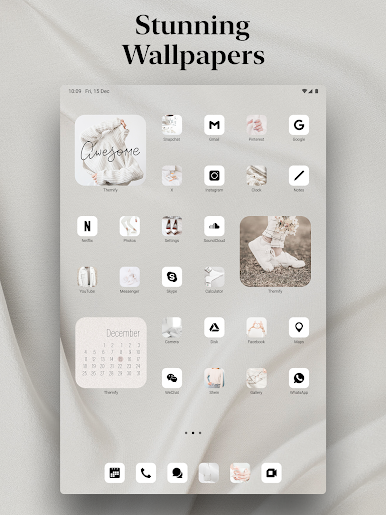
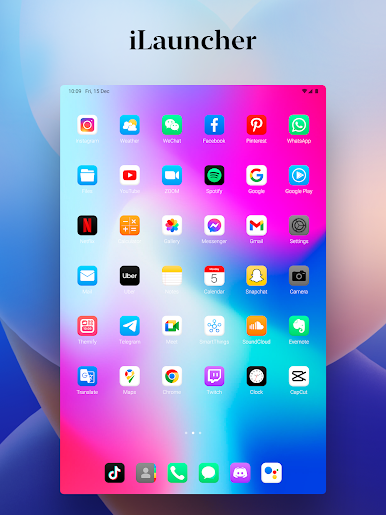
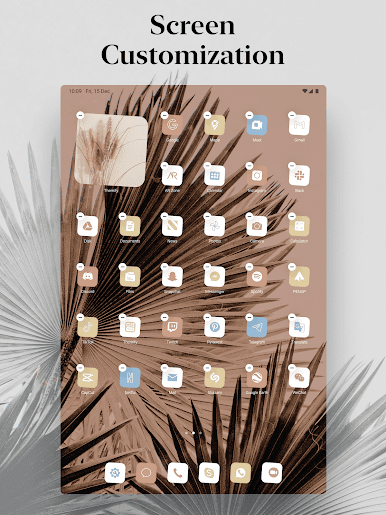
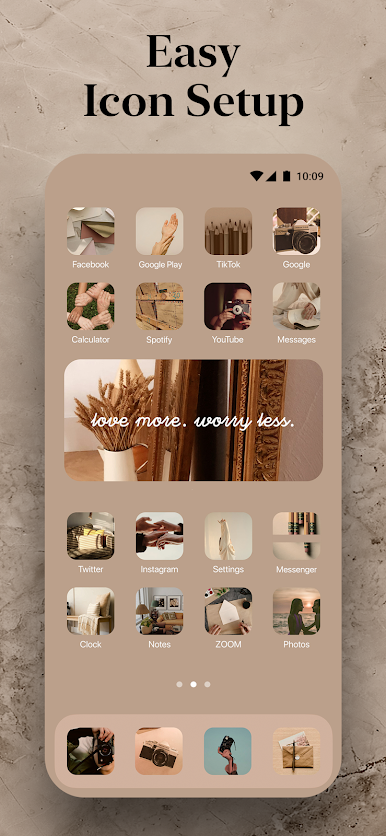
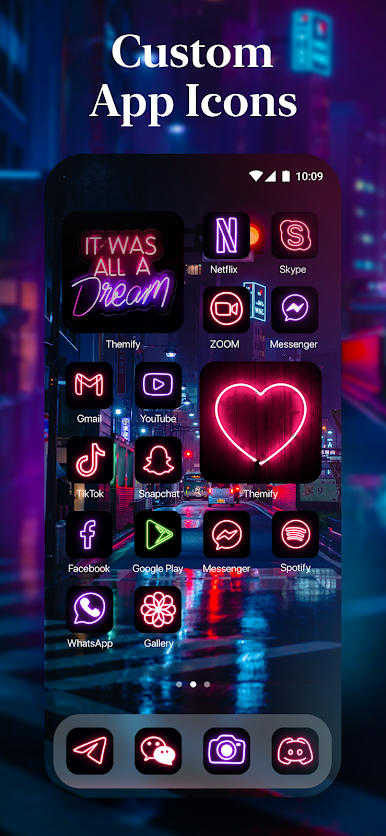
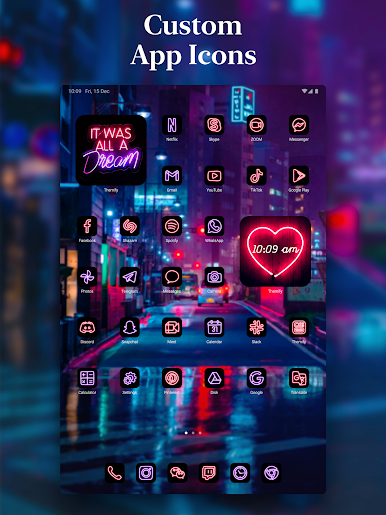
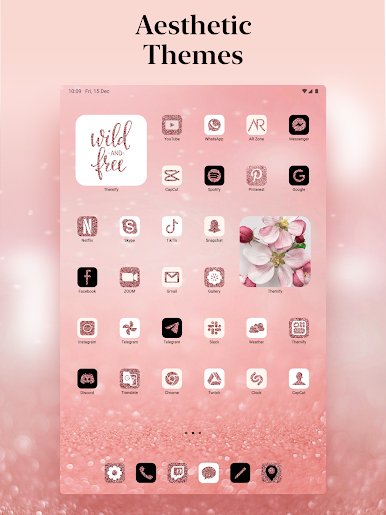
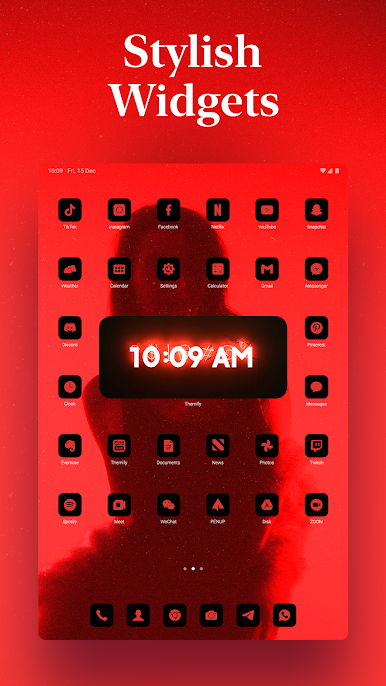
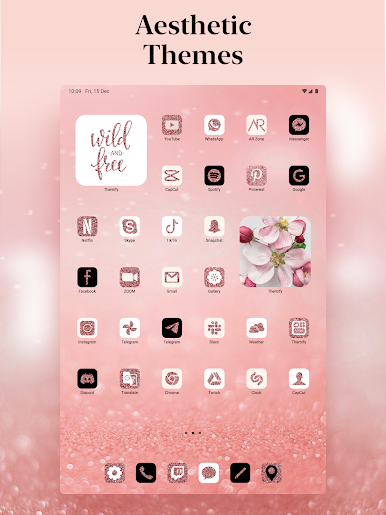
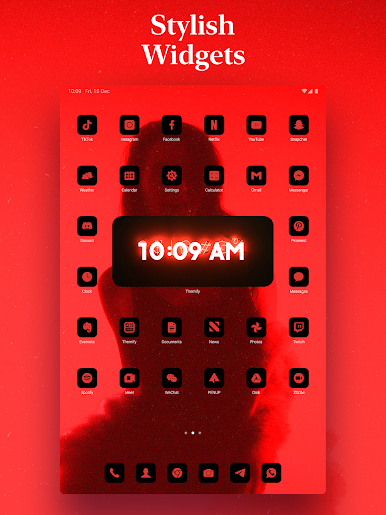
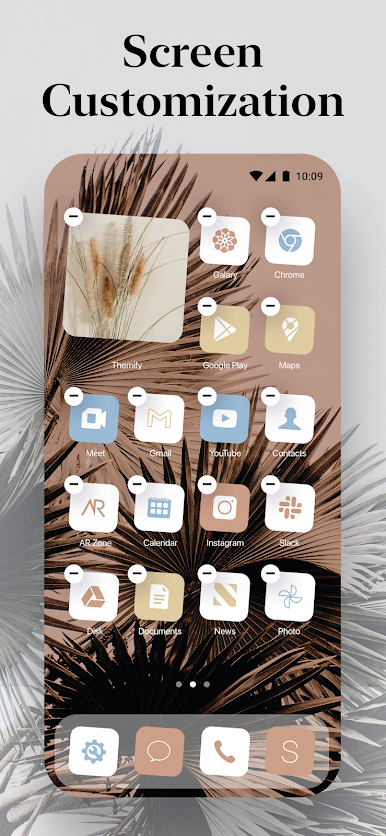
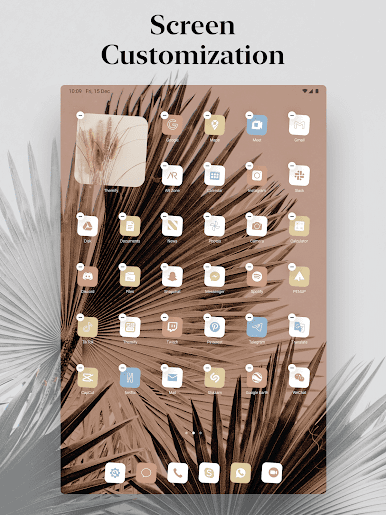
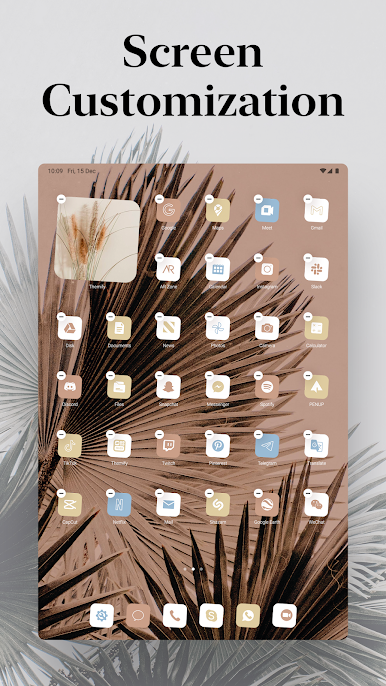
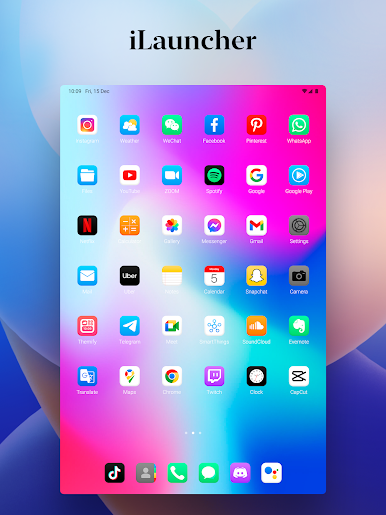
Transform your device with our stunning themes, wallpapers, icon changer, aesthetic wallpaper, and custom widgets. Experience a complete makeover for your Home screen with Themify!
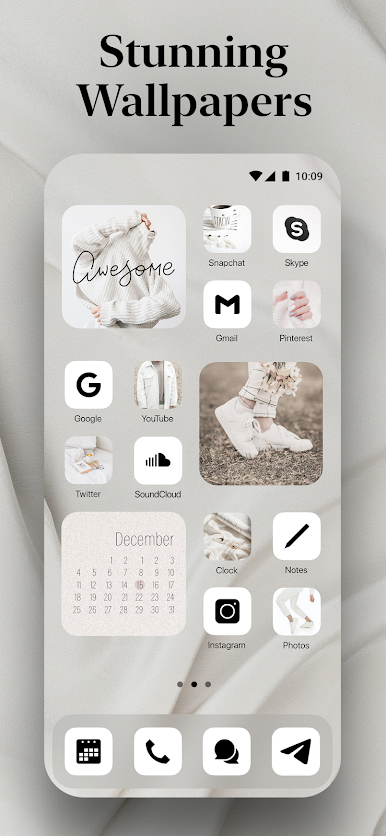
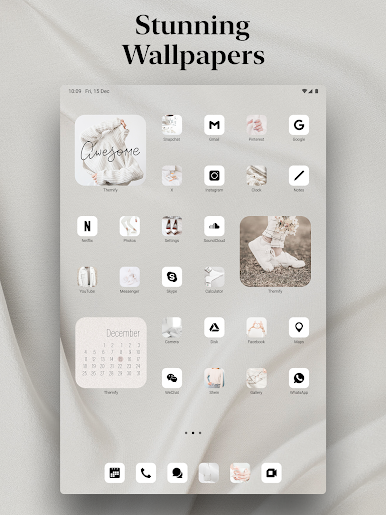
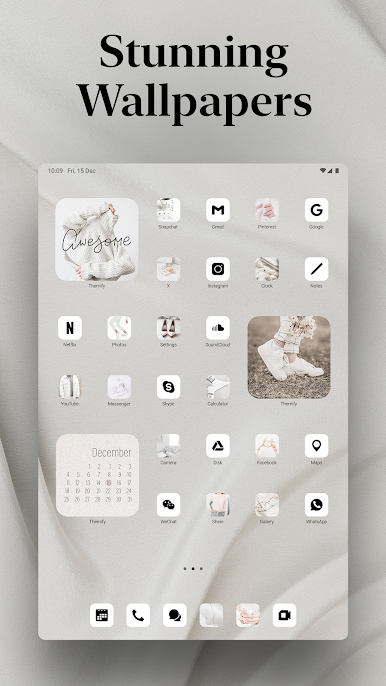
Our app offers a vast selection of wallpapers to suit every taste, from breathtaking nature scenes to abstract art and everything in between. Animate your screen with captivating live wallpapers that bring your device to life.
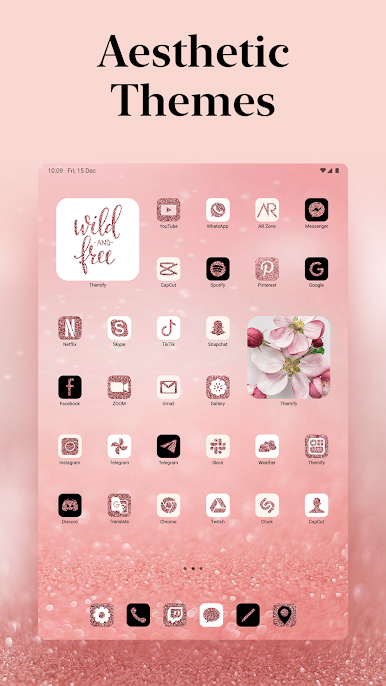
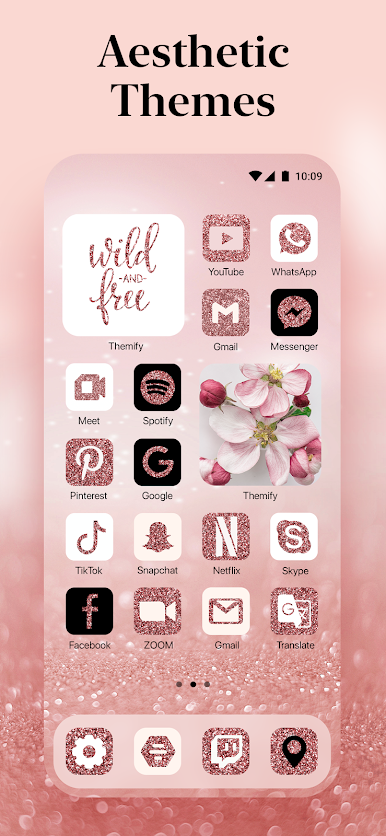
Explore our curated aesthetic Home screen themes for special events, featuring festive icons, widgets, and wallpapers. With Themify, you can easily personalize your device with a cohesive look.
KEY FEATURES
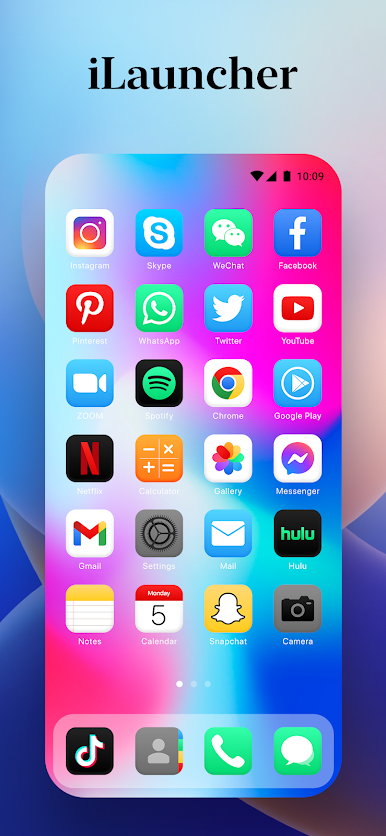
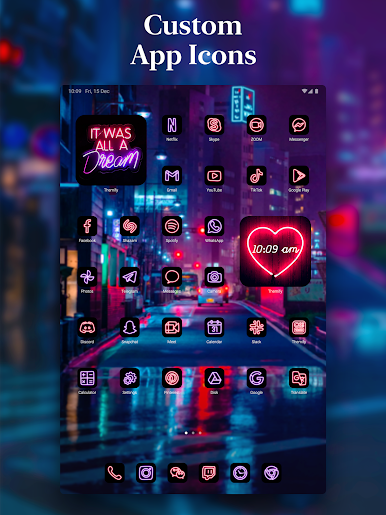
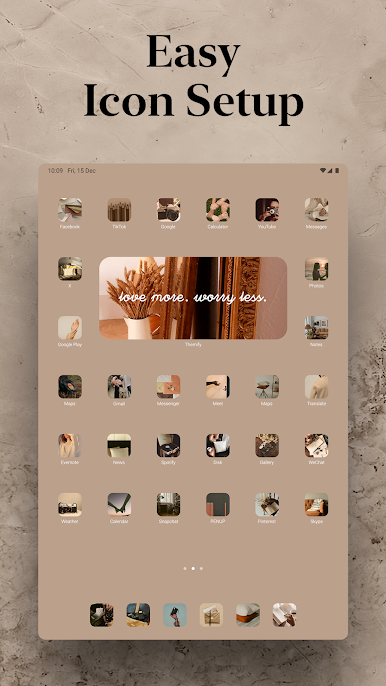
— 3-in-1 Themes—Choose from a wide range of high-quality wallpapers, aesthetic widgets, and custom app skins to create a unique Home screen.
— Live Wallpapers Galore—Animate your screen with an array of live wallpapers, from nature to abstract and beyond.
— Holiday Home screen Themes—Celebrate special events with our festive wallpaper aesthetic, icons, widgets, and themes.
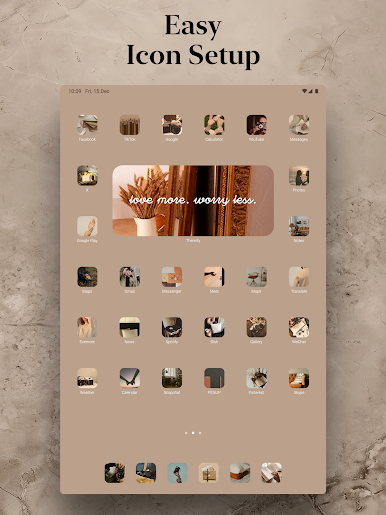
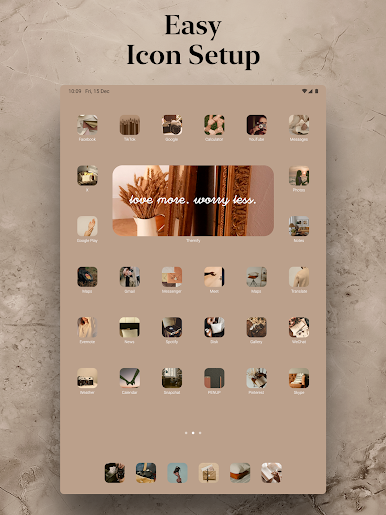
— Easy Setup—Find the perfect theme for your device and decorate it with icon changer, wallpapers, and widgets in a single tap.
— Vast Collection—Unlock our huge collection of themes, wallpapers, widgets, icons, and backgrounds for every taste, ranging from anime to aesthetics, movies & series, and more.
Download Themify now and let your Home screen speak volumes with our aesthetic wallpapers, themes, and icon changer!
You can reach out to us at https://aiby.mobi/themify_android/support/ with any Themify-related inquiries.
Play Themify: Theme & Icon Changer on PC. It’s easy to get started.
-
Download and install BlueStacks on your PC
-
Complete Google sign-in to access the Play Store, or do it later
-
Look for Themify: Theme & Icon Changer in the search bar at the top right corner
-
Click to install Themify: Theme & Icon Changer from the search results
-
Complete Google sign-in (if you skipped step 2) to install Themify: Theme & Icon Changer
-
Click the Themify: Theme & Icon Changer icon on the home screen to start playing

