

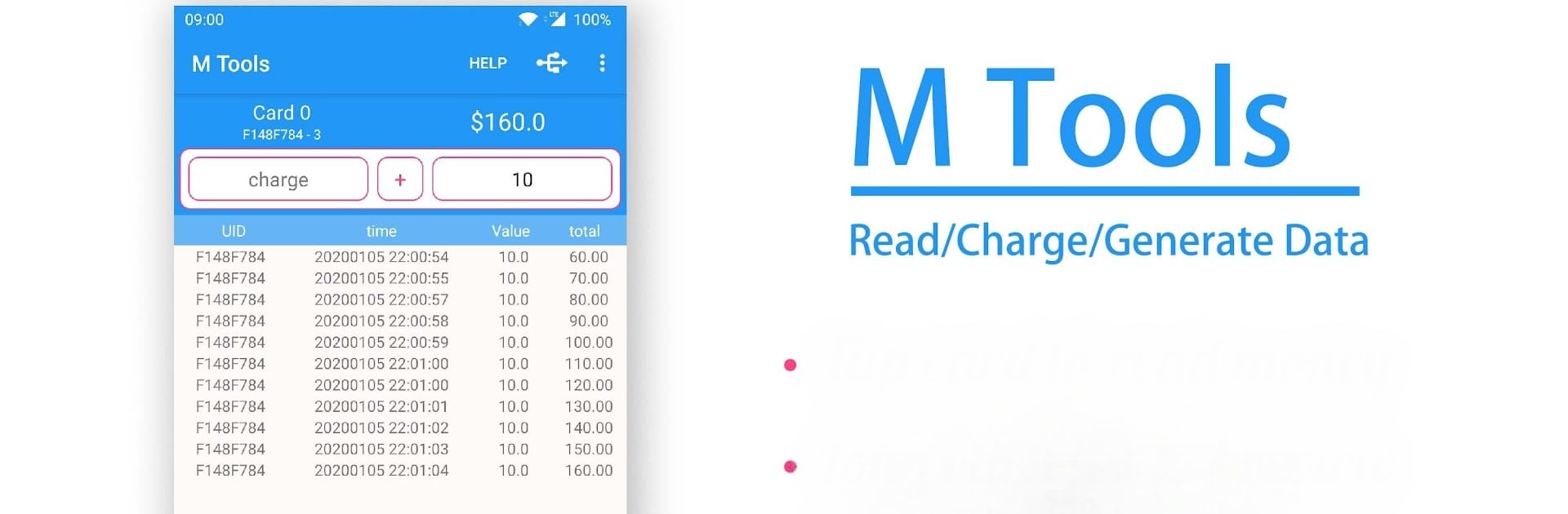
MTools - Mifare ACR122 PN532
Play on PC with BlueStacks – the Android Gaming Platform, trusted by 500M+ gamers.

Page Modified on: Feb 19, 2026
Run NFC MTools for Mifare Card ACR122, PN532, BT, RFID on PC or Mac
Let BlueStacks turn your PC, Mac, or laptop into the perfect home for NFC MTools for Mifare Card ACR122, PN532, BT, RFID, a fun Tools app from MTools Tec.
About the App
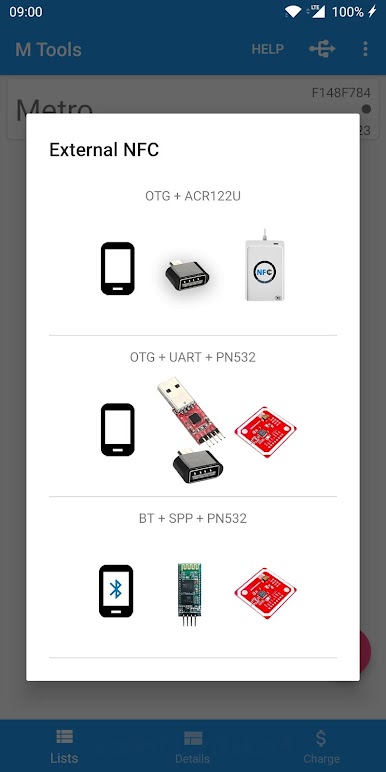
NFC MTools for Mifare Card ACR122, PN532, BT, RFID from MTools Tec is designed for anyone working with Mifare cards who wants more than just basic access. Whether you’re managing transit or access cards, or handling RFID tasks, this app gives you flexible control over your card data and lets you tweak, compare, or back up info a lot more easily. If you’re running it with BlueStacks, you’ll also enjoy a smoother experience on a bigger screen.
App Features
-
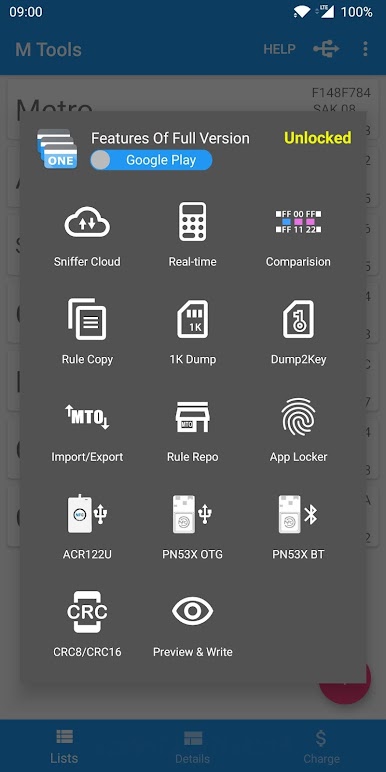
Direct Read & Write:
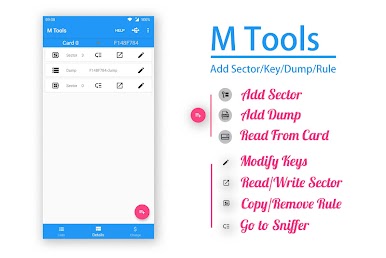
Got a Mifare Classic or Ultralight card? You can read and update sectors on the spot, no detours needed. -
Automatic Key Management:
The app keeps track of key changes for you, so you don’t have to juggle a bunch of codes or worry about losing them. -
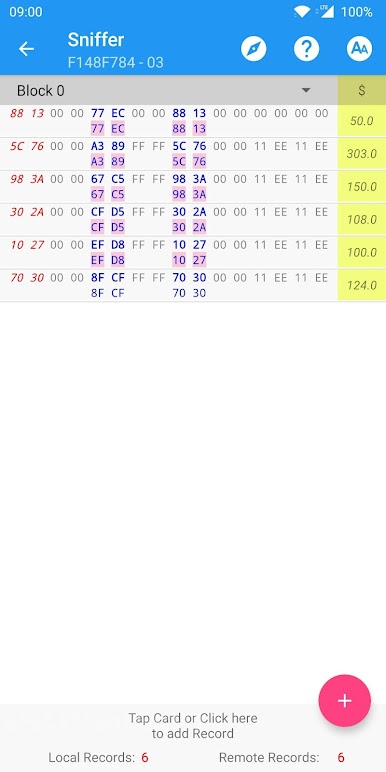
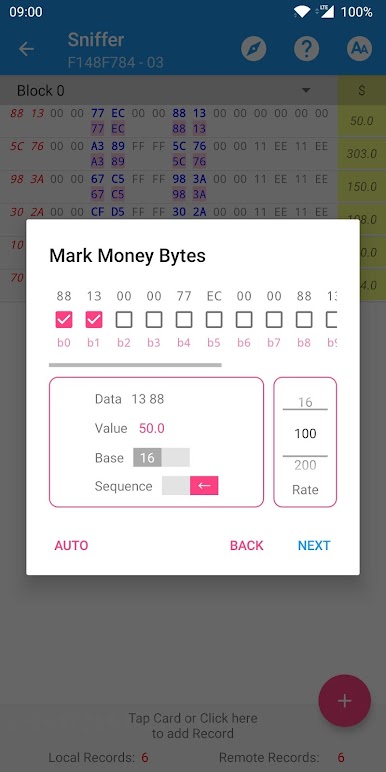
Data Comparison Mode:
Check out differences between sets of data right inside the app—changes are highlighted, so spotting shifts is simple. -
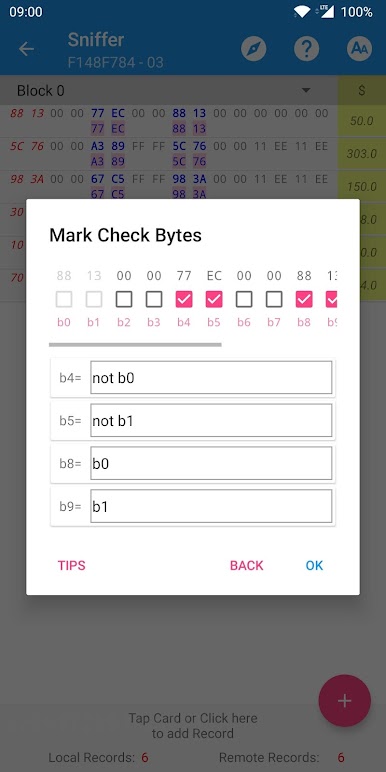
Rule Exploration & Emulation:
Curious about how certain data rules or keys work? Explore, test, and emulate calculations to see how things play out without changing your actual card. -
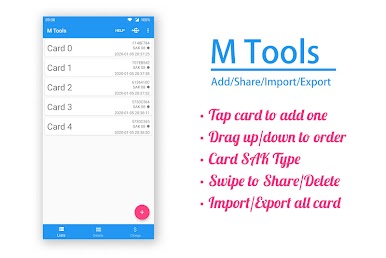
Handles Multiple Cards & Rules:
Great for those who need to work with more than one card or switch between different sets of rules—it’s all possible without constant reloading. -
CRC Calculators Built In:
Need CRC8 or CRC16 checks? Run the calculations directly—handy for those looking to keep things accurate.
Eager to take your app experience to the next level? Start right away by downloading BlueStacks on your PC or Mac.

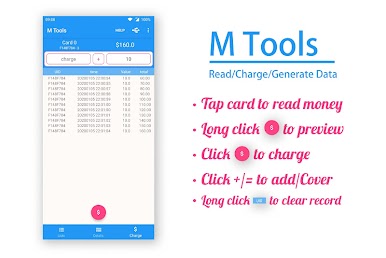
Play MTools - Mifare ACR122 PN532 on PC. It’s easy to get started.
-
Download and install BlueStacks on your PC
-
Complete Google sign-in to access the Play Store, or do it later
-
Look for MTools - Mifare ACR122 PN532 in the search bar at the top right corner
-
Click to install MTools - Mifare ACR122 PN532 from the search results
-
Complete Google sign-in (if you skipped step 2) to install MTools - Mifare ACR122 PN532
-
Click the MTools - Mifare ACR122 PN532 icon on the home screen to start playing

