


World Clock & Widget
Play on PC with BlueStacks – the Android Gaming Platform, trusted by 500M+ gamers.

Page Modified on: Feb 27, 2026
Run World Clock & Widget on PC or Mac
What’s better than using World Clock & Widget by NRS Magic LTD? Well, try it on a big screen, on your PC or Mac, with BlueStacks to see the difference.
About the App
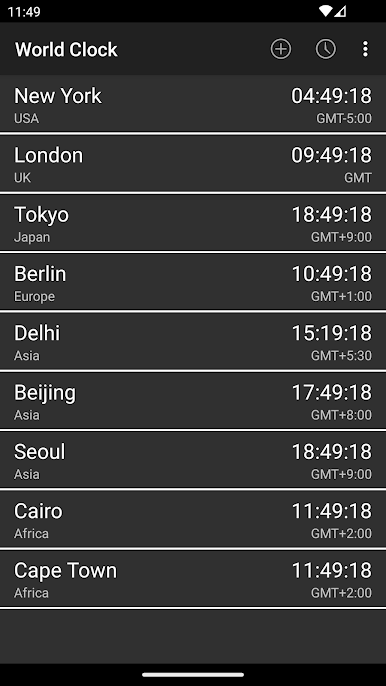
Trying to keep up with friends, family, or colleagues across different time zones? World Clock & Widget from NRS Magic LTD makes wrangling global time zones way less complicated. Whether you’re planning calls, traveling, or just need to check what hour it is somewhere else, this handy Productivity app brings world time right to your fingertips—no mental math required.
App Features
-
Multiple Clocks in One Spot
Add a bunch of clocks for different cities and countries. Hope you like organization, because your homescreen just got much more useful. -
Super-Fast City & Time Zone Search
Don’t waste time scrolling—just type in a city or time zone and get what you need instantly. -
Pick 12-Hour or 24-Hour Format
Night owl or military time fan? Change between standard 12-hour and 24-hour layouts whenever you want. -
Military & Universal Time Options
Need to see Zulu or other military time zones? There’s an option for that, plus you can activate Universal Time Clock for a worldwide view. -
Date Display Choices
Want today’s date right there on your widget? Switch it on, or keep it off if you like things simple. -
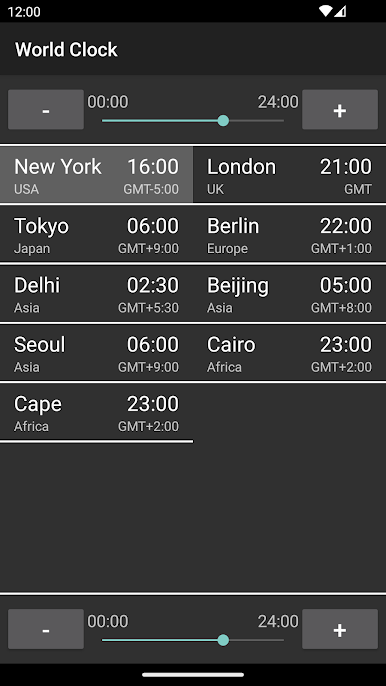
Time Converter & Difference Calculator
Quickly check what time it is for someone else—or how many hours you have before an important deadline. Comparing cities is a breeze. -
Personalization Galore
Tweak the widget’s look: backgrounds, fonts, sizes—whatever matches your style or blends best with your wallpaper.
If you’re running this Productivity app through BlueStacks, managing world time zones feels even easier, especially when you need everything front and center on your desktop.
Eager to take your app experience to the next level? Start right away by downloading BlueStacks on your PC or Mac.

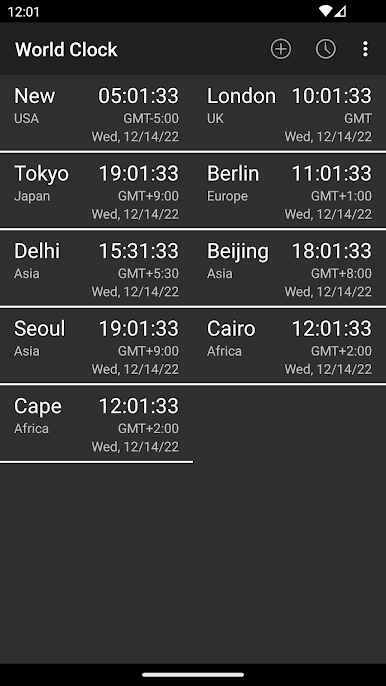
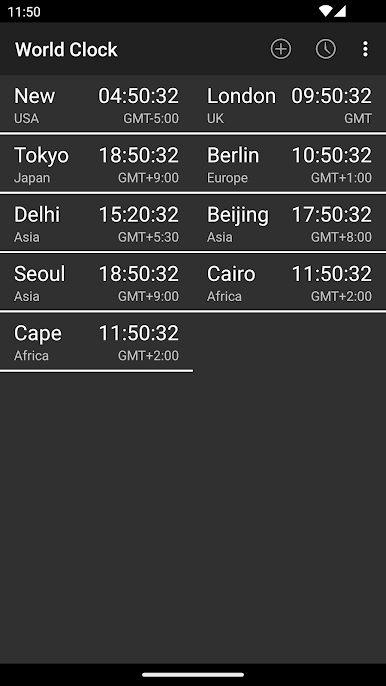
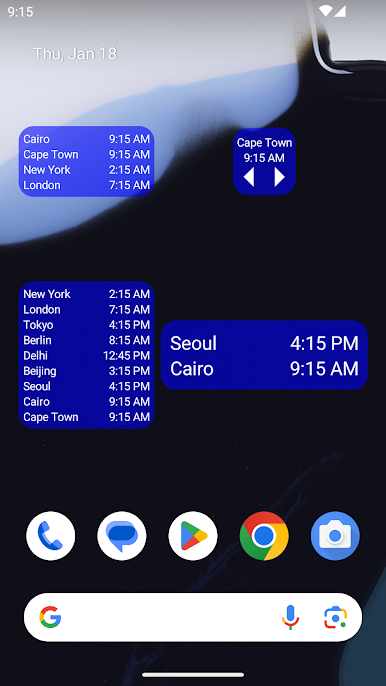
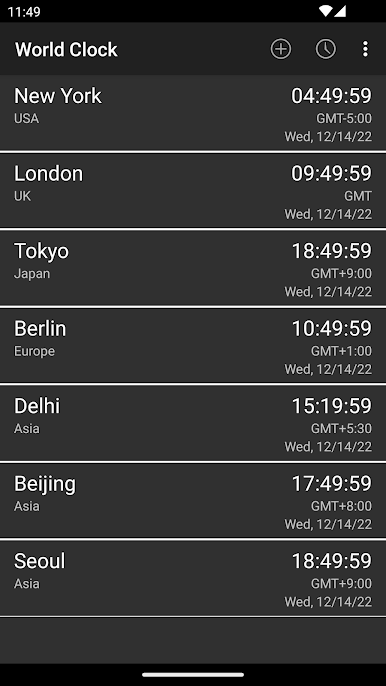
Play World Clock & Widget on PC. It’s easy to get started.
-
Download and install BlueStacks on your PC
-
Complete Google sign-in to access the Play Store, or do it later
-
Look for World Clock & Widget in the search bar at the top right corner
-
Click to install World Clock & Widget from the search results
-
Complete Google sign-in (if you skipped step 2) to install World Clock & Widget
-
Click the World Clock & Widget icon on the home screen to start playing

