

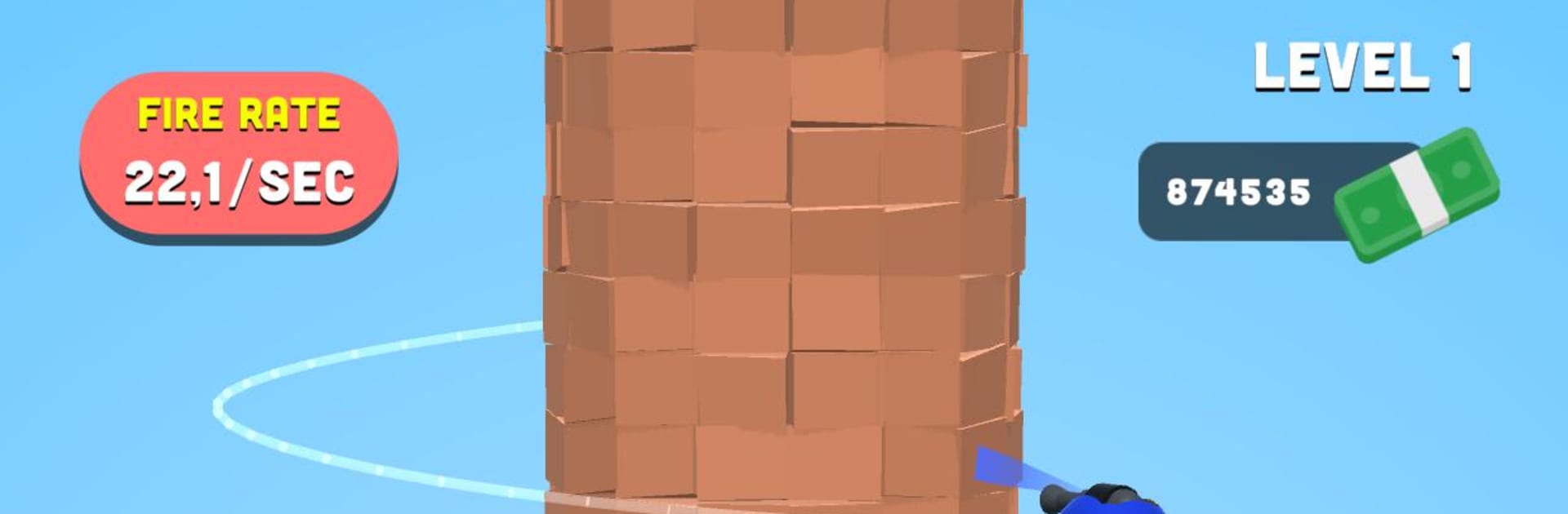
Tower Crusher!
Play on PC with BlueStacks – the Android Gaming Platform, trusted by 500M+ gamers.

Page Modified on: Nov 2, 2022
Play Tower Crusher! on PC or Mac
Play Tower Crusher! by Rollic Games on PC or Mac with BlueStacks. Use a bigger screen, mouse and keyboard controls, and smoother performance while you play.
About the Game
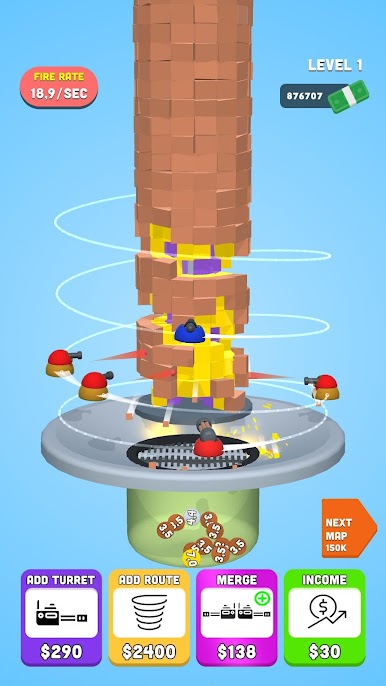
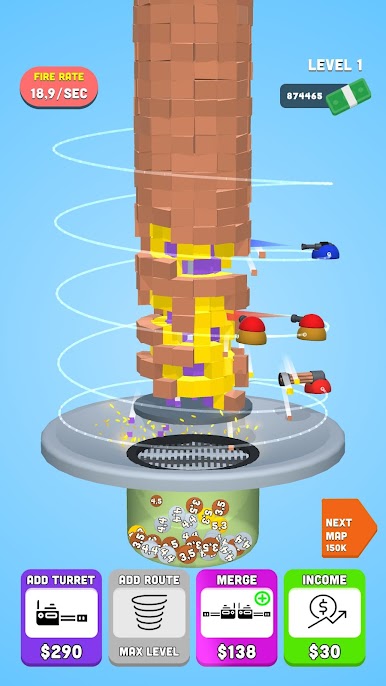
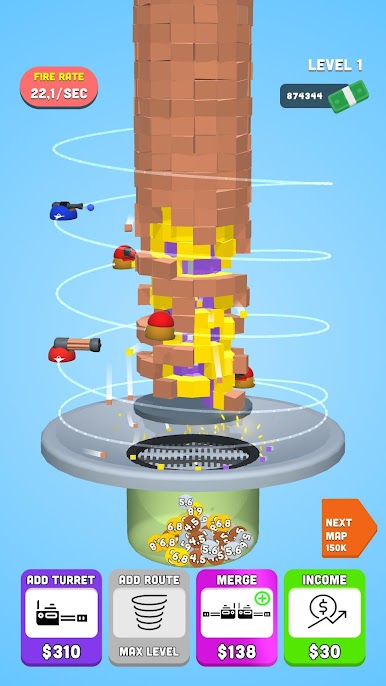
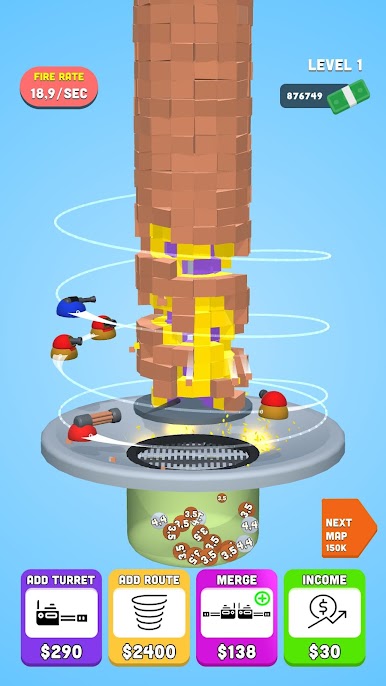
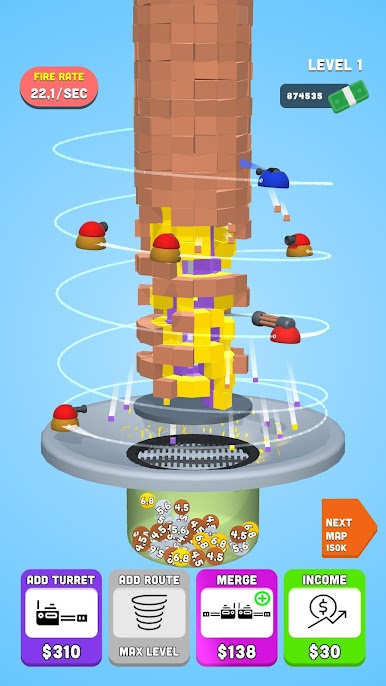
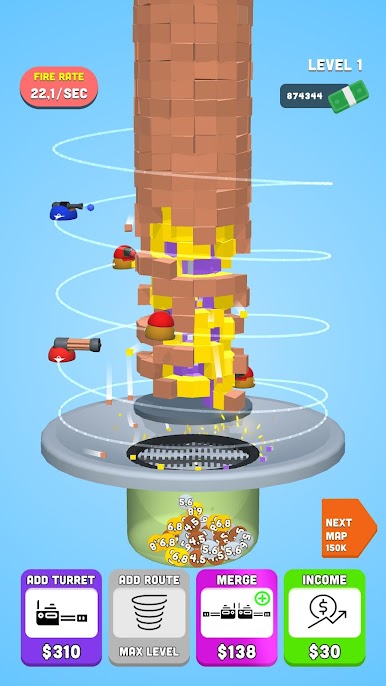
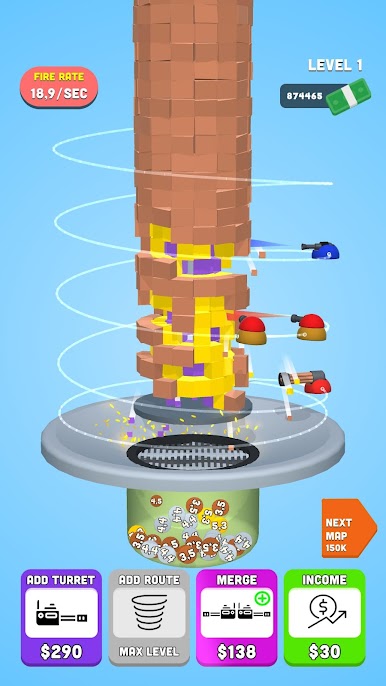
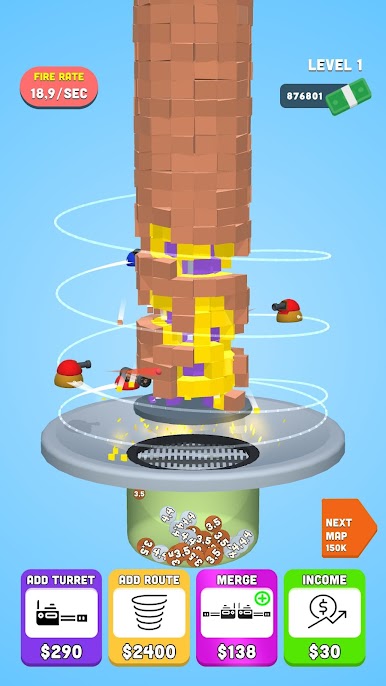
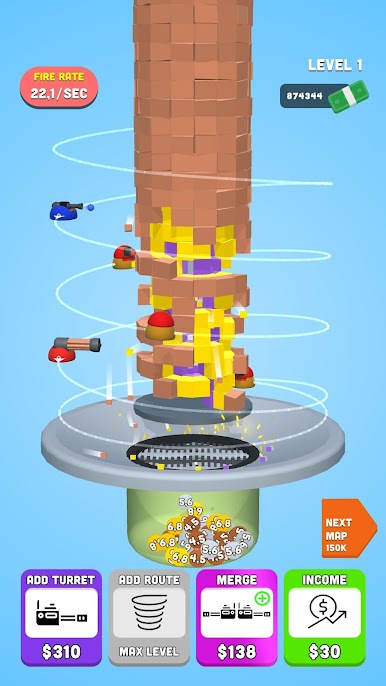
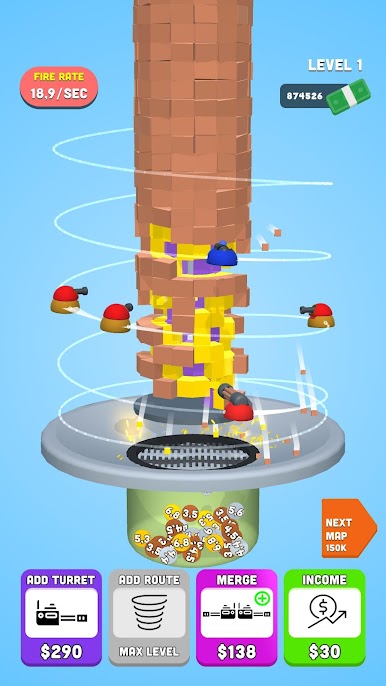
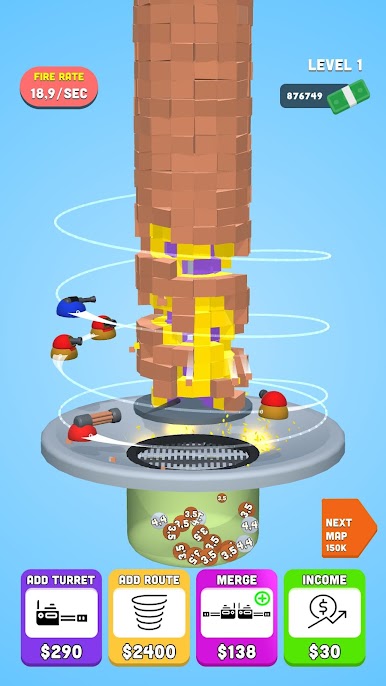
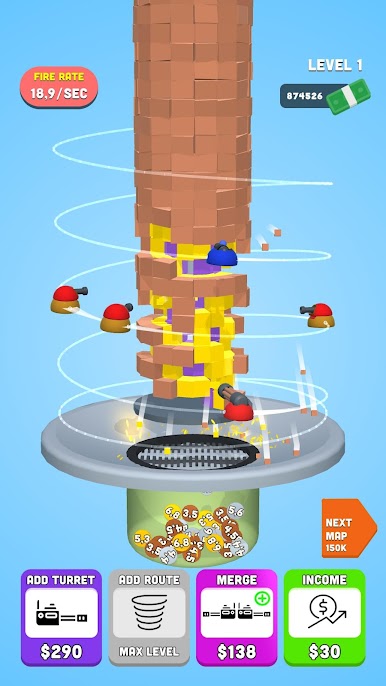
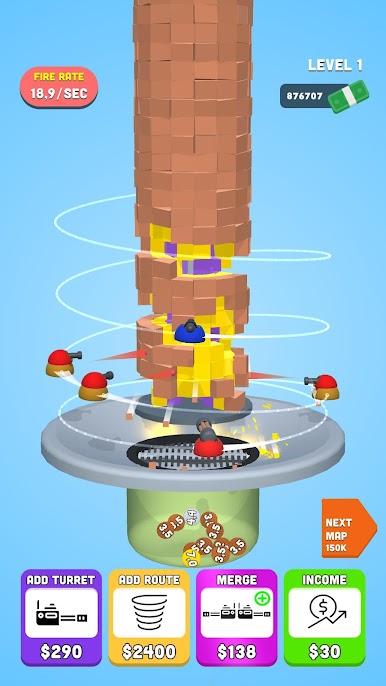
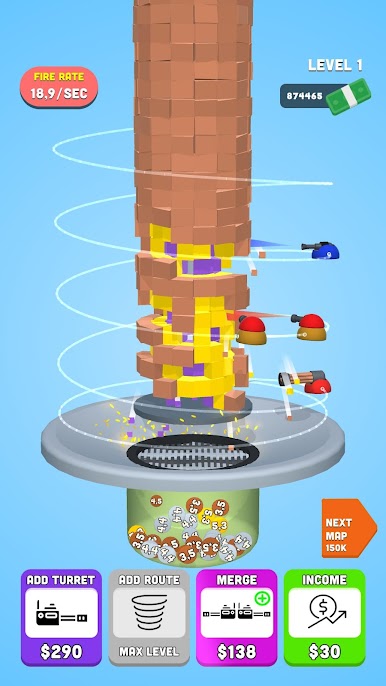
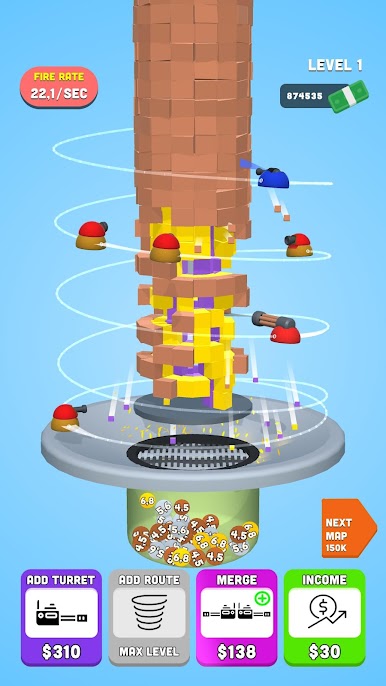
Tower Crusher! is a Casual blast all about turning towering stacks into rubble with sheer firepower. You’ll buy turrets, drop them into smart spots, and mash those clicks to unleash a storm of shots until the whole structure gives way. It’s quick, crunchy, and oddly relaxing—and if you like playing on a bigger screen, BlueStacks lets you click with pinpoint accuracy on PC.
Game Features
- Buy More Turrets: Grow your arsenal to ramp up damage and keep the bullets flowing as towers get taller and tougher.
- Place and Plan: Position turrets where they’ll hurt most, focusing fire on weak points to wobble the stack and finish it off.
- Tap for Overdrive: Click fast to spike your firing rate; steady hands and speedy taps melt layers in seconds.
- Straightforward Controls: No fuss, no clutter—learn it in a moment, then settle into that satisfying shoot-and-crush rhythm.
- Satisfying Destruction: Watch blocks buckle and tumble as your turrets sync up, turning careful placement into glorious collapse.
- Quick Sessions: Knock down a tower in a few minutes or chase that “one more” run when you’re in the zone.
- Progress-At-Your-Pace: Play casually with steady taps or go all-in with rapid-fire clicking—the game rewards both styles.
Ready to top the leaderboard? We bet you do. Let precise controls and sharp visuals optimized on BlueStacks lead you to victory.
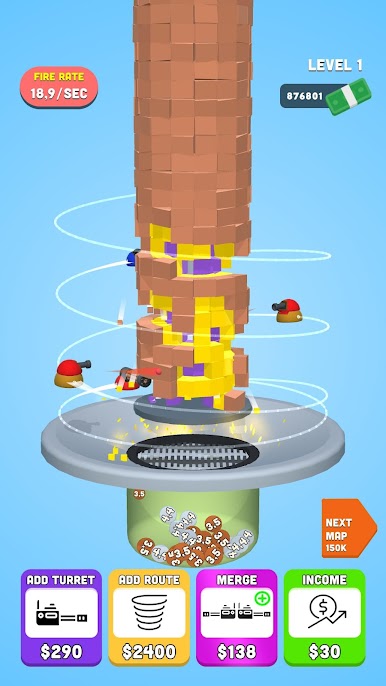
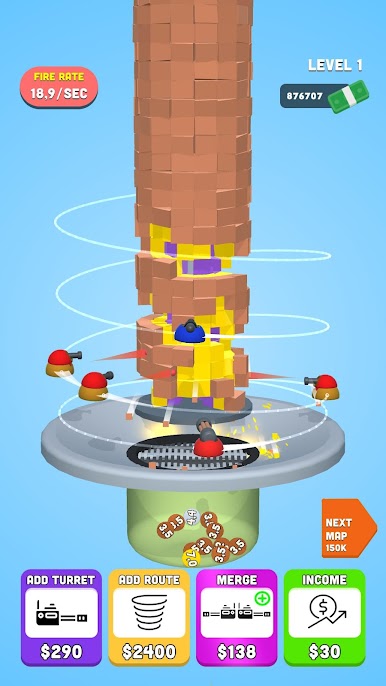
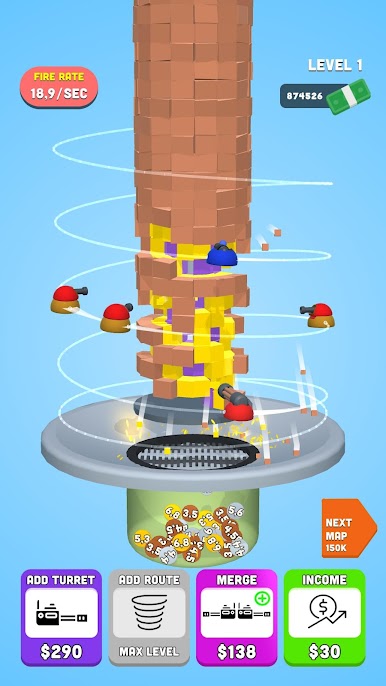
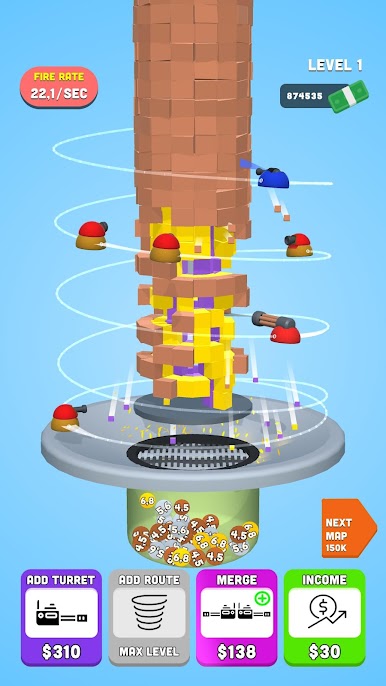
Play Tower Crusher! on PC. It’s easy to get started.
-
Download and install BlueStacks on your PC
-
Complete Google sign-in to access the Play Store, or do it later
-
Look for Tower Crusher! in the search bar at the top right corner
-
Click to install Tower Crusher! from the search results
-
Complete Google sign-in (if you skipped step 2) to install Tower Crusher!
-
Click the Tower Crusher! icon on the home screen to start playing

