


Train Ride
Play on PC with BlueStacks – the Android Gaming Platform, trusted by 500M+ gamers.

Page Modified on: Feb 11, 2026
Play Train Ride on PC
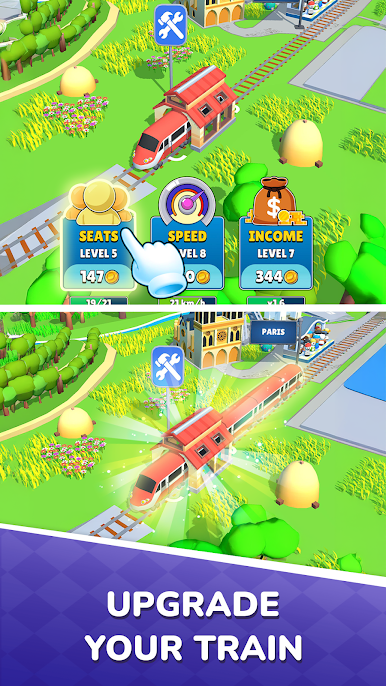
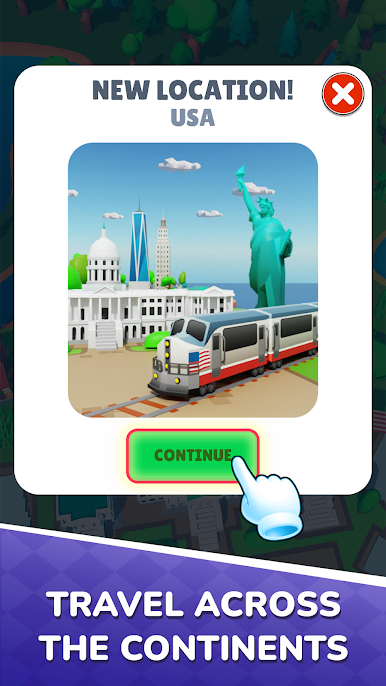
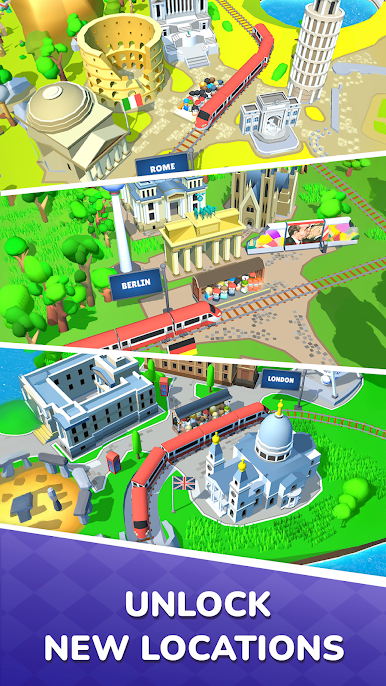
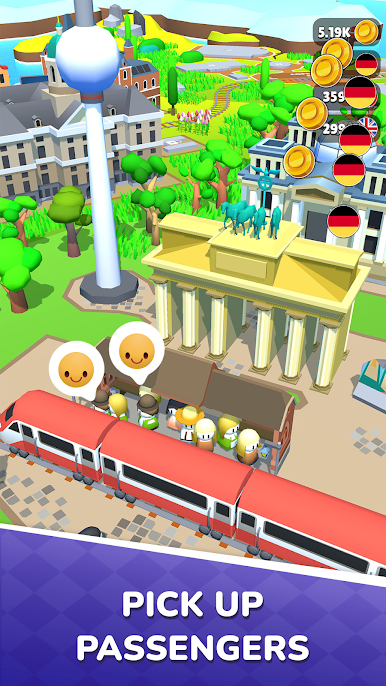
Add new wagons, upgrade your train, and become the best driver the railway has ever seen. Handle unexpected problems along the way and ensure the safety of your passengers. Earn rewards and unlock new routes and locations.
Are you ready to become a railway legend and master all the routes? Download the game and start your journey today! Your adventures await!




Play Train Ride on PC. It’s easy to get started.
-
Download and install BlueStacks on your PC
-
Complete Google sign-in to access the Play Store, or do it later
-
Look for Train Ride in the search bar at the top right corner
-
Click to install Train Ride from the search results
-
Complete Google sign-in (if you skipped step 2) to install Train Ride
-
Click the Train Ride icon on the home screen to start playing

