


Triumph: Play for Win Cash
Play on PC with BlueStacks – the Android Gaming Platform, trusted by 500M+ gamers.

Page Modified on: Jun 8, 2026
Play Triumph: Play for Win Cash on PC
Triumph brings smooth Klondike Solitaire gameplay, fast rounds, and rewarding progress into one easy-to-enjoy card game experience.
Classic Solitaire Gameplay
Move cards, build sequences, and clear the board using strategy.
Each round is simple to start and satisfying to master.
Cash Reward Opportunities
Complete games and unlock cash rewards as you play.
Better performance can lead to more rewarding results.
Fast and Smooth Play
Enjoy clean visuals, responsive controls, and quick gameplay sessions designed for everyday play.
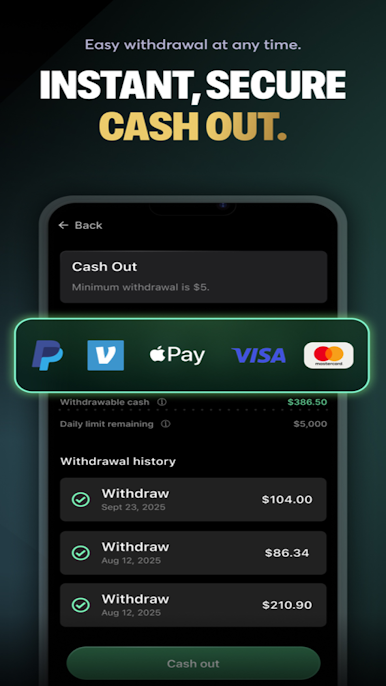
Easy Cash Out
Access your rewards through a simple and secure cash-out experience.
Daily Rewards
Play regularly to collect bonuses, unlock extra rewards, and keep your progress moving.
Play Solitaire, improve your score, and enjoy cash reward opportunities with Triumph: Play for Win Cash.



Play Triumph: Play for Win Cash on PC. It’s easy to get started.
-
Download and install BlueStacks on your PC
-
Complete Google sign-in to access the Play Store, or do it later
-
Look for Triumph: Play for Win Cash in the search bar at the top right corner
-
Click to install Triumph: Play for Win Cash from the search results
-
Complete Google sign-in (if you skipped step 2) to install Triumph: Play for Win Cash
-
Click the Triumph: Play for Win Cash icon on the home screen to start playing

