


巴哈姆特 Now!
Play on PC with BlueStacks – the Android Gaming Platform, trusted by 500M+ gamers.

Page Modified on: Sep 29, 2026
Play 巴哈姆特 Now! on PC
Here you can:
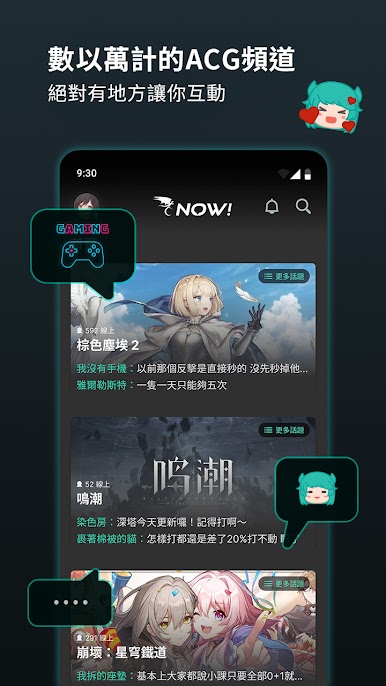
◎Master the most up-to-date and popular ACG news and channels in one hand.
◎Tens of thousands of ACG related channels for you to chat with.
◎Keep up with the speed of change in the ACG world and keep up with everyone’s topics.
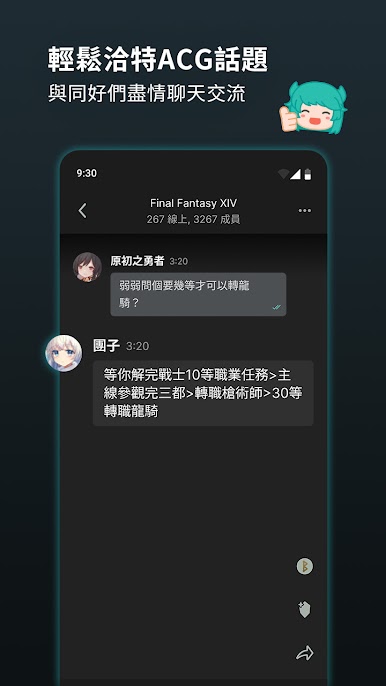
◎Seek help in the chat room to solve game stuck or ACG problems.
◎You can browse news barrages, adding interactivity and fun.
◎Display the number of Live users in real time and keep track of the crowd trends at any time.
◎Whether it is discussing new game information, sharing game experiences, or finding people to form a team, you can find friends to exchange and share ACG information.
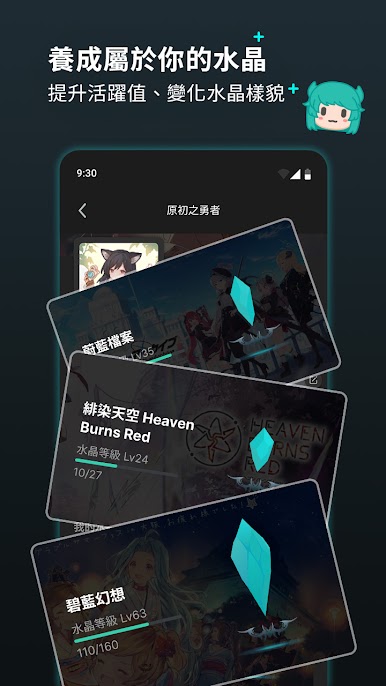
◎Obtain exclusive crystals, which are responsible for recording your active data in the chat room and information related to your works to facilitate interactive communication.
◎Grow your own crystal and change its appearance by increasing its activity value.
Play 巴哈姆特 Now! on PC. It’s easy to get started.
-
Download and install BlueStacks on your PC
-
Complete Google sign-in to access the Play Store, or do it later
-
Look for 巴哈姆特 Now! in the search bar at the top right corner
-
Click to install 巴哈姆特 Now! from the search results
-
Complete Google sign-in (if you skipped step 2) to install 巴哈姆特 Now!
-
Click the 巴哈姆特 Now! icon on the home screen to start playing

