


DangDai Chinese 當代中文課程
Play on PC with BlueStacks – the Android Gaming Platform, trusted by 500M+ gamers.

Page Modified on: Aug 15, 2024
Run DangDai Chinese 當代中文課程 on PC or Mac
Multitask effortlessly on your PC or Mac as you try out DangDai Chinese 當代中文課程, a Education app by NTNU Mandarin Training Center on BlueStacks.
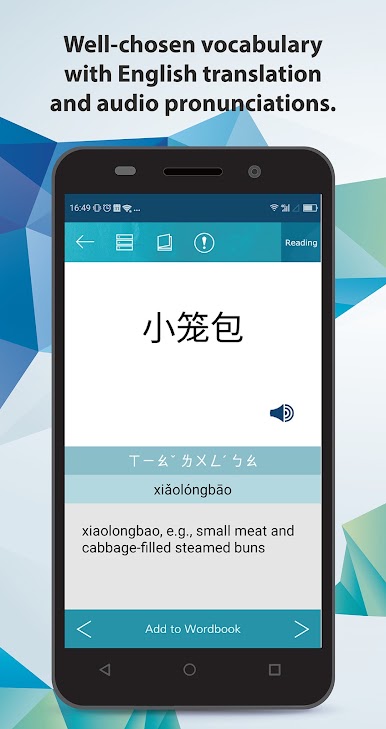
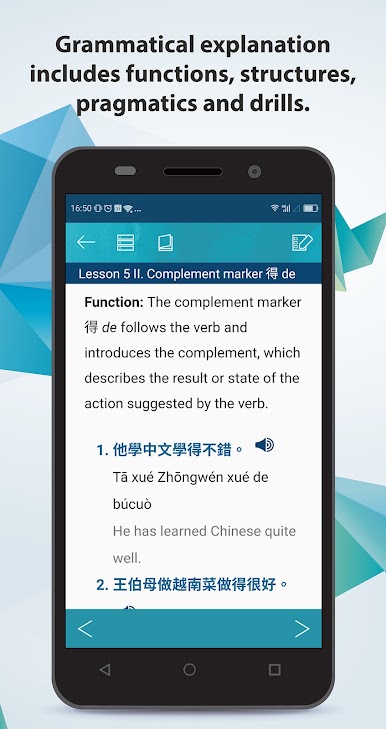
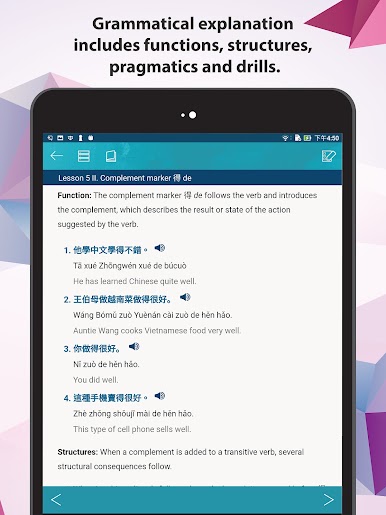
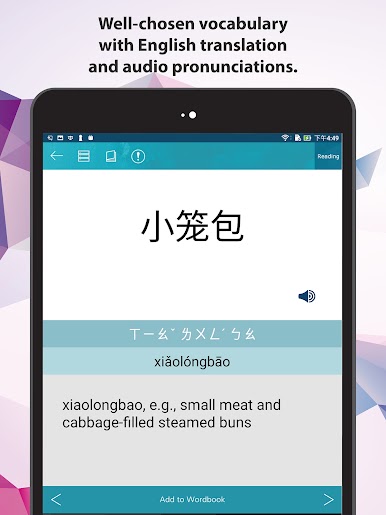
This app is kind of like having the first volume of a solid Mandarin textbook on your computer, only with way more interactive bits. DangDai Chinese is made by some pretty seasoned folks at the Mandarin Training Center, and it shows—everything feels polished and organized for real studying, not just messing around. What’s cool is you can flip between simplified and traditional characters whenever you want, and there’s a mode to switch off the English if you want to see how much you’re actually understanding. Every line comes with translations, pinyin, and even pronunciation, so no guessing what you’re reading or hearing.
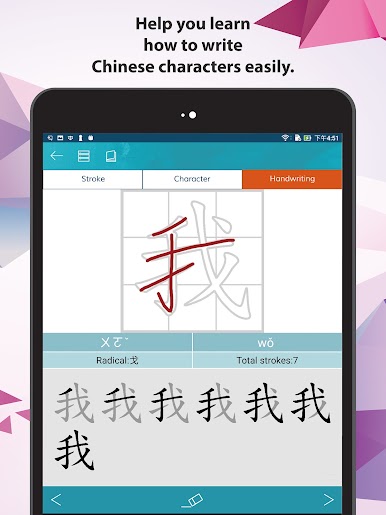
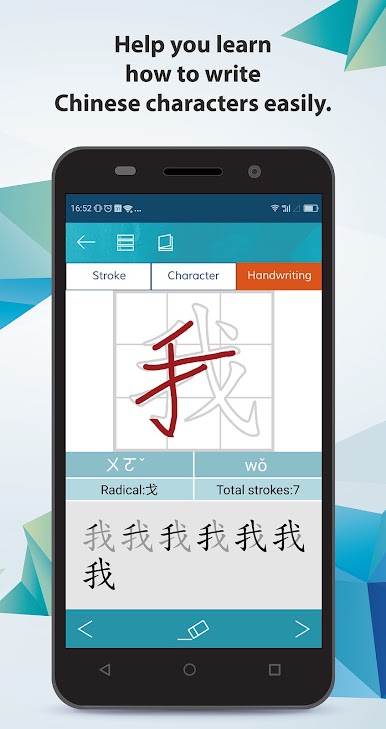
The app really leans into practice—there’s writing animations for each character, plus you can try writing them yourself right there on the screen. All the words in the vocab lists have recordings from a native speaker, and you can loop or repeat bits if something’s not sticking. It’s not all just rigid lessons, either; you can bookmark stuff, save vocab, and take practice tests set up by people who know what it’s like to learn Chinese from scratch. Running it on BlueStacks is handy too, especially for seeing characters big on a monitor and doing handwriting practice with a mouse or tablet. Great for beginners but doesn’t feel too childish or basic if you’ve already done a little Chinese before—just straight-up focused language learning.
Big screen. Bigger performance. Use BlueStacks on your PC or Mac to run your favorite apps.




Play DangDai Chinese 當代中文課程 on PC. It’s easy to get started.
-
Download and install BlueStacks on your PC
-
Complete Google sign-in to access the Play Store, or do it later
-
Look for DangDai Chinese 當代中文課程 in the search bar at the top right corner
-
Click to install DangDai Chinese 當代中文課程 from the search results
-
Complete Google sign-in (if you skipped step 2) to install DangDai Chinese 當代中文課程
-
Click the DangDai Chinese 當代中文課程 icon on the home screen to start playing

