


旭聯智慧大師 行動學習
Play on PC with BlueStacks – the Android Gaming Platform, trusted by 500M+ gamers.

Page Modified on: Dec 27, 2023
Play 旭聯智慧大師 行動學習 on PC
Features:
-------------------------------------------------- ----------
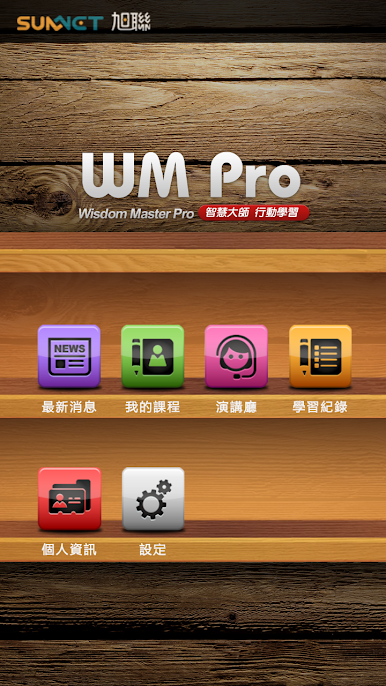
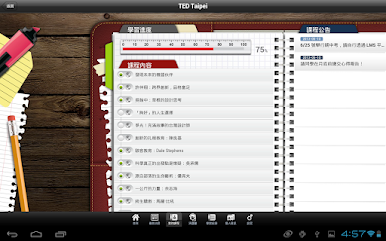
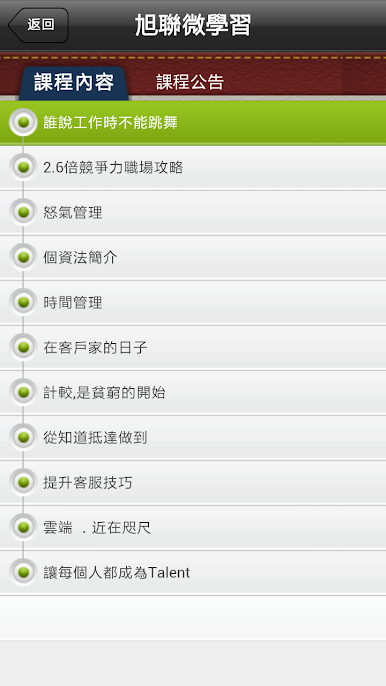
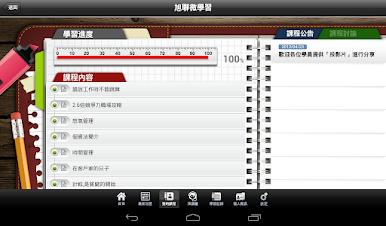
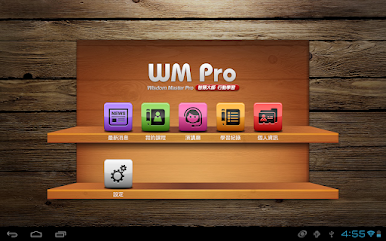
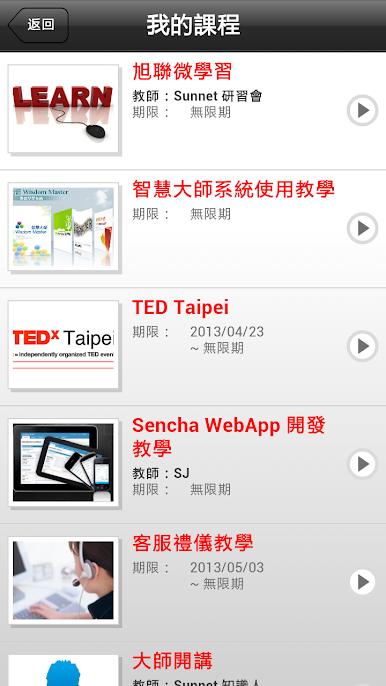
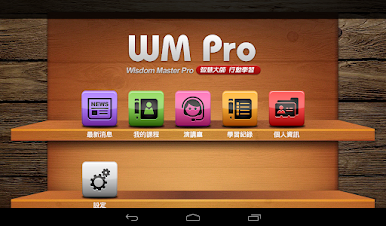
= Course reading =
Present a complete curriculum outline and learning plan, guide learners to study the teaching materials step by step, master the learning steps and priorities, to understand the essence of the content of the teaching materials, to achieve learning results and enhance knowledge and skills.
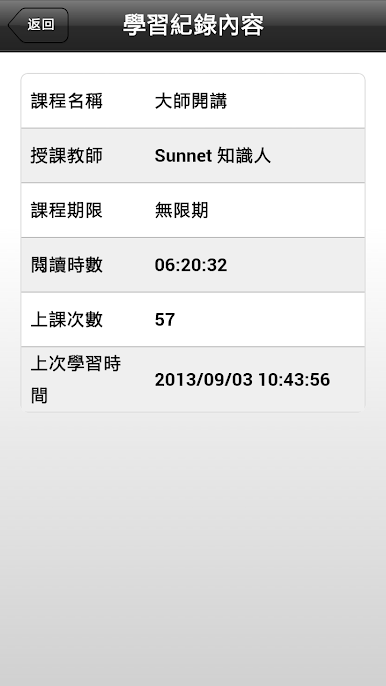
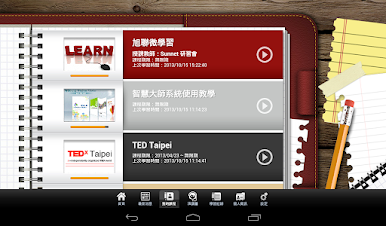
= Study record =
Recording the learner's learning process and reading status not only allows the learner to effectively control the progress and results of learning, as a reference for the learning plan; it can also provide the learner with the status and statistics of the overall learning, as a basis for timely adjustment of teaching content .
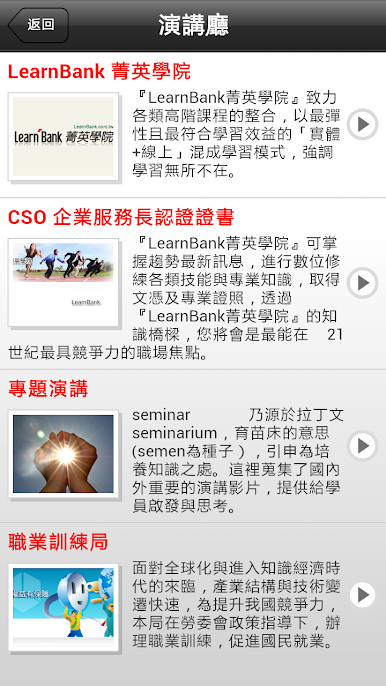
= Lecture Hall =
The sound and light effects of the film are used to fully present graduation performances, knowledge forums and lectures, seminars and teaching sites, so that learners can experience this wonderful content in real life.
= Latest news =
Browsing the latest news in real time, and provides the message push function to proactively notify users of the latest news.
= Personal Information =
Combined with the "Master of Wisdom" learning platform, displaying login account learning information.
= Support for multiple languages =
Supports different language operation interfaces, providing three basic languages: "Traditional Chinese", "Simplified Chinese" and "English".

Play 旭聯智慧大師 行動學習 on PC. It’s easy to get started.
-
Download and install BlueStacks on your PC
-
Complete Google sign-in to access the Play Store, or do it later
-
Look for 旭聯智慧大師 行動學習 in the search bar at the top right corner
-
Click to install 旭聯智慧大師 行動學習 from the search results
-
Complete Google sign-in (if you skipped step 2) to install 旭聯智慧大師 行動學習
-
Click the 旭聯智慧大師 行動學習 icon on the home screen to start playing

