


Video Downloader for Twitter X
Play on PC with BlueStacks – the Android Gaming Platform, trusted by 500M+ gamers.

Page Modified on: Dec 7, 2025
Run Video Downloader for Twitter X on PC or Mac
Upgrade your experience. Try Video Downloader for Twitter X, the fantastic Tools app from Aculix Technologies LLP, from the comfort of your laptop, PC, or Mac, only on BlueStacks.
About the App
Ever see a hilarious video or a looping GIF on X (yep, the app formerly called Twitter) and wish you could save it to your device? Video Downloader for Twitter X by Aculix Technologies LLP is here to help. This handy tool takes all the hassle out of saving those clips and GIFs, so you can watch them later or share them whenever you want. No more lost moments or non-stop searching—everything’s right at your fingertips, whether you’re grabbing a quick meme or an important clip.
App Features
-
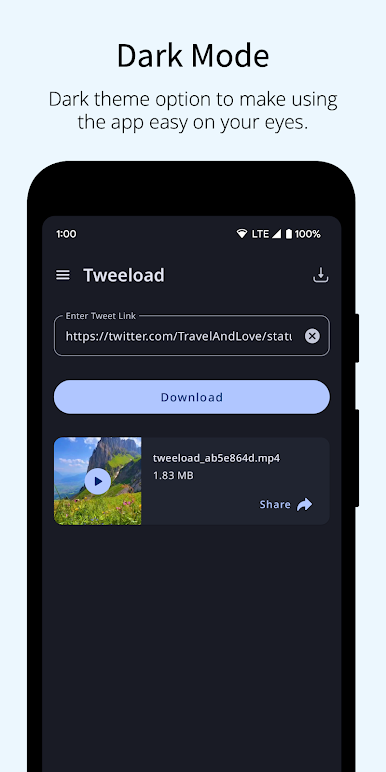
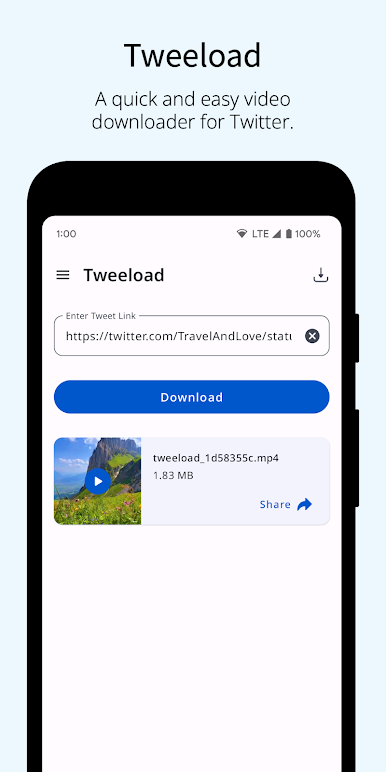
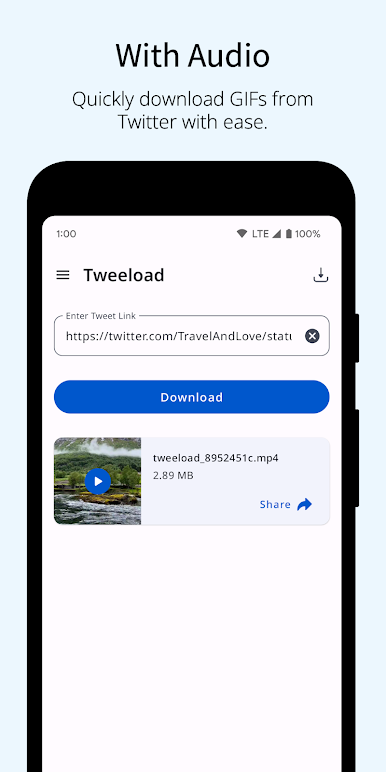
Fast Video & GIF Downloads
Save any video or GIF you find on X straight to your phone without any complicated steps. It’s designed to keep things simple—just a couple taps and it’s done. -
Two Easy Saving Methods
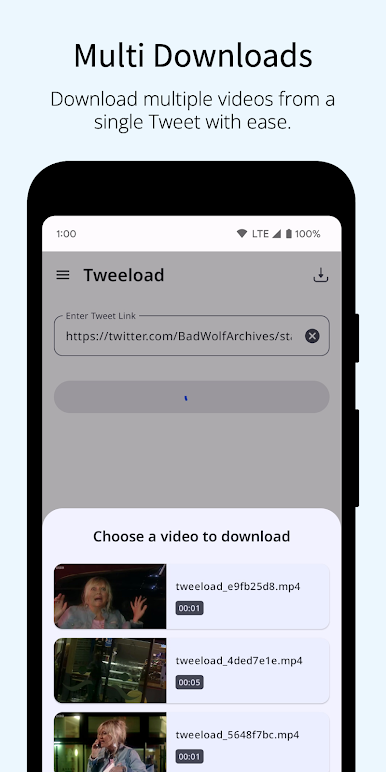
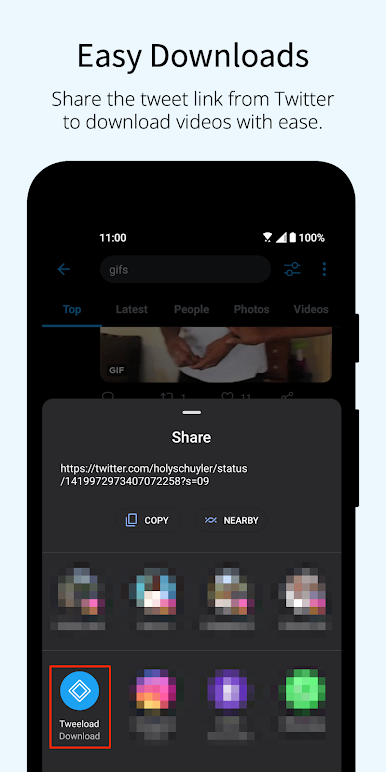
Pick what works for you! Share a tweet directly with Video Downloader for Twitter X, or just copy and paste the tweet’s link if you prefer. Both options get the job done quickly. -
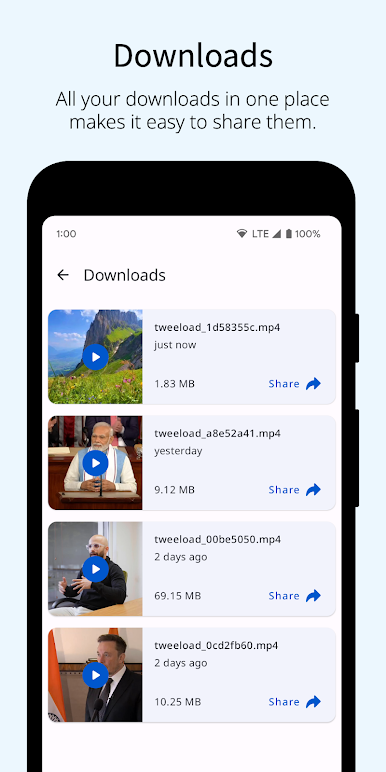
All Your Downloads in One Spot
Every video or GIF you’ve saved is organized right inside the app, so you won’t have to dig through your gallery trying to remember where things went. -
Built-in Video Player
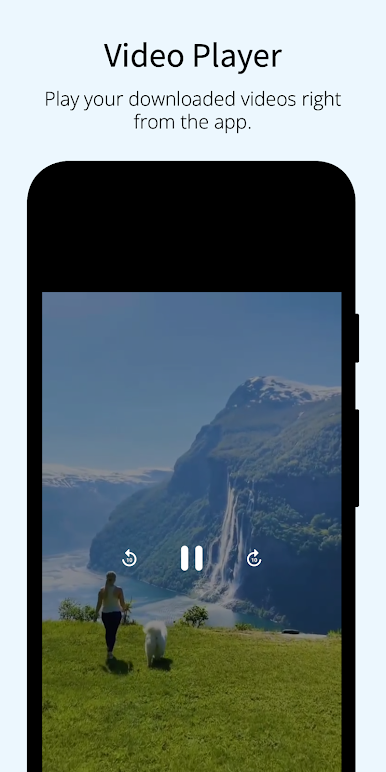
Watch your downloaded clips instantly, no need for extra apps or switching screens. Just tap and play. -
Simple Sharing
Want to send that funny video to your friends or post it elsewhere? Share the saved content directly from Video Downloader for Twitter X to any other app.
If you’re using BlueStacks, you can even run the app on your computer for a bigger view and snappier experience.
BlueStacks brings your apps to life on a bigger screen—seamless and straightforward.
Play Video Downloader for Twitter X on PC. It’s easy to get started.
-
Download and install BlueStacks on your PC
-
Complete Google sign-in to access the Play Store, or do it later
-
Look for Video Downloader for Twitter X in the search bar at the top right corner
-
Click to install Video Downloader for Twitter X from the search results
-
Complete Google sign-in (if you skipped step 2) to install Video Downloader for Twitter X
-
Click the Video Downloader for Twitter X icon on the home screen to start playing

