


Markup R-XP for Cross Stitch
Play on PC with BlueStacks – the Android Gaming Platform, trusted by 500M+ gamers.

Page Modified on: Sep 8, 2026
Play Markup R-XP for Cross Stitch on PC
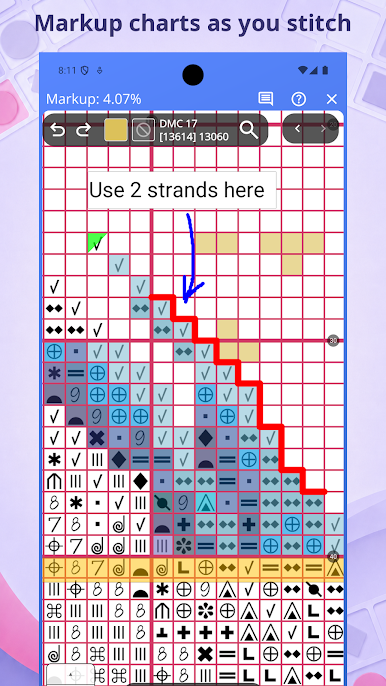
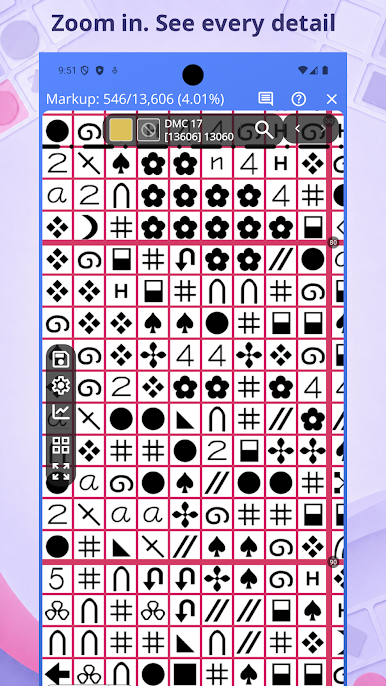
Spend less time managing your chart and more time stitching, with a clear interactive view that makes every symbol and remaining stitch easy to find.
• Free two-week trial
Try every feature free for two weeks and experience how Markup R-XP can make your stitching simpler and more enjoyable.
• Easy chart importing and setup
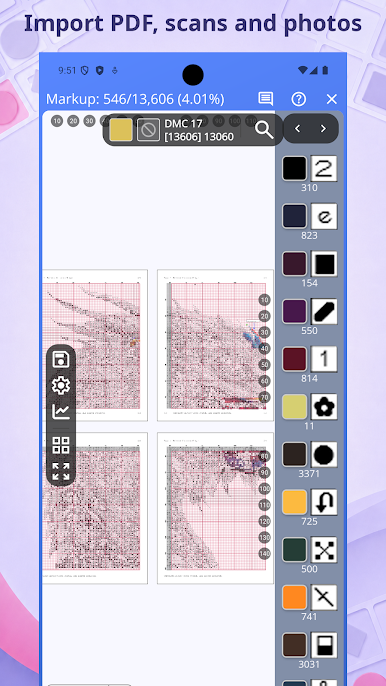
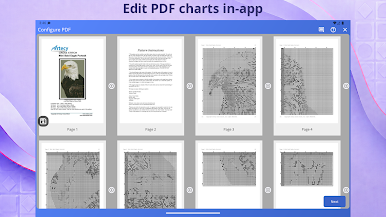
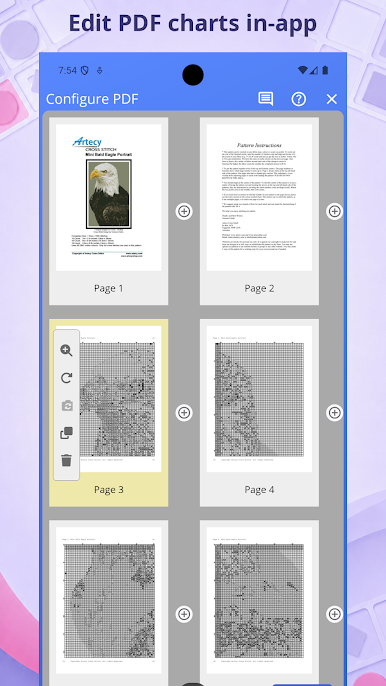
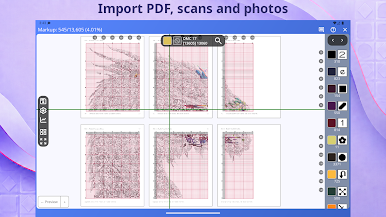
Start stitching sooner, even when your chart is a PDF, scan, image or photo, with tools that straighten the chart and help detect its grid and symbols - even one that’s angled or curled in a book!
• Automatic thread setup
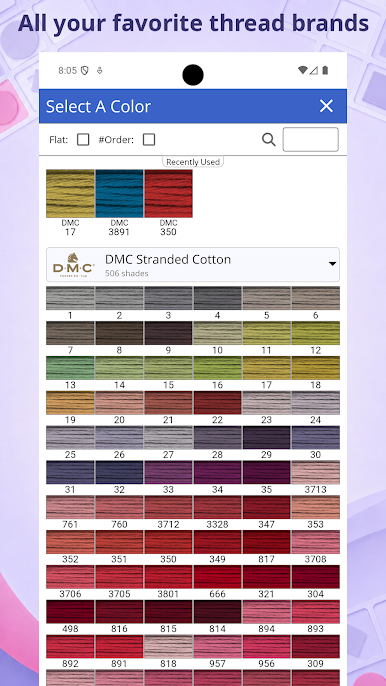
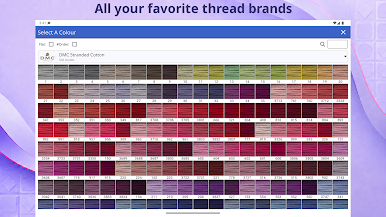
Save setup time and avoid colour-matching mistakes by identifying threads from the chart key, creating blended symbols and choosing from a wide range of built-in manufacturer shade cards.
• Multi-page and Stitch-Along support
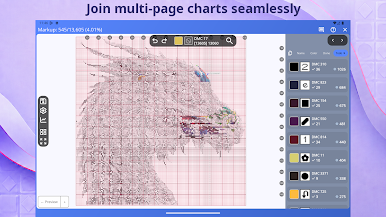
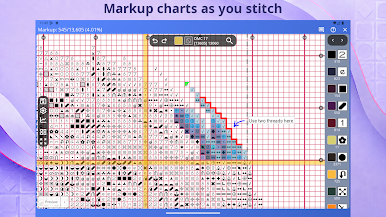
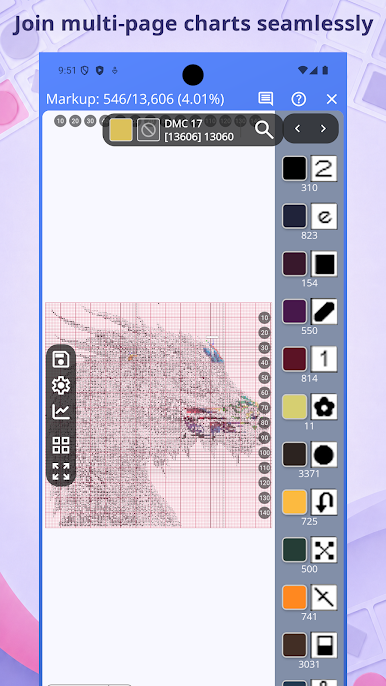
Enjoy multi-page charts as one seamless, correctly counted design without troublesome page boundaries and expand Stitch-Along (SAL) projects as new sections are released.
• Comprehensive stitch and annotation tools
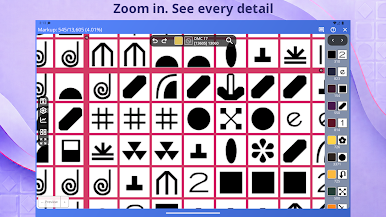
Keep every detail of your work in one place by marking full and fractional stitches, adding backstitch, and recording instructions or reminders with text and freehand annotations.
• Organised projects and detailed progress
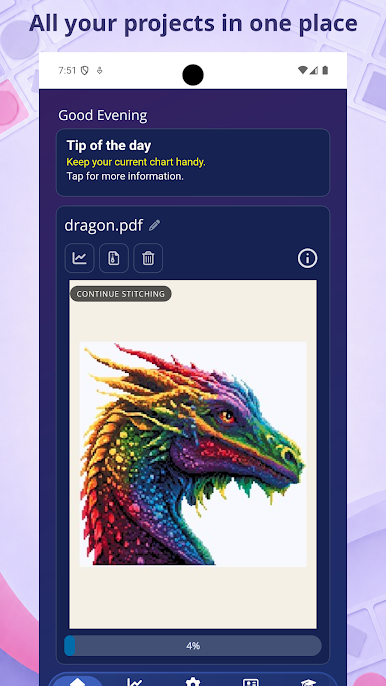
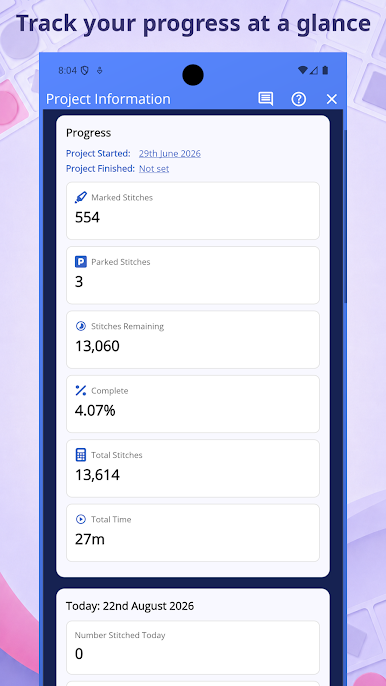
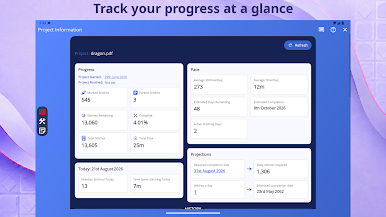
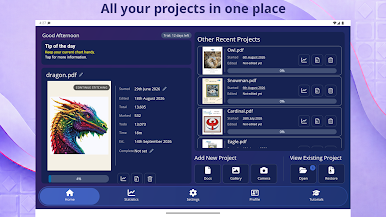
Always know where you are and what remains, with keys, reference pictures, finished samples, notes and detailed progress information kept together and easy to find.
• Customisable to suit you
Create a clearer, more comfortable stitching experience by personalising the app theme, grids, guides, colours, sizes and other display options.
• Help, community and regular improvements
Find answers when you need them, connect with a friendly community of stitchers and enjoy ongoing improvements inspired by user feedback.

Play Markup R-XP for Cross Stitch on PC. It’s easy to get started.
-
Download and install BlueStacks on your PC
-
Complete Google sign-in to access the Play Store, or do it later
-
Look for Markup R-XP for Cross Stitch in the search bar at the top right corner
-
Click to install Markup R-XP for Cross Stitch from the search results
-
Complete Google sign-in (if you skipped step 2) to install Markup R-XP for Cross Stitch
-
Click the Markup R-XP for Cross Stitch icon on the home screen to start playing

