


Freestyler DMX : Remote
Play on PC with BlueStacks – the Android Gaming Platform, trusted by 500M+ gamers.

Page Modified on: Sep 3, 2023
Play Freestyler DMX : Remote on PC
This app extends Freestyler by giving you remote access to the common Freestyler actions.
Heres a quick list of what it can do.
Auto Connection No IP address required, Locates, and Connects to Freestyler Automatically. No External Server Needed.
Requires Freestyler 4.1.1 from Freestylerdmx.be/
Connect PC/Laptop to Android device via WiFi or HOTSPOT
Implemented Features:
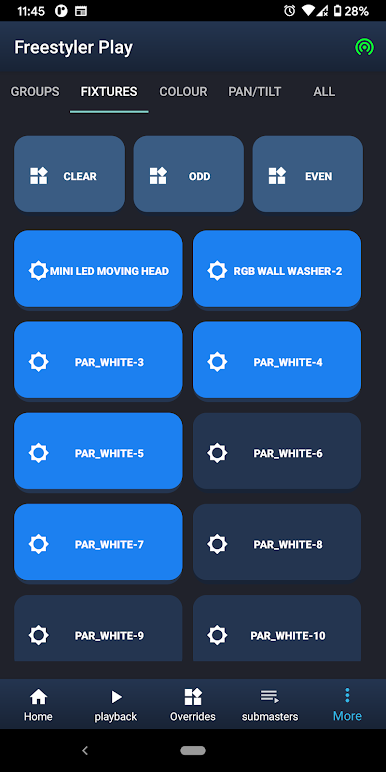
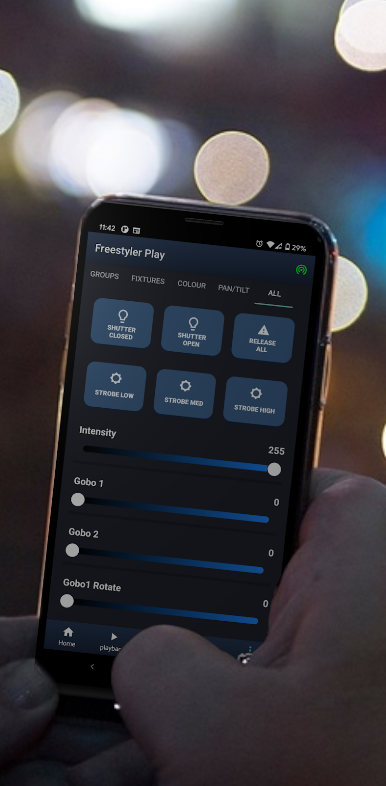
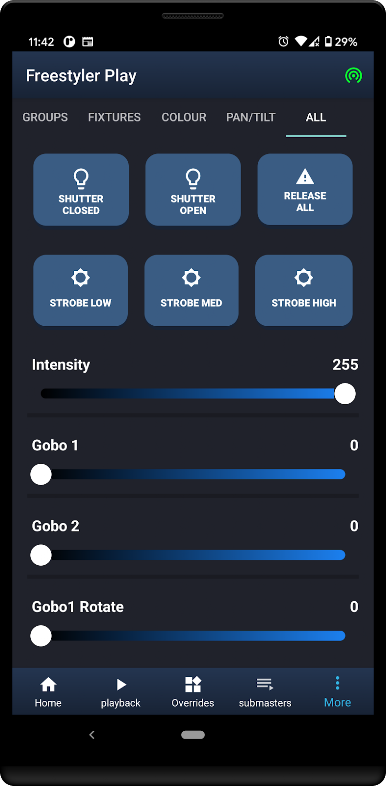
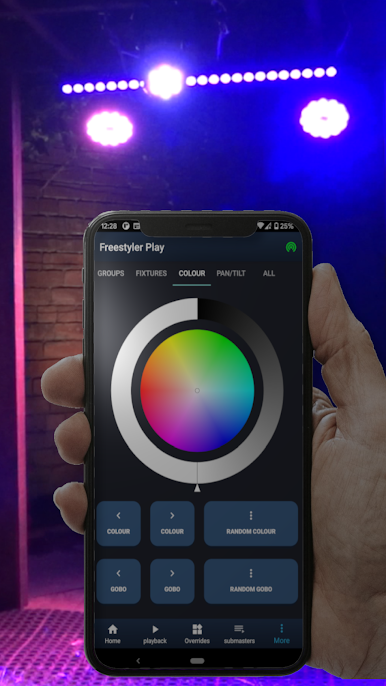
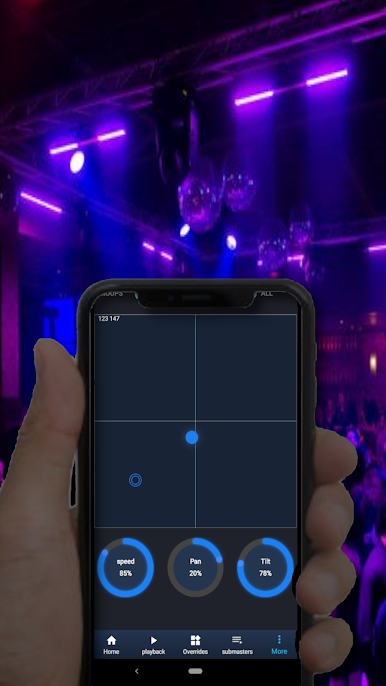
Fixture Control - Pan/Tilt, Colour, Attributes, And Individual fixture selection.
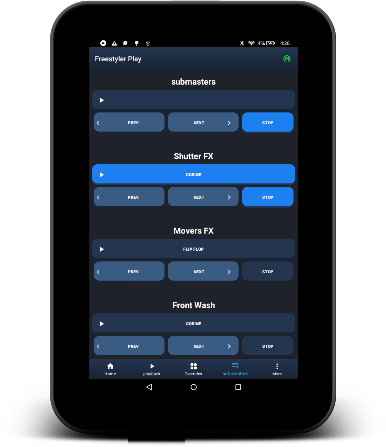
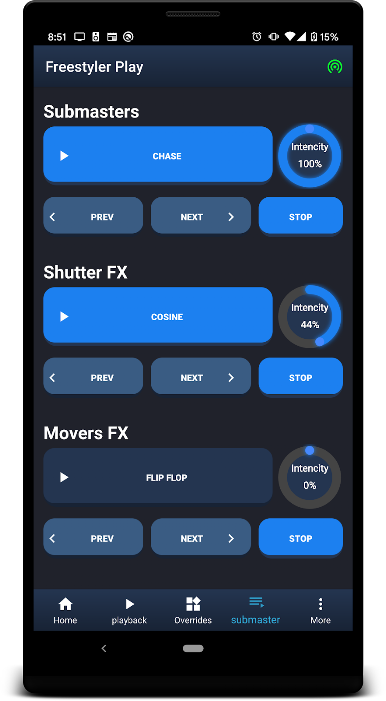
Submasters - Full sub-master support (20) with Go, Back, RUN and Stop
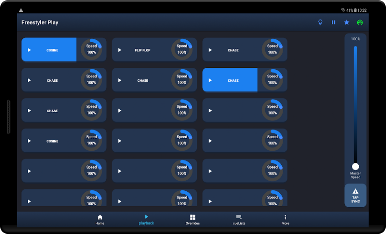
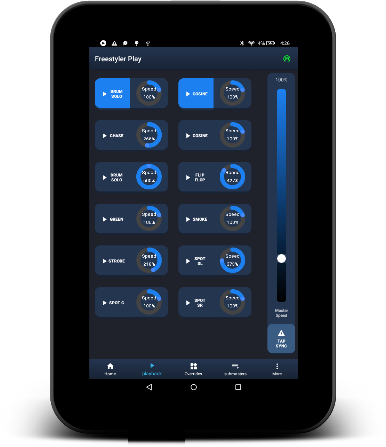
Sequence Playback: 20 Cue Toggle Buttons, with speed controls.
Six pages of 32 Override Buttons
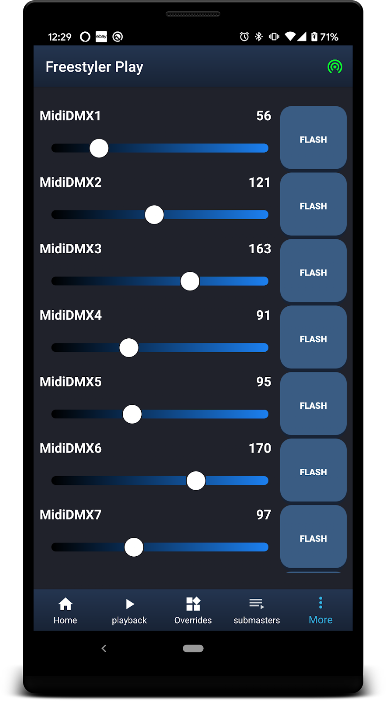
DMX Faders (24 direct access to DMX) configure within FS MIDI2DMX
MasterFader / Locate / Fog Machine Control
Auto-connect on both WIFI and Hotspot
Fetch Fixture Patch List
Supports dual ports for connection with VirtualDJ
Six pages of 32 playlist buttons, with speed control and tap sync (long press to release).

Play Freestyler DMX : Remote on PC. It’s easy to get started.
-
Download and install BlueStacks on your PC
-
Complete Google sign-in to access the Play Store, or do it later
-
Look for Freestyler DMX : Remote in the search bar at the top right corner
-
Click to install Freestyler DMX : Remote from the search results
-
Complete Google sign-in (if you skipped step 2) to install Freestyler DMX : Remote
-
Click the Freestyler DMX : Remote icon on the home screen to start playing

