


Unicorn Chef Edible Slime Game
Play on PC with BlueStacks – the Android Gaming Platform, trusted by 500M+ gamers.

Page Modified on: Aug 31, 2023
Play Unicorn Chef Edible Slime Game on PC
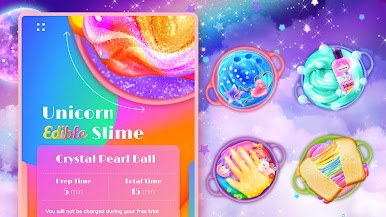
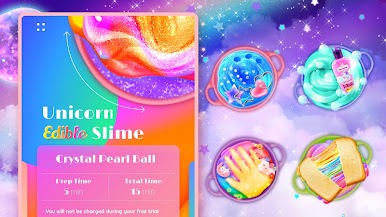
- A super fun slime DIY game with TONS of CRAZY EDIBLE SLIMES!
- Keep updated with new slimes EVERY WEEK!
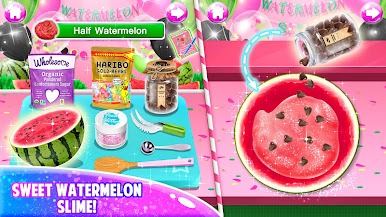
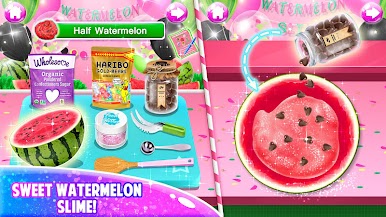
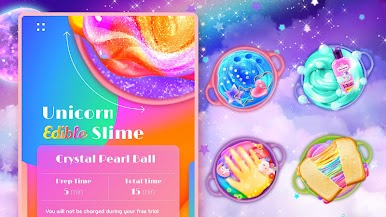
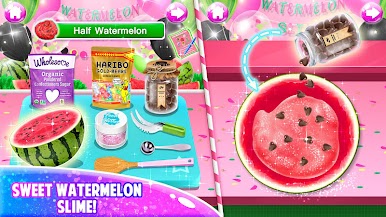
- DIY super cool edible slimes such as Ice Cream Slime, Gummy Bear Slime, Marshmallow Slime, Chocolate Poop Emoji Slime, Hot Chocolate Slime, Frappuccino Slime, Pizza Slime, Nutella Slime, and so much more
- Tons of realistic slime DIY tools to play: bowls, spatulas, spoons, measuring cups, plates, oven, induction cooker, microwave oven, piping bags, butter knife, store boxes, food masher, needle tubing, and so much more
- Tons of slime ingredients to try: marshmallows, chocolate, gummy candies, food glitters, jelly beans, Nutella, ice cream, pudding, sprinkles, butter, cheese, pepperoni, and so much more
How to play:
- Use interactive controls to play the game
- Follow the recipes to make the yummy slimes
- Mix various ingredients to create the unique flavor and color of your slimes
- Decorate your slimes with beautiful sprinkles, glitters, and dreamy unicorn decorations
- Store the slime into the refrigerator
- Eat slimes to trigger the rainbow magic






Play Unicorn Chef Edible Slime Game on PC. It’s easy to get started.
-
Download and install BlueStacks on your PC
-
Complete Google sign-in to access the Play Store, or do it later
-
Look for Unicorn Chef Edible Slime Game in the search bar at the top right corner
-
Click to install Unicorn Chef Edible Slime Game from the search results
-
Complete Google sign-in (if you skipped step 2) to install Unicorn Chef Edible Slime Game
-
Click the Unicorn Chef Edible Slime Game icon on the home screen to start playing

