


Graphing Calculator + Math
Play on PC with BlueStacks – the Android Gaming Platform, trusted by 500M+ gamers.

Page Modified on: Oct 11, 2025
Run Graphing Calculator + Math on PC or Mac
What’s better than using Graphing Calculator + Math by Mathlab Apps, LLC? Well, try it on a big screen, on your PC or Mac, with BlueStacks to see the difference.
About the App
Ever find yourself wrestling with a complicated math problem and wishing you had a powerhouse calculator right at your fingertips? That’s where Graphing Calculator + Math steps in. Whether you’re in a high school math class, tackling college-level calculus, or just squeezing in some quick stats work, this app has your back. It brings together all the advanced options you expect from a handheld device—just in a much lighter, friendlier package on your Android phone or tablet.
App Features
-
Advanced Scientific Tools
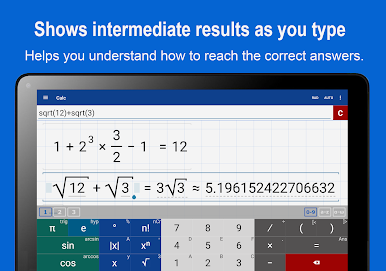
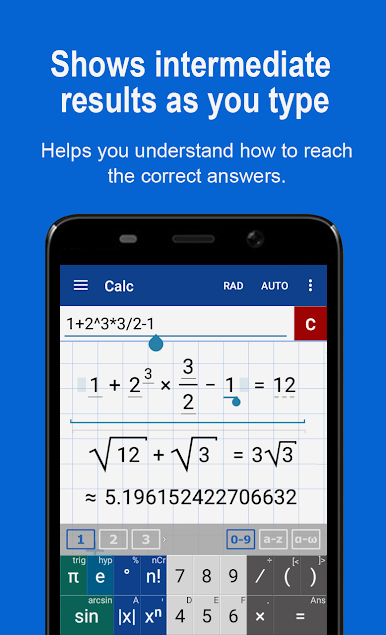
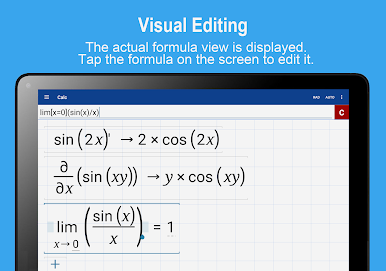
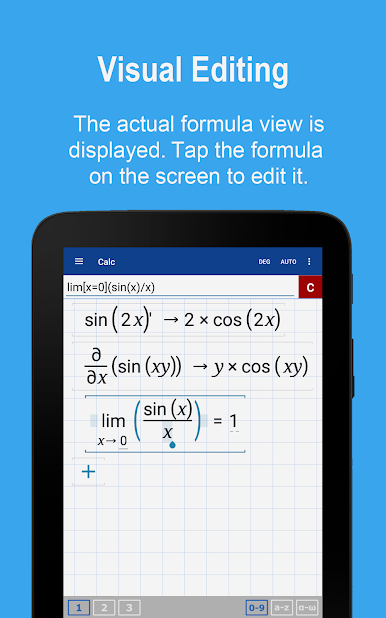
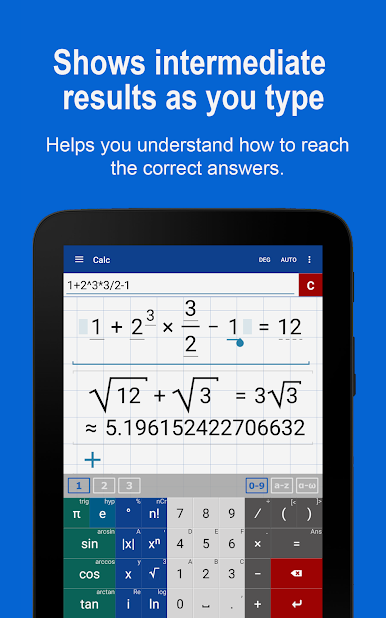
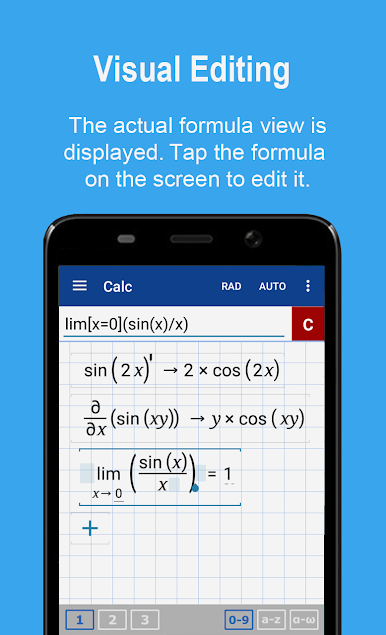
Crunch numbers with confidence—this app covers roots and powers, logarithms, trig, hyperbolic functions, and even complex numbers. Calculating derivatives is as easy as a key press, and it adapts for scientific and engineering notation if needed. -
Dynamic Graphing
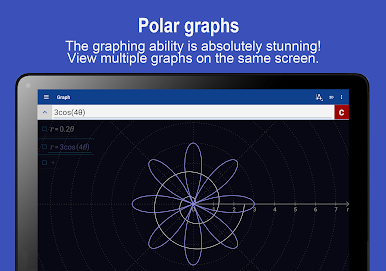
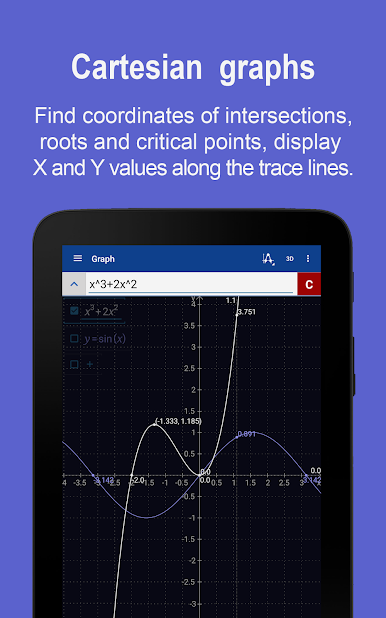
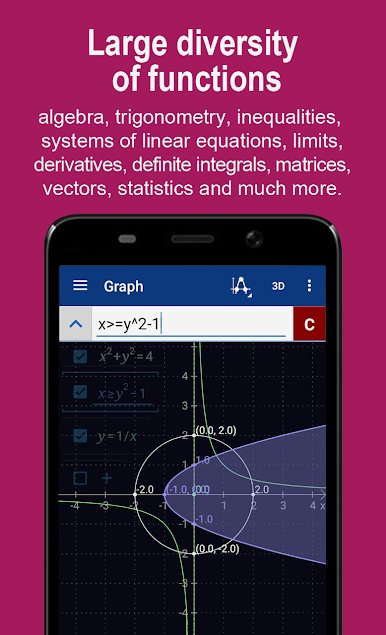
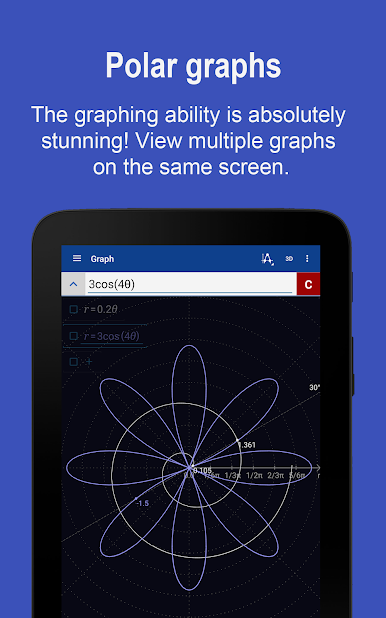
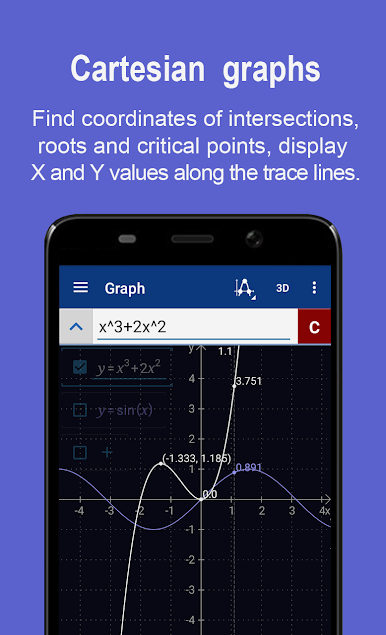
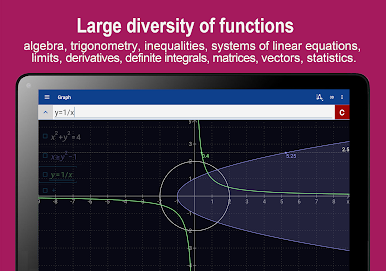
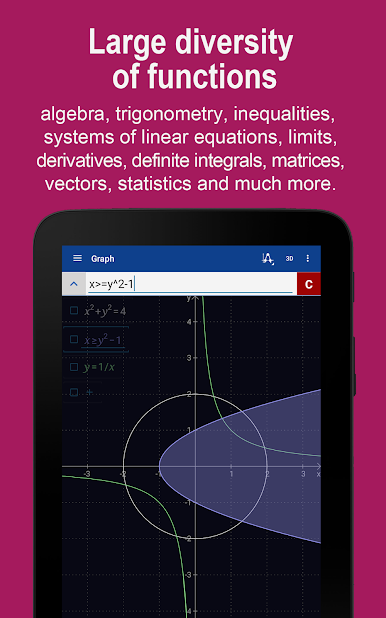
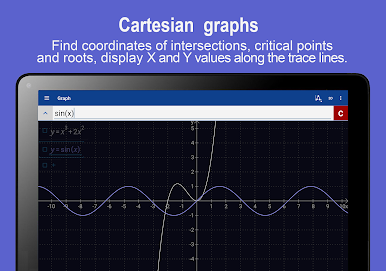
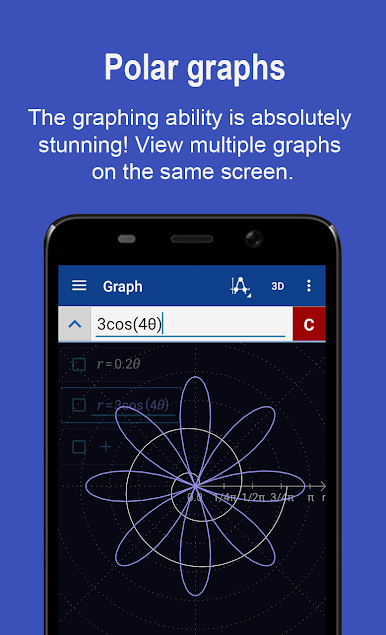
Plot multiple equations at once and see how they interact. Want to try polar or parametric graphs? No problem. You can quickly scroll, pinch to zoom, trace function values, and even find intersections or critical points. And if you’d rather see graphs fullscreen or explore 3D visuals, there are options for that too. -
Fraction and Mixed Number Support
Keep your calculations exact with natural input for fractions and mixed numbers. Parentheses and complex setups are handled just as easily. -
Algebra Made Simpler
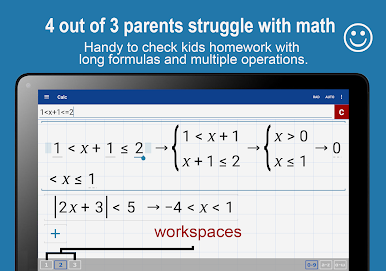
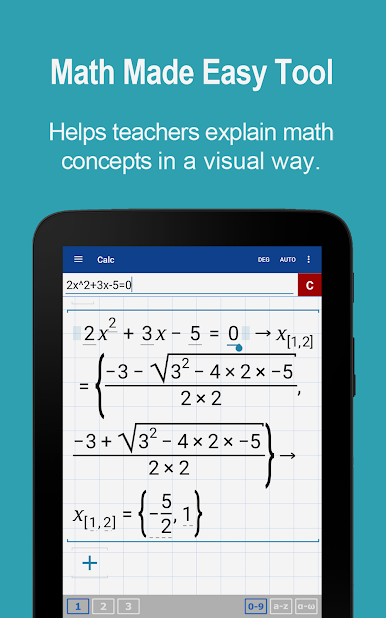
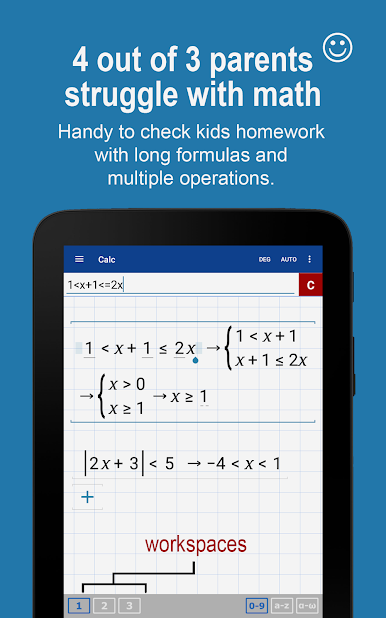
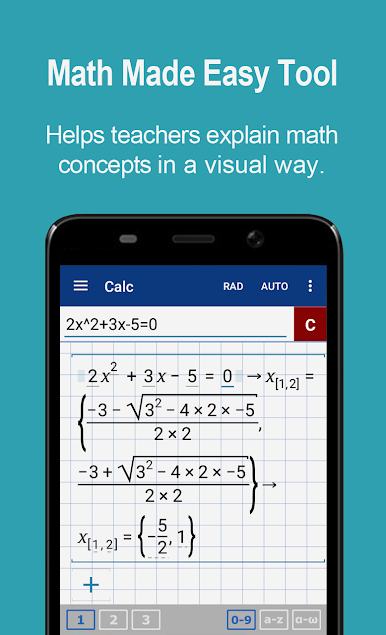
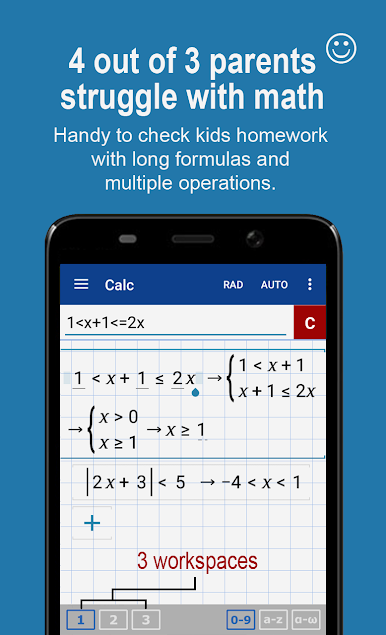
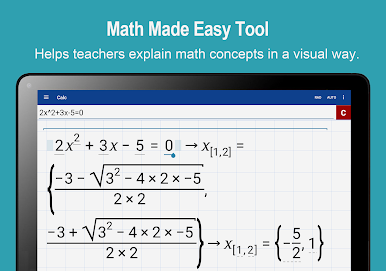
From simple linear equations to inequalities and polynomial long division, this calculator helps you work through algebraic challenges step by step. Systems of equations? It sorts those out, too. -
Stats and Probability
Calculate combinations, permutations, averages, medians, variances, covariance, and more with just a few taps. Handling data samples is straightforward, whether you’re just checking the mean or digging into standard deviation and correlation. -
Matrix and Vector Functions
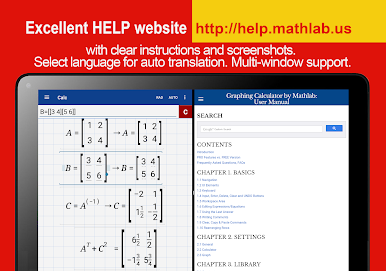
Matrix operations, determinants, inverses, transposes, and a range of vector functions (including dot and cross products) are all a breeze here. -
Personal Math Library
Define your own constants, save your favorite expressions, and, if you’re digging into pro features, access a library of physical constants—all for easy access later.
Graphing Calculator + Math by Mathlab Apps, LLC stays ready for your quick calculations or in-depth problem solving. And if you’re using BlueStacks, you can enjoy all these features with that extra bit of space and clarity on your bigger screen.
Eager to take your app experience to the next level? Start right away by downloading BlueStacks on your PC or Mac.
Play Graphing Calculator + Math on PC. It’s easy to get started.
-
Download and install BlueStacks on your PC
-
Complete Google sign-in to access the Play Store, or do it later
-
Look for Graphing Calculator + Math in the search bar at the top right corner
-
Click to install Graphing Calculator + Math from the search results
-
Complete Google sign-in (if you skipped step 2) to install Graphing Calculator + Math
-
Click the Graphing Calculator + Math icon on the home screen to start playing

